
Charting platforms are essential for traders in 2026, offering tools like real-time data, technical analysis, and automation. Choosing the right platform can impact your trading success, while the wrong choice may lead to missed opportunities. Below are the top 15 trading platforms, for various trading styles and asset classes:
- TradingView: Popular with 100M+ users, supports multiple assets, and offers Pine Script for automation.
- thinkorswim (Schwab): Free for Schwab clients, great for options and technical analysis.
- NinjaTrader: Ideal for futures and forex traders, with advanced order flow trading tools.
- TradeStation: Advanced tools for stocks, ETFs, and futures; supports EasyLanguage scripting.
- MarketSmith (IBD): Focused on growth stock traders; includes proprietary fundamental ratings.
- Interactive Brokers TWS: Professional-grade platform with access to 160+ global markets.
- MetaTrader 5 (MT5): Multi-asset trading with automation through MQL5.
- Sierra Chart: High-performance desktop platform for futures and order flow analysis.
- Bookmap: Specialized in order flow and market liquidity visualization.
- Quantower: Modular design with free and paid tiers, supports stocks, futures, and crypto.
- TrendSpider: Automated technical analysis with AI-powered tools.
- TC2000: Fast and efficient for stock and options traders.
- Webull: Mobile-friendly, commission-free trading with advanced tools.
- Finviz: Known for screening and heatmaps, focused on U.S. stocks.
- TensorCharts: Cryptocurrency-focused, featuring order book heatmaps.
Each platform has unique strengths, from advanced customization to specialized tools for specific asset classes. Below is a quick comparison for clarity.
Quick Comparison
| Platform | Best For | Asset Classes | Pricing (checked on 10 Oct 2026) | Key Features |
|---|---|---|---|---|
| TradingView | Multi-asset traders | Stocks, Crypto, Forex, Futures | Free; $14.95 to $239.95/month billed monthly ($12.95 to $199.95 billed annually) | Pine Script, Bar Replay, 3.5M instruments |
| thinkorswim (Schwab) | Options, technical analysis | Stocks, ETFs, Options, Futures | Free for Schwab clients | ThinkScript, Analyze Tab, free tools |
| NinjaTrader | Futures, forex traders | Futures, Forex, Stocks, Crypto | Free, $99/month or $1,499 lifetime | SuperDOM, NinjaScript, Market Replay |
| TradeStation | Advanced traders | Stocks, ETFs, Options, Futures | Free (with account) | EasyLanguage, FuturesPlus, backtesting |
| MarketSmith (IBD) | Growth stock traders | U.S. Stocks | $149.95/month or $1,499/year (as MarketSurge) | IBD Ratings, pattern recognition |
| Interactive Brokers TWS | Professionals | Stocks, Options, Futures, Forex | Free (with account) | Mosaic, Risk Navigator, TWS API |
| MetaTrader 5 (MT5) | Forex, automation | Forex, Stocks, Futures, CFDs | Free (via brokers) | MQL5, multi-currency backtesting |
| Sierra Chart | Futures, order flow | Futures, Options, Stocks, Crypto | $26 to $56/month | Numbers Bars, ACSIL, ChartDOM |
| Bookmap | Order flow visualization | Futures, Stocks, Crypto | Free; $19 to $99/month | Heatmaps, market liquidity tools |
| Quantower | Customizable traders | Stocks, Futures, Forex, Crypto | Free limited version; All-in-One $70/month | DOM Surface, modular design |
| TrendSpider | AI-driven analysis | Stocks, Futures, Forex, Crypto | $82 to $321/month (monthly list price) | AI Strategy Lab, Raindrop Charts |
| TC2000 | Stock, options traders | Stocks, Options | $24.99 to $99.99/month | Scanning engine, fast charting |
| Webull | Mobile-first traders | Stocks, ETFs, Options, Crypto | Free | Paper trading, TurboTrader widget |
| Finviz | Stock screeners | U.S. Stocks | Free-$39.50/month | Heatmaps, stock screener |
| TensorCharts | Crypto traders | Cryptocurrencies | Not confirmed (site unreachable on 10 Oct 2026) | Order Book Heatmap |
Choosing the right platform depends on your trading style, required tools, and asset focus. Test platforms with free trials to find the best fit for your needs.
1. TradingView
TradingView is the world’s most widely used charting platform, trusted by over 100 million traders and investors as of early 2026. Its sleek, white-background charts with blue and red price bars have become a staple across trading communities on platforms like Twitter/X, Reddit, and Discord. Thanks to its cloud-based design, users enjoy syncing of layouts, watchlists, and indicators across multiple devices.
Pricing Model (Free vs. Paid)
TradingView offers a free plan and four paid plans. Prices below are per month, billed monthly, with the lower annual-billing rate in brackets (checked on 10 Oct 2026):
- Basic (free): One chart per tab and two indicators per chart, supported by ads.
- Essential: $14.95/month ($12.95 billed annually). Removes ads and raises limits to two charts per tab and five indicators per chart.
- Plus: $34.95/month ($29.95 billed annually), with four charts per tab and 10 indicators per chart.
- Premium: $69.95/month ($59.95 billed annually), with eight charts per tab and 25 indicators per chart.
- Ultimate: $239.95/month ($199.95 billed annually), with 16 charts per tab and 50 indicators per chart. It is the only plan TradingView sells to professional users.
Standout Features (Custom Indicators, Scripting, Automation, Alerts)
TradingView’s proprietary programming language is Pine Script. It enables traders to build custom indicators and automated strategies for their needs. The platform also boasts a library of over 100,000 community-created scripts, with nearly half available as open-source tools. If you prefer code-based backtesting outside TradingView, see our list of top Python backtesting libraries.
The Bar Replay feature is another highlight, allowing users to rewind market activity and watch price movements unfold candle by candle. This makes it a useful way to practise and review strategies without risking real capital. Additionally, TradingView supports direct trade execution through integrated brokers like Interactive Brokers and TradeStation.
Supported Asset Classes (Stocks, Futures, Forex, Crypto)
TradingView provides access to an extensive range of over 3.5 million instruments, covering stocks, futures, forex, cryptocurrencies, bonds, ETFs, and indices. With data sourced from more than 150 exchanges across 50+ countries, it serves as a comprehensive multi-asset platform. The platform also integrates fundamental data - such as income statements, balance sheets, and cash flow metrics - allowing users to analyze financial performance alongside price action.
Platform Type (Desktop-Based or Cloud-Based)
TradingView offers charting on desktop, web and mobile. It offers server-side alerts, a desktop application with multi-monitor support, and highly rated mobile apps for iOS and Android. The charting choice and execution bridge are separate decisions; a TradingView VPS is useful when the latter needs an always-on desktop process.
Ed Weinberg, a contributor at WallStreetZen, puts it simply: "TradingView is the best app for stock charts – full stop. It was built with charting as its main focus, which is reflected in both its power and its wide range of charting applications".
2. thinkorswim (Schwab)
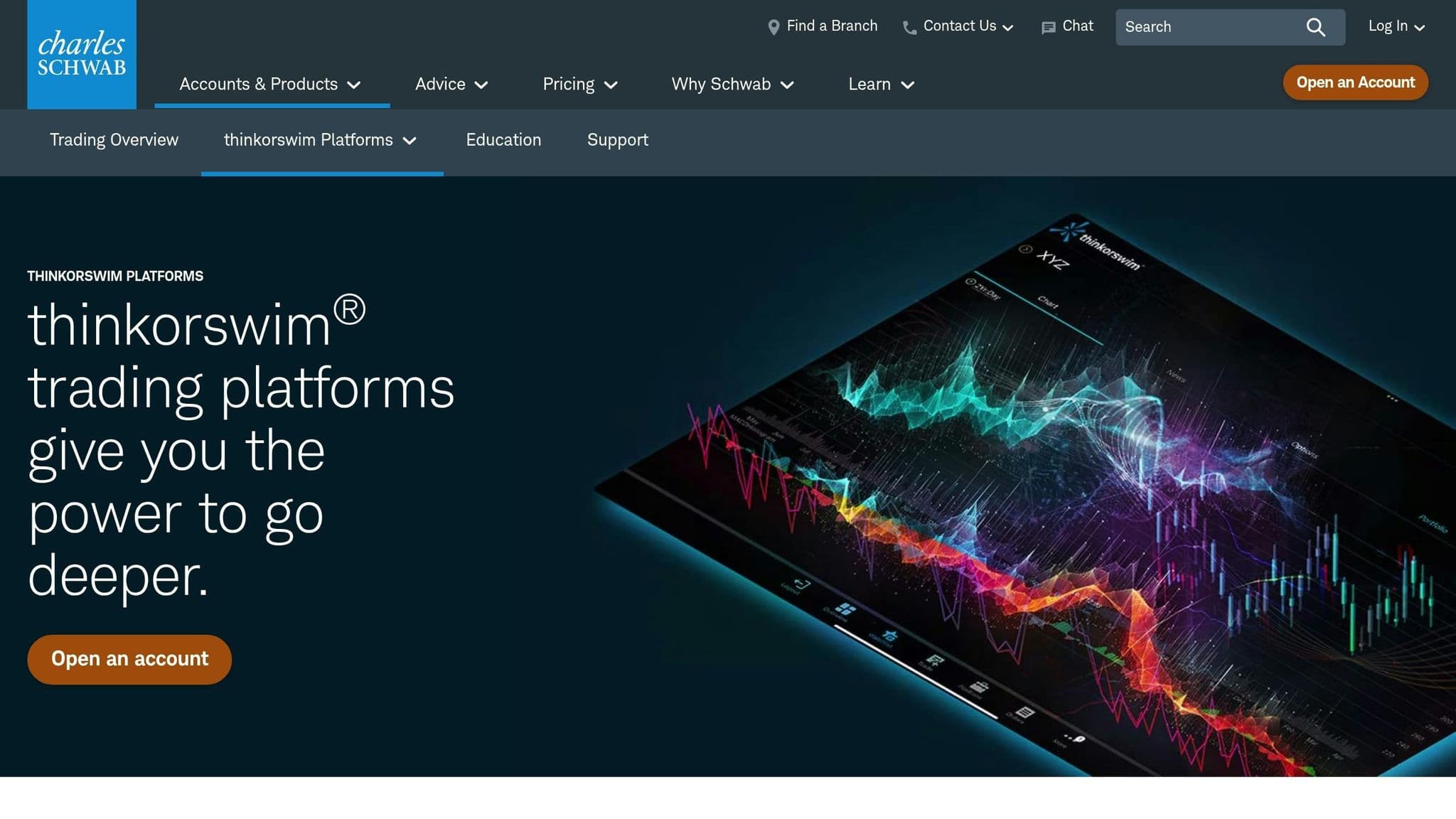
thinkorswim offers a trading experience, packed with professional-grade tools and no monthly fees. It's a favorite among options traders and technical analysts, providing institutional-level analytics without the added cost of platform fees. In 2025, StockBrokers.com recognized it as the #1 Desktop Trading Platform, highlighting its strong reputation with professional traders. Check thinkorswim’s pricing model alongside its features.
Pricing Model (Free vs. Paid)
The entire thinkorswim suite is completely free for Charles Schwab clients - no platform fees, no data subscriptions, and no minimum deposit required to get started. Equity trades online are commission-free, while options trades are priced at $0.65 per contract. For non-clients, there’s a 30-day guest pass, which includes access to the paperMoney simulator, giving users a chance to explore the platform risk-free. Keep in mind, day trading requires a minimum equity of $25,000.
Standout Features (Custom Indicators, Scripting, Automation, Alerts)
One of thinkorswim’s standout features is ThinkScript, its proprietary scripting language. This tool allows traders to create custom indicators, automate strategies, and design personalized studies. With over 400 technical indicators and studies available, it’s a haven for those who thrive on data-driven decisions. The paperMoney simulator further enhances the experience by enabling traders to test complex multi-leg options strategies with live market data.
For advanced users, the Analyze tab offers risk graphs and probability analysis, while the vertical trading ladder provides a clear view of real-time market depth. Level II data (Nasdaq TotalView) is included across all versions - desktop, web, and mobile. The desktop version, in particular, shines with its ability to display up to 28 charts simultaneously and access over 40 years of historical data.
Supported Asset Classes (Stocks, ETFs, Options, Futures, and Forex)
thinkorswim supports a wide range of asset classes, making it versatile for traders with diverse interests. Users can trade stocks, ETFs, options (including advanced multi-leg strategies), futures, and forex. The platform also offers 24/5 trading for more than 1,100 stocks and ETFs, allowing traders to respond to after-hours market events.
Platform Type (Desktop-Based or Cloud-Based)
Whether you prefer desktop, web, or mobile, thinkorswim has you covered. It’s available on Windows, Mac, and Linux, with all versions offering real-time data and customizable features. The desktop version remains the star of the lineup, offering the most comprehensive toolset for developing and testing strategies. If it slows down with many charts open, our guide to thinkorswim memory and speed settings shows what to change.
"The flagship of the platform suite, this fully customizable trading software provides access to elite trading tools that give you the power to test your strategies, develop new ideas, and place even the most complex trades." - Charles Schwab
3. NinjaTrader
NinjaTrader is a powerhouse platform designed for futures and forex traders, offering precision, speed, and in-depth order flow analysis. It’s no wonder it was named the #1 Futures Broker by BrokerChooser.com in 2026 and earned the 2024 Stocks & Commodities Readers' Choice Award for Best Trading Software. With over 2,000,000 users worldwide, it’s a top choice for serious traders.
Pricing Model (Free vs. Paid)
NinjaTrader now sells three plans (checked on 10 Oct 2026): Free ($0 a month, with commissions of $1.29 per standard contract and $0.39 per micro), Monthly ($99 a month, with lower commissions of $0.99 and $0.29) and Lifetime ($1,499 one-time, with the lowest commissions of $0.59 and $0.09). Charting, backtesting and simulated trading are included on every plan, and there are no lease plans.
Pick the plan by how much you trade: the monthly and lifetime fees pay for themselves only through lower commissions on enough contracts.
Standout Features (Custom Indicators, Scripting, Automation, Alerts)
NinjaTrader offers tools for high-performance trading. Its SuperDOM and footprint charts vs volume profile comparisons show how these tools provide real-time order flow analysis, helping traders assess buying and selling pressure at each price level. The platform's NinjaScript framework, built on C#, allows users to create custom indicators, automate strategies, and integrate third-party add-ons. With access to over 1,000 trading apps and more than 100 built-in technical indicators, the customization options are extensive.
The Strategy Analyzer facilitates fast backtesting and optimization, while the Market Replay feature lets traders review historical market data tick-by-tick - ideal for fine-tuning strategies without financial risk. Advanced Trade Management (ATM) automates stops and trailing orders, and the platform supports multi-broker integration with firms like Interactive Brokers and Forex.com.
"NinjaTrader's standout strengths lie in its ultra-customizable charting environment, advanced order execution options (bracket orders, ATM strategies), and native integration with futures exchanges." – Andrew Blumer, Analysis by Comparebrokers.co
Supported Asset Classes (Stocks, Futures, Forex, Crypto)
While NinjaTrader specializes in futures trading - covering major exchanges like CME, CBOT, NYMEX, and COMEX - it also supports forex, stocks, CFDs, and options. Futures traders can even trade Micro E-mini contracts, which are one-tenth the size of standard contracts, with margins starting as low as $50.
Order flow
Built for scalpers. Heatmaps on dedicated resources.
Order-flow heatmaps and DOM ladders run on dedicated CPU, memory and NVMe, so your charts keep responding during volatility.
See the dedicated hardware







From $29.99/mo · Windows or Linux
Platform Type (Desktop-Based or Cloud-Based)
NinjaTrader is primarily a desktop-based platform, optimized for Windows to deliver peak performance on multi-monitor setups and for high-frequency trading. It also includes a cloud-based web platform and mobile apps for iOS and Android, enabling traders to stay connected and manage their trades from anywhere.
4. TradeStation
TradeStation is a versatile platform for traders who demand advanced tools, extensive customization options, and automation capabilities. It supports a wide range of assets, including stocks, ETFs, options, futures, and futures options. This makes it a favorite among active traders looking to write custom strategies, backtest their ideas using decades of historical data, and execute trades with precision. The platform operates on a straightforward, commission-based pricing model, ensuring transparency for its users.
Pricing Model (Free vs Paid)
TradeStation offers its desktop, web, and mobile platforms at no cost to account holders. However, standard commissions and fees apply depending on the asset class being traded. Additionally, users can access free educational resources to sharpen their trading skills.
Standout Features (Custom Indicators, Scripting, Automation, Alerts)
TradeStation offers EasyLanguage scripting, which allows users to create custom indicators, strategies, and applications for their needs. Its powerful backtesting engine leverages decades of historical data to validate trading ideas. The platform also provides direct market access across numerous stock, options, and futures markets for precise execution. For futures options traders, the FuturesPlus interface offers specialized tools to visualize strategies and send RFQs directly from analysis tools.
Supported Asset Classes
TradeStation excels in supporting multiple asset classes, combining this capability with advanced charting and analysis tools. Users can trade stocks, ETFs, options, futures, and futures options, making it an excellent choice for those seeking a unified, multi-asset trading platform.
Platform Type (Desktop-Based or Cloud-Based)
TradeStation is available on desktop, web and mobile.
5. MarketSmith (IBD)
MarketSmith is designed with growth stock traders in mind, offering a unique combination of best trading indicators and proprietary fundamental ratings. Unlike platforms that cater to a broader range of asset classes, MarketSmith zeroes in on identifying high-momentum stocks before significant price movements occur. It's a favorite among swing traders and investors who prioritize earnings growth, relative strength, and institutional buying trends.
Pricing Model (Free vs Paid)
IBD's MarketSmith address (marketsmith.investors.com) now sells the service as MarketSurge, at $149.95 a month or $1,499 a year, with a 7-day free trial (checked on 10 Oct 2026). IBD says a new MarketSmith is expected in 2027.
Standout Features
One of MarketSmith's defining features is its IBD SmartSelect Ratings, which include the Earnings Per Share (EPS) Rating, Relative Strength (RS) Rating, and Industry Group Relative Strength scores. These metrics help traders sift through thousands of stocks to pinpoint those with strong fundamentals and price momentum. Another highlight is its automated pattern recognition, which identifies classic chart patterns like cup-with-handle, flat base, and ascending base - key elements of the CAN SLIM strategy. This focused approach makes MarketSmith particularly appealing to growth stock investors.
Supported Asset Classes
MarketSmith exclusively supports U.S. stocks, keeping its focus sharp and specialized.
Platform Type (Desktop-Based or Cloud-Based)
MarketSmith offers both cloud-based and desktop application options, giving users flexibility in how they access the platform.
6. Interactive Brokers TWS
Interactive Brokers' Trader Workstation (TWS) is designed for professional traders who need access to global markets and advanced order execution tools. With over 100 order types and algorithms and connectivity to 160+ global markets, TWS provides a unified interface for managing multi-asset portfolios. With stocks, options, futures, forex, bonds, or structured products, this platform offers the tools to handle it all.
Pricing Model (Free vs Paid)
TWS is available free of charge for Interactive Brokers account holders, with no platform usage fees. However, accessing real-time market data often requires a separate subscription, with monthly fees depending on the specific exchanges you're interested in. Interactive Brokers offers two account tiers to suit different trading needs: IBKR Lite, which features $0 commissions on U.S.-listed stocks and ETFs, and IBKR Pro, which charges small per-share commissions but provides lower margin rates and advanced order-routing options.
Standout Features
TWS offers dual interface options. The Mosaic interface offers a modern, customizable workspace that integrates charting, portfolio management, and order tools into one cohesive view. On the other hand, the Classic interface delivers a spreadsheet-style layout, perfect for traders who prefer a streamlined approach with direct access to complex algorithms.
Key features include the Risk Navigator, which enables real-time risk management across multiple asset classes globally, and the TWS API, supporting integration with Excel, Python, C++, and Java for automation and custom strategy development. With 120+ technical indicators and tools like the Model Navigator for options pricing, TWS is built to meet the needs of traders requiring institutional-grade functionality. The platform’s precision tools and API-driven automation make it a standout choice in trading environment.
Supported Asset Classes
TWS supports a wide range of asset classes, making it one of the most versatile platforms available. Traders can access stocks, ETFs, options, futures (including futures options), spot currencies, bonds, mutual funds, warrants, U.S. spot gold, hedge funds, structured products, inter-commodity spreads, and even forecast contracts tied to economic events. This breadth of support allows traders to manage diverse portfolios from a single platform.
Platform Type (Desktop-Based or Cloud-Based)
TWS is a desktop-based platform, compatible with Windows, Mac, and Linux systems. Designed for power and reliability, it’s the go-to choice for active traders who demand speed, stability, and professional-level performance.
7. MetaTrader 5
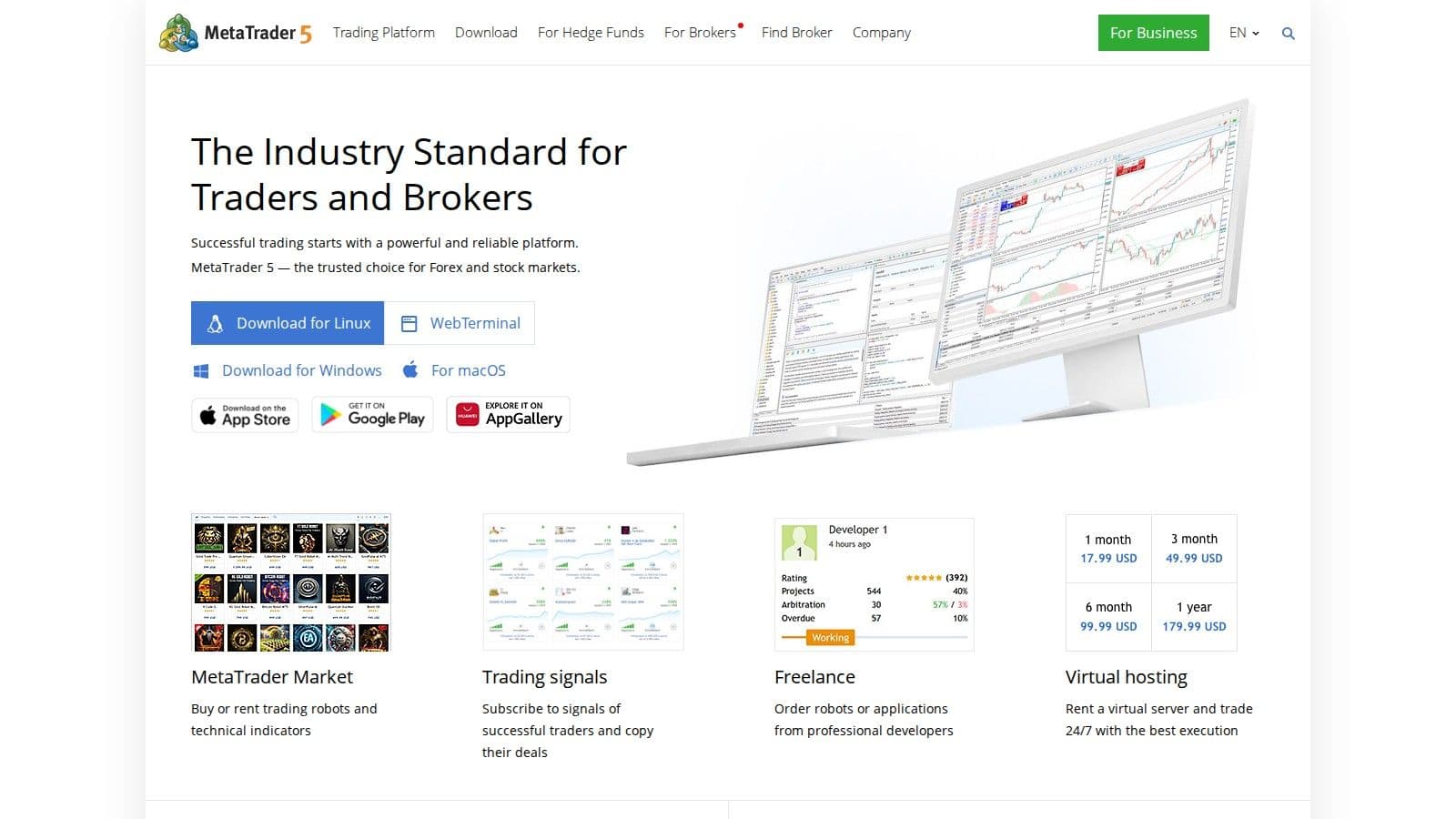
MetaTrader 5 (MT5) builds on the foundation of its predecessor, MetaTrader 4, offering multi-asset trading capabilities that extend beyond forex. With support for stocks, futures, and CFDs, MT5 is a go-to platform for traders managing a variety of assets from one interface. It has become a popular choice among professional trading firms, including major players like FTMO, for their evaluation and funded accounts, solidifying its place in the trading world.
Pricing Model (Free vs Paid)
MT5 is free for retail traders when accessed through brokers. It's available on desktop, web, and mobile platforms, with no additional charges.
Standout Features
One of MT5's key strengths is its MQL5 programming language, which enables traders to create automated trading robots (Expert Advisors) and custom indicators. The platform offers 38 technical indicators and 21 timeframes, providing a detailed level of analysis. Additionally, it supports 6 types of pending orders for advanced trade execution and allows traders to use both netting and hedging systems, accommodating multiple positions on the same currency pair.
MT5 also integrates social trading via "Signals," which lets users copy trades from successful investors automatically. Other tools include a built-in economic calendar and real-time news feeds, helping traders incorporate fundamental analysis alongside technical strategies. Multi-currency backtesting is another standout feature, enabling users to test complex strategies across correlated currency pairs - making it highly appealing to algorithmic traders. However, the platform's interface can feel outdated and comes with a steep learning curve compared to newer cloud-based solutions.
Supported Asset Classes
Although MT5 is widely recognized for its forex capabilities, it also supports stocks, futures, and CFDs across centralized and decentralized markets. This versatility allows traders to manage a range of asset classes within a single platform.
Platform Type (Desktop-Based or Cloud-Based)
MT5 is primarily a desktop-based platform, requiring installation on Windows, Mac, or Linux systems. Its client-server architecture connects to broker servers for trade execution and market data. While the desktop version offers the most comprehensive tools and customization options - ideal for professional-grade analysis and automation - MT5 also provides web and mobile versions for added flexibility.
8. Sierra Chart
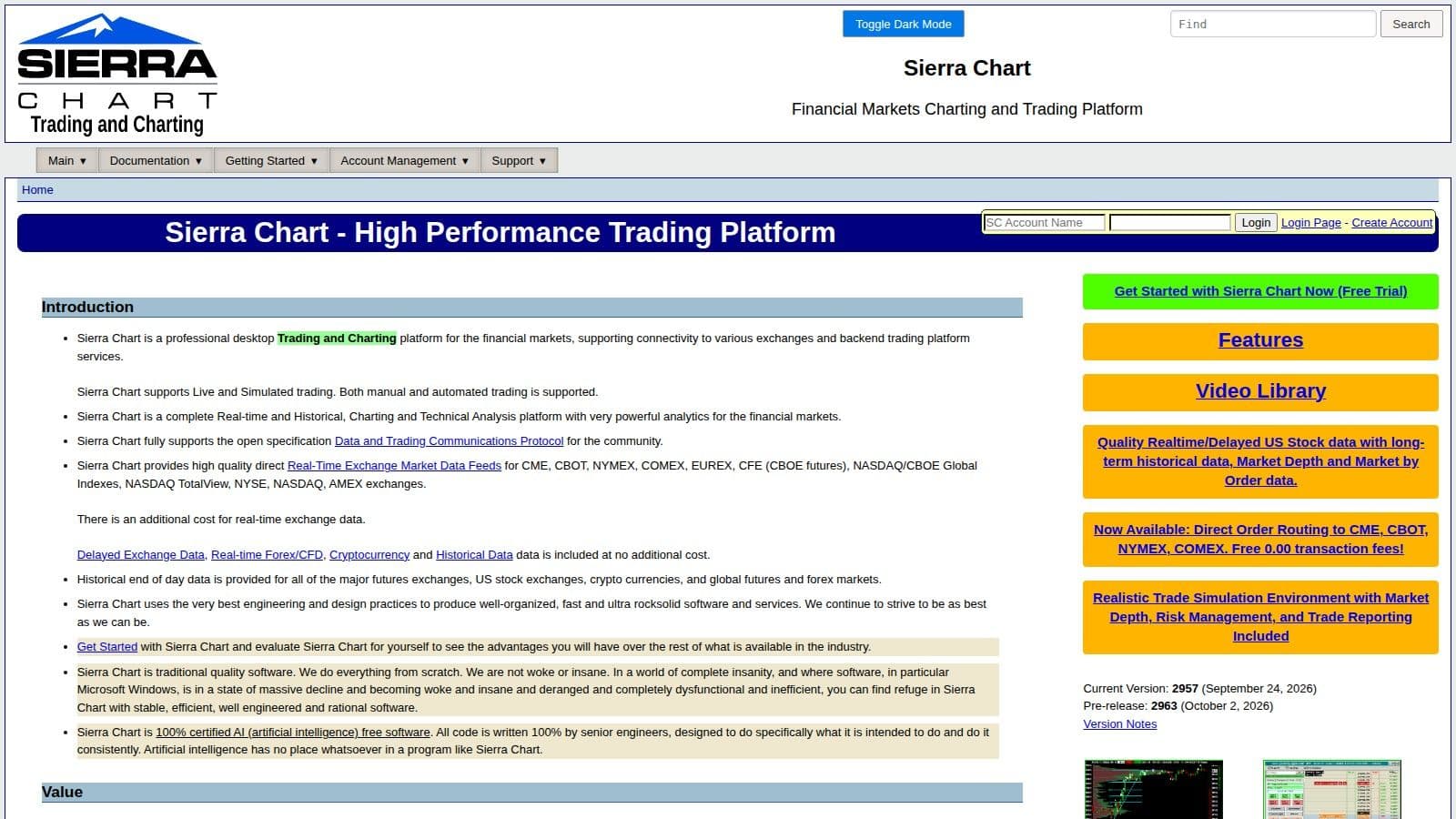
Sierra Chart is a high-performance charting platform designed for traders who prioritize precision, reliability, and extensive customization. Unlike many cloud-based trading tools, Sierra Chart is a desktop application built in native C++, which ensures exceptional speed and stability. This design is particularly valuable for futures and options traders who depend on real-time order flow data to make informed decisions.
The platform has built a dedicated user base among traders who value functionality and technical depth over flashy design. One standout feature is its "Numbers Bars" (also known as footprint charts), which provide a detailed view of bid and ask volumes at each price level - offering insights that go beyond what standard candlestick charts reveal. Additionally, the Market Depth Historical Graph allows traders to review past liquidity patterns, helping them better understand how large orders influence market movements. These features, combined with its other advanced tools, make Sierra Chart a powerful choice for serious traders.
Pricing Model (Free vs Paid)
Sierra Chart uses a straightforward monthly subscription. Service Packages run from $26 a month (Package 3, Base Standard) to $56 a month (Package 12, Advanced Features with Market by Order), with discounts for paying 3, 6 or 12 months at once (checked on 10 Oct 2026). Sierra Chart does not offer a one-time or lifetime purchase, but a free trial is available. Real-time data from exchanges like CME and NYSE costs extra.
Standout Features
One of Sierra Chart's key strengths is its multi-threaded architecture, which distributes tasks like data downloads, chart loading, and market data processing across multiple CPU cores. This design ensures smooth performance, even when handling multiple charts and complex order flow tools. The platform comes with over 400 customizable technical indicators and supports advanced order types such as OCO (one-cancels-other), bracket orders, and trailing stops via its ChartDOM interface.
For traders interested in custom strategies, Sierra Chart offers the Advanced Custom Study Interface and Language (ACSIL). This C++-based scripting environment allows users to create custom indicators and automated systems. For those without programming skills, the platform supports Excel-compatible spreadsheets for automation. Additionally, the chart replay feature lets users backtest strategies at speeds ranging from 0.1 to 100,000 times the normal market speed.
Supported Asset Classes
Sierra Chart supports a wide range of asset classes, including futures, options, stocks, forex, cryptocurrencies, indexes, and CFDs. Its Continuous Futures Contract feature automatically adjusts for rollover gaps, making long-term trend analysis more straightforward. The platform also offers direct order routing to major exchanges like CME, CBOT, NYMEX, and COMEX, with zero transaction fees when using its direct services.
Platform Type (Desktop-Based or Cloud-Based)
Sierra Chart is a Windows desktop application that runs locally. This desktop-first approach provides native operating system integration, enhancing security and reducing latency. The software is portable, meaning it doesn’t rely on the Windows registry and can be installed in multiple instances on the same machine for better performance. The platform also supports multi-monitor setups by allowing users to detach windows, which helps traders managing multiple markets at once.
9. Bookmap
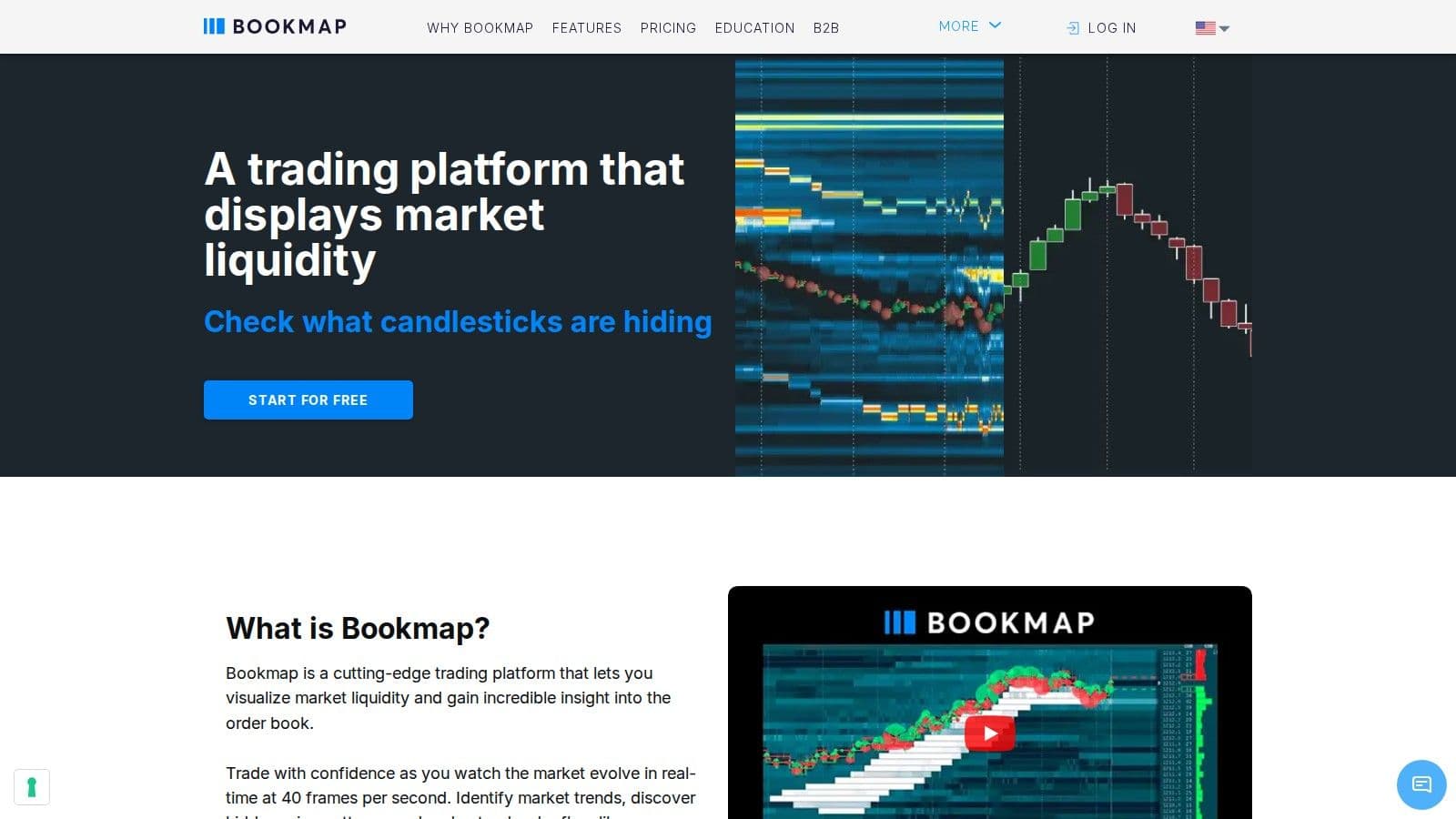
Bookmap displays order flow and market liquidity as a heatmap: resting limit orders in the order book are drawn over time, so you can see where liquidity sits and when it is pulled or filled. Traded volume is plotted on top as dots, which makes absorption and large aggressive orders easy to spot.
Pricing Model (Free vs Paid)
Bookmap has four plans (checked on 10 Oct 2026). Digital is free; Digital Plus costs $19 a month ($16 billed yearly); Global costs $49 a month ($39 billed yearly, or $990 for a lifetime license); Global Plus costs $99 a month ($79 billed yearly, or $1,990 lifetime). Exchange data for futures and stocks is sold separately, and our Bookmap pricing guide breaks down each plan.
Standout Features
The heatmap is the core tool, alongside time and sales, volume and delta columns, and price and volume alerts. Add-ons include cumulative volume delta, large trade alerts, absorption and sweep indicators, footprint and multibook views; which ones you get depends on the plan.
Supported Asset Classes and Data Feeds
Bookmap covers futures, US stocks and crypto. Futures data comes through BookmapData, Rithmic or dxFeed, US stocks through dxFeed, and the free Digital plan connects to Binance, Bitfinex and 20+ other crypto exchanges. Stock and futures data on the free plan is delayed.
Platform Type (Desktop-Based or Cloud-Based)
Bookmap is a desktop application. Because the heatmap redraws on every order book update, it needs a steady connection and enough CPU; a Bookmap VPS keeps it running close to the data feed. For free alternatives, see our roundup of charting tools.
10. Quantower
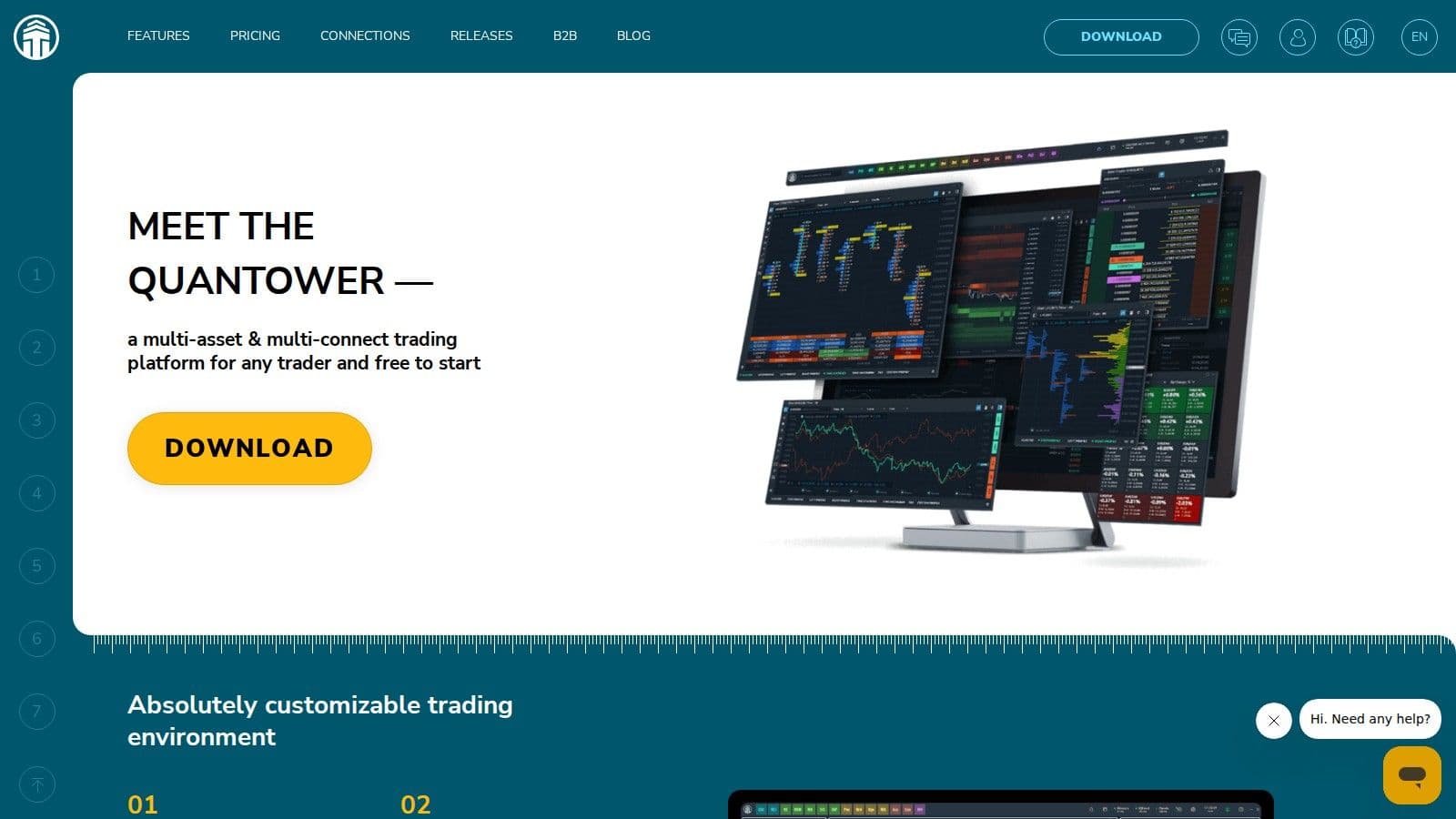
Quantower takes a modular approach to charting and order flow analysis, allowing traders to design a workspace that aligns with their specific trading style. This flexibility is offered through a freemium model, making it accessible to both new and experienced traders.
Pricing Model (Free vs Paid)
Quantower has a free, limited version that needs no registration, and a paid All-in-One license with every feature and connection for $70 a month, with discounts of up to 30% for longer periods and a lifetime option (checked on 10 Oct 2026). You can also add single paid features to the free version, or buy the Multi-asset ($50) or Crypto ($40) packages, and a 7-day full-featured trial is available. Market data is not included in any license.
Standout Features (Custom Indicators, Scripting, Automation, Alerts)
Quantower offers advanced DOM Surface tools, which provide real-time order flow analysis. Its modular design allows users to pick and choose the panels and features they want, ensuring a streamlined trading experience. This customization, combined with support for scripting, automation without coding, and alerts, gives traders the tools to execute their strategies efficiently.
Supported Asset Classes (Stocks, Futures, Forex, Crypto)
The platform supports a wide range of asset classes, including stocks, futures, forex, and cryptocurrencies. This makes Quantower a versatile choice for traders who operate across different markets.
Uptime
99.999% uptime. Built for 24/7 trading reliability.
Your VPS runs in Tier IV datacenters with redundant power and network, monitored 24/7 on site.
See the uptime SLAFrom $29.99/mo · Windows or Linux
Platform Type (Desktop-Based or Cloud-Based)
Quantower is a desktop-based platform, specifically designed for Windows users. Its desktop focus ensures stable and reliable performance, particularly for tasks like order flow analysis and multi-asset trading.
11. TrendSpider
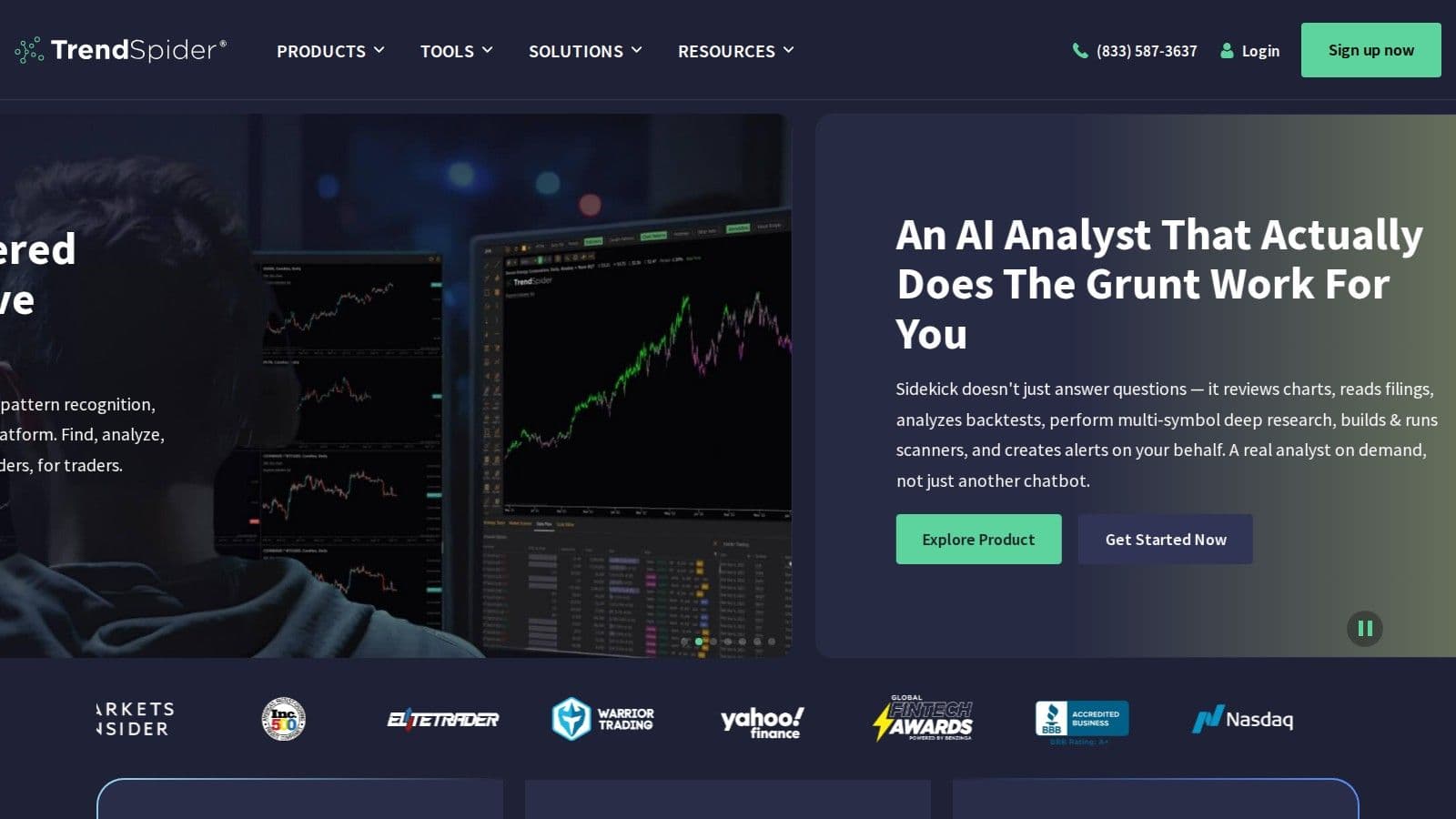
TrendSpider combines automation and artificial intelligence to simplify technical analysis, cutting down on the manual tasks traders usually handle. Its AI automatically identifies key chart patterns - like candlesticks, trendlines, and support/resistance levels - saving time by removing the need for manual drawing.
Pricing Model (Free vs Paid)
TrendSpider is a paid platform with four plans. At monthly list prices they cost $82 (Standard), $137 (Premium), $183 (Enhanced) and $321 (Advanced) a month; annual billing and first-year promotions lower the price (checked on 10 Oct 2026). All plans include every feature; real-time futures data ($7.50 a month) and options data ($9.50 a month) cost extra for non-professional users.
Standout Features (Custom Indicators, Scripting, Automation, Alerts)
TrendSpider sets itself apart with powerful automation tools. Its AI Strategy Lab enables traders to create machine learning models using algorithms like K-NN, logistic regression, and random forest - all without needing to write code. Traders can also generate strategies from plain language descriptions, making the tool accessible even for those without programming skills.
The platform offers dynamic alerts triggered by specific chart patterns or indicator combinations. It includes over 220 built-in indicators, supports custom indicator creation in JavaScript, and features unique chart types like Raindrop charts, which combine volume and price data. Additionally, options flow visualization helps traders identify large institutional trades that could signal market moves.
Supported Asset Classes (Stocks, Futures, Forex, Crypto)
TrendSpider supports a range of markets, including stocks, crypto, forex, and futures. However, its primary focus is on US stock trading, offering data on around 15,000 symbols. It integrates fundamental data - such as EPS, EBITDA, P/E ratios, and Wall Street analyst estimates - directly into its technical charts. That said, the platform’s coverage is largely limited to US markets, with little to no support for international data feeds.
Platform Type (Desktop-Based or Cloud-Based)
TrendSpider is a cloud-based platform that works through web browsers, eliminating the need for software downloads or updates. This setup allows traders to access their charts and analysis from any internet-connected device. It also supports automated trade execution by connecting with over 24 brokers, streamlining the process from analysis to placing orders.
12. TC2000
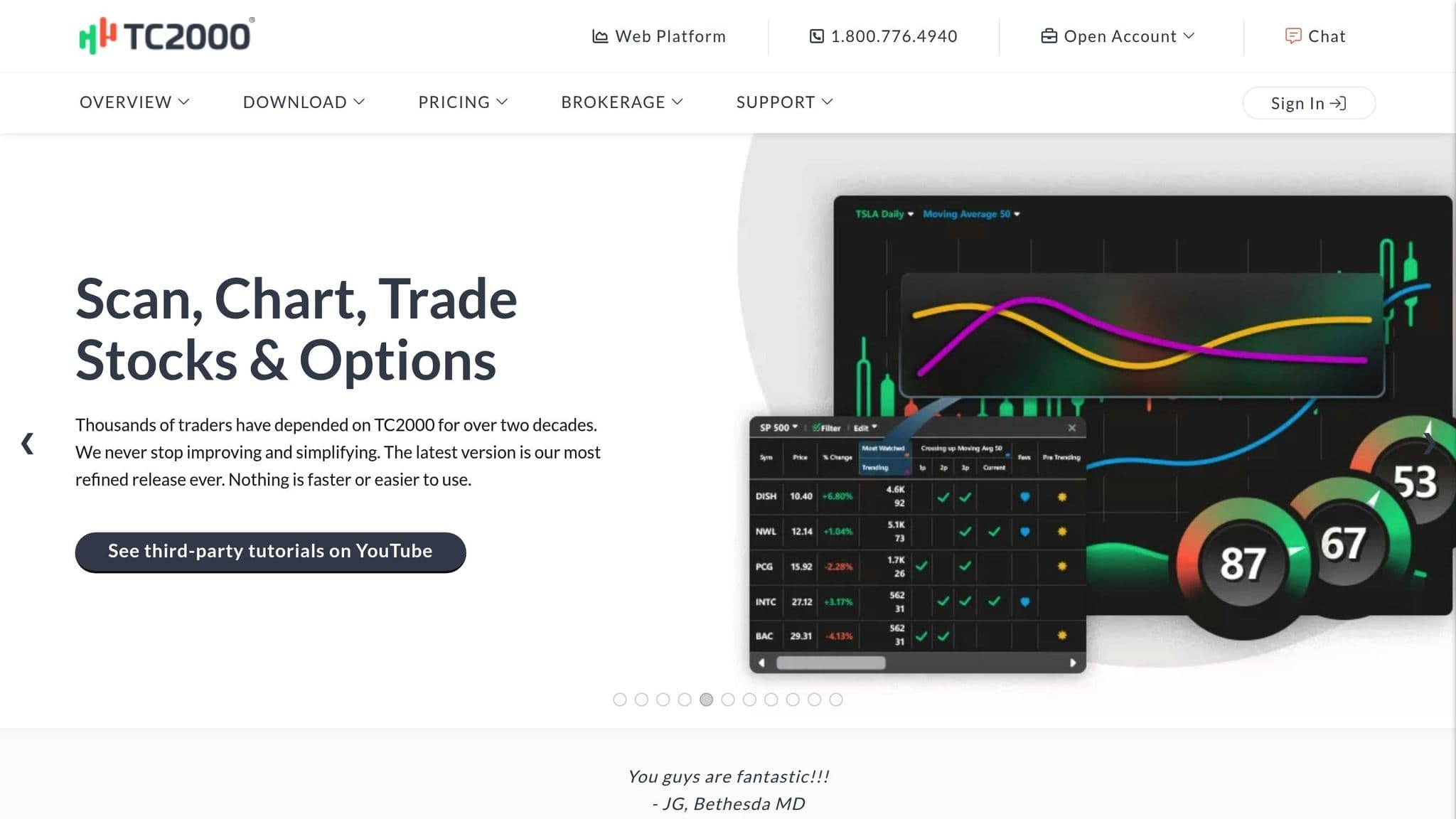
For traders who value speed, simplicity, and efficiency, TC2000 has carved out a strong reputation. It’s particularly popular among stock and options traders who prioritize fast execution and powerful scanning tools over complex customization. Built as a desktop-based platform, TC2000 delivers a smooth and straightforward charting experience, making it ideal for those who want reliability without the clutter.
Pricing Model (Free vs Paid)
TC2000 operates on a subscription model with three plans: Basic at $24.99 a month, Premium at $49.99 and Premium+ at $99.99, or $20.82, $41.65 and $83.32 a month when billed annually (checked on 10 Oct 2026). Unlike platforms like thinkorswim or TradeStation that tie their tools to a brokerage account, TC2000 is independent, so you can use the software regardless of where you execute your trades. Some real-time data feeds cost extra.
Standout Features (Custom Indicators, Scripting, Automation, Alerts)
One of TC2000’s standout features is its scanning engine, which allows users to sift through thousands of stocks quickly. Whether you rely on pre-built filters or create your own, the platform is built to help traders identify setups that align with their strategies. The charting tools are intentionally designed to be fast and responsive, catering to those who value speed over intricate customization. While it includes customizable indicators and alerts to notify users of technical triggers, it doesn’t offer the advanced scripting capabilities seen in platforms like TradeStation’s EasyLanguage or TradingView’s Pine Script. Instead, its strength lies in rapid scanning and straightforward technical analysis.
Supported Asset Classes (Stocks, Futures, Forex, Crypto)
TC2000 focuses exclusively on stocks and options, offering extensive coverage of US equities. This narrow focus ensures a specialized and efficient experience for traders in these markets. However, if you’re looking to trade futures, forex, or cryptocurrencies, you’ll need to explore other platforms. For stock and options traders, though, TC2000’s targeted approach is a perfect fit.
Platform Type (Desktop-Based or Cloud-Based)
As a desktop-based platform, TC2000 delivers fast chart rendering and stable performance, especially when handling multiple watchlists and scans at once. This structure is ideal for active traders who need real-time updates without delays. Its desktop design underscores its commitment to speed and reliability, ensuring that users can act quickly when the market moves.
13. Webull
Webull has gained a loyal following among mobile-first traders who want professional-grade charting tools without the burden of monthly fees. Initially created as a smartphone app, Webull has since expanded to desktop and web platforms, offering a sleek, user-friendly experience. It’s especially popular among tech-savvy traders who value features like extended-hours trading, quick execution, and commission-free trades on stocks, ETFs, and options.
Pricing Model: Free and Transparent
Webull offers completely free core features. There are no commissions for trading stocks, ETFs, or options listed on U.S. exchanges, and no account minimums are required. Certain index options carry a $0.50 per contract fee (checked on 10 Oct 2026). However, cryptocurrency trading requires a separate app called Webull Pay, and fees for individual bonds or foreign stocks are on the higher side.
Key Features: Advanced Tools and Alerts
Webull’s charting tools are built for speed and precision. They come packed with advanced technical indicators, customizable price alerts, and automated pattern recognition, rivaling features found on paid platforms. For options traders, the TurboTrader widget offers a detailed market depth view, fast order execution, and tools like Greeks analysis (delta, theta, implied volatility) and probability calculations. Options trading is structured across four permission levels, catering to strategies from basic covered calls to advanced naked options. Additionally, Webull provides paper trading with real-time data, letting traders refine their strategies without financial risk. NerdWallet named Webull Best for margin trading.
Supported Assets: Wide Variety, But Some Limitations
Webull supports stocks, ETFs, options, and cryptocurrencies, along with futures, individual bonds, penny stocks, and mutual funds. Fractional shares are available with a $5 minimum investment, and the platform uniquely offers access to initial public offerings (IPOs) for retail investors. While its strength lies in equities and options, requiring a separate app for cryptocurrency trading can be a drawback for those managing multiple asset classes.
Platform Experience: Mobile-First, Multi-Device Support
Webull’s mobile-first design extends to its desktop and web versions, maintaining a sleek and intuitive interface. WallStreetZen named it the "Best Mobile Stock Charting App", praising its balance of simplicity and professional-grade features. The platform also boasts a 97.51% execution quality rating as of October 15, 2025. For traders who prefer portability and a clean, efficient design over deep customization or scripting, Webull offers a reliable and fast experience across all devices.
14. Finviz
Finviz is all about speed and visual simplicity, making it a favorite among traders who value quick insights over intricate technical setups. Since its launch in 2007, this cloud-based platform has gained recognition for its stock screener and market heatmaps, rather than traditional charting tools. It’s an ideal choice for those who want to scan thousands of U.S. stocks quickly and spot opportunities through clear, visual data rather than diving into complex indicators.
"Finviz delivers fast, no-login access to charts alongside one of the best free stock screeners online" - Blain Reinkensmeyer, Head of Research at StockBrokers.com
This emphasis on speed and ease of use is reflected in its straightforward pricing structure.
Pricing Model: Free with Elite Upgrade
Finviz operates on a freemium model, ensuring accessibility for all types of traders. The free version includes static chart images and delayed data - quotes are delayed by 15–20 minutes, while heatmaps refresh every 3–5 minutes - and is supported by ads. For those seeking more, the Elite upgrade is available at $39.50 per month or $299.50 annually (checked on 10 Oct 2026), with a free trial. This premium tier unlocks real-time quotes, interactive intraday charts, backtesting tools, email alerts, and an ad-free experience. StockBrokers.com named Finviz Best for stock screening.
Standout Features: Screening and Visualization
Finviz shines with its 67-filter stock screener, top-tier heatmaps, and automatic technical pattern recognition, offering traders 13 distinct ways to analyze market data. Elite subscribers also gain access to up to 100,000 community-built indicators through integration options.
"Finviz isn't known for flashy charts, but what it lacks in visual depth it makes up for with powerful screening" - Blain Reinkensmeyer
Supported Assets and Platform Type
Finviz is specifically for U.S. stocks, making it less suitable for those trading futures, forex, or cryptocurrencies. The platform is entirely web-based, meaning there’s no need for downloads or installations. The free version allows basic screening and static chart access without requiring a login, while Elite users enjoy full interactive charting and intraday timeframes. For traders who prioritize quick, visual insights over detailed technical analysis, Finviz offers an efficient and user-friendly solution - especially with its free tier.
15. TensorCharts
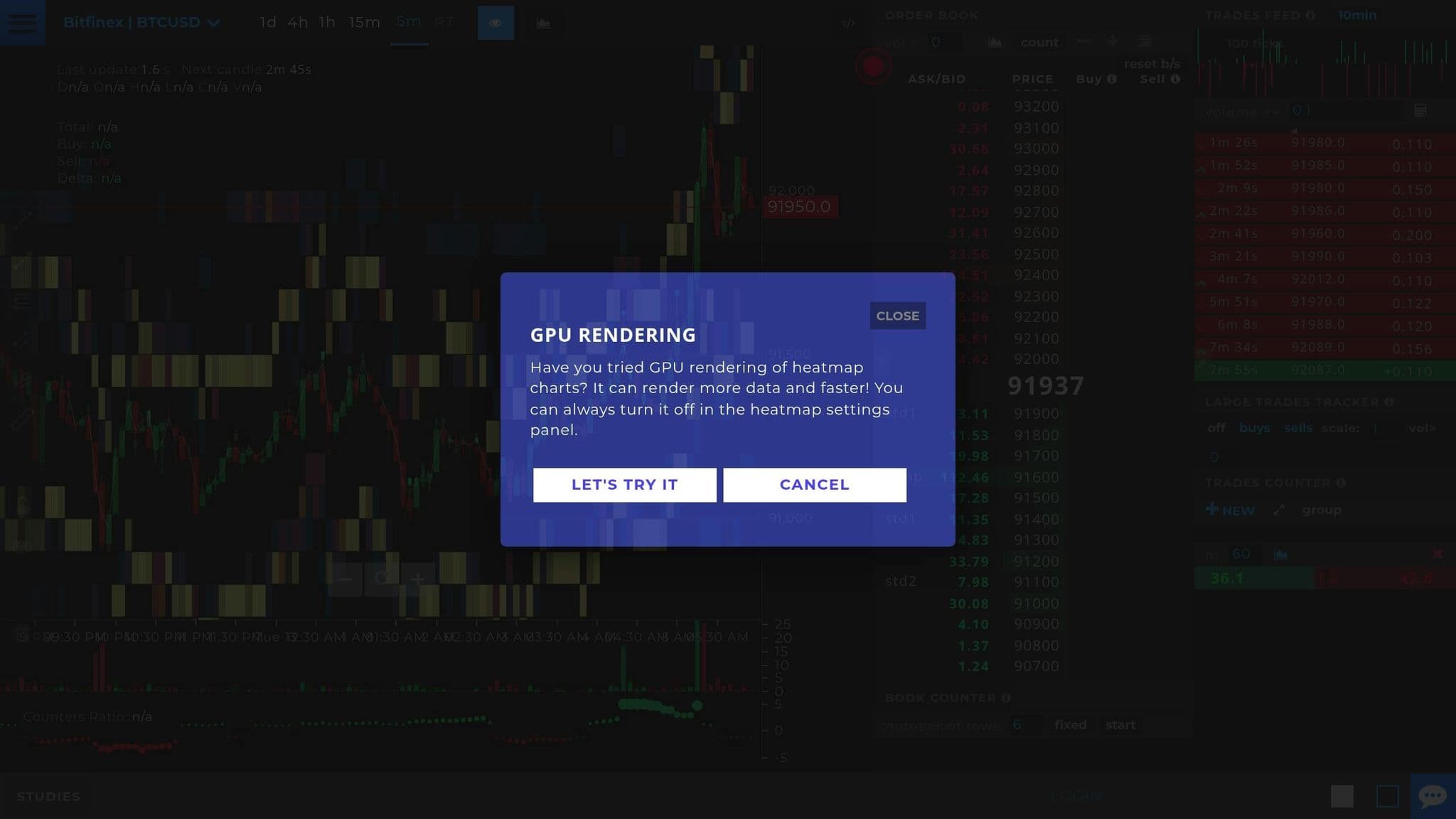
TensorCharts is a platform designed specifically for cryptocurrency traders who need more than the usual price charts. While traditional candlestick tools are useful, TensorCharts takes things further by visualizing order book depth. This helps traders spot large buy or sell clusters and track trading activity, which is especially valuable for crypto scalpers and day traders.
The platform transforms order book data into an actionable, real-time display. This focus on order flow provides a unique edge for traders looking to make informed decisions.
Pricing Model: Paid Subscription
TensorCharts sells paid subscriptions for its order flow tools. We could not confirm current prices because tensorcharts.com did not load when we checked on 10 Oct 2026, so check its site before you subscribe.
Key Features: Order Book Heatmap
The standout feature of TensorCharts is its Order Book Heatmap, which provides a real-time view of the Limit Order Book (LOB). This heatmap shows both historical and current liquidity levels, making it easier to spot "walls" where large orders are placed. Another useful tool is the Trades Counter (Bubbles), which displays market orders as bubbles on the chart. The size and color of these bubbles indicate the volume and direction of aggressive buying or selling. Together, these tools give traders insights into market depth and momentum that traditional candlestick charts might miss.
Supported Assets and Platform Accessibility
TensorCharts is exclusively focused on cryptocurrencies, making it a go-to choice for digital asset traders. It’s a cloud-based platform, accessible directly through a web browser. This setup allows traders to monitor crypto order flow conveniently from any device, without the need for additional software installations.
How to Choose the Right Charting Platform
When deciding on a charting platform from the top 15 reviewed, it's important to match its features with your trading strategy. The key is to find a platform that complements your trading style and priorities.
For short-term traders focused on intraday price movements, real-time data and tick-by-tick charts are essential. Tools like Depth of Market (DOM) and Volume Footprint can provide valuable insights. Platforms built on native C++ code, such as Sierra Chart, are excellent for minimizing lag in fast-moving markets. Meanwhile, long-term investors will benefit more from platforms that emphasize fundamental data, valuation metrics, and macroeconomic indicators. End-of-day data is often sufficient for this group, and web-based platforms like Koyfin - rated 9/10 for satisfaction in the 2025 Kitces AdvisorTech Study - offer research tools without the need for high-speed execution features.
If you're interested in automation, consider the platform's scripting capabilities. For instance, TradingView offers Pine Script, which is user-friendly and supported by a large community of 100 million traders. NinjaTrader uses C# for more advanced strategies, while Sierra Chart employs native C++ for optimal performance. Many platforms offer free trials or paper trading accounts, so take advantage of these to test the features before committing to a subscription.
It's also crucial to ensure the platform supports the asset classes you trade. Specialization matters here - futures traders will find platforms like NinjaTrader (named the #1 Futures Broker for 2026 by BrokerChooser.com) and Sierra Chart particularly suited for order flow analysis and direct exchange routing. On the other hand, crypto traders may prefer platforms with order book visualization tools like TensorCharts or Bookmap.
Your trading environment is another factor to weigh. Professional traders using multiple monitors and requiring extensive customization should look into desktop platforms like thinkorswim Desktop or TradeStation. For retail traders who prioritize accessibility - whether checking charts on a mobile device during a break or on a laptop while traveling - cloud-based platforms like TradingView or thinkorswim Web are ideal. Keep in mind that real-time exchange data often comes with additional monthly fees beyond the platform's subscription cost. If your trading style allows, delayed data might be a more economical option.
Lastly, avoid overpaying for features you don’t need. A platform with hundreds of built-in indicators is unnecessary if you focus on just a few key levels. Start by identifying your trading style - manual or automated, short-term or long-term, retail or professional - and then choose a platform that aligns with those needs.
Trying a charting platform before you commit
Use the free tier or trial of your top two platforms for a couple of weeks with your real watchlist before paying for data. Browser platforms like TradingView run anywhere; desktop ones such as NinjaTrader, Sierra Chart and thinkorswim depend on the PC they run on. QuantVPS trading VPS plans support 40+ platforms, from a single chart on Starter up to four monitors on Ultra.
FAQs
How can I choose the best charting platform for my trading needs?
Choosing the right charting platform depends entirely on your trading style and what you need to succeed. If visual market analysis, multi-timeframe charts, and the ability to share ideas are your priorities, a cloud-based platform like TradingView might be your best bet. It offers customizable layouts, alerts, and easy sharing tools, making it ideal for traders who value flexibility and collaboration.
On the other hand, if your focus is on high-speed trading or order-flow analysis - especially in futures or crypto - desktop platforms like NinjaTrader or Sierra Chart are worth exploring. These platforms deliver low-latency data and advanced features like footprint charts and DOM (Depth of Market) views, which are crucial for precision in fast-moving markets.
For traders interested in automated strategies, platforms with strong scripting capabilities and APIs, such as TradeStation or MetaTrader 5, provide the tools needed to develop and test your systems. And don’t forget to consider the specific assets you trade. For stocks and options, broker-native platforms like thinkorswim are highly effective, while order flow traders in futures and crypto may find specialized tools like Bookmap particularly useful.
Ultimately, it’s all about what matters most to you - whether that’s speed, technical tools, automation, or asset coverage. Focus on aligning the platform’s features with your trading goals, and avoid getting distracted by bells and whistles that don’t add value to your strategy.
What’s the difference between desktop-based and cloud-based trading platforms?
Desktop-based trading platforms are software you install directly onto your computer. These platforms are known for their fast performance, making them a great choice for traders who rely on accurate market data, order flow visualization, or custom-coded tools. Since settings and data are stored locally, they offer more control and privacy. However, they usually require manual updates and are tied to a single device.
Cloud-based platforms, in contrast, run through a web browser or app, with all data, settings, and scripts stored on the provider’s servers. This setup allows for access from multiple devices, automatic updates, and smooth syncing. They’re ideal for traders who prioritize accessibility and enjoy sharing charts or collaborating online. The trade-off is that they rely on a stable internet connection.
Ultimately, the decision comes down to your trading needs: desktop platforms are best for speed and customization, while cloud platforms shine in accessibility and ease of use.
What are the best charting platforms for automated trading?
For those aiming to automate their trading strategies, TradingView and Sierra Chart stand out as two powerful platforms packed with features to streamline the process.
TradingView operates as a cloud-based platform and offers Pine Script, a tool that lets users design custom strategies and set up multi-condition alerts. These alerts can even execute trades directly through linked brokers, making it a go-to choice for traders seeking automation. Additional features like automated chart pattern recognition, volume footprint analysis, and unlimited alerts further boost its appeal for those leaning into automation.
Sierra Chart, on the other hand, caters to traders who value speed and precision. It’s designed for high-performance trading and includes a full-fledged development environment for building custom studies and automated systems. Traders can execute algorithmic strategies directly from the chart interface, ensuring efficient operation.
Both platforms are well-suited for traders looking to move from manual analysis to fully automated trading, offering advanced tools to meet the demands of modern trading.


