
To execute trades faster, place orders with hotkeys or a DOM price ladder instead of filling in order tickets, use a platform with direct market data and order routing, and run it on a server close to the exchange. The trade execution software below covers all three, from futures platforms like NinjaTrader to stock and options brokers like Thinkorswim. Here's a quick summary of the top platforms:
- NinjaTrader: Best for futures and algorithmic trading with advanced charting tools and VPS integration.
- Tradovate: Focused on futures trading with a browser-based interface and three commission plans, from no monthly fee to a one-time Lifetime license.
- TradeStation: Known for low-latency performance, direct market routing, and customizable tools.
- Interactive Brokers (IBKR): Ideal for global market access and algo trading with advanced APIs.
- E*TRADE (Power E*TRADE): Web-based platform with fast execution and user-friendly tools.
- Fidelity Active Trader Pro: Desktop platform with customization and real-time data.
- Thinkorswim (Charles Schwab): Comprehensive platform for stocks, options, and futures.
- Webull: Mobile-first platform with a minimalist design and fast execution.
- tastytrade: Best for options traders with a focus on speed and reliability.
Quick Comparison
| Platform | Best For | Key Features | VPS Compatibility | Cost Efficiency |
|---|---|---|---|---|
| NinjaTrader | Futures, Algo Trading | Advanced charts, VPS-ready, ultra-low latency | Excellent | Subscription-based |
| Tradovate | Futures Trading | Browser-based, Free, Monthly or Lifetime plans | Excellent | Per-contract commissions on every plan |
| TradeStation | Day Trading, Customization | Low-latency, customizable tools | Excellent | Subscription-based |
| Interactive Brokers | Global Markets, Algo Trading | APIs, global access, competitive margin rates | Good | Volume-based discounts |
| E*TRADE | Active Traders | Web-based, fast execution | Limited | $0 commissions |
| Fidelity Active Trader Pro | Advanced Tools | Customization, real-time data | Limited | No platform fees |
| Thinkorswim | Multi-market Trading | Advanced charting, paper trading | Good | $0 commissions |
| Webull | Mobile-first, Simplicity | Minimalist design, fast execution | Limited | $0 commissions |
| tastytrade | Options Trading | Speed, options-focused tools | Good | Low-cost options fees |
If global market access or algo trading is your focus, Interactive Brokers and TradeStation are excellent choices. For cost-conscious traders, Webull, and E*TRADE provide commission-free trading with solid features. Each platform caters to different trading needs, so choose based on your strategy and technical requirements.
How We Compared the Platforms
We compared each platform on six things that affect how your orders get filled: execution speed, reliability, integration, interface, security and system needs. Here is what we looked at for each one.
Execution speed matters most. We looked at how each platform routes orders to the exchange or market maker, which order-entry tools it offers (hotkeys, a DOM or a price ladder), and what execution data the broker publishes.
Reliability is about whether the platform keeps working in fast markets. We looked at how it handles busy sessions, and whether you can switch to a web or mobile version if the desktop app or your connection fails.
Integration covers APIs and links to other tools. The strongest platforms connect to order management systems, market data feeds and third-party software, and let you trade several asset classes from one account.
Interface is how easily you can place orders, watch positions and read live market data from one screen. A good layout should not take hours to learn.
Security covers two-factor authentication, encryption and account protections. These matter for every trader, because your money and logins are at stake.
System needs tells you what hardware and connection a platform needs, and whether it runs well on a VPS. Desktop platforms need a strong machine, and running one on a server close to the exchange shortens the distance your orders travel.
No platform wins on every point. One built for fast day traders may not suit a long-term investor with a large portfolio, so match the platform to your trading style and setup.
1. NinjaTrader
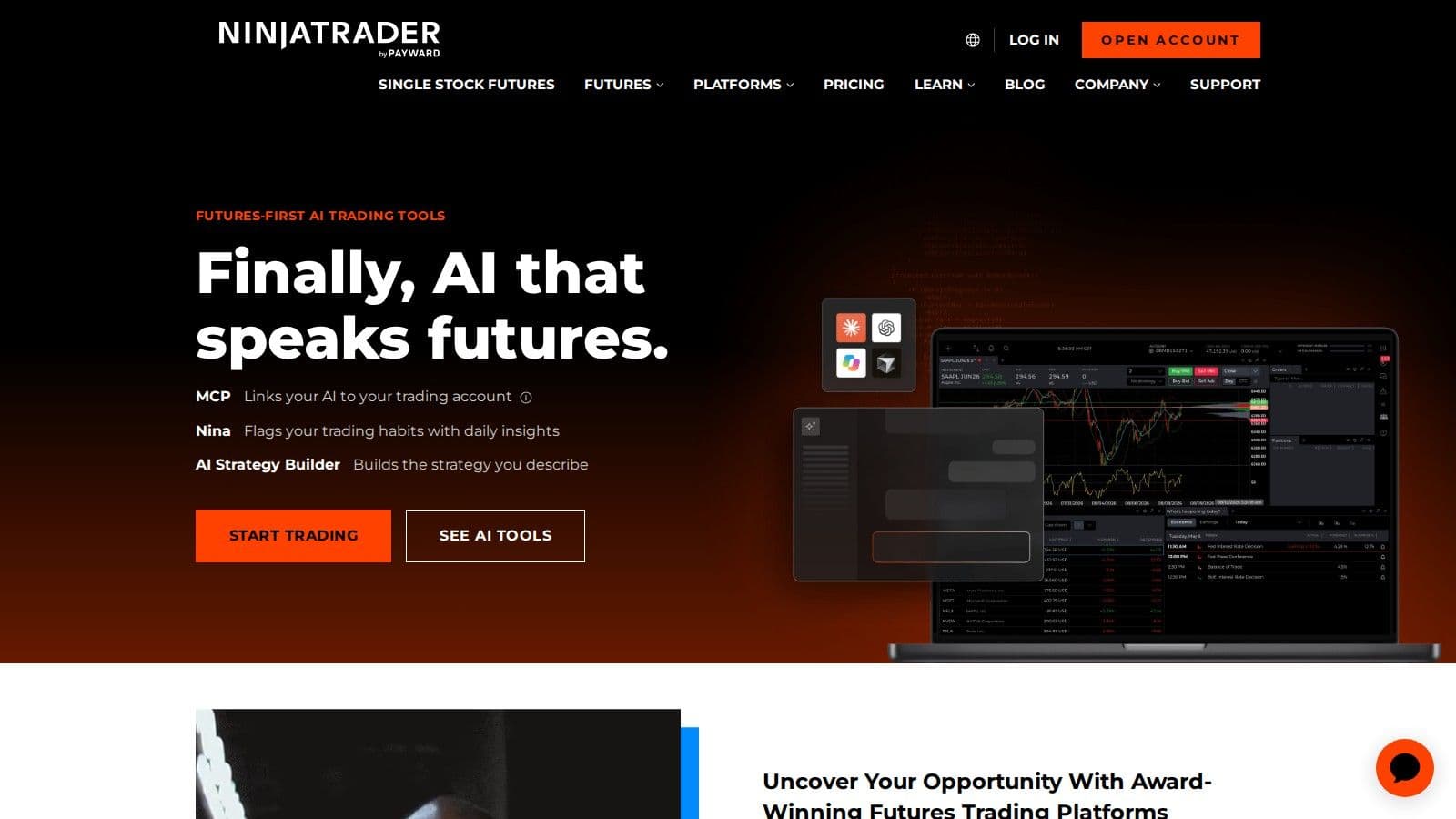
NinjaTrader is a futures trading platform and brokerage with desktop, web and mobile versions. The platform is free to download and use for charting, strategy backtesting and simulated trading, and a funded NinjaTrader account adds live order routing and market data. BrokerChooser named NinjaTrader "Best Futures Broker" for 2025 and 2026.
Order Entry and Execution
NinjaTrader's SuperDOM (depth of market) lets you read prices, place orders and manage positions from one price ladder. Its trade management tools can submit stop and target orders for you as soon as you are filled, with trailing stops that tighten as price moves. That takes manual steps out of each trade.
Automation and Customization
NinjaTrader Desktop runs on Windows and supports multi-monitor setups and thousands of third-party apps and add-ons. With NinjaScript, its C#-based framework, you can build your own indicators, strategies and apps, then backtest a strategy before you trade it live.
Pricing
NinjaTrader has three plans, and each one includes the desktop, web and mobile platforms (checked on 10 Oct 2026). Exchange, clearing and NFA fees apply on top of these commissions.
| Plan | Plan fee | Standard futures (per side) | Micro and E-nano futures (per side) |
|---|---|---|---|
| Free | $0 | $1.29 | $0.39 |
| Monthly | $99 per month | $0.99 | $0.29 |
| Lifetime | $1,499 one time | $0.59 | $0.09 |
Day trading margins start at $50 for Micro E-mini contracts and $500 for E-mini contracts. Support includes 24x5 technical help and a 24-hour emergency trade desk.
2. Tradovate
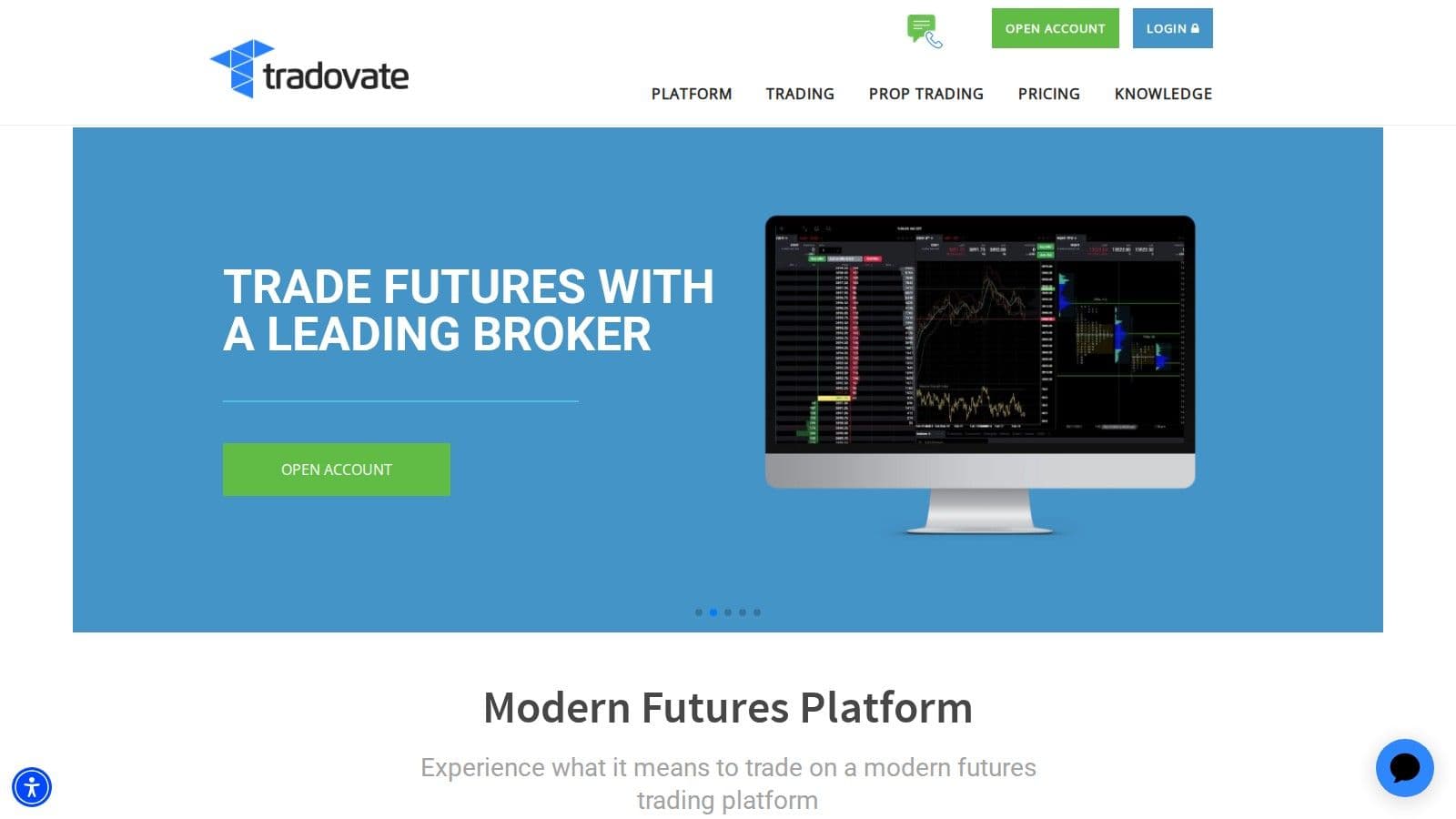
Tradovate runs in your web browser and on mobile, so there is nothing to install to get started. See how this futures trading platform compares with Rithmic. Tradovate is part of NinjaTrader Group, and its plans also include access to the NinjaTrader Desktop, Web and Mobile platforms. Here is why futures traders pick it.
Interface and Pricing
Tradovate's browser platform means no downloads: you sign in from any device with a web browser and pick up where you left off. Every plan includes charting, free simulated trading, Market Replay and Order Flow+ tools.
Tradovate is not commission-free. It charges a commission on every plan and uses the same Free, Monthly ($99 a month) and Lifetime ($1,499 one time) plans as NinjaTrader, shown in the table above. Commissions run from $1.29 per side for a standard contract on the Free plan down to $0.59 on Lifetime, plus exchange, clearing and NFA fees (checked on 10 Oct 2026).
Order flow
Built for scalpers. Heatmaps on dedicated resources.
Order-flow heatmaps and DOM ladders run on dedicated CPU, memory and NVMe, so your charts keep responding during volatility.
See the dedicated hardware







From $29.99/mo · Windows or Linux
Integration and Mobile Trading
Tradovate connects with third-party tools such as TradingView, and it offers an API for traders who run their own algorithms. That lets you send orders into your Tradovate account from your own software or another charting platform.
The mobile app works like the web version, so you can check positions and place trades from a phone or tablet. You stay connected to the market wherever you are.
Tradovate's main strength is its focus on futures. Contract details, margins and order tools are all built around futures, with day trading margins from $50 for micro contracts and $500 for standard contracts (checked on 10 Oct 2026).
3. TradeStation
TradeStation is a powerful desktop platform designed for speed and precision, making it a go-to choice for advanced trading. By running locally, it ensures peak performance - a critical factor in futures and options trading, where split-second decisions can make all the difference.
Execution Speed (low-latency performance)
For execution speed, TradeStation is one of the fastest platforms available for day traders.
In November 2025, Investopedia praised TradeStation for its "Top-tier execution speeds" and "best-in-class desktop futures trading experience", highlighting its robust platform equipped with advanced tools for charting, order entry, and position management. This recognition cements its status as a top choice for traders focused on low-latency performance.
The platform's direct market routing and customizable hotkeys allow traders to execute complex strategies with a single click. This combination of speed and efficiency creates a smooth and reliable trading experience.
User Experience (customization and efficiency)
Beyond its speed, TradeStation delivers a user-friendly and highly customizable interface. Its charting engine processes large volumes of real-time data effortlessly, even across multiple monitors. This is a feature for traders managing numerous positions who need fast, accurate charts that don’t lag during high-activity periods.
Customization is another area where TradeStation shines. Traders can design their own indicators, automate strategies, and set up personalized workspace layouts to match their specific needs. The platform’s tools are built to meet professional standards.
In November 2025, StockBrokers.com highlighted TradeStation's "fast and flexible" execution, crediting features like custom hotkeys and direct market routing for enabling quick, high-stakes decision-making.
Transparency in margin data is yet another strength. The platform allows traders to see pre-trade margin impact and changes in buying power before placing orders, minimizing the risk of errors. Detailed position information and real-time risk metrics provide traders with complete oversight of their capital.
TradeStation also excels in handling complex trades, such as multi-leg options and advanced futures strategies. Its sophisticated order types and strategy automation tools make it a reliable choice for traders tackling intricate strategies.
4. Interactive Brokers (IBKR)
Interactive Brokers (IBKR) is a preferred platform for professional and international traders, offering a wide range of tools and access to global markets.
Execution Speed (low-latency performance)
Interactive Brokers has built its reputation on quick and efficient order execution. With its Adaptive Algo technology, the platform routes orders to achieve the best possible fills while minimizing slippage.
The platform's direct market access and smart order routing system ensure trades are executed with minimal delay. By connecting to over 150 global markets, IBKR provides traders with access to extensive liquidity and consistently fast execution speeds.
StockBrokers.com named Interactive Brokers #1 for Active Traders in its 2026 awards.
Reliability and Uptime
Interactive Brokers is known for its reliable performance and consistent uptime, even during high-volume trading periods. Its infrastructure ensures smooth operation across multiple asset classes, avoiding the slowdowns that some platforms face during peak market activity.
The mobile app also delivers strong performance and usability, making it a dependable tool for traders on the go. This reliability allows integration with other trading tools, enhancing the overall experience.
Integration with Major Trading Platforms
IBKR shines for integration, offering detailed APIs that enable users to manage trading bots or connect with external quantitative trading platforms.
The platform also supports integration with popular third-party tools. For instance, QuantConnect, a cloud-based algorithmic trading platform, integrates smoothly with Interactive Brokers, enabling both backtesting and live execution of trading algorithms.
NerdWallet names Interactive Brokers "Best for advanced stock trading" in its 2026 list of online brokers for stock trading.
User Experience (customization and efficiency)
Interactive Brokers’ Trader Workstation (TWS) offers a powerful suite of customizable tools, including advanced options analysis, backtesting capabilities, and a variety of order types.
Traders can design and implement custom algorithms using both technical and fundamental indicators, allowing for automated trade management across multiple asset classes. The platform also supports workspace customization, enabling users to create layouts for their trading strategies and preferences.
IBKR provides access to an extensive range of markets, including stocks, options, forex, and futures, all from a single interface. With low commissions and volume-based discounts, the platform is not only cost-effective for high-frequency traders but also equipped with the advanced tools needed for executing complex strategies.
5. E*TRADE (Power E*TRADE)

Power E*TRADE is a web-based platform for active traders who demand advanced tools without the need for desktop software.
Execution Speed (Low-Latency Performance)
Power E*TRADE offers fast trade execution, thanks to a streamlined web interface. It processes trades swiftly by integrating real-time market data directly into the trading interface. This setup allows traders to act instantly on current market conditions, minimizing delays when transitioning between research and trade execution. Such responsiveness is crucial in fast-moving markets.
StockBrokers.com described Power E*TRADE as achieving "that rare balance of speed, sophistication, and usability that makes it ideal for fast-paced trading without the need to install desktop software".
Reliability and Uptime
Speed alone isn't enough - reliability is equally important. Power E*TRADE ensures consistent performance even during periods of high market activity. Its web infrastructure effectively handles heavy trading volumes, and both its web platform and mobile app load quickly during market hours. Data synchronization across devices ensures an experience, even in volatile conditions.
According to a Bankrate staff member, "The layout on the E-Trade site and the app is clean and easy to navigate, and both load quickly, making it simple to make a trade".
Integration with Major Trading Platforms
Power E*TRADE goes beyond basic trading by offering integrated features that enhance the overall experience. It supports futures trading in addition to traditional equity and options markets, opening up diverse trading strategies. The platform also provides streaming quotes and real-time market data that sync automatically across devices. With over 100 technical studies and multiple drawing tools built directly into the web interface, traders can perform in-depth analysis without juggling multiple apps.
User Experience (Customization and Efficiency)
One of Power E*TRADE's strengths is its combination of advanced tools and user-friendly customization. The platform includes options like a built-in strategy builder and a risk visualizer, helping traders evaluate potential outcomes before executing trades. The interface is designed to balance complexity and simplicity, allowing users to tailor their workspace while accessing a full suite of market analysis tools.
NerdWallet names E*TRADE "Best for educational content" in its 2026 list of online brokers for stock trading.
6. Fidelity Active Trader Pro
Fidelity Active Trader Pro is a desktop platform crafted for traders who demand advanced tools and rapid execution. Designed for high-performance trading, it combines speed, reliability, integration, and customization to meet the needs of active investors.
Execution Speed
Active Trader Pro is built for speed, offering direct market access and smart order routing. By minimizing intermediaries, it ensures trades are executed quickly and efficiently. The smart order routing feature scans multiple venues to find the best prices, even during periods of intense market volatility.
Reliability You Can Trust
Fidelity's infrastructure is designed to handle the pressure of peak trading hours. With redundant systems, automatic failover mechanisms, and local data storage, the platform ensures performance. Backup connections keep market data flowing, so traders can stay informed and act without interruption.
Uptime
99.999% uptime. Built for 24/7 trading reliability.
Your VPS runs in Tier IV datacenters with redundant power and network, monitored 24/7 on site.
See the uptime SLAFrom $29.99/mo · Windows or Linux
Integration
Active Trader Pro works with Fidelity’s broader ecosystem. It provides a unified interface for trading stocks, options, ETFs, and mutual funds. Traders also gain access to real-time quotes, advanced options tools with profit/loss calculators, and in-depth research, including analyst ratings and fundamental data.
Customization for Efficiency
The platform prioritizes user experience with customization options. Traders can create personalized workspaces, use multiple monitors, and set up custom chart templates. It also includes technical indicators, drawing tools, and hotkeys for quick order placement, helping users tailor their setup for maximum efficiency.
7. Charles Schwab (Thinkorswim)
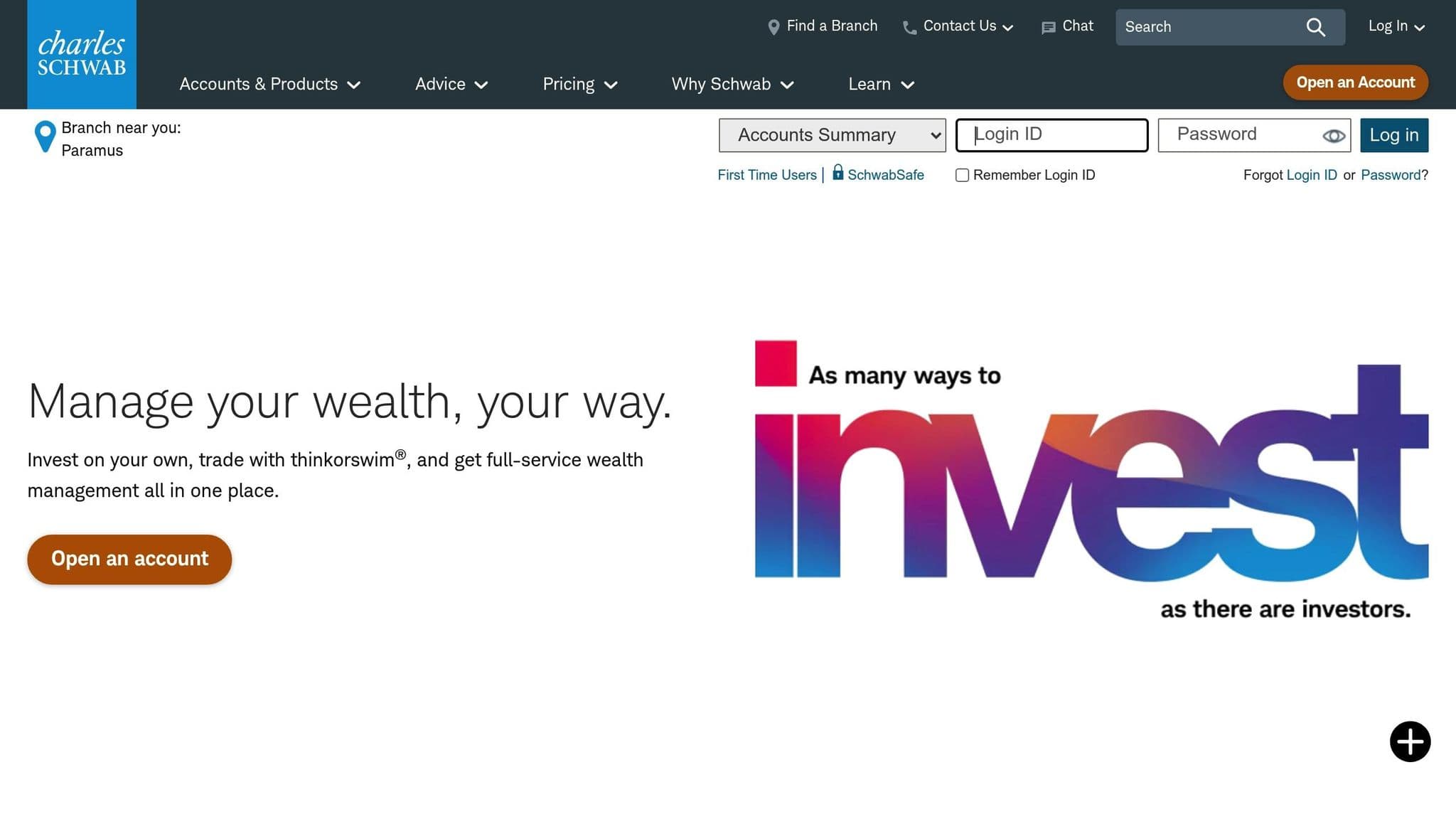
Thinkorswim, Charles Schwab's flagship trading platform, is accessible across desktop, web, and mobile devices. It boasts charting capabilities, offering hundreds of technical indicators, a variety of drawing tools, and customizable multi-chart layouts that perform smoothly even with heavy data loads. The platform’s Earnings Analysis tool provides in-depth options insights, helping traders better grasp market trends. With its mix of flexibility and specialized features, Thinkorswim is a strong choice in our 2026 review.
Execution Speed
Schwab publishes its own execution data. In Q3 2026, 98% of Schwab clients' exchange-listed equity orders were price improved, and the average execution speed was 0.05 seconds. Schwab routes orders based on price, speed, liquidity and other factors, and S3 Matching Technologies monitors its execution quality independently.
Customization and Automation
Thinkorswim desktop is the most customizable version. With thinkScript, Schwab's scripting language, you can build your own studies, order conditions and strategy tests. paperMoney, built into all three thinkorswim platforms, lets you practice in a live market simulation before you trade real money.
If the desktop app slows down with many charts open, our guide to making thinkorswim run faster covers the memory settings to change.
Markets and Pricing
Thinkorswim covers stocks, ETFs, options, futures and forex, plus 24/5 trading for over 1,300 stocks and ETFs. Online stock and ETF trades cost $0, and options cost $0.65 per contract (checked on 10 Oct 2026).
8. Webull

Webull offers a unique mix of simplicity and advanced tools, making it a standout option for active traders. NerdWallet names Webull "Best for paper trading" in its 2026 list of online brokers for stock trading.
Execution Speed (low-latency performance)
Webull sends your orders to an executing broker and market makers, which check limit prices against the National Best Bid and Offer (NBBO) and can reject an order priced far from it. Webull charts use Nasdaq-sourced data by default. If your order is routed to another venue, you need NBBO data to see the full market picture across all exchanges.
Reliability and Uptime
Webull runs on desktop, in the browser through Webull WebTrade, and on mobile, with the same account on all three. If your desktop app or home connection has a problem, you can still manage positions from another device. Webull notes that system response, execution price and speed all depend on market volatility, order size and type, and system performance.
User Experience (customization and efficiency)
Webull strikes a balance between simplicity and functionality. Its minimalist design, paired with advanced trading tools, delivers a user experience that works for everyone - from beginners to seasoned traders. NerdWallet highlights this blend:
"Webull's trading platforms all marry that minimalist look and feel that mobile-first investors want and expect with the advanced features and capabilities that are required to execute fast trading decisions."
The platform offers $0 trades for stocks, options, and ETFs, with no account minimums. However, cryptocurrency trading is handled through the separate Webull Pay app, and fees apply for individual bonds and foreign stocks. Additionally, Webull supports futures trading, providing flexibility for those with varied trading strategies. This combination of features makes Webull a versatile choice for traders looking for both simplicity and power.
9. tastytrade
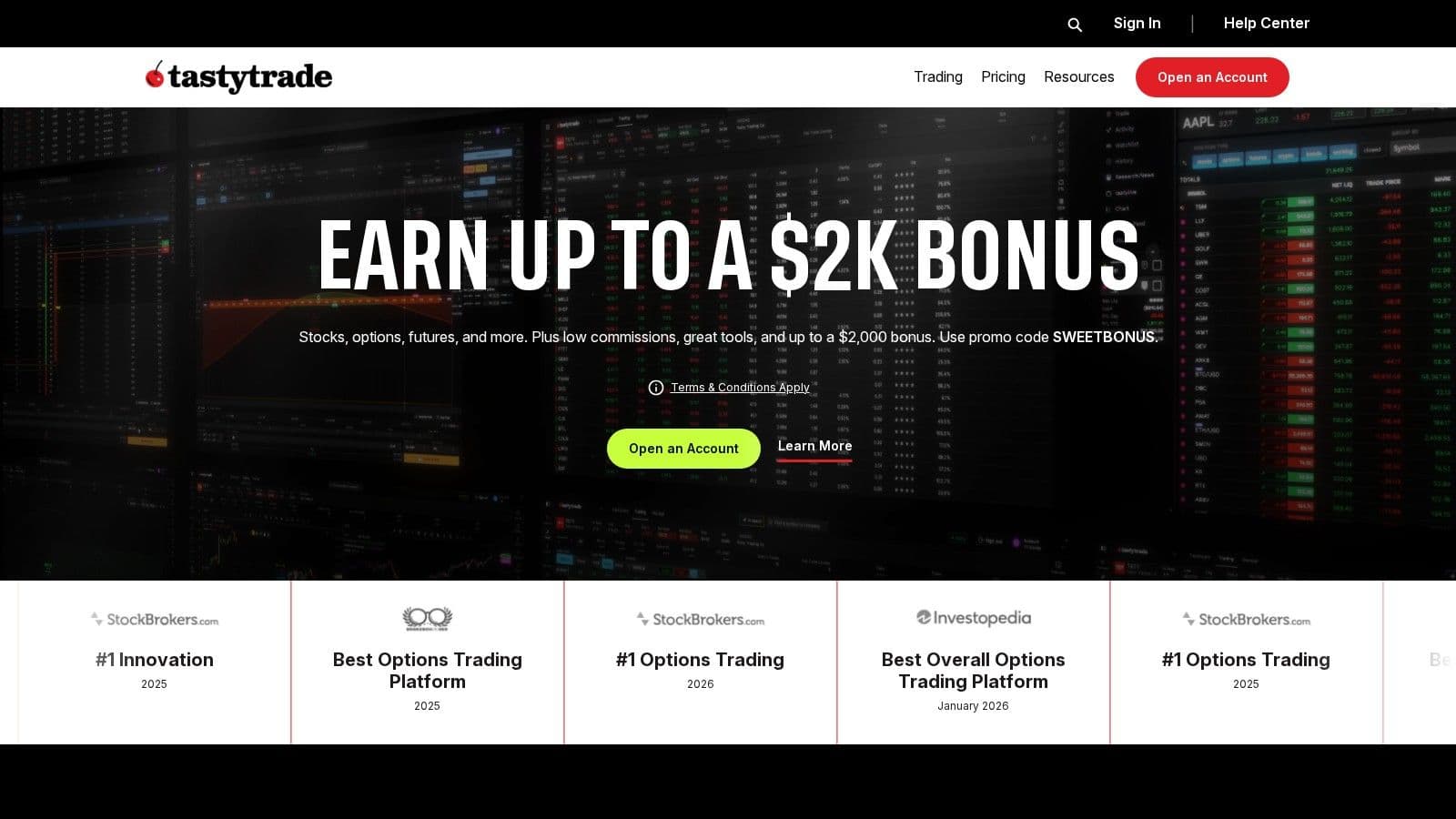
tastytrade wraps up our list as a platform for traders who value speed and reliability. Stock trades cost $0, and options cost $1 per contract to open (capped at $10 per leg) and $0 to close (checked on 10 Oct 2026). Let’s take a closer look at its standout features: execution data, broad asset access, and a trader-friendly interface.
Execution Speed (Low-Latency Performance)
tastytrade publishes its order routing reports under SEC Rule 606 each quarter (the latest covers Q2 2026) and its execution quality reports under SEC Rule 605. Together they show where your stock and options orders go and how quickly they fill. For outright futures and stock or ETF shares, the Active Trader trading ladder lets you place and manage orders straight from the price ladder.
Integration with Major Trading Platforms
Traders can access a wide range of markets on tastytrade, including cryptocurrency and futures. This makes it a one-stop shop for those looking to diversify their trading across different asset classes.
User Experience
tastytrade focuses on efficiency. It offers web, desktop, and mobile versions, along with tools like hundreds of indicators, in-app research, customizable watchlists, and a live follow feed to keep traders informed and engaged.
Platform Comparison Table
The table below offers a side-by-side comparison of leading U.S. trade execution platforms, focusing on execution speed, asset coverage, VPS compatibility, and security features.
| Platform | Execution Speed | Asset Coverage | VPS Integration | Security Measures | Main Strengths |
|---|---|---|---|---|---|
| NinjaTrader | Ultra-low latency | Futures, Forex, Stocks | Excellent | 2FA, SSL encryption | Advanced charting and algorithmic trading |
| Tradovate | Very fast | Futures | Excellent | Encryption | Browser-based futures trading |
| TradeStation | Fast and reliable | Stocks, Options, Futures, Crypto | Excellent | Multi-factor authentication | Custom coding with EasyLanguage |
| Interactive Brokers | High-performance | Global stocks, Bonds, Options, Futures | Good | Advanced encryption | Extensive global reach and competitive margin rates |
| E*TRADE (Power E*TRADE) | Fast | Stocks, ETFs, Options, Futures | Limited | SSL and 2FA | User-friendly interface |
| Fidelity Active Trader Pro | Reliable | Stocks, Options, ETFs | Limited | Multi-layer security | Comprehensive research tools |
| Thinkorswim | Fast | Stocks, Options, Futures, Forex | Good | Bank-grade security | Integrated paper trading features |
| Webull | Responsive | Stocks, ETFs, Options, Crypto | Limited | SIPC protection | Mobile-first trading experience |
| tastytrade | Fast | Options, Stocks, Futures | Good | Multi-factor authentication | Options-focused trading tools |
Key Observations
Execution Speed: Speed varies across platforms. NinjaTrader leads with ultra-low latency, while Tradovate offers very fast performance. For professional traders managing high-volume strategies, Interactive Brokers offers high-performance execution.
Asset Coverage: Each platform caters to different trading needs. Interactive Brokers provides access to a broad array of global assets, including stocks, bonds, options, and futures. In contrast, Tradovate focuses solely on futures, while NinjaTrader offers a balanced mix of futures, forex, and stocks.
Security Features: Security is a top priority across all platforms. Most offer measures like multi-factor authentication and advanced encryption. However, the implementation and depth of these protections vary, so it's worth examining them closely based on your security needs.
Pricing Models: Retail-friendly platforms like Webull emphasize commission-free trades, appealing to cost-conscious traders. Meanwhile, professional-grade platforms such as NinjaTrader and TradeStation often use subscription-based models, offering advanced features for seasoned traders.
When selecting a trading platform, consider how well its VPS integration aligns with your hosting requirements. Choose the platform that best fits your trading strategy and technical setup for optimal results.
Conclusion
Choosing the right trading software depends entirely on your specific trading goals and technical requirements. If ultra-low latency is your priority, NinjaTrader or Tradovate are strong options. For traders seeking global market access, Interactive Brokers or TradeStation stand out. On the other hand, if keeping costs low is your main focus, platforms like Webull are worth considering. Professional algorithmic traders often gravitate toward platforms such as NinjaTrader and TradeStation for their advanced customization features. Pairing these platforms with reliable VPS hosting can take performance to the next level.
Investing in dependable infrastructure is essential, especially for traders managing multiple charts, executing high-frequency strategies, or running automated systems that require consistent and reliable speed.
Testing execution software before you switch
Open demo or paper accounts on the two platforms you are weighing and place the same orders on each, including brackets and order changes, before moving real money. For desktop platforms, distance to the exchange affects how quickly orders arrive. QuantVPS Chicago and New York servers list 0.52ms to CME and 0 to 2ms to NYSE and NASDAQ.
FAQs
How does using a VPS improve the performance of trade execution software?
Using a Virtual Private Server (VPS) can greatly improve the performance of trade execution software by creating a faster, more stable, and secure trading setup. By running trading software on a server close to the exchange, a VPS gives you the lowest latency between your platform and the market, and it reduces the chances of interruptions caused by local hardware failures or internet connectivity issues.
Another advantage of using a VPS is its 24/7 uptime, which is crucial for strategies like algorithmic trading that need to operate without interruptions. Plus, a VPS allows traders to access their platforms remotely from anywhere, offering the flexibility to maintain steady performance even in constantly shifting market conditions.
What should traders consider when deciding between commission-free and subscription-based trading platforms?
When comparing commission-free platforms to subscription-based options, it's important to weigh factors like execution speed, platform reliability, and integration capabilities. These aspects play a major role in ensuring your trading strategy runs and without unnecessary hiccups.
You’ll also want to think about the user experience and how well the platform matches your trading objectives. Subscription-based platforms often offer advanced tools and customization options, making them appealing for traders seeking more control. On the other hand, commission-free platforms are a solid choice for those prioritizing cost savings.
Why is execution speed important in trading, and which platforms are best for fast trade execution?
Execution speed plays a key role in trading, particularly for strategies such as day trading or scalping, where even a fraction of a second can make a difference in profitability. Quick execution helps lock in trades at the intended prices, cutting down the chances of slippage and improving overall efficiency.
Platforms like NinjaTrader are highly regarded for their rapid execution capabilities, making them a popular choice for active traders who depend on precision and split-second decisions. When choosing a trading platform, it’s important to evaluate not just speed but also its reliability and how well it aligns with your trading strategies to achieve the best results.


