
Only two of the four AI-based platforms here trade futures automatically: TradingView and TrendSpider, which send alerts through TradersPost to brokers such as Tradovate and NinjaTrader. Tickeron and Trade Ideas are mainly stock tools, with AI market analysis and real-time insights. The list below gives the best use for each.
- TradingView + TradersPost: Combines advanced charting with automated execution. Ideal for technical analysts.
- TrendSpider + TradersPost: Focuses on pattern recognition and dynamic risk management. Best for experienced traders.
- Tickeron: Offers AI-driven market analysis and educational tools. Suitable for learners and portfolio managers.
- Trade Ideas: Features Holly AI for real-time insights and backtesting. For active day traders.
Quick Comparison:
| Platform | Key Features | Pricing (USD, checked on 10 Oct 2026) | Futures support | Best For |
|---|---|---|---|---|
| TradingView + TradersPost | Custom strategies, execution | About $55 to $114/month on yearly billing | Yes: TradersPost sends futures orders to Tradovate, NinjaTrader, TradeStation, tastytrade and ProjectX | Technical analysts |
| TrendSpider + TradersPost | Pattern recognition, risk tools | Higher cost | Futures charts; real-time CME data is a $7.50/month add-on (non-pro) | Chart-focused traders |
| Tickeron | AI insights, learning resources | Expensive | Built mainly for stocks and ETFs | Beginners, portfolio managers |
| Trade Ideas | Holly AI, backtesting, real-time data | Free account; Standard $1,068/year; Premium $2,136/year | Stock scanner; no futures features listed | Active day traders |
Each platform has strengths and trade-offs, making it essential to choose based on your trading goals, budget, and experience level. Only the TradingView and TrendSpider setups route futures orders through TradersPost; Tickeron and Trade Ideas are mainly stock tools. For a wider list that includes futures-native options, see our guide to AI tools for futures trading.
Keep your strategy running while you're away.






1. TradingView Plus Broker Automation
Combining TradingView's charting tools with TradersPost automation makes futures trading more efficient. This setup lets traders use TradingView's powerful technical analysis features to craft custom strategies, while TradersPost handles automated trade execution by connecting directly with brokers. Essentially, it links in-depth analysis with execution. If an AI tool produces TradingView alerts for a desktop execution service, a VPS for TradingView alerts can host that service while you test the complete order route.
Strategy Development and Alert Features
TradingView's Pine Script allows traders to create custom algorithms that analyze price movements, trading volume, and various indicators. Once these strategies are in place, users can set up alerts for specific conditions. When those conditions are met, the system sends webhook notifications to TradersPost, ensuring orders are executed without delay.
Futures Broker Compatibility
TradersPost connects TradingView's analysis tools to futures brokers such as Tradovate, NinjaTrader, TradeStation and tastytrade, as listed on its broker page on 10 Oct 2026. This integration supports a variety of futures contracts, including the E-mini S&P 500, crude oil, and gold, while providing real-time account data synchronization. It’s built to handle different account types and adapt to broker-specific requirements.
Automation, Execution, and Risk Management
Alerts generated from TradingView's Pine Script strategies are sent directly to TradersPost, which executes market or limit orders based on the predefined conditions. The system also includes automated stop-loss placement and position sizing, helping traders manage risk effectively.
Pricing in USD
TradingView's paid plans are Essential, Plus, Premium and Ultimate, at $12.95, $29.95, $59.95 and $199.95 per month on annual billing (checked on 10 Oct 2026); the Basic plan is free. Features like real-time data access, advanced charting, and extended trading hours vary by plan.
TradersPost is a separate subscription: Starter costs $41.65 per month and Basic $84.15 per month, both billed yearly (checked on 10 Oct 2026). Combined, TradingView Essential with TradersPost Starter comes to about $55 per month, and Plus with Basic about $114. TradingView shows savings of up to 17% and TradersPost 15% for yearly billing instead of monthly payments.
2. TrendSpider Plus Automation via TradersPost
TrendSpider uses AI to take chart analysis to the next level. When paired with TradersPost, it doesn’t just stop at analysis - it moves into action, automating trade execution by transforming market signals into actual orders. This partnership showcases how combining smart charting tools with automation can make futures trading more efficient.
Smart AI Features
TrendSpider’s AI can automatically detect chart patterns across multiple timeframes. It also keeps key technical levels updated in real time, sending alerts based on conditions you set.
Broker Integration
By integrating with TradersPost, TrendSpider ensures smooth automation with major futures brokers. This setup keeps data synced in real time, enabling quick identification of opportunities and timely order placement.
Automation in Action
This system links automated alerts to order execution, relying on technical analysis to guide trades. It also dynamically adjusts entry points and manages risk as market conditions change.
Flexible Pricing Options
TrendSpider offers different subscription plans for various trading needs, while TradersPost adds automation as an extra service. Real-time CME, NYMEX, COMEX and CBOT futures data is a $7.50 per month add-on for non-professional users (checked on 10 Oct 2026). Together, they provide a customizable solution for traders looking to incorporate AI into their futures trading strategies.
3. Tickeron
Tickeron uses AI to generate signals, pattern searches and trading robots. Its tools are built mainly for stocks and ETFs, so futures traders should confirm their contract is covered before subscribing.
AI Capabilities
Tickeron employs artificial intelligence to analyze market trends and sentiment, giving traders a clearer picture of potential opportunities. The platform adjusts to changing market conditions and uses a scoring system to evaluate the reliability of its insights, helping traders make more informed decisions.
Broker Connections
Tickeron's AI robots come as Virtual Agents and as Brokerage Agents, which connect to a brokerage account. Check which brokers and asset types a robot supports before you connect an account.
Automation and Execution
Tickeron supports semi-automated trading by generating alerts based on its AI-driven insights. It also offers practical guidance on key trading elements like stop-loss orders and position sizing, helping traders execute strategies more effectively.
Pricing in USD
Tickeron operates on a subscription model, offering plans designed to meet various trading requirements. For the latest pricing details and feature updates, traders should visit the official Tickeron website.
4. Trade Ideas
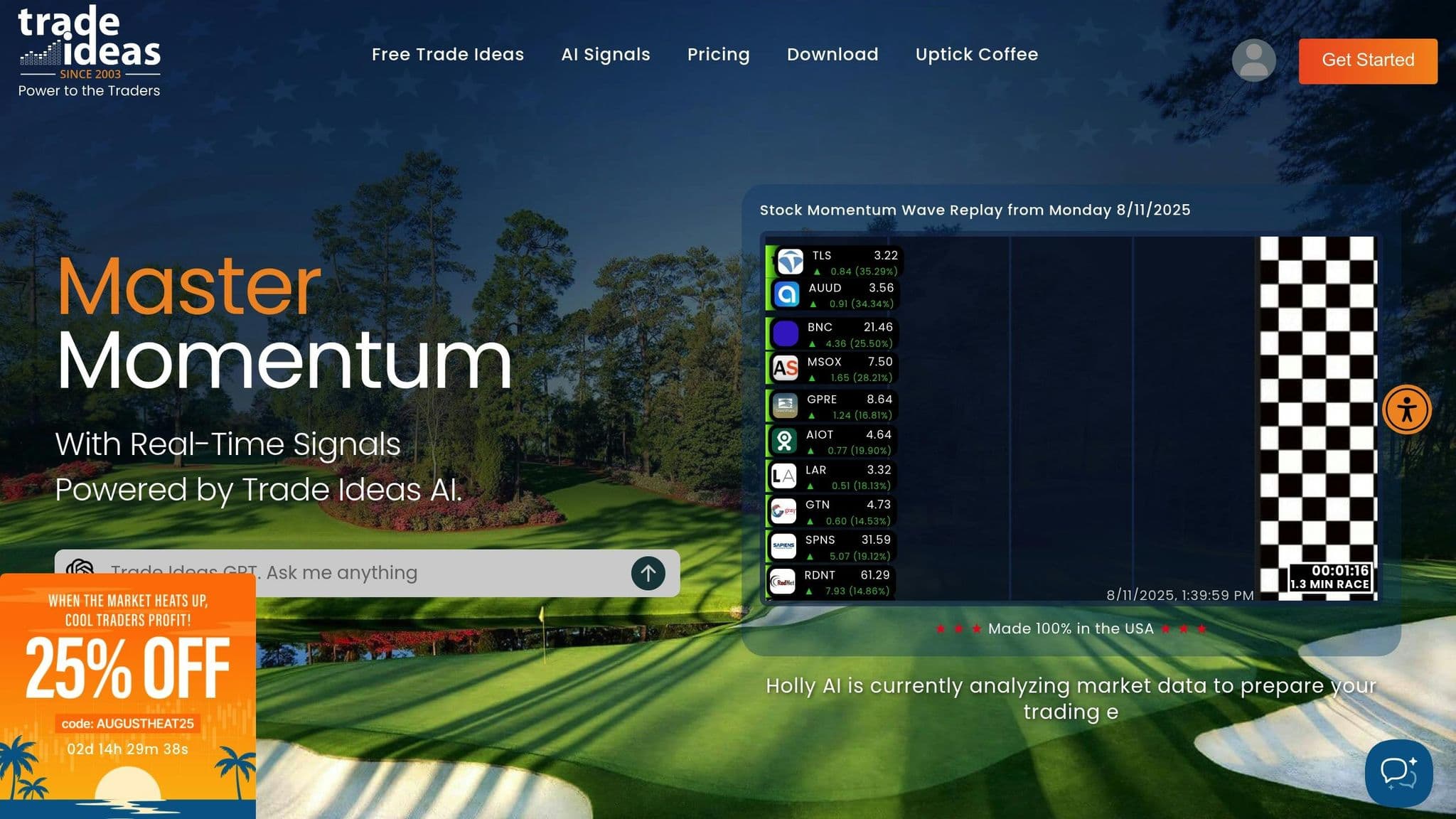
Trade Ideas is an AI-driven trading platform with its own proprietary tools. It scans mainly US stocks, and its pricing page lists no futures features, so futures traders use it as an idea source rather than a futures execution tool. The platform uses artificial intelligence to process large amounts of market data and deliver actionable insights in real time.
AI Capabilities
At the heart of Trade Ideas is Holly AI, a virtual trading assistant that keeps a close eye on market conditions. Holly AI dives deep into price patterns, trading volumes, and market sentiment to pinpoint potential opportunities in the market. Its recommendations are designed to give traders an edge by providing insights that are both timely and precise.
Another standout feature is The Money Machine, which refines trading strategies by analyzing historical data. With built-in backtesting capabilities, traders can validate AI-driven strategies before putting them into action. Additionally, daily optimizations ensure that the platform's trading ideas stay aligned with current market trends.
Uptime
99.999% uptime. Built for 24/7 trading reliability.
Your VPS runs in Tier IV datacenters with redundant power and network, monitored 24/7 on site.
See the uptime SLAFrom $29.99/mo · Windows or Linux
Pricing in USD
Trade Ideas lists a free account and two paid plans (checked on 10 Oct 2026 on its pricing page):
- Free account: sign up for free access to limited features.
- Standard (Core): $1,068 a year, equivalent to $89 per month. Real-time data, customizable scans and screeners, price alerts, real-time paper trading and in-app trading.
- Premium (Apex): $2,136 a year, equivalent to $178 per month. Adds AI signals, backtesting, Smart Risk Levels and Auto Trading.
The Premium plan adds the backtesting and Auto Trading features for refining strategies.
Platform Comparison: Pros and Cons
AI-powered futures trading platforms each come with their own set of strengths and drawbacks. As outlined earlier, the features and limitations of these platforms determine their suitability for different trading strategies. By understanding these trade-offs, traders can make better decisions based on their goals, budgets, and technical needs.
| Platform | Pros | Cons | Best For |
|---|---|---|---|
| TradingView | • Advanced charting tools • Large community of strategy developers • Customization with Pine Script • Smooth broker execution |
• Requires several subscriptions • Pine Script has a learning curve • Time investment needed for strategy development |
Technical analysts who need custom indicators and automation |
| TrendSpider | • Automated technical analysis • Multi-timeframe pattern recognition • Dynamic support/resistance tools • Professional-grade backtesting |
• Higher subscription costs • Challenging for beginners • Lacks in-depth fundamental analysis | Experienced technical traders focusing on patterns |
| Tickeron | • AI-driven predictions • Pattern recognition across assets • Includes educational resources • Portfolio management tools |
• Expensive subscription plans • AI predictions can be inconsistent • Limited customization |
Traders looking for an all-in-one AI analysis and education platform |
| Trade Ideas | • Real-time AI scanning with Holly AI • Proven backtesting with Money Machine • Daily strategy updates • Strong user community |
• Premium features locked behind higher-tier plans • Overwhelming for beginners • Primarily focused on equity markets | Active day traders seeking AI-driven opportunities |
Beyond the features, pricing and integration options differ widely. For instance, TradersPost is the most budget-friendly option, especially when paired with low-cost signal sources. TradingView’s mid-tier plans offer excellent value for technical analysis, while TrendSpider’s advanced automation tools come at a higher price point. Tickeron and Trade Ideas require more substantial monthly investments to unlock their full AI capabilities, though Trade Ideas provides a free tier with limited features.
Broker integration is another key factor. TradersPost connects to 17+ brokers; for futures it lists Tradovate, NinjaTrader, TradeStation, tastytrade and ProjectX, while Interactive Brokers (beta) and E*TRADE connect for stocks and options. This flexibility allows traders to keep their current brokerage accounts while adding AI-powered automation. On the other hand, platforms like Tickeron and Trade Ideas have fewer broker connections, which may require traders to switch accounts.
The level of AI sophistication also varies. Trade Ideas leads with Holly AI’s real-time market scanning and The Money Machine’s optimization tools. Tickeron delivers AI-driven predictions spanning multiple timeframes and asset classes. TrendSpider focuses its AI on pattern recognition and automated trendline analysis. Meanwhile, TradingView and TradersPost emphasize community-driven strategies and rely on external AI signals.
The learning curve is another important consideration. TradersPost offers one of the easiest setups, requiring little technical knowledge to connect signals and brokers. TradingView, however, demands some familiarity with Pine Script for custom strategy creation. TrendSpider and Trade Ideas, while powerful, can feel overwhelming for beginners but offer significant rewards for experienced traders.
Lastly, risk management features differ across platforms. TrendSpider provides advanced position sizing and risk controls. Trade Ideas includes built-in risk parameters within its AI recommendations. TradersPost offers basic risk controls but relies on the connected signal source for more comprehensive management. Tickeron integrates risk assessment into its AI predictions but may require traders to manually implement protective measures.
Which AI Platform Should Futures Traders Use?
For automated futures orders, use TradingView or TrendSpider with TradersPost; Trade Ideas and Tickeron are mainly stock tools for AI analysis. By understanding the strengths of these platforms, traders can choose the ones that align best with their strategies. Here's a closer look at how different trader profiles can make the most of these platforms:
- Active day traders: Trade Ideas offers fast market insights, making it ideal for those who need real-time data. Its premium pricing is well-suited for traders who engage in frequent, high-volume trades.
- Swing and position traders: A combination of TradingView and TradersPost offers a well-rounded approach. TradingView provides charting tools, while TradersPost handles trade execution for longer-term strategies.
- Technical traders: Those focused on chart patterns can benefit from pairing TrendSpider with TradersPost. This duo excels at tracking multi-timeframe chart patterns, ensuring timely and informed trading decisions.
- Portfolio hedgers and institutional traders: TradersPost shines here with its extensive connectivity and automation features. Its ability to manage risk and execute trades across multiple accounts simplifies complex trading operations.
- Beginners: For those just starting out, Tickeron offers a mix of market predictions and educational resources. While the pricing is on the higher side, the platform’s learning tools are invaluable for building foundational market knowledge.
- Budget-conscious traders: Beginners who need a cost-effective start can opt for a basic plan and gradually enhance their setup by adding signal sources. This approach allows for advanced automation without a significant upfront investment.
Many successful traders find value in combining multiple platforms to use their individual strengths. By creating an AI-driven trading ecosystem for their needs, traders can optimize strategies and maintain effective risk controls. Together, these tools highlight the growing influence of AI in reshaping futures trading. If you want automation that runs directly on a futures platform, compare these futures trading bots for NinjaTrader and CME. Brokers are also opening direct routes for AI agents, such as NinjaTrader's MCP server for AI agents, which is in beta for futures accounts.
FAQs
How do AI-powered trading platforms help manage risks in futures trading?
AI-powered trading platforms bring a new level of precision to managing risks in futures trading. By analyzing real-time market data and leveraging predictive algorithms, these tools can anticipate market volatility and adjust strategies on the fly to match current conditions.
One of their standout features is the automation of essential risk management tools, such as stop-loss and take-profit orders. These functions help traders limit potential losses and secure profits without the need for constant manual intervention. Plus, by eliminating emotional decision-making, these platforms encourage a more disciplined and steady approach to trading.
Another advantage is their ability to continuously monitor market trends. This constant analysis allows the platforms to fine-tune risk exposure, providing traders with greater stability even in unpredictable market conditions.
What should I look for in an AI-powered trading platform to match my futures trading style and goals?
When choosing an AI-powered trading platform for futures trading, pay close attention to factors like performance, scalability, and data security. These elements are critical for managing large data volumes and keeping your transactions safe. Additionally, consider how effectively the platform enhances forecasting accuracy and supports risk management, as these features can significantly influence your trading results.
A strong platform should make market analysis easier and provide options to tailor strategies to your specific trading approach. The right tool will align with your objectives while offering advanced insights and automation to help you make the most of your trades.
For an always-on trading workspace, QuantVPS can host the platform while your local computer is off; use only automation that your broker or prop firm permits.
Do I need technical skills to use platforms like TradingView or TrendSpider for automated futures trading?
Platforms like TradingView and TrendSpider offer great tools for automated futures trading, but they do come with a bit of a learning curve. For TradingView, knowing your way around Pine Script - the platform's scripting language - can be a big plus. It lets you create custom indicators and strategies for your needs. Meanwhile, TrendSpider leans more toward automation with less emphasis on coding. That said, a solid grasp of technical analysis concepts can help you fine-tune your strategies on this platform.
Both platforms are built to be accessible, but having some basic programming or technical skills can open up more options and give you better control over your trades. The good news? Beginners can dive in right away using the built-in features and gradually pick up more advanced techniques as they go. It's a journey, and these tools are designed to grow with you.


