If you're a futures trader looking to skip lengthy evaluations and start trading live capital immediately, instant funding (or Straight-to-Funded, S2F) might be for you. This model lets you bypass traditional assessments by paying a higher upfront fee for direct access to funded accounts. While it’s faster, it comes with stricter rules and higher costs.
Here’s a quick look at six firms offering instant funding options for futures traders:
- FundingTicks: Offers direct-funded accounts with clear pricing, fast approvals, and flexible scaling — one of the only firms with real day-one funded capital (no evaluation phase required).
- My Funded Futures (MFFU): Provides S2F accounts with multiple tiers, strict rules against automation, and reset fees for breaches.
- DayTraders.com: A modern futures prop trading firm with structured funded programs including evaluation accounts and Straight-to-Funded options. Traders can access firm capital (e.g., $150K S2F) by meeting profit targets and risk/cadence rules, benefit from automated payouts, no ongoing profit split, and clearly defined drawdown & minimum trading day requirements.
- Tradeify Futures: Allows direct funding with capped daily profits and limited automation options.
- BluSky Trading: Promotes direct-funded access but shares little detail on account sizes, pricing, or policies.
- Bulenox: Occasionally runs instant funding promotions but provides limited information on account specifics and trading rules.
Key Takeaways:
- Costs: Instant funding costs 2-3x more than evaluation-based models due to the firm's increased risk.
- Rules: Strict loss limits, drawdowns, and position sizing rules apply from day one.
- Automation: Most firms restrict or entirely prohibit automated and high-frequency trading.
- Transparency: Many firms lack clear details on platforms, brokerages, and trading permissions.
If you're experienced and confident in your skills, instant funding offers a fast route to live trading. However, it requires disciplined risk management to avoid quick losses. Always verify the details directly with the firm before committing.
Quick Comparison
| Firm | Instant Funding Active? | Platforms (NT/Quantower) | Automation Allowed? | Copy Trading Allowed? |
|---|---|---|---|---|
| FundingTicks | Yes – Direct funded tiers | NinjaTrader | Not specified | Not specified |
| My Funded Futures | Yes – S2F options | NinjaTrader | No – Strictly restricted | Restricted |
| DayTraders.com | Yes – S2F & Eval models | NT / Quantower | Allowed (within firm rules) | Included |
| Tradeify Futures | Yes – Hybrid funding models | NinjaTrader | Limited | Not specified |
| BluSky Trading | Yes – Direct funded access | NinjaTrader | Not specified | Not specified |
| Bulenox | Intermittent promotions | NinjaTrader | Not specified | Not specified |
Instant funding is attractive for speed, but traders must weigh the higher costs and strict rules. Thorough research and disciplined trading are key to success in these programs.
Top 6 Futures Prop Firms of 2025 – Instant Funding, No Consistency & Fast Payouts
Why Instant Funding Costs More Up-Front
When prop firms offer traders live capital without the usual evaluation process, they take on a significant level of immediate risk. Typically, evaluations involve simulated funds to test a trader's skills before putting real money on the line. This creates a safety net for the firm, but with instant funding, that buffer is gone, and the risk shifts directly to the firm from day one. That’s why instant funding comes with higher upfront costs.
With evaluation accounts, fees are lower because the firm uses simulated funds, minimizing their exposure. On the other hand, instant funding requires higher fees since any losses directly affect the firm's real capital. Unlike evaluation accounts, where traders have a trial period to prove their skills, instant funding skips this step entirely, leaving firms to shoulder the full risk immediately.
This pricing model reflects a practical reality: without an evaluation phase, some traders may incur quick losses, and firms need to account for this possibility. Fees may also be adjusted weekly, depending on market conditions.
The higher upfront cost is tied to the speed and risk involved. Traders gain immediate access to capital and the chance to start earning right away, but they pay a premium for bypassing the evaluation stage - and because that capital is live from day one, most S2F traders run their platform on a NinjaTrader VPS so a home-PC outage cannot breach a drawdown rule. Meanwhile, firms charge more to cover the increased risk they take on.
How Instant Funding Differs from 1-Step and 2-Step Models
When it comes to funding models, instant funding stands apart from the 1-step and 2-step evaluation processes in several key ways. Let’s break it down.
In a 1-step evaluation, traders aim to hit specific profit targets while working with simulated funds, typically at a lower cost. The 2-step model adds an extra layer: after passing the initial challenge, traders must clear a final approval stage before gaining access to live trading. While this process takes more time, it allows traders to practice and prove their skills in a simulated, lower-risk environment before moving on to real capital.
Instant funding, on the other hand, skips these evaluation phases entirely. By paying a higher fee, traders gain immediate access to live capital. This faster route appeals to experienced traders eager to seize market opportunities without waiting.
But this speed comes with trade-offs. The evaluation stages in traditional models serve an important purpose: they let traders sharpen their strategies without risking real money and provide a safety net against early mistakes. With instant funding, there’s no such buffer - any misstep affects live capital from the start. Moreover, instant funded accounts often come with stricter rules, such as tighter loss limits and closer oversight, since the firm’s capital is at stake from day one.
Choosing the right model boils down to a trader’s experience and goals. For seasoned professionals confident in their skills, the immediacy of instant funding might be worth the added risk. Meanwhile, less experienced traders may find the structured, lower-risk approach of traditional evaluations a better fit.
Up next, we’ll explore how these funding models influence trader performance and risk.
1. FundingTicks

FundingTicks promotes direct-funded accounts that bypass the evaluation phase altogether. These no-evaluation options are pitched as a quicker way to access live trading, but the finer details of their structure remain vague.
Let’s take a closer look at what their instant funding offers entail.
Instant Funding Availability
FundingTicks provides account options that skip the typical challenge phases. However, the pricing and availability of these instant funding accounts change weekly, which is a common practice among firms using direct funding models. These adjustments typically reflect shifts in market conditions and the firm's approach to managing risk and capital.
Supported Trading Platforms

Run 24/7 while you sleep. Keep bots, platforms, and trade copiers online on a dedicated VPS.
Low-latency VPS hosting for your trading platform.
 CHINYC
 LON
LONFrom $29.99/mo


 CHI/CME futuresNYC/US marketsLON/FX EAs
 DUB/Polymarket
 AMS/EU FX
 FRA/Central EU
 TYO/APAC crypto
Details about the trading platforms supported by FundingTicks - such as NinjaTrader or Quantower - are not clearly outlined. To avoid compatibility issues, traders should reach out to confirm platform support directly with the firm.
Brokerage Integration
As with many instant funding models, specifics about brokerage integration (e.g., Rithmic or Tradovate) are unclear. Since brokerage connections play a crucial role in execution speed and data accuracy, it’s essential for traders to verify this information before committing to an account.
Automation and Copy Trading Permissions
FundingTicks does not explicitly state its policies on automation or copy trading, which are often restricted in direct funding setups to manage risk. Be sure to confirm what trading strategies are permitted before proceeding with funding.
The lack of clear information on technical details and trading permissions makes it especially important for traders to conduct thorough research before choosing FundingTicks or any direct-funded prop trading firm.
2. My Funded Futures (MFFU)
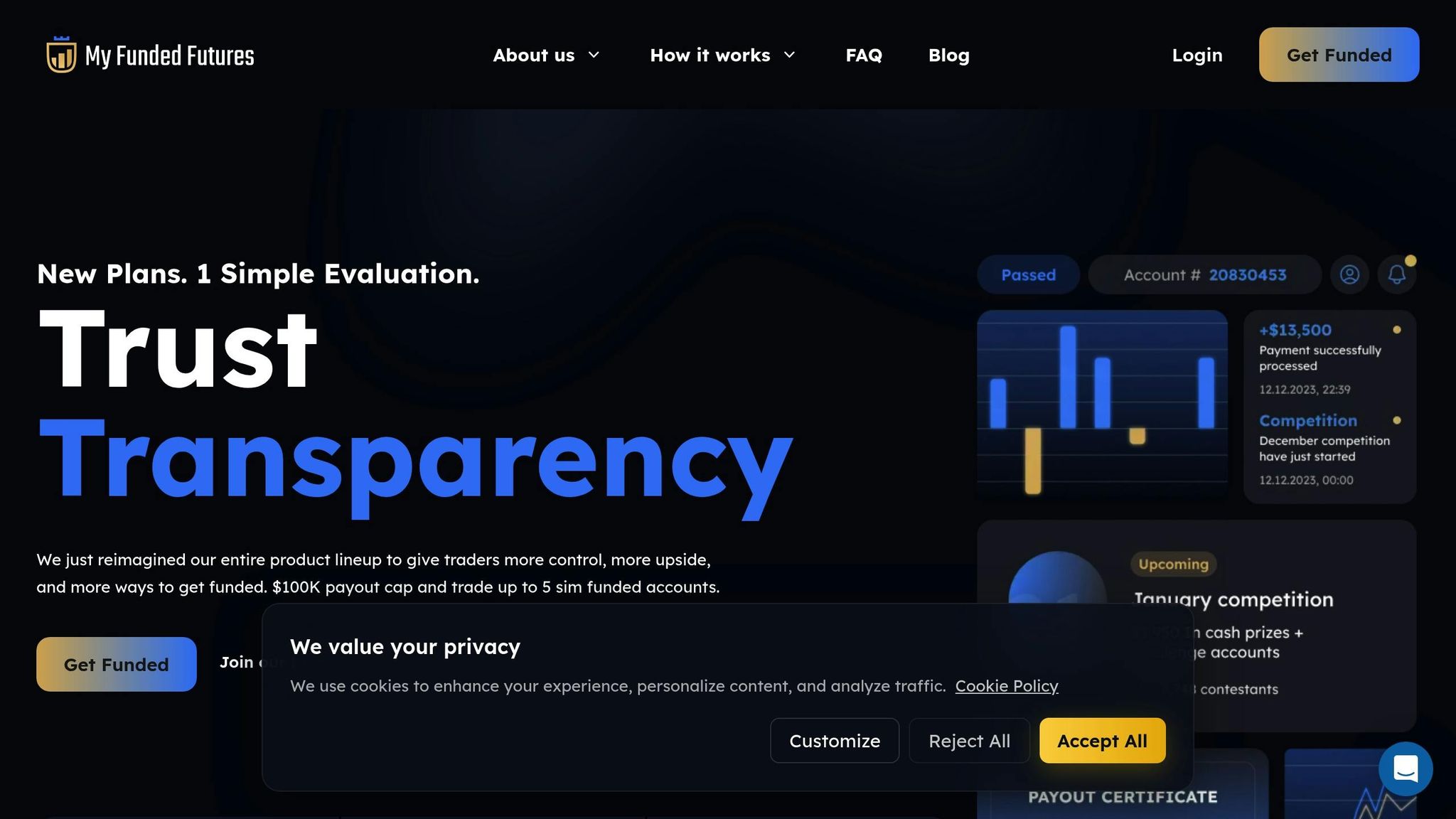
My Funded Futures (MFFU) provides an opportunity for traders to dive straight into live trading through its direct funding options, alongside its more traditional evaluation programs. This means traders can bypass assessments and start trading live accounts immediately.
Instant Funding Options
MFFU offers three account tiers - Starter, Milestone, and Expert - catering to traders with varying levels of experience. These plans come with the flexibility to manage up to 10 active accounts at once, and there’s no activation fee involved. However, if you breach the loss rules, reset fees range between $80 and $375 depending on the account type.
Brokerage Integration
Payouts for MFFU accounts are processed through Riseworks, though the firm doesn’t provide detailed information about its brokerage connections for instant funding accounts. To ensure a smooth trading experience, it’s a good idea for traders to confirm the quality of the execution infrastructure and data feeds directly with MFFU before opting for these accounts.
Automated Trading Restrictions
For traders using algorithmic strategies, MFFU may not be the best fit. The firm has a strict policy against high-frequency trading and AI-based automation on all accounts, including both evaluation and instant funding options. This makes it more suitable for traders who prefer manual or discretionary trading approaches.
3. DayTraders
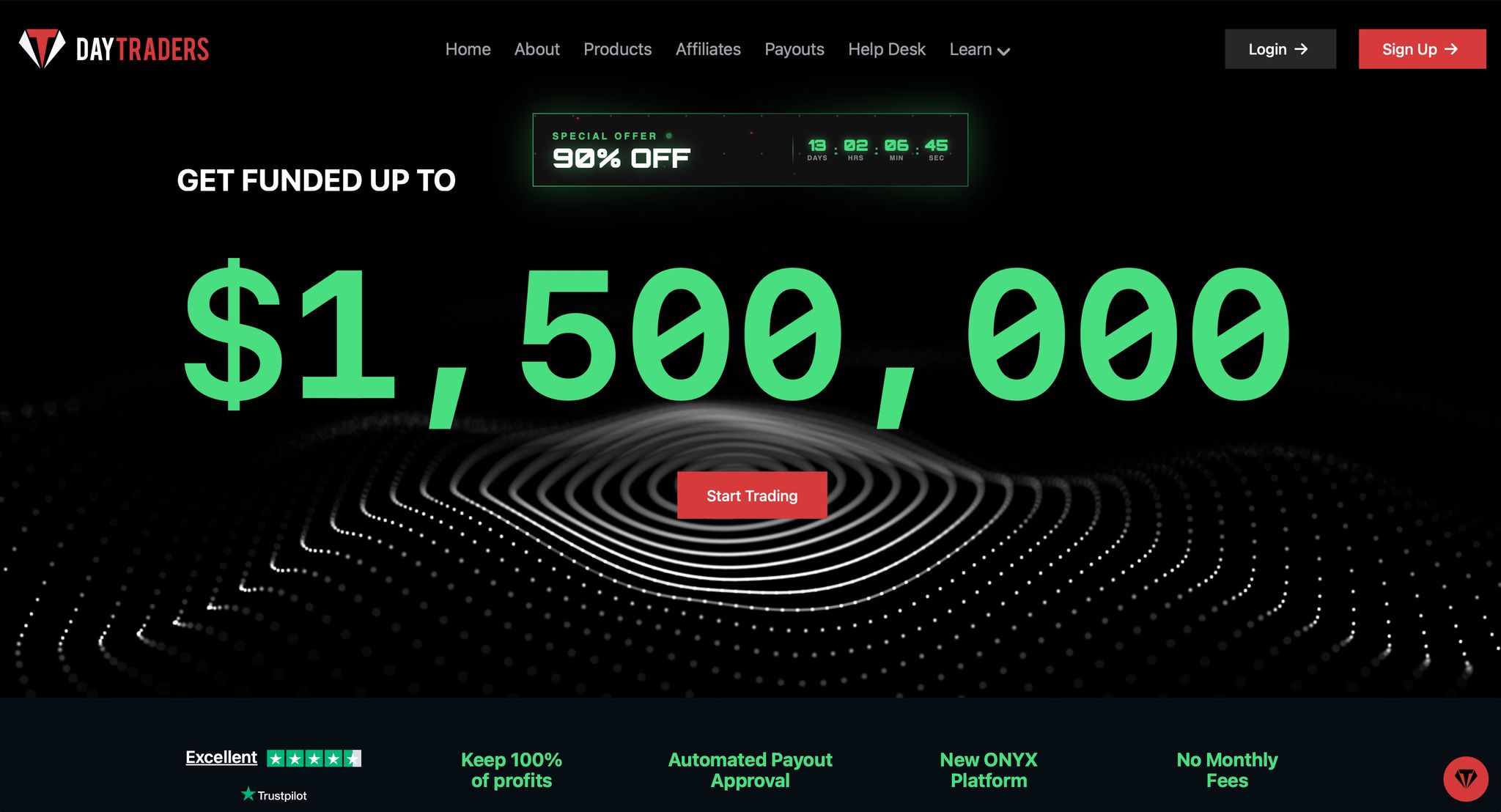 DayTraders.com offers multiple funding pathways designed to accommodate different trading styles and experience levels.
Instant Funding Availability
Traders may access funded trading through traditional evaluation-based funding or through Straight-to-Funded (S2F) accounts, which allow traders to begin trading immediately after account activation without an evaluation phase. DayTraders’ proprietary system enables instant account creation, allowing users to start trading quickly without lengthy onboarding delays.
DayTraders.com also offers a live funded account path, giving qualified traders the opportunity to trade real capital while maintaining defined risk limits designed to protect both the trader and the firm.
Supported Trading Platforms
DayTraders.com supports multiple professional trading platforms purpose-built for futures traders, all powered by Rithmic for real-time market data and execution connectivity.
#1 ONYX (Web-Based Platform)
ONYX is a modern, high-performance trading platform designed specifically for futures trading, offering:
- Fully browser-based access with no downloads or installations required
- Mobile-compatible access for trading on the go
- One-click trade execution
- Sub-millisecond order execution infrastructure
- Integrated TradingView charting with real-time Rithmic data feeds
- Built-in risk monitoring and trader dashboard tools
ONYX allows traders to access their accounts from virtually anywhere while maintaining institutional-grade performance.
#2 Quantower (Windows Desktop Platform)
Quantower is a well-established, professional Windows-based trading platform that has been used by active traders for many years. It offers:
- Advanced order management and execution tools
- Multi-chart and multi-asset layouts
- Professional-grade performance for experienced traders
- A built-in trade copier for structured copy trading
Quantower is provided through a licensed setup and is ideal for traders who prefer a robust desktop trading environment.
Traders can choose from multiple professional trading platforms based on their preferences and trading style.
Broker Integration
DayTraders.com’s trading environment is built on direct integration with professional market data and execution infrastructure, primarily through Rithmic, ensuring stability, speed, and execution reliability.
Traders access firm capital rather than depositing personal brokerage funds. As a result, accounts operate entirely within DayTraders’ internal trading ecosystem and dashboard, without the need for external retail brokerage accounts or third-party brokerage selection.
Automation and Copy Trading Permissions
DayTraders.com supports automation and structured copy trading while maintaining strong risk and compliance controls.
The platform includes proprietary in-house systems such as:
- Automated payout approval engines
- Built-in risk management controls
- Trader dashboards with automated rule and account monitoring
Structured trade copying is supported through ONYX and Rithmic-compatible environments, including rTrader Pro Copier. Traders may use a Lead and Follower account setup to replicate trades across multiple accounts in real time for consistent execution and streamlined account management.
Within ONYX, the Trade Copier mirrors trades placed on a Lead account to designated follower accounts. Quantower also includes a native trade copier for controlled replication. These tools require active trader oversight, configuration, and proper risk management.
Copy trading features are designed for synchronization and efficiency rather than fully autonomous automation. To prevent execution conflicts, multiple copy systems cannot be run simultaneously, and all trading activity must remain within defined account rules and risk parameters at all times.
4. Tradeify Futures

Tradeify Futures offers an Instant Funding Program that skips the usual evaluation phase, giving traders direct access to live trading capital. Here's a closer look at the program's main features:
Instant Funding Access
With no evaluation period required, traders can dive straight into live trading. However, daily profits are capped at 30–40% of total earnings per day.
Compatible Trading Platforms
Tradeify Futures works seamlessly with popular platforms like MetaTrader 4, MetaTrader 5, and DXTrade [6].
Rules for Automation
The program allows algorithmic trading through Expert Advisors. However, high-frequency trading and arbitrage strategies are strictly off-limits.
5. BluSky Trading

BluSky Trading focuses on the futures proprietary trading market, offering direct funded access models that skip the traditional evaluation process. However, the specifics of their instant funding program remain unclear.
Instant Funding Availability
With BluSky Trading's direct funded access models, traders can start trading with live capital right away, avoiding the usual challenge-based evaluations. While this approach sounds appealing, details like account sizes, pricing structures, and eligibility criteria for these instant funding options are not provided.
Supported Trading Platforms
Stay online and closer to execution. Choose a VPS location for CME futures, New York markets, London FX, API trading, and more.
Host your platform near the market route that matters.
CHINYCLONFrom $29.99/mo
CHI/CME futuresNYC/US marketsLON/FX EAsDUB/PolymarketAMS/EU FXFRA/Central EUTYO/APAC cryptoInformation about the trading platforms supported by BluSky Trading for their direct-funded accounts is currently unavailable. Whether they are compatible with popular futures platforms like NinjaTrader or Quantower has not been disclosed, leaving traders in the dark about platform options.
Automation and Copy Trading Permissions
BluSky Trading has not shared its policies regarding automation tools, copy trading, or the use of algorithmic and high-frequency trading strategies.
Given the limited transparency around BluSky Trading's funding specifics, platform compatibility, and trading policies, it's best for traders to reach out directly to the company for clarification before committing to their services.
6. Bulenox
Bulenox provides promotional direct funding opportunities, but information about these offerings is sparse. Such limited transparency is a recurring theme in direct funding promotions.
Instant Funding Availability
Bulenox has previously introduced direct funding promotions, though details like account sizes, pricing, and timing have not been disclosed. To stay informed, it’s best to keep an eye on updates via Bulenox's official communication channels.
Platform and Brokerage Integration
Details about supported trading platforms and brokerages, such as Rithmic or Tradovate, remain unclear. It’s also uncertain whether widely-used futures trading platforms like NinjaTrader or Quantower are compatible. Without this information, evaluating execution quality or connection stability becomes a challenge for traders.
Automation and Copy Trading Permissions
Bulenox has not clarified its stance on automation or copy trading policies, leaving traders in the dark on these aspects.
Given the lack of detailed information about Bulenox's direct funding programs, traders should proceed cautiously. Always verify the latest program specifics directly with the company and ensure compliance with drawdown rules, even in promotional funding setups.
Firm Comparison Table
Below is a quick overview of how six firms stack up when it comes to their funding models and specific features.
| Firm | Instant Funding Option Active? | Platforms (NT / Quantower) | Rithmic? | Tradovate? | Automation Allowed? | Copy Trading Allowed? |
|---|---|---|---|---|---|---|
| FundingTicks | Yes – Direct funded tiers available | Yes | Yes | Yes | Not specified | Not specified |
| My Funded Futures (MFFU) | Yes – Straight to funded options | Yes | Yes | Yes | No – HFT and automated tools strictly forbidden | Restricted |
| DayTraders | Yes – Straight to funded options | Yes | Yes | No | Yes | Yes |
| Tradeify Futures | Yes – Hybrid instant funding models | Yes | Yes | Yes | Yes | Yes |
| BluSky Trading | Yes – Direct funded access models | Yes | Yes | Yes | Yes | Not specified |
| Bulenox | Intermittent – Historical direct funding promos | Yes | Yes | No | Yes | Yes |
Pricing and availability can change frequently - always check with each firm for the latest updates.
Some of the details, especially around platforms and automation features, remain unclear. This lack of transparency means you'll need to reach out to these firms directly for specific answers. A firm like Bulenox, with its intermittent direct funding promotions, requires close monitoring as these opportunities can appear and disappear without much notice.
Ultimately, these comparisons underscore the trade-off of instant funding models: they offer speed but often leave out key details about execution and automation rules. Carefully weigh these differences as you decide which route to take.
Risk Warning: Instant Funding Does Not Mean Instant Payout
Here’s an important point for traders to understand: instant funding doesn’t mean you can immediately withdraw profits. While you might get access to real trading capital right away, that doesn’t translate to instant payouts.
Even when you skip the evaluation phase, you’re still bound by strict drawdown rules. These rules are in place to protect the firm’s capital and to ensure that trading success is based on consistent strategies, not just a streak of lucky trades. So, while you can start trading live capital immediately, you’re also expected to follow the firm’s policies from the very beginning.
Think of instant funding like being handed the keys to a powerful sports car. If you don’t respect the rules - like daily loss or drawdown limits - you could lose your account just as quickly, no matter whether you chose instant funding or went through a traditional evaluation process.
Even with immediate access to capital, firms often enforce a minimum trading period and strict risk limits before allowing any withdrawals. In many ways, this initial phase acts like a condensed evaluation period, emphasizing the need for disciplined risk management right from the start.
The higher upfront cost of instant funding can sometimes tempt traders to take on more aggressive trades in an effort to “make back” their investment quickly. This mindset, however, can lead to overleveraging and breaking the rules - pitfalls that the traditional evaluation process is designed to help traders avoid. Prop firms succeed by working with traders who are consistent and disciplined, not those who take unnecessary risks and blow up accounts.
So, even with instant funding, the same principles of risk management apply. Careful position sizing, sticking to daily loss limits, and staying emotionally disciplined are just as critical when trading live capital from day one. Without these practices, you risk losing your account just as quickly as you gained access to it. Stay disciplined - your trading success depends on it.
Direct Funded Accounts Still Have Drawdown Rules
When it comes to direct funded accounts, there’s no escaping strict trading rules. Just like the instant funding models discussed earlier, these accounts are carefully monitored to minimize risk.
From the moment you start trading, these rules kick in. For example, many futures prop firms enforce daily loss limits based on your account size. If you exceed these limits, your account is immediately terminated - no warnings, no do-overs.
Another rule to watch for is the maximum drawdown limit, which restricts how much you can lose from your account's peak balance. This applies to both realized and unrealized losses, meaning even potential losses in open trades are factored in.
What makes direct funding unique is that these rules are active from day one. Unlike evaluation accounts, where you might have some leeway or the option to reset, direct funded accounts operate in real-time trading conditions. There’s no buffer zone.
Some firms also use trailing drawdown rules, which adjust your allowable loss as your account balance grows. While this helps protect your gains, it also means you need to constantly refine your risk management strategy. This evolving structure demands discipline and precision.
On top of drawdown limits, many firms set position sizing restrictions. This ensures that no single trade puts too much of your account at risk, keeping your exposure manageable.
The biggest takeaway? Violating these rules often leads to immediate account termination. Unlike evaluation accounts, there are no second chances once you’ve been funded. These accounts expect you to trade with the precision and discipline of a professional right from the start.
If you’re transitioning from an evaluation account, it’s critical to understand how these rules can affect your live trading. Even traders who perform well in evaluations can struggle with direct funding if they underestimate how quickly drawdown limits can come into play.
Use Chicago VPS for Automated Scalping (<1ms CME)
In direct-funded trading, speed isn't just an advantage - it's a necessity. Automated scalping strategies thrive on millisecond precision, especially in fast-moving futures markets.
The Chicago Mercantile Exchange (CME) is the hub for most futures trading, and being physically close to its data centers can give traders a crucial edge. A Chicago-based VPS minimizes latency, ensuring your orders reach CME servers almost instantly. In volatile markets like gold, silver, or the Nasdaq (NQ), even the smallest delay can lead to slippage, cutting into profits and amplifying the costs associated with instant funding.
Proximity to data centers isn't just a technical detail - it’s a game-changer. QuantVPS Chicago, located with latency of under 1 millisecond to CME, offers faster order execution, reducing slippage. This is especially important for scalping strategies targeting fast-moving metals and NQ contracts, where precision can make or break profitability.
For scalpers working with razor-thin profit margins, every millisecond counts. Investing in ultra-low latency infrastructure like QuantVPS Chicago ensures you’re optimizing trade execution, which is critical when you’ve already committed to premium direct-funded accounts.
Periods of high market volatility - such as major economic announcements or the market open - demand instant reactions. Automated systems relying on real-time data and lightning-fast execution tools benefit significantly from reduced latency. This combination not only boosts trade accuracy but also enhances the performance of automated strategies.
In trading, milliseconds can separate success from missed opportunities. QuantVPS Chicago, with its <1ms connection to CME, delivers the speed you need for better fills and reduced slippage, particularly for fast-paced scalps in metals and NQ markets.
FAQs
What are the pros and cons of choosing instant funding over traditional evaluation models in futures trading?
Instant funding gives traders quick access to trading capital without the hassle of going through lengthy evaluation processes. This can be a big plus for anyone eager to jump into trading immediately. That said, this convenience usually comes with higher upfront costs, stricter rules, and often smaller profit splits compared to traditional evaluation accounts.
Even though instant funding saves time, traders still need to follow drawdown limits and other risk management rules. It’s essential to carefully consider whether the trade-off between speed and cost fits your trading objectives.
How can traders handle the higher costs and stricter rules of instant funding to maximize their success?
To navigate the higher costs and stricter rules tied to instant funding, traders need to prioritize disciplined risk management and smart trading tactics. Start by fully understanding the firm's drawdown rules and account requirements - this helps prevent avoidable mistakes that could jeopardize your account. Plan your trades with precision and steer clear of over-leveraging, as instant funding accounts often come with tighter risk constraints.
You might also want to explore tools like automated scalping paired with a low-latency VPS, ideally located near the CME, to improve trade execution and minimize slippage. While instant funding offers quicker access to capital, long-term success hinges on consistent performance and sticking to the firm's rules.
How can traders ensure their platform and broker are compatible when choosing a direct-funded account?
To ensure your direct-funded account works smoothly, start by checking which trading platforms the prop firm supports. Popular options might include NinjaTrader, Quantower, or others. Also, find out if the firm uses a specific data feed, such as Rithmic or Tradovate, and confirm that your platform of choice connects without issues.
It’s also worth investigating whether the firm allows features like automation or copy trading, as these can differ between providers. If anything is unclear, don’t hesitate to contact the firm’s support team for more information. Taking these steps in advance can help avoid unnecessary complications and keep your trading workflow running efficiently.