
Looking for the best AI tools for stock trading in 2026? Here’s what you need to know: AI has transformed trading, offering tools that analyze markets, predict trends, and execute trades faster than ever. Three standout platforms in the U.S. are Trade Ideas, Tickeron, and Kavout. Each caters to different trading styles and goals. If you prefer to define and inspect your own stock screens, compare TC2000's screening tools with the AI-led products here.
Quick Comparison:
| Feature | Trade Ideas | Tickeron | Kavout |
|---|---|---|---|
| Use | Stock scanning and AI signals | AI agents and market analysis | AI investment research |
| Tools | Premium AI signals and backtesting | Plan-specific agents and pattern tools | InvestGPT, stock pickers and research agents |
| Pricing | Standard $127/month; Premium $254/month; annual equivalents $89/$178 | Product-specific pricing; official overview $15 agents to $250 Expert | Free; annual Pro $192 and Premium $468 |
| Integration | Supported brokerage integrations | Check the selected agent/broker workflow | Research tools; verify API availability separately |
These platforms bring AI-powered insights to retail traders, helping them make faster, more informed decisions. Choose based on your trading style, budget, and goals.
1. Trade Ideas
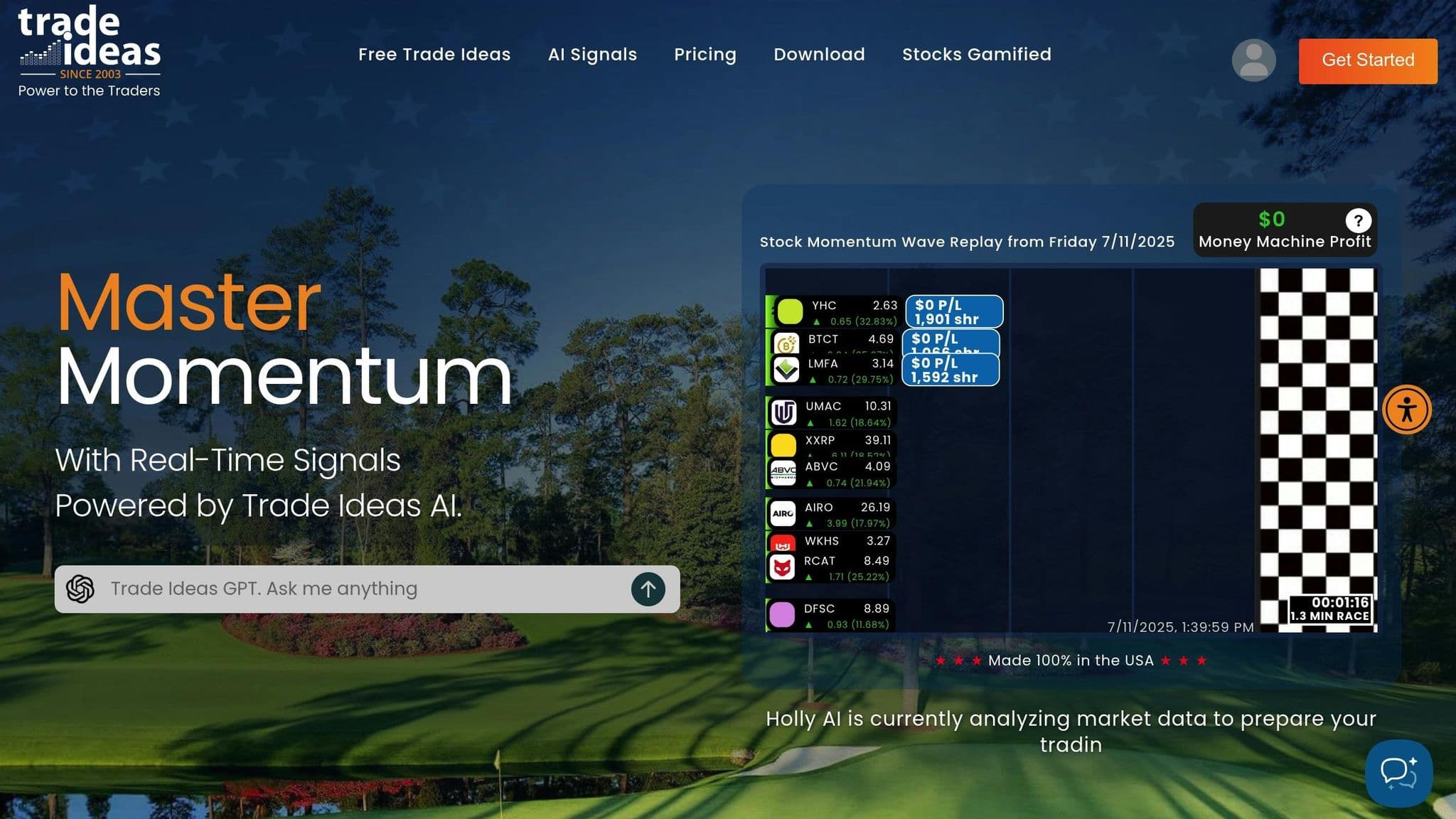
Trade Ideas is a stock scanner and charting tool designed for active U.S. traders. It tracks over 8,000 U.S. stocks in real time, offering insights into market trends and identifying potential trading opportunities. Here's a closer look at what makes Trade Ideas a go-to platform for traders.
Features
At the heart of Trade Ideas is Holly AI, an advanced system that analyzes market data to provide actionable entry and exit signals. Holly AI uses a variety of strategies, each based on algorithms crafted to spot patterns, anomalies, and market conditions that have historically led to profitable trades.
The platform also includes built-in scans and a customizable interface, giving traders the freedom to develop and refine their strategies. Key features include:
- AI-powered trade signals
- Real-time market scanning
- Customizable alerts
- Backtesting tools to evaluate strategies using historical data
Trade Ideas publishes AI-generated signals and strategy performance information, but these do not establish a universal win rate or guarantee market outperformance. Review current strategy results, costs and drawdowns rather than treating a percentage or review score as a promise.
Barry D. Moore, a Certified Financial Technician, highlighted the platform's strengths:
"Trade Ideas impressed me with its advanced stock scanner and trade signals powered by smart AI algorithms. It is designed for active day and swing traders, not long-term investors."
Evaluate any historical alert example in context. A past profitable stock signal does not predict future returns; compare a documented strategy across a representative period with costs and losses included.
Automation
Holly AI takes the guesswork out of trading by automating market monitoring. It generates quick, actionable trade suggestions, allowing users to respond to market changes without delay.
Uptime
99.999% uptime. Built for 24/7 trading reliability.
Your VPS runs in Tier IV datacenters with redundant power and network, monitored 24/7 on site.
See the uptime SLA







From $29.99/mo · Windows or Linux
Integration
Trade Ideas lets you execute trades directly from the platform through popular brokers like Interactive Brokers and E*TRADE. TradeStation is supported too. It also connects to Alpaca. Direct execution eliminates the hassle of manually transferring trade ideas, making the trading process more efficient.
Infrastructure Requirements
To run Trade Ideas effectively, certain system requirements must be met. While the platform is optimized for Windows operating systems, Mac users can access it through options like Bootcamp, Fusion, Parallels, AWS, Windows 365, or a web version (though the latter has limited functionality).
Here’s a breakdown of system requirements:
| Requirement | Trade Ideas desktop |
|---|---|
| Operating system | Supported Windows environment; Mac use requires a supported Windows setup or web product |
| Hardware | Consult the current vendor requirements for your selected desktop version |
| Display/storage | Plan space and displays for your actual scanning and charting workload |
For the best experience, an SSD, a stable internet connection, and multiple monitors (e.g., one 4K screen or two 1080P screens) are recommended.
Pricing and Support
Trade Ideas Standard costs $127 per month or $1,068 per year ($89 effective monthly). Premium costs $254 per month or $2,136 per year ($178 effective monthly) and includes AI signals and backtesting. Prices were checked in October 2026 and can change. Test with paper trading before enabling live orders.
2. Tickeron
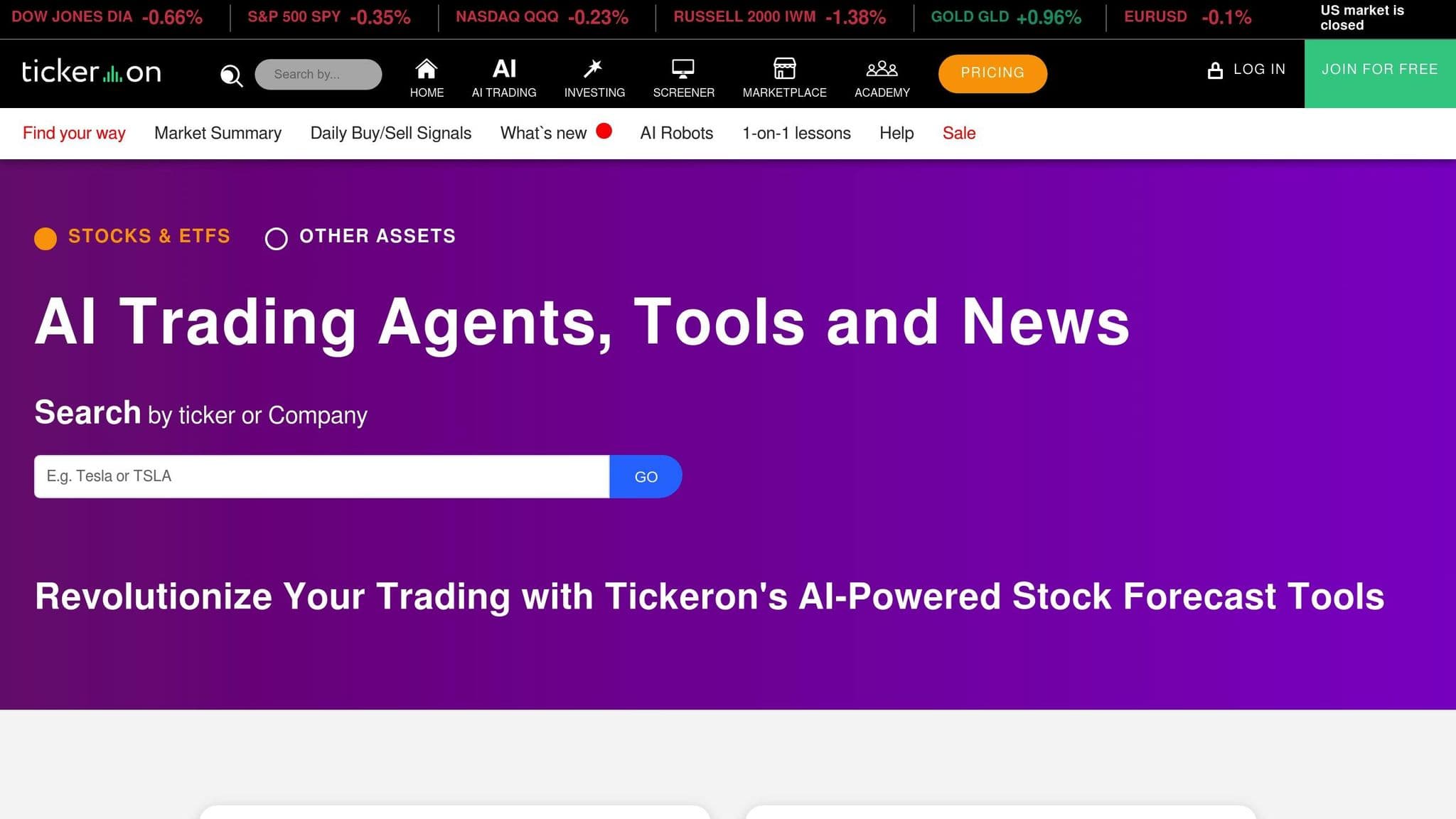
Tickeron is an AI-powered trading assistant designed for stocks, ETFs, forex, and crypto. It provides traders with advanced market analysis tools that are on par with those used by major Wall Street firms.
Features
Tickeron offers AI trading agents, pattern recognition and trend analysis. Accuracy and backtest results vary by agent, ticker, period and methodology; they are not a universal 80% prediction rate or a guarantee of profitable trades.
Here are some key features:
- AI-powered buy/sell signals with real-time pattern recognition
- Customizable AI algorithms for individual trading styles
- Portfolio optimization tools featuring Diversification Score analysis
- Market scanners with adjustable filtering options
- Educational resources, including webcasts, blogs, and an investment terms library
Tickeron provides web and mobile access to its market tools. Review the selected agent’s current methodology, trading horizon and results rather than relying on a stale app-store rating.
Automation
Tickeron takes automation to the next level by generating trade signals that respond quickly to market changes. The platform's AI Trading Agents have been upgraded to analyze market data at shorter intervals - reduced from 60 minutes to just 15 or even 5 minutes. Shorter intervals produce more frequent updates; they do not guarantee more accurate trade signals, as the AI continuously evaluates market trends and patterns.
Integration
Tickeron’s execution and brokerage connections depend on the selected product. Confirm current supported brokers and whether the tool provides signals, paper trading or account execution. The availability of an AI signal does not itself mean an order has been placed.
Infrastructure Needs
To make the most of Tickeron's features, a reliable computer setup is essential. The platform's AI tools demand a system capable of efficiently handling charting, data feeds, and trade execution. With the adoption of shorter machine learning intervals, having the right hardware is even more critical. Here’s a quick overview of the recommended setup:
| Component | Tickeron web access |
|---|---|
| Operating system | Use a supported, current browser on the chosen operating system |
| Hardware | Tickeron does not require the specific CPU/RAM/storage figures previously listed here |
| Connection | Maintain a reliable internet connection for current data |
| Displays | Multiple displays are optional, based on workflow |
While mobile and web access are available, a desktop setup with multiple monitors is ideal for active day traders. Windows remains the preferred operating system for trading applications due to its compatibility.
Tickeron prices its products separately. Its official overview describes 60-minute agents from $15 and Expert membership at $250, with additional tools potentially costing more. Check the exact agent, billing term and current checkout price rather than applying one $125 annual price to the whole platform.
3. Kavout
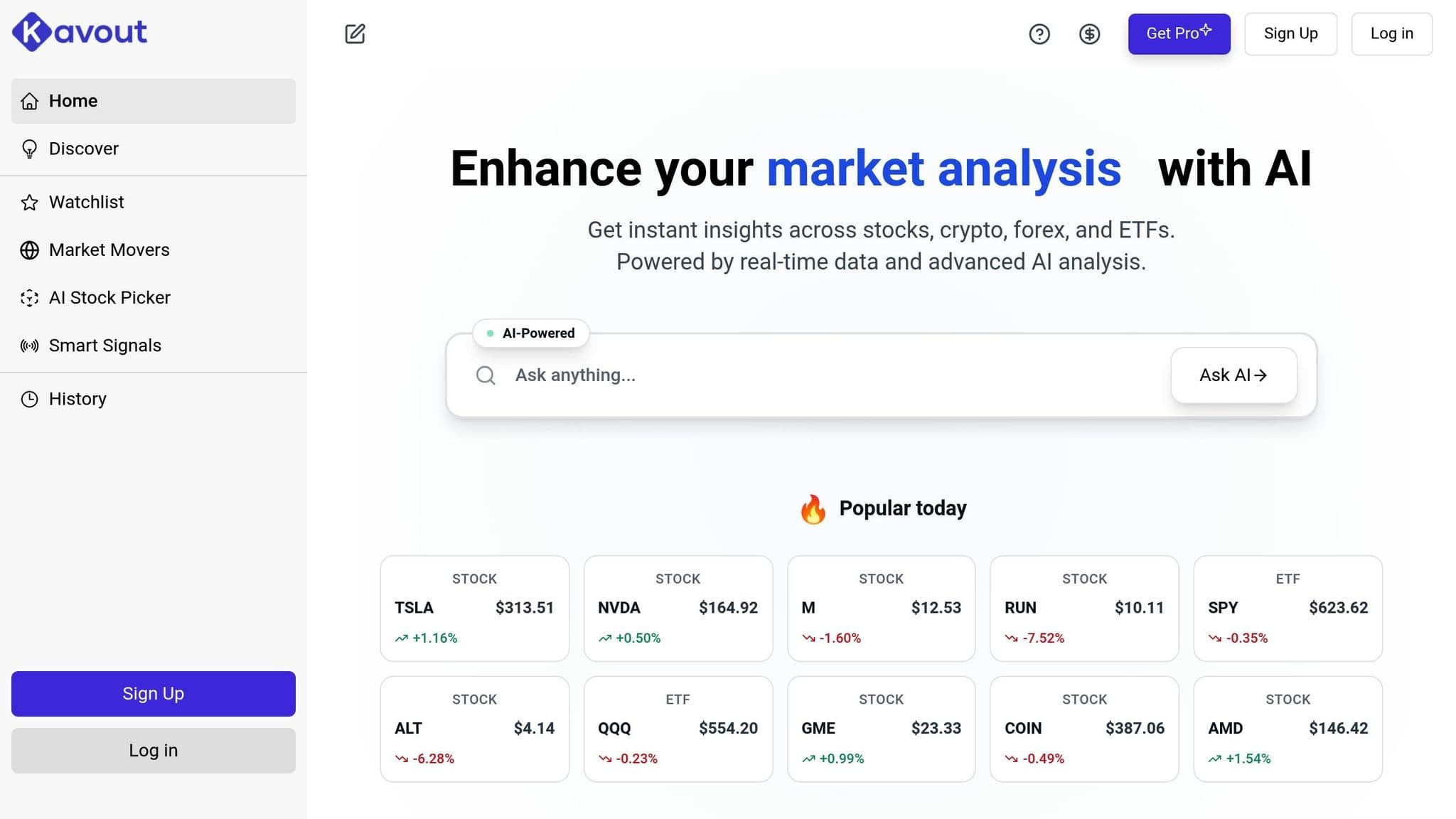
Kavout is an AI-driven investment platform that evaluates over 9,000 U.S. stocks every day. At the heart of its offerings is InvestGPT, a tool equipped with smart query capabilities, AI-powered stock pattern recognition, and a portfolio toolbox.
DDoS protection
DDoS protection included. On every plan.
Always-on mitigation filters attack traffic at the network edge. Every plan includes a dedicated IP and unmetered bandwidth for the trading environment.
See every security layerFrom $29.99/mo · Windows or Linux
Features
Kavout's standout feature is its ability to provide real-time signals and in-depth analysis across various assets. With custom live scans and instant alerts, traders can stay on top of market movements without delay.
InvestGPT enhances this by enabling smart queries for financial data, identifying stock patterns, and offering tools for both long-term investors and active day traders. For fundamental analysis to guide long-term decisions or momentum indicators for short-term trades, Kavout has you covered.
Automation
Kavout simplifies trading by automatically monitoring market data and updating custom lists. This ensures traders are alerted to significant market changes without needing to manually track them. Its automated signals and momentum indicators cater to both day and swing trading strategies, delivering actionable insights in real time.
The platform continuously processes data from thousands of stocks, eliminating the need for manual scanning. This allows users to focus on strategy while the AI handles the heavy lifting of data analysis.
Integration
Kavout is designed to integrate smoothly into various trading workflows. As the company explains:
"Whether you're trading, investing, or advising, Kavout adapts to your workflow".
Active traders benefit from real-time signals, long-term investors can use its fundamental analysis tools, and financial advisors gain access to client-ready reports and portfolio optimization features.
Kavout’s current consumer plans provide AI investment research. Confirm API availability and licensing separately with Kavout before planning an integration; research-plan access does not itself authorize automated brokerage orders. Research analysts can also use the platform for deep-dive analysis and alternative data insights, making it a versatile tool for institutional-grade research.
Pricing
Kavout has a Free plan and paid Pro and Premium plans. The current official page lists annual Pro billing at $192 ($16 effective monthly) and Premium at $468 ($39 effective monthly). Credits and features differ by plan. Prices were checked in October 2026 and can change.
AI Stock Trading Apps
Some brokers and trading apps now build AI into the app itself. The table below compares three AI stock trading apps by what the AI does, what it costs and which broker places the trades (prices checked on 10 Oct 2026).
| App | What the AI does | Price | Broker |
|---|---|---|---|
| Robinhood Cortex | Answers portfolio and research questions, builds stock screeners and drafts market, stop and limit orders that you review and submit | Included with Robinhood Gold, $5 a month | Robinhood |
| Composer | Trade with AI helps you find and evaluate strategy ideas, which you backtest in a no-code editor and then trade automatically | Starter $0; Advanced $10 a month; Pro $32 a month billed yearly ($384) | Composer Securities; accounts carried by Alpaca Securities and Apex Clearing |
| Trade Ideas | Holly AI signals, backtesting and auto trading on the Premium plan | Premium $2,136 a year ($178 a month equivalent); Standard $1,068 a year without AI signals | Brokerage integrations: TradeStation, Interactive Brokers, E*TRADE and Alpaca |
None of these apps promise returns. Robinhood states that Cortex cannot give buy or sell recommendations, so treat every AI output as research and test it with small size or paper trading first.
Advantages and Disadvantages
Looking at the platforms side by side, it's clear each brings its own strengths and challenges to the table.
Trade Ideas offers AI-powered tools for day trading and real-time scanning. Its Premium plan includes AI signals and backtesting; performance varies by strategy and period. However, it falls short with an outdated interface and the absence of a mobile app, which can be a dealbreaker for some traders.
Tickeron offers quantitative tools and actively managed AI portfolios, making it appealing to users who enjoy data-driven strategies. That said, its steep learning curve can be daunting for beginners unfamiliar with quantitative analysis.
Kavout strikes a balance with its InvestGPT technology and stock analysis features. It caters to a wide audience, including active traders, long-term investors, and financial advisors. Confirm any API integration separately with Kavout; the current research plans do not list that as an included execution feature.
| Feature | Trade Ideas | Tickeron | Kavout |
|---|---|---|---|
| Primary strength | Real-time scanning and Premium AI signals | Agent-based analytics and pattern tools | AI research, InvestGPT and stock tools |
| Considerations | Desktop workflow and subscription cost | Product selection, pricing and validation | Research credits and selected plan features |
| Performance | Strategy-dependent; no universal win rate | Agent-dependent; no universal accuracy claim | Research output does not guarantee investment returns |
These comparisons shed light on what each platform excels at and where they might fall short, helping users make more informed decisions.
For technical requirements, Trade Ideas is built for Windows users, while Tickeron and Kavout are cloud-based and can run on any operating system, as long as there's a stable internet connection.
Pricing and user experience also vary significantly. Trade Ideas is on the pricier side and limited to Windows, while Tickeron offers flexible subscription plans but demands a certain level of expertise to navigate. Kavout, on the other hand, offers lower-priced research plans; API access must be confirmed separately. However, Tickeron has faced criticism for issues like inaccurate predictions despite high confidence scores, mobile app glitches, and challenges with subscription cancellations. These user experiences highlight the importance of thoroughly testing a platform before committing to a long-term subscription.
Order flow
Built for scalpers. Heatmaps on dedicated resources.
Order-flow heatmaps and DOM ladders run on dedicated CPU, memory and NVMe, so your charts keep responding during volatility.
See the dedicated hardwareFrom $29.99/mo · Windows or Linux
Final Thoughts
Choosing the right AI trading platform comes down to finding one that matches your experience, trading style, and personal goals.
Trade Ideas is a standout for seasoned day and swing traders who thrive on analyzing intricate market data. Its AI tools test and adjust a range of strategies, which suits traders who want data-driven trade ideas, but past signal results do not guarantee future returns.
Tickeron offers a balanced approach, providing quantitative tools and AI-driven signals, though some users report inaccurate predictions even when confidence scores are high. It’s particularly useful for traders who appreciate community-driven insights, though beginners might need some time to get comfortable with its features.
For those seeking a platform that blends education with comprehensive market analysis, Kavout delivers on multiple fronts. By combining fundamental, technical, and behavioral data, it’s an excellent option for professionals and investors focused on long-term strategies.
If you’re trading within U.S. markets, both Trade Ideas and Tickeron works with U.S. brokerage accounts and trading hours. Kavout’s current paid plans cover more than 30 global markets, as well as crypto and forex.
In short, Trade Ideas suits active traders who want real-time scanning and AI signals, Tickeron offers AI signals at a range of price points that you should test before relying on them, and Kavout focuses on investment research. To find the best fit, consider exploring free trials and see which platform aligns with your trading style and goals.
FAQs
How do Trade Ideas, Tickeron, and Kavout differ in their AI features and target users?
Trade Ideas caters to active traders and professional investors, offering tools to keep up with markets. With its Virtual Trade Assistant, Holly AI, users get real-time stock suggestions and precise entry and exit signals. This makes it a go-to platform for those who rely on quick, data-backed decisions.
Tickeron is aimed at retail investors and traders, delivering AI-powered analytics and adaptive buy/sell signals. These features are designed to simplify trading strategies while aiming to outperform market benchmarks, making it an appealing option for those seeking automated tools.
Kavout serves both retail and professional investors, providing sophisticated AI tools like the AI Stock Picker and Kai Score. These tools offer in-depth stock and crypto analysis, making it a strong choice for anyone in need of detailed, data-driven insights.
What are the costs of AI trading platforms, and how do they deliver value for traders?
Prices differ by product and billing term. Trade Ideas Standard is $127/month or $89 effective monthly annually, and Premium is $254/month or $178 annually. Tickeron charges separately for selected agents and memberships. Kavout offers Free, annual Pro at $192 and annual Premium at $468. Compare the exact included features and current checkout price rather than assuming all AI platforms start near $90/month.
What technical factors should I evaluate when selecting an AI trading platform, and how do they affect performance?
When picking an AI trading platform, you should focus on three key factors: scalability, computational performance, and data security. Scalability allows the platform to handle massive amounts of real-time market data and adjust as your trading requirements expand. High computational performance is crucial for executing advanced algorithms swiftly, enabling you to act on time-sensitive opportunities. Meanwhile, strong data security ensures your financial information and trading activities stay safe.
These elements play a critical role in delivering precise, timely, and dependable trading insights - essentials for refining your strategies and boosting profitability.


