
NinjaTrader, MultiCharts and TradeStation suit traders who build scripted futures strategies, while Sierra Chart, Jigsaw Trading and ATAS suit scalpers who need fast execution and order flow. Desktop platforms stop trading when the PC sleeps or restarts, so run them on a CME VPS to keep strategies live.
This guide covers futures only; for automated trading platforms for stocks and forex, see our multi-asset guide. Mac users can compare futures trading platforms for Mac.
The 16 platforms at a glance:
- NinjaTrader: A favorite for retail futures traders, offering powerful automation tools like NinjaScript and ultra-low latency execution.
- Quantower: Multi-asset trading platform with advanced charting and API automation for futures, forex, crypto, and equities.
- TradeStation: Known for its EasyLanguage scripting and fast execution, ideal for active traders.
- Sierra Chart: Precision-focused platform with low-latency execution and advanced charting for scalpers and high-frequency traders.
- MultiCharts: Designed for professional traders, supports PowerLanguage and C# scripting for custom strategies.
- Optimus Futures: Connects traders to multiple platforms and brokers like Rithmic and CQG for high-performance execution.
- Tickblaze: Specializes in quantitative research and portfolio testing for professional algorithmic traders.
- StrategyQuant X: AI-driven platform for automatic strategy generation and optimization.
- Bookmap: Visualizes order flow with heatmaps, ideal for short-term price action analysis.
- Jigsaw Trading: For order flow analysis and tape reading, perfect for scalpers.
- ATAS: Focuses on volume and order flow analysis with tools like footprint charts.
- MetaTrader 4 (MT4): Supports automated trading via Expert Advisors (EAs) and is widely used for forex and futures.
- MetaTrader 5 (MT5): An upgraded version of MT4 with faster backtesting and multi-asset support.
- Interactive Brokers (IBKR): Offers institutional-grade tools, global market access, and API support.
- MotiveWave: Known for advanced Elliott Wave analysis and harmonic pattern tools.
- Tradovate: A cloud-based platform offering fast, reliable execution and mobile access.
Quick Comparison
| Platform | Automation Support | Asset Classes | Key Features | Pricing (Starting From) |
|---|---|---|---|---|
| QuantVPS | VPS for all platforms | N/A | 0.52ms network latency from Chicago to CME; 99.999% uptime | $29.99/month |
| NinjaTrader | NinjaScript (C#) | Futures, Forex | Ultra-low latency, deep broker integration | Free (limited) |
| Quantower | API automation | Multi-asset | Advanced charting, broker connectivity | Free limited version; $70/month All-in-One |
| TradeStation | EasyLanguage | Futures, Stocks, Options | Fast execution, backtesting | $0 platform fee for brokerage clients (commissions apply) |
| Sierra Chart | C++ scripting | Futures | Professional-grade tools, low latency | $26/month |
| MultiCharts | PowerLanguage, C# | Futures, Equities | Advanced automation, backtesting | $99/month |
| Optimus Futures | Platform-dependent | Futures | High-speed execution, multiple platforms | Brokerage fees apply |
| Tickblaze | C# and Python strategies | Multi-asset | Quantitative research tools | $495/year (TB Light) |
| StrategyQuant X | AI-driven automation | Futures, Forex | Strategy generation, optimization | Lifetime licence, from $129/month for 12 months |
| Bookmap | Semi-automated | Futures | Order flow visualization | Free; paid from $49/month (Global) |
| Jigsaw Trading | Limited automation | Futures | Tape reading, DOM tools | $579 (lifetime license) |
| ATAS | Analysis-focused | Futures | Volume, order flow analysis | Free Start plan; paid from €24.95/month |
| MetaTrader 4 | Expert Advisors (MQL4) | Forex, CFDs | Automation tools, broker support | Free (broker-dependent) |
| MetaTrader 5 | Expert Advisors (MQL5) | Multi-asset | Faster backtesting, modern scripting | Free (broker-dependent) |
| Interactive Brokers | API support | Global multi-asset | Institutional-grade tools, global access | $0 monthly fee (tiered commissions) |
| MotiveWave | Full automation | Multiple assets | Elliott Wave, harmonic tools | Free (Community); from $24/month; strategies need PRO ($99/month) |
| Tradovate | Limited automation | Futures | Cloud-based, mobile access | $0 monthly fee (commission-based) |
The right platform depends on your trading goals. Scalpers may prefer Sierra Chart or Jigsaw Trading for speed and order flow. Algorithmic traders might opt for NinjaTrader, TradeStation, or MultiCharts for advanced scripting. Those managing multiple asset classes could benefit from Quantower or Interactive Brokers. No matter your choice, reliable hosting like QuantVPS ensures your strategies run smoothly.
Keep your strategy running while you're away.






1. NinjaTrader
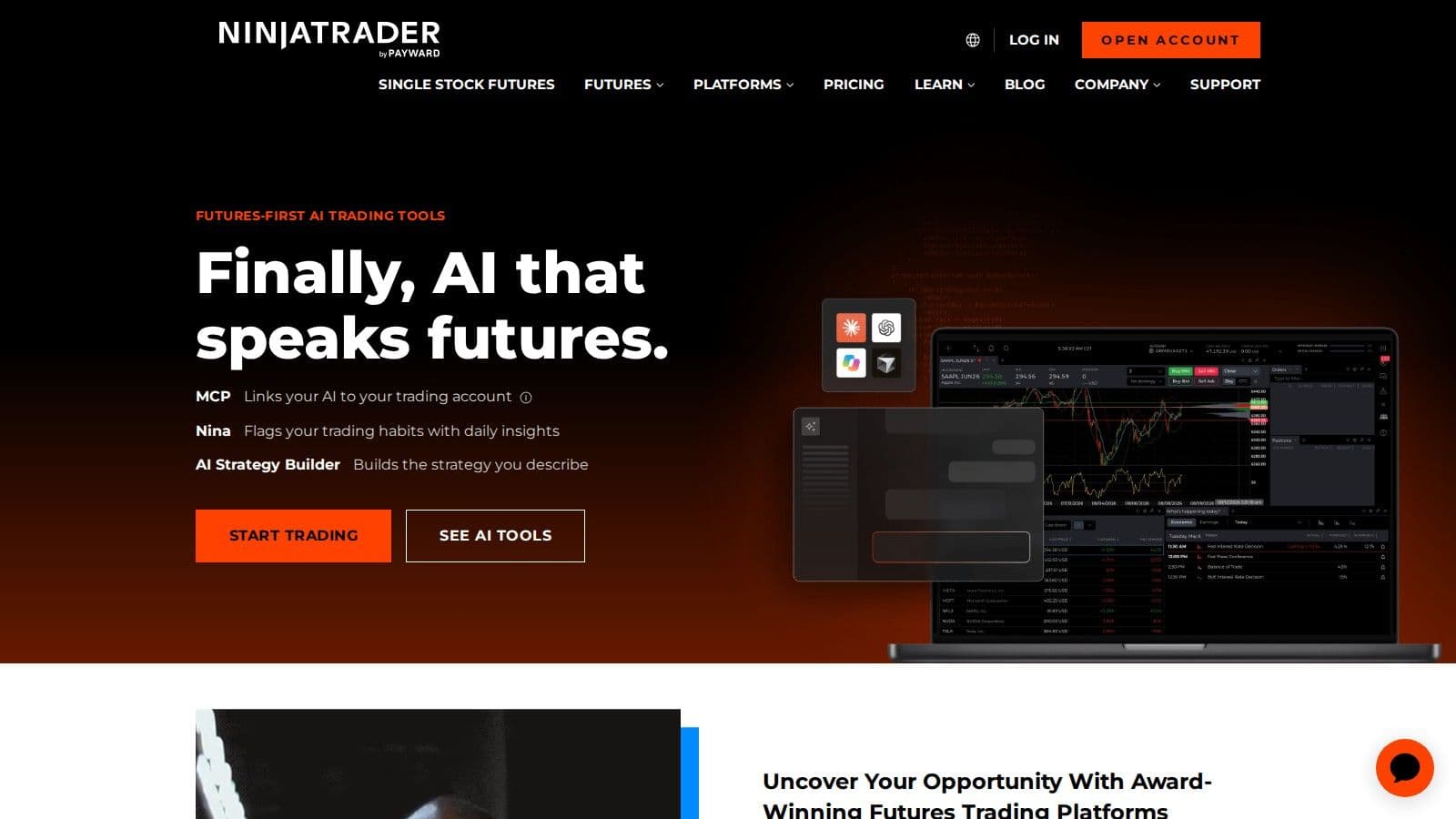
Here's a closer look at what makes it stand out.
Automation Features (Native Scripting, APIs, and Integrations)
The NinjaTrader Desktop platform simplifies trading decisions by automating backtested entry and exit rules, executing them on live or simulated data. This approach helps traders avoid emotional decision-making during critical moments.
Its Automated Trade Management (ATM) system is a standout feature, capable of submitting stop-loss and take-profit orders within milliseconds. For added flexibility, the Custom ATM Strategy Builder lets users create advanced order types like One Cancels Other (OCO), bracket orders, trailing stops, and breakeven stops.
Third-party bots and plugins can also run inside NinjaTrader; for those, see futures trading bots compared.
Supported Asset Classes (Futures and Forex)
While NinjaTrader shines in futures trading, thanks to its strong exchange integrations, it also supports forex markets, making it a versatile choice for traders handling multiple asset classes.
Order Execution and Latency Performance
Speed is critical in trading, and NinjaTrader delivers with ultra-low latency execution through its brokerage integrations. This ensures automated strategies can respond to market changes instantly, which is essential for high-frequency trading where every millisecond counts.
Tools for Analysis and Trading Strategy Optimization
NinjaTrader equips traders with a suite of tools for in-depth analysis and strategy refinement. Its customizable charting and real-time analysis capabilities are bolstered by thousands of third-party add-ons, apps, and trading indicators. With a C#-based development framework or a simple point-and-click interface, the platform supports creating custom tools, apps, and automated strategies.
For those who demand precision, NinjaTrader offers specialized features like Footprint Charts for order flow trading, Tick and Range Charts for scalping, and chart pattern recognition tools. These tools provide the granular market insights needed for accurate entry and exit timing.
Another highlight is NinjaTrader's free, unlimited simulated trading environment. This feature allows traders to practice and refine their strategies without risking real money, making it a valuable resource for both beginners and seasoned traders alike.
2. Quantower
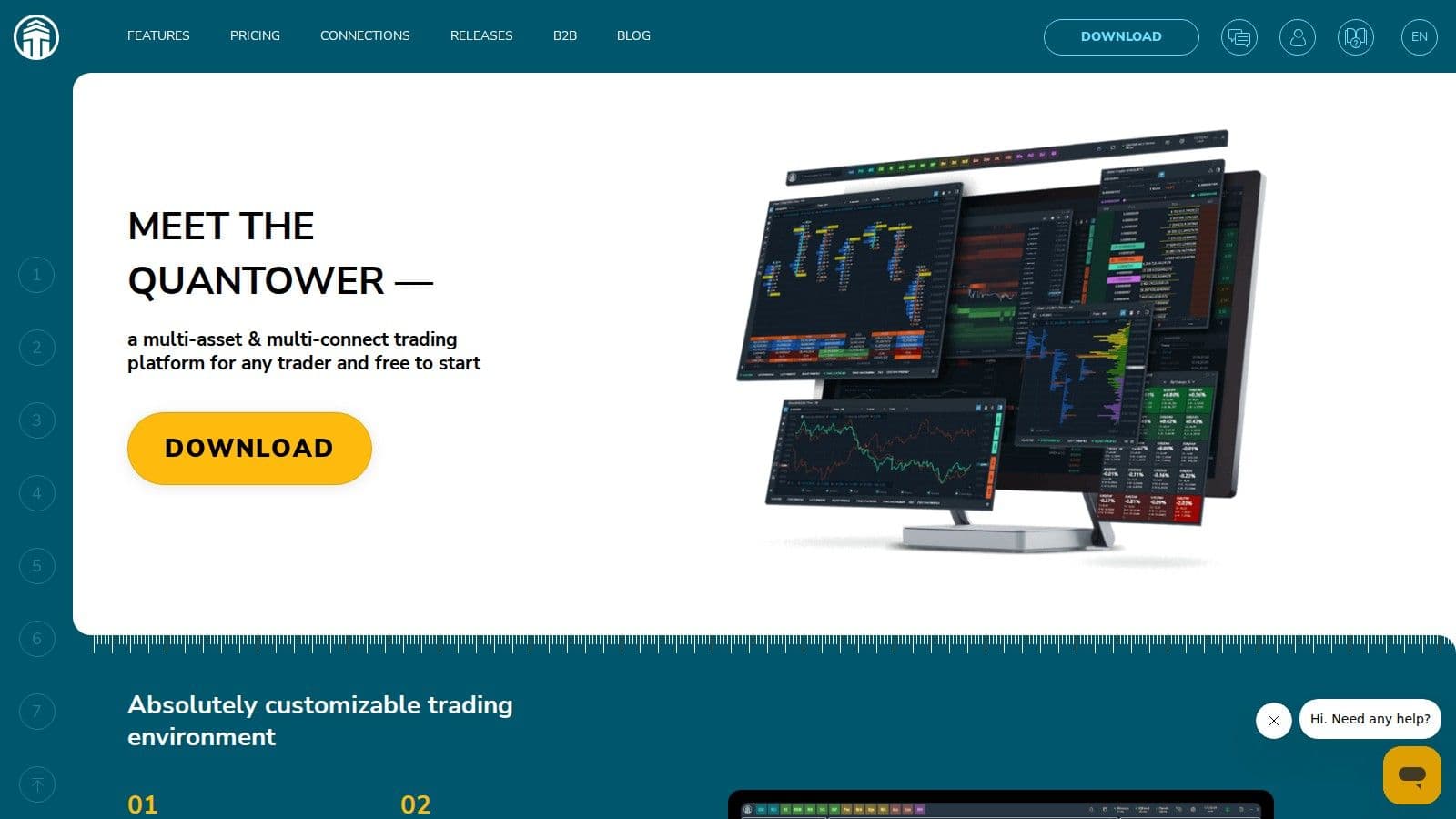
Quantower is a versatile trading terminal that brings together futures, forex, crypto, and equities in a single platform. It’s designed to simplify multi-market trading by offering access to a variety of asset classes.
Supported Asset Classes (Futures, Forex, Crypto, Equities)
Quantower supports trading across futures, forex, crypto, and equities, all from one unified workspace. This integration lets traders use cross-market strategies or hedging without juggling multiple accounts and platforms. Everything you need is in one place, making the trading process smoother and more efficient.
Order Execution and Latency Performance
The platform connects to numerous brokers and data feeds, giving traders the flexibility to choose the execution venue that best aligns with their strategies. This broad connectivity helps reduce latency, a factor in fast-moving markets where every millisecond counts.
Tools for Analysis and Strategy Optimization
Quantower offers advanced charting tools with customizable layouts and a wide range of technical indicators for in-depth visual analysis. The platform also supports extensive workspace customization, perfect for traders who rely on multiple monitor setups. For quick scalping or managing a diversified portfolio, Quantower can adapt to your trading style with ease.
3. TradeStation
TradeStation has carved out a niche for active traders who prioritize fast execution and advanced automation tools. TradeStation says it won "Best in Class" awards for Futures Trading and Active Traders, plus the #1 Innovation award, in the StockBrokers.com 2026 Online Broker Review.
Automation Features: Customization and APIs
One of TradeStation's standout features is its EasyLanguage scripting tool, which allows traders to create custom indicators, strategies, and fully automated trading systems. On top of that, the platform offers APIs, enabling alerts and trade execution across futures, equities, and options.
Fast Execution and Low Latency
TradeStation's infrastructure is built to support complex automation and advanced order types, ensuring rapid and reliable trade execution. This level of performance is critical for futures traders who rely on split-second decisions.
Advanced Tools for Strategy and Analysis
TradeStation isn't just about speed and automation - it also excels in analytics. It's been described as a "powerhouse for charting, analytics, and trade management", giving advanced traders unparalleled control over their strategies. The platform also provides backtesting tools that let users test strategies with historical data before going live. This combination of analytics and automation makes it a favorite among quants and systematic traders looking for precision and efficiency.
4. Sierra Chart
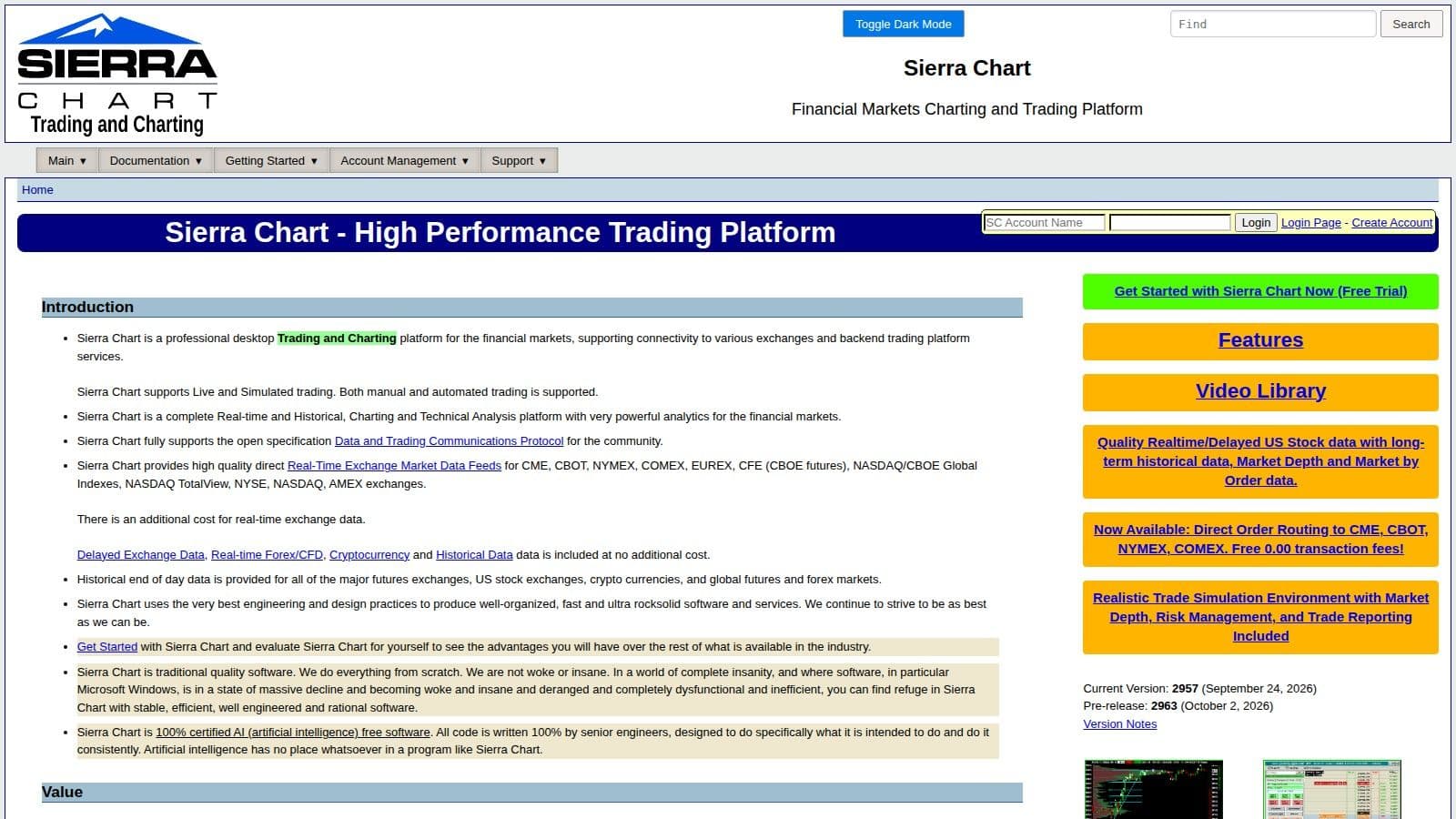
Sierra Chart is a high-performance futures trading platform designed for traders who prioritize precision and speed. Packed with professional-grade tools, it’s a go-to choice for scalpers and trading firms that need direct market access and ultra-low latency execution.
Automation Features
Sierra Chart offers a powerful automation setup, featuring a native C++ scripting environment and API support for various programming languages. It also includes advanced backtesting and strategy development tools, giving traders the ability to test and refine their approaches with ease. This strong automation framework complements the platform's focus on fast and efficient execution.
Order Execution and Latency
With direct market access at an institutional level, Sierra Chart delivers low-latency order execution, making it ideal for high-frequency trading in dynamic markets.
Customizable Charting and Affordable Pricing
In addition to its execution capabilities, Sierra Chart provides highly customizable charting tools, allowing traders to design layouts that suit their individual strategies. Prices start at $26 per month for the Base Standard package (Service Package 3). Packages with external broker and data feed connectivity start at $36 per month (Integrated Standard, Service Package 10) (checked on 7 Nov 2026). Like other top-tier platforms, Sierra Chart prioritizes automation and speed - two critical elements for success in modern futures trading.
5. MultiCharts
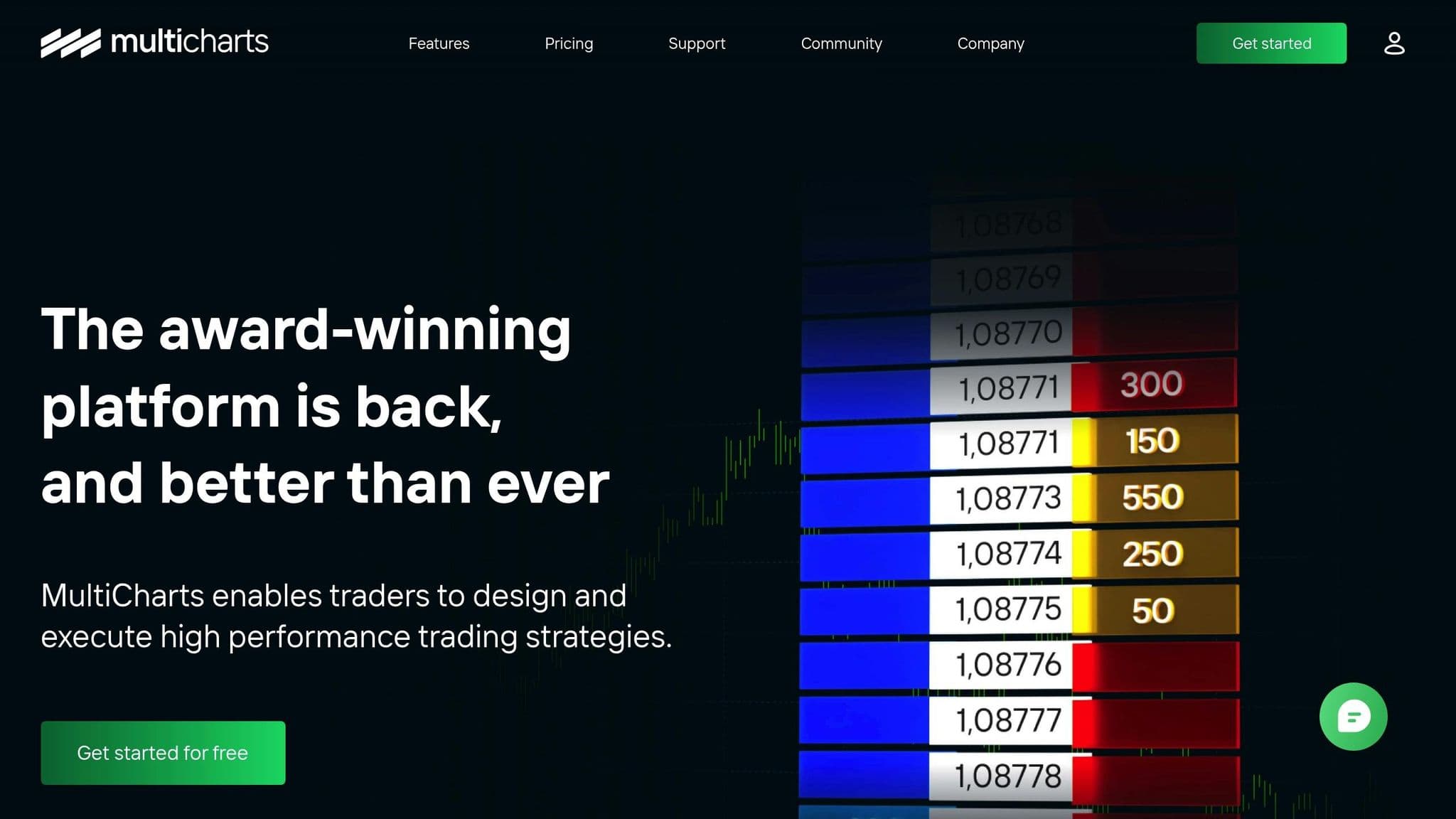
MultiCharts is a powerful platform for professional futures trading. It provides traders and developers with a suite of tools designed for creating strategies and ensuring precise execution. To see what a MultiCharts licence includes, read our MultiCharts explainer.
Automation Features
MultiCharts leverages PowerLanguage, enabling users to craft custom indicators and strategies. For those who prefer coding in C# or VB.NET, the.NET edition works with Visual Studio, supporting both 32-bit and 64-bit versions. Additionally, its API access opens the door to algorithmic trading, making it a flexible option for developers.
Supported Asset Classes
The platform supports futures, forex, and equities, bringing these asset classes together in one streamlined environment for strategy development and execution.
Order Execution and Latency Performance
Speed and accuracy are critical in futures trading, and MultiCharts delivers on both. It provides precise market data with minimal latency and executes orders within milliseconds - an essential feature for traders operating in fast-moving markets.
Tools for Analysis and Strategy Optimization
MultiCharts boasts high-definition charting, a wide range of technical indicators, and a backtesting system. These tools allow traders to test and refine their strategies thoroughly before going live. To keep live strategies running when your computer is off, host them on a MultiCharts VPS.
MultiCharts now has a Free plan for strategy development and backtesting, without broker connections or automated trading. Standard costs $99 a month and Advanced $149 a month on monthly billing, and the .NET edition costs the same as the regular edition (checked on 7 Nov 2026). For those looking to experiment with smaller-scale strategies, MultiCharts also supports micro futures trading.
With its advanced scripting capabilities, reliable execution, and extensive testing tools, MultiCharts is a strong choice for traders who prioritize systematic and data-driven approaches to futures trading. If the platform throws errors, our guide to troubleshooting MultiCharts problems covers the common fixes.
6. Optimus Futures (via Rithmic / CQG)
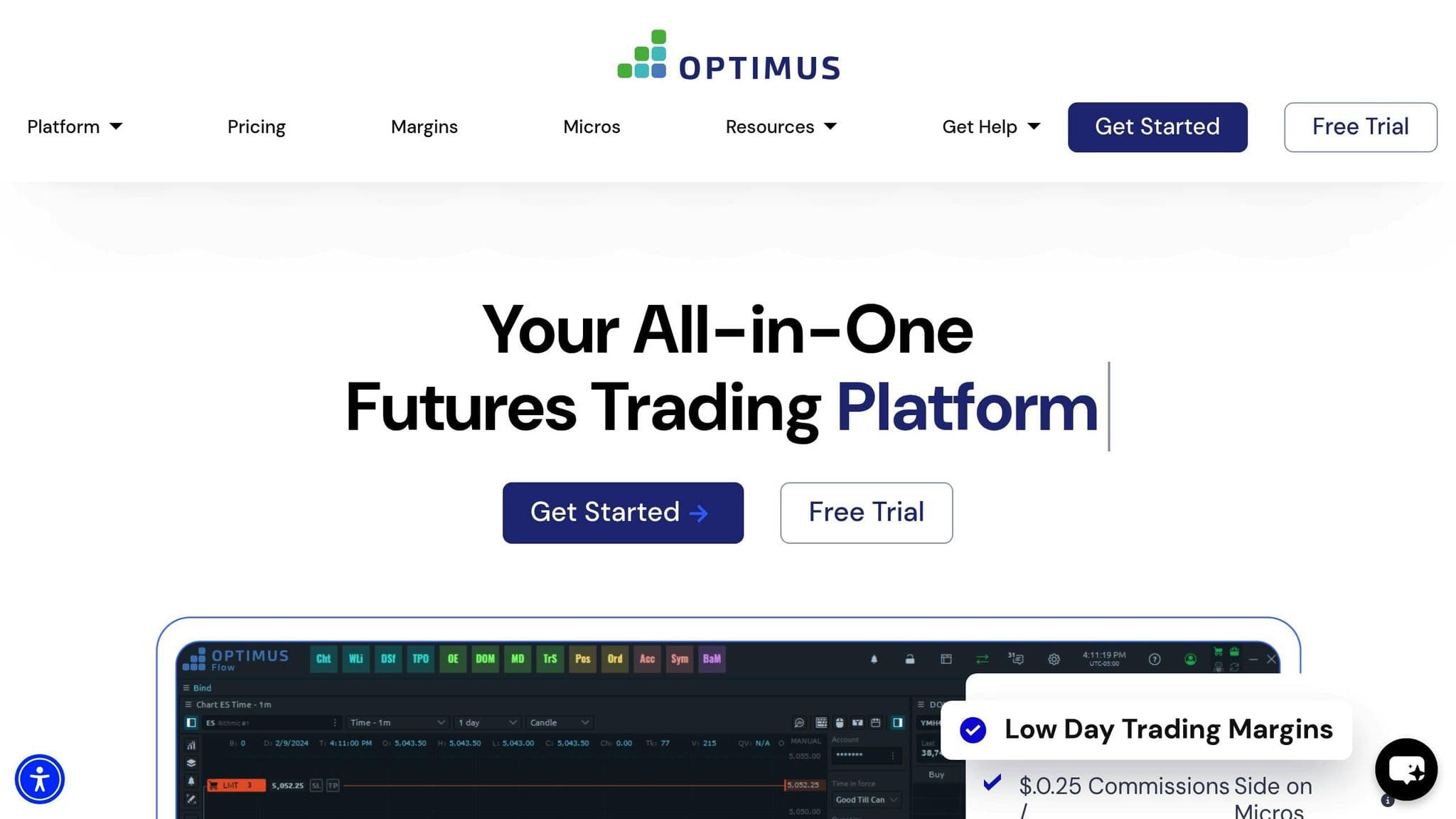
Optimus Futures serves as a brokerage hub, connecting traders to high-performance execution systems through Rithmic and CQG. Instead of relying on a single proprietary platform, it offers access to multiple trading environments, including NinjaTrader, Quantower, and its own Optimus Flow platform. This approach caters to traders seeking speed, precision, and flexibility in their trading setups.
Automation Features
Automation capabilities depend on the platform you choose. For instance, NinjaTrader supports custom strategy development and execution through its NinjaScript programming language. Quantower provides API connectivity, making it a strong choice for algorithmic trading. On the other hand, Optimus Flow is designed for futures trading, offering built-in automation tools to streamline execution.
Rithmic enhances trading with fast order routing and dependable data feeds, while CQG ensures consistent execution for professional traders. This variety of automation tools caters to diverse trading strategies and preferences.
Supported Asset Classes
The primary focus of Optimus Futures is on futures contracts. While some integrated platforms may also support other asset classes like forex or equities, futures remain at the core of its offerings.
Order Execution and Latency Performance
Optimus Futures is built on a solid institutional-grade infrastructure, ensuring fast and reliable order execution through both Rithmic and CQG. This dual-provider setup gives traders multiple connectivity options and helps maintain consistent performance, even during volatile market conditions. Features like co-location and direct exchange connections further reduce latency, offering an edge to traders who value speed.
Tools for Analysis and Trading Strategy Optimization
Through its platform integrations, Optimus Futures offers a range of tools for analysis and strategy development. NinjaTrader provides advanced charting and backtesting capabilities, ideal for refining trading strategies. Quantower delivers flexible analysis features and detailed order flow visualization for those who want deeper insights. Meanwhile, Optimus Flow is optimized for futures trading, offering tools like real-time P&L tracking, advanced order types, and integrated risk management. Together, these tools equip traders with the resources they need for both analysis and efficient execution.
7. Tickblaze
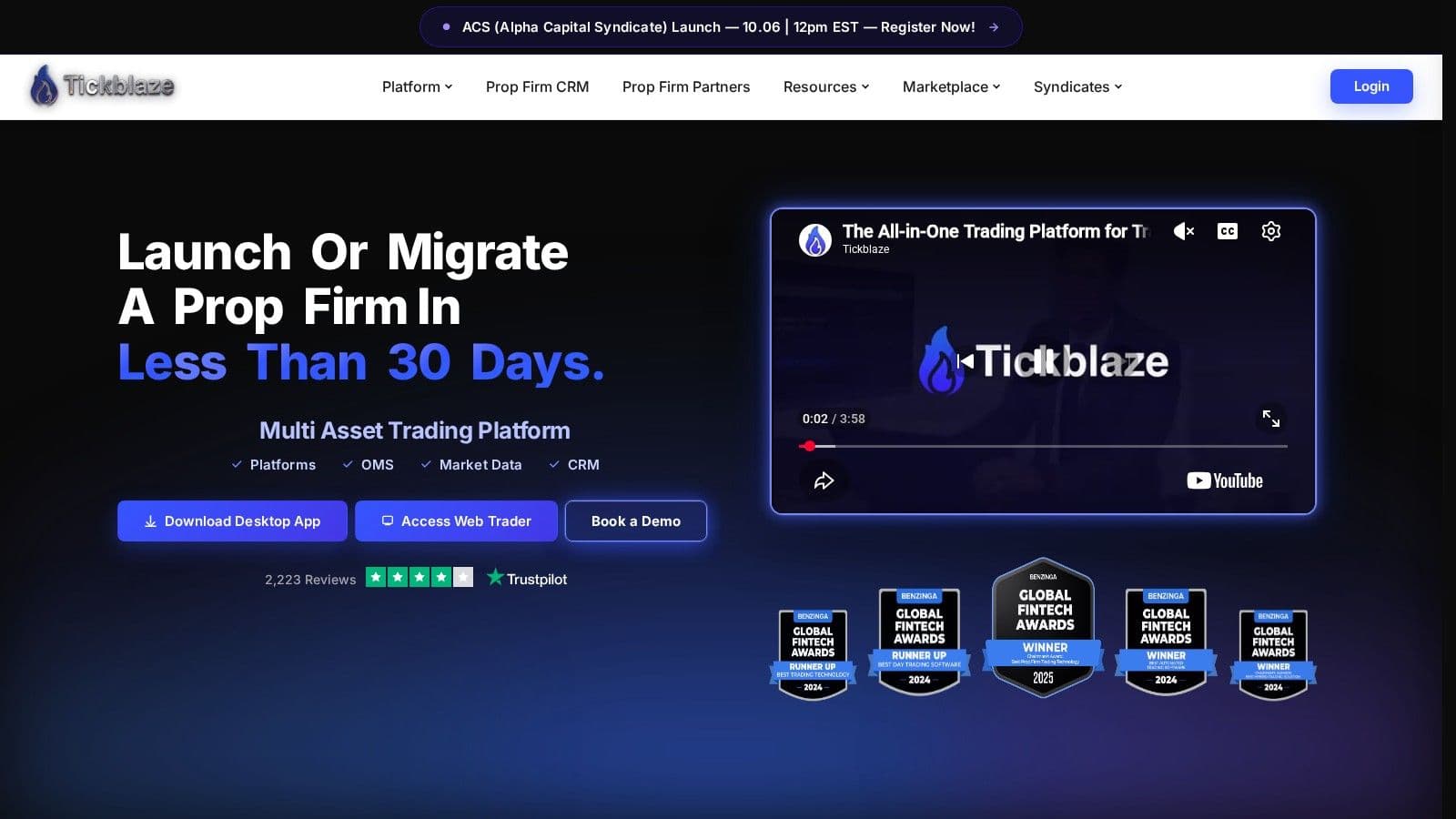
Tickblaze is a multi-asset trading platform built for automation. Its Strategy Desktop lets you build and code fully automated strategies in C# and Python, with tick-by-tick backtesting, walk-forward optimization, performance statistics and live execution.
Tickblaze earns its spot among automated trading systems for that quant toolkit. It also offers a Discretionary Desktop, a Web Trader, a mobile app and a free built-in trade copier, and it is a CME direct market data distributor. Tickblaze plans start at $495 a year for TB Light (billed annually, with a 14-day free trial); TB Plus costs $995 and TB Elite $1,495 a year (checked on 7 Nov 2026). To keep its strategies running when your PC is off, a Tickblaze VPS hosts the Strategy Desktop around the clock.
Up next, let’s take a closer look at StrategyQuant X, another standout system in this lineup.
8. StrategyQuant X
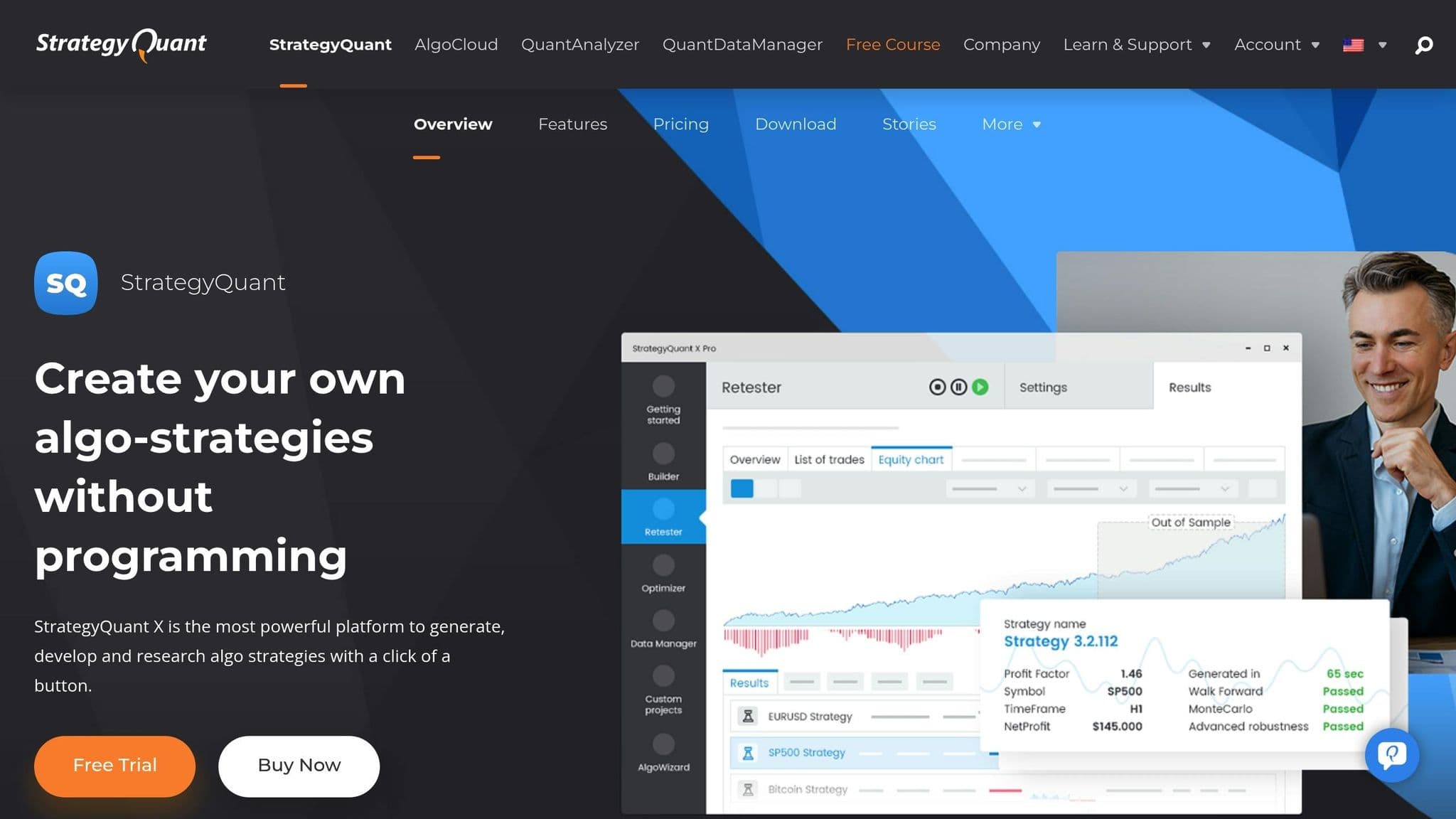
StrategyQuant X builds trading strategies for you. It uses machine learning techniques and genetic programming to generate new automated systems, then tests them with robustness checks and its optimizer, including walk-forward optimization on the Professional and Ultimate editions.
Every strategy is exported as full source code for NinjaTrader, MetaTrader 4, MetaTrader 5, TradeStation, MultiCharts or JForex, so you build in StrategyQuant X and trade the strategy on your own platform. It runs on Windows 11/10, Mac, Linux and Windows Server.
StrategyQuant X is sold as a lifetime licence. On 7 Nov 2026 the 12-monthly-payment option started at $129 a month for the Starter edition, with Professional and Ultimate costing more.
On the other hand, Bookmap takes a different route, offering a unique perspective on futures trading through its advanced order book visualization tools.
9. Bookmap
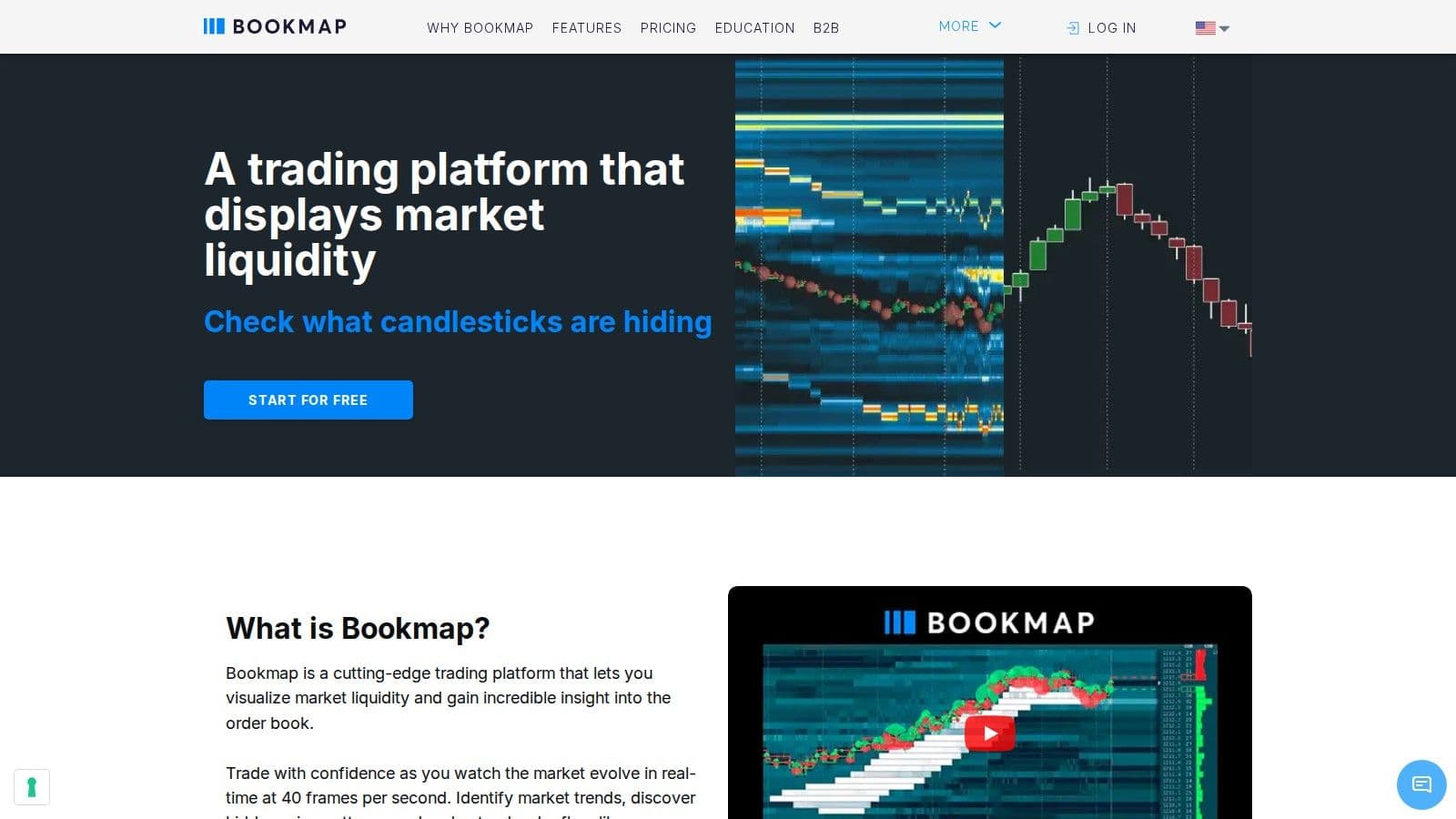
Bookmap is a platform designed to visualize the order book for futures trading. It transforms the constant flow of real-time order data into a dynamic heat map, offering traders a clear picture of the live auction process. By combining this with historical depth-of-market data, Bookmap provides traders with a sharper perspective, helping them better anticipate short-term price movements.
Supported Asset Classes
Bookmap is designed for futures trading, offering tools that align well with this market's needs. It also supports micro futures, making it easier for traders to access major markets with less capital investment.
Data Connectivity and Pricing
For futures data, Bookmap recommends BookmapData, Rithmic and dxFeed. It also connects to Tradovate, TradeStation, Interactive Brokers and CQG Continuum (full depth for CL only) (checked on 7 Nov 2026). Bookmap has a free plan; paid plans start at $49 a month (Global), and Global+ is $99 a month, billed monthly with futures and stock data extra (checked on 7 Nov 2026).
10. Jigsaw Trading
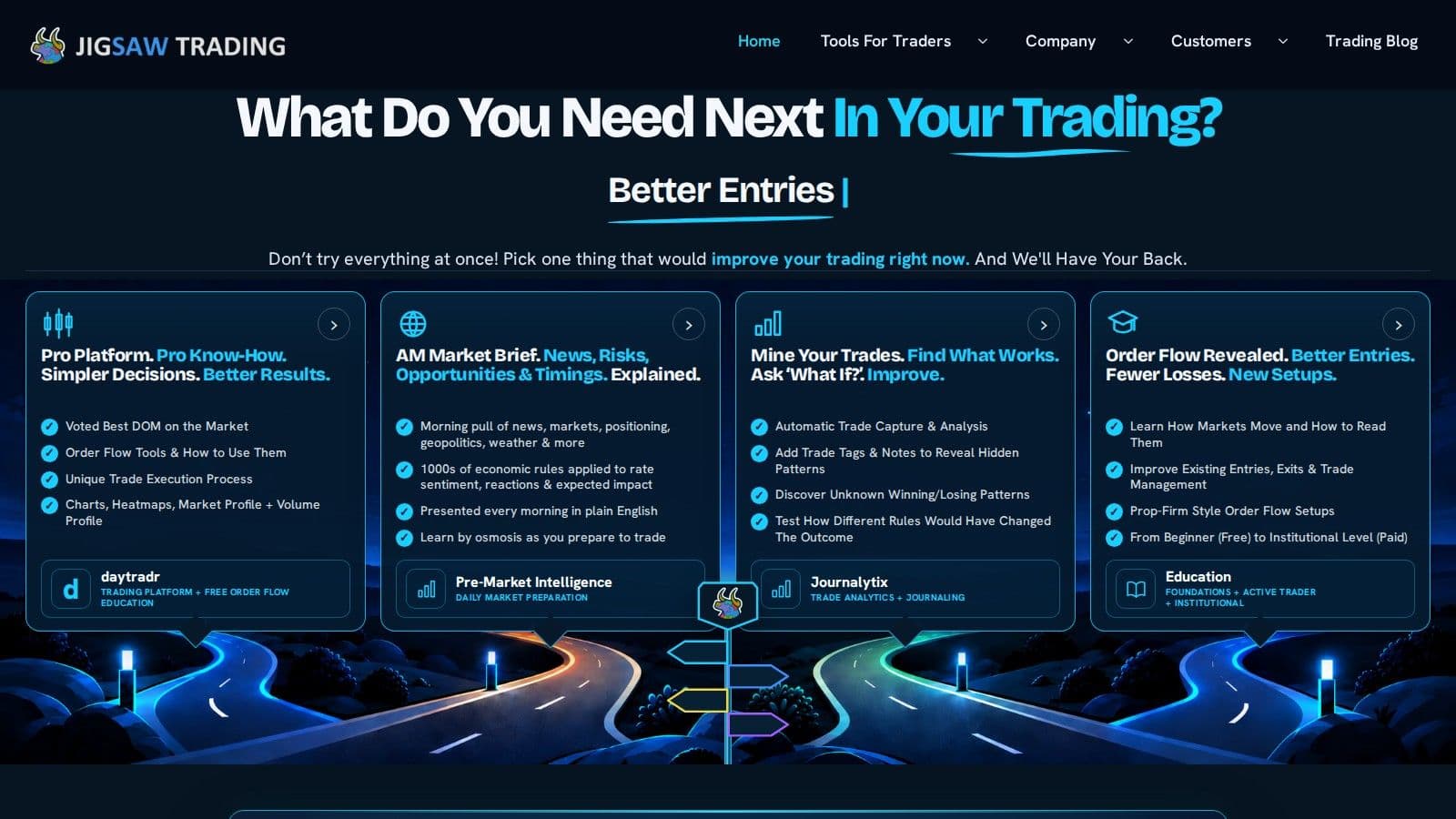
Jigsaw Trading is a platform for traders who prioritize order flow analysis and tape reading - skills crucial for professional scalpers and proprietary trading firms. Its standout features include advanced Depth of Market (DOM) interfaces and detailed tape-reading tools, designed to help traders grasp market microstructure and execute trades with precision.
Supported Asset Classes
This platform is primarily geared toward the futures markets, where order flow analysis proves especially useful. It shines in high-volume contracts like the E-mini S&P 500 (ES), E-mini NASDAQ (NQ), and key commodity futures. These markets demand a deep understanding of the dynamics between buyers and sellers, making Jigsaw Trading an excellent choice for scalpers looking for precise execution in these environments.
Order Execution and Latency Performance
Jigsaw Trading integrates professional-grade data feeds, such as Rithmic and CQG, to deliver ultra-low latency execution - essential for rapid scalping. The platform’s order management system supports features like one-click order placement and advanced bracket orders, enabling quick and efficient trading. Its Depth Trader interface allows traders to place orders directly on the DOM, with instant visual feedback on fills and position updates. This streamlined process ensures minimal delays, even in fast-moving markets, giving traders a competitive edge.
Tools for Analysis and Trading Strategy Optimization
The platform’s analytical tools are headlined by Auction Vista, which provides real-time visualization of buying and selling pressure using color-coded price levels. This tool helps traders pinpoint potential support and resistance areas based on live order flow data. Another standout tool, Reconstructed Tape, is an advanced Time & Sales window that rebuilds trades the exchange splits into smaller prints, with block-trade colors, size filters and Power Meters. Additionally, footprint charts present volume data at each price level, helping traders identify patterns like absorption, exhaustion, and continuation - critical insights for refining trading strategies.
11. ATAS (Advanced Time and Sales)
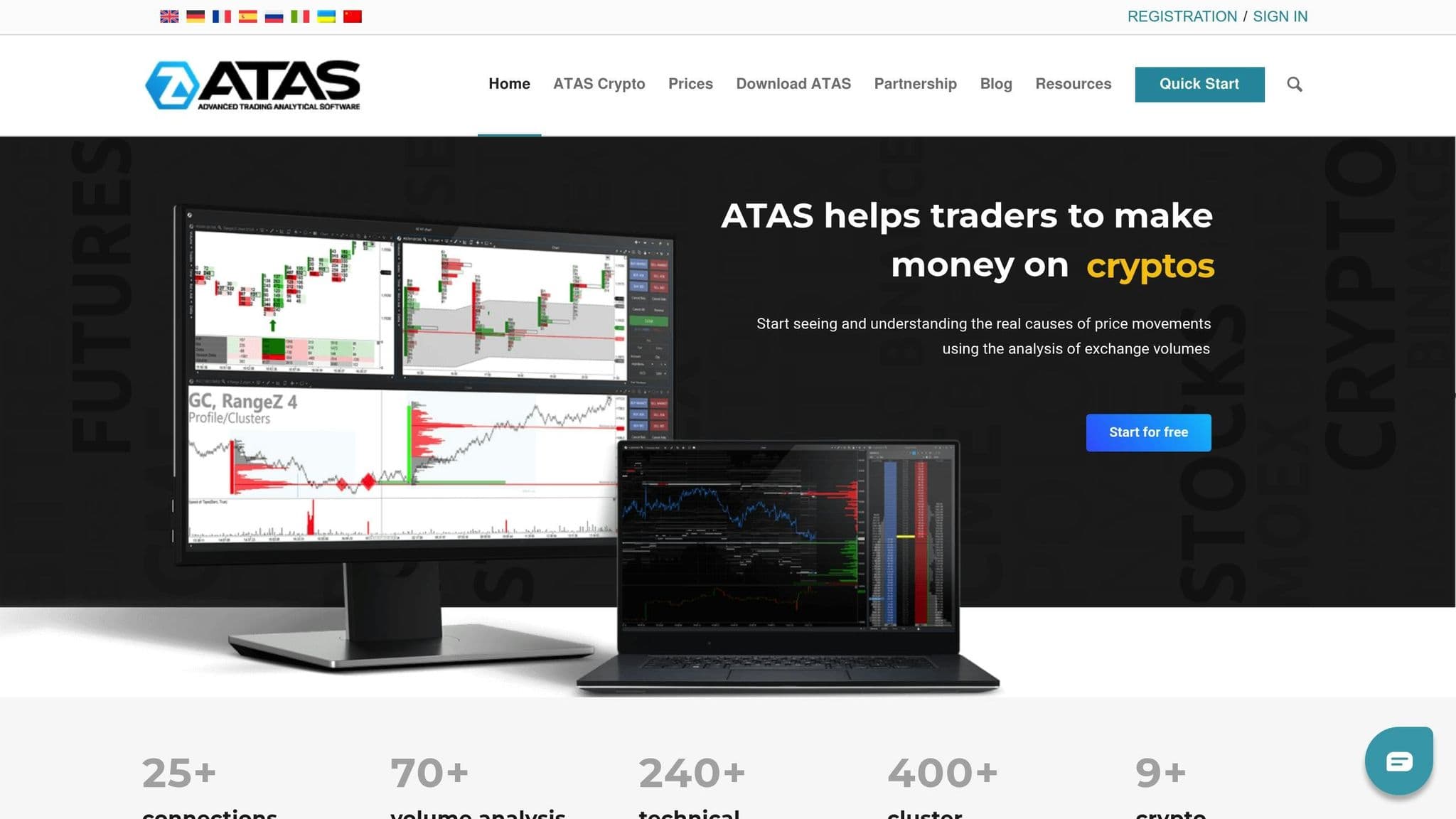
ATAS is a futures trading platform trusted by professional traders and proprietary trading firms around the globe.
Supported Asset Classes
The platform offers access to a wide range of futures market data through partnerships with top-tier data providers like Rithmic, CQG, CTS, and Gain Futures.
Order Execution and Data Integration
ATAS connects with brokers such as Optimus Futures, delivering real-time streaming quotes and historical market data straight from the exchanges. This efficient data flow powers its standout cluster analysis tool, which helps traders make sense of order flow and fine-tune their trading strategies.
ATAS has a free Start plan. Paid plans are Plus at €24.95, Pro at €69.95 and Ultra at €89.95 a month on monthly billing (checked on 7 Nov 2026).
12. MetaTrader 4 (MT4)
MetaTrader 4 (MT4), launched in 2005, is used by millions of traders, according to MetaQuotes. Its reputation stems from its ease of use and its standout feature: automation through Expert Advisors (EAs).
Automation Features
MT4 supports automated trading using Expert Advisors (EAs) and the MQL4 programming language. This allows traders to automate trade execution and manage positions. The platform also supports scripts for performing one-time tasks and provides access to the MetaTrader Market for trading robots and indicators. For those looking to fine-tune their algorithms, MT4 includes an integrated Strategy Tester. Pairing MT4 with a Virtual Private Server (VPS) ensures uninterrupted 24/7 operation. While forex trading remains its core, MT4 has expanded to support additional asset classes over the years.
Uptime
99.999% uptime. Built for 24/7 trading reliability.
Your VPS runs in Tier IV datacenters with redundant power and network, monitored 24/7 on site.
See the uptime SLAFrom $29.99/mo · Windows or Linux
Supported Asset Classes
MetaQuotes describes MT4 as a platform for trading forex, and it lists futures only for MT5. Check which markets your broker offers on MT4 before you plan futures automation on it.
Order Execution and Latency Performance
MT4 integrates directly with brokers to ensure reliable order execution. However, execution speed depends heavily on the broker’s infrastructure and the proximity of their servers. Many traders prioritize brokers with low-latency connections to ensure efficient futures trading. Compare trade execution platforms separately from the strategy software so you can assess how orders reach the broker.
Tools for Analysis and Trading Strategy Optimization
MT4's Strategy Tester is a powerful tool for optimizing EA parameters. By using historical data, traders can identify the most effective configurations for their automated strategies. Additionally, the MQL4 programming environment includes a built-in editor equipped with debugging tools, making it approachable for traders who want to design custom indicators or tweak existing EAs to better suit their needs.
13. MetaTrader 5 (MT5)
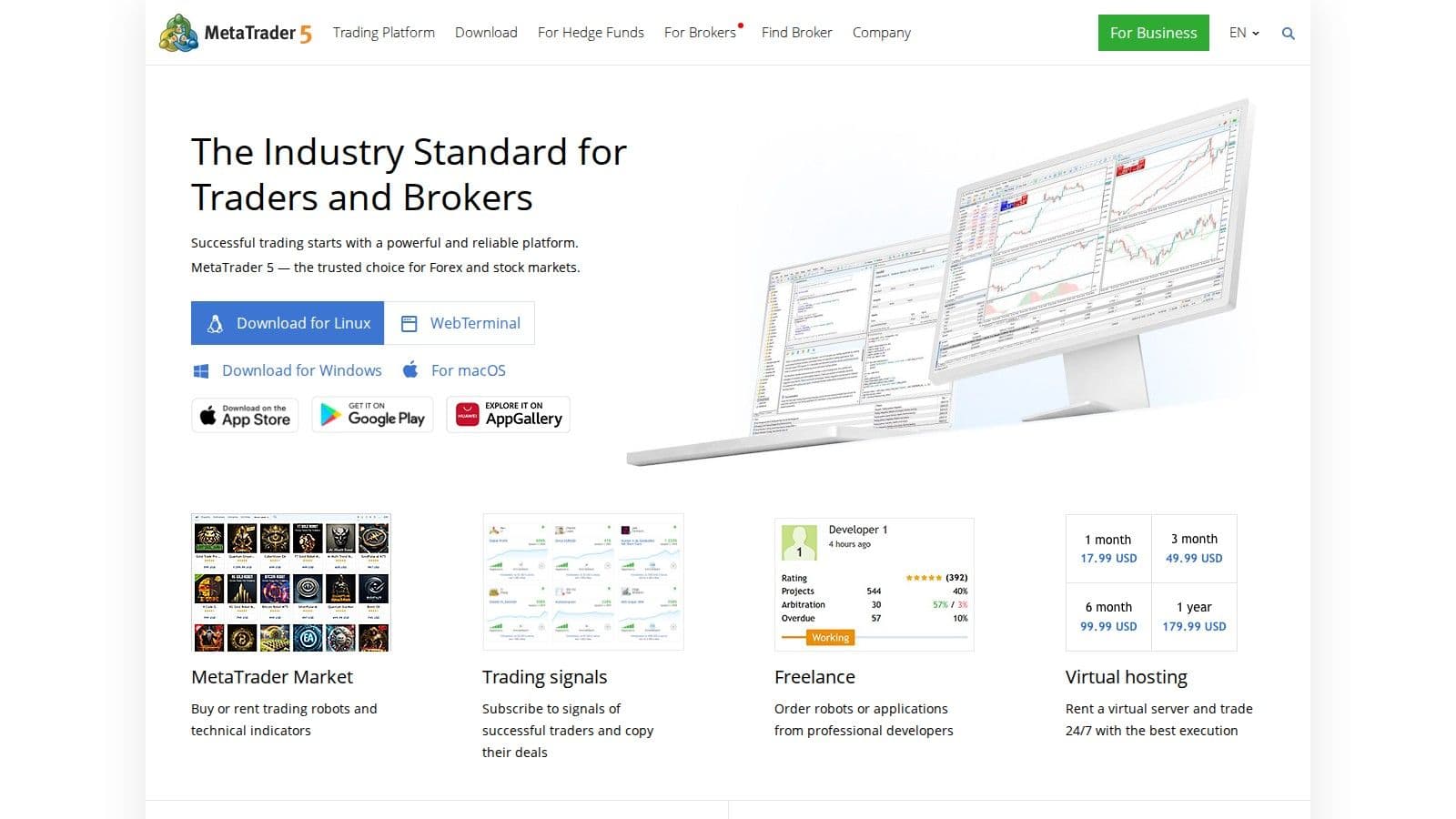
MetaTrader 5 (MT5) is a free platform designed to streamline automated futures trading. Known for its advanced features and access to a wide range of markets, it’s a go-to solution for traders aiming to enhance their trading strategies.
Automation Features
MT5 is powered by the optimized MQL5 language, enabling fast execution of Expert Advisors and support for all order types. This flexibility ensures traders can adapt to various market conditions with ease. The platform’s design ensures trading robots and automated systems operate at high speeds, making it a reliable choice for quick trade execution.
Supported Asset Classes
While MT5 is well-known for forex trading, it also serves as a platform for futures trading. MetaQuotes lists futures alongside forex and stocks for MT5, but which futures you can trade depends on your broker.
Order Execution and Latency Performance
MT5’s architecture is designed for high-speed order execution, allowing it to handle multiple trades simultaneously. This is particularly beneficial for high-frequency trading strategies, as its refined processing engine minimizes the delay between signal generation and order placement.
Tools for Analysis and Strategy Optimization
The platform comes equipped with a wide array of tools for both technical and fundamental analysis, including Market Depth for a detailed view of market conditions. Its upgraded strategy testing environment supports faster backtesting and deeper optimization, helping traders refine their approaches. Additionally, MT5’s cross-platform accessibility ensures users can monitor and adjust their trades from smartphones, browsers, and desktop devices.
14. Interactive Brokers (IBKR)
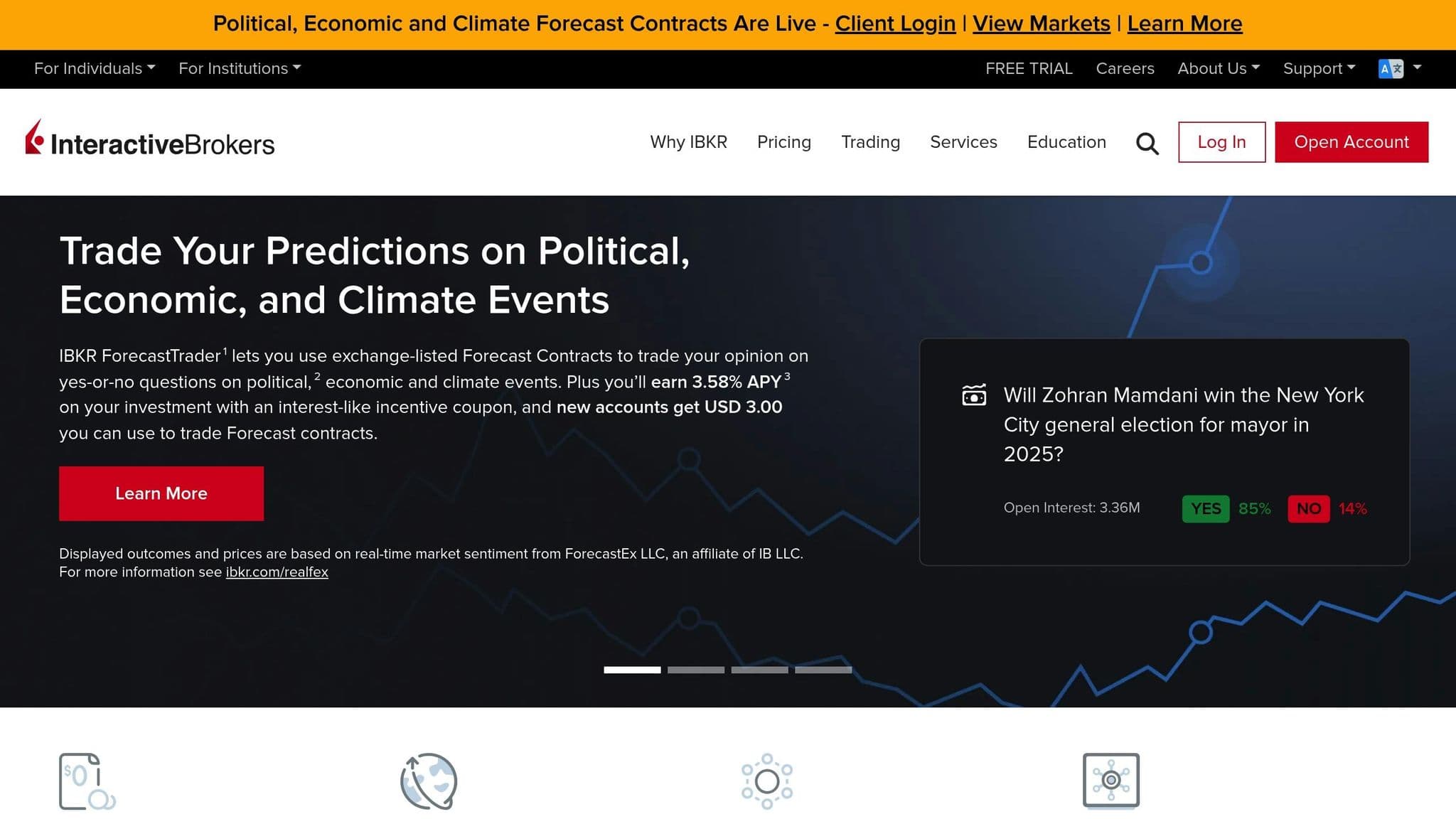
Interactive Brokers (IBKR) is a standout platform for both professional and active traders, offering institutional-grade tools and access to a broad range of global markets. With its comprehensive API support, IBKR caters to individual traders and institutions alike, providing direct market access to multiple international exchanges for futures, forex, and equities.
Automation Features
The backbone of IBKR's automation capabilities lies in its Trader Workstation (TWS) API, which supports multiple programming languages like Python, Java, C++, and.NET. This API enables real-time data streaming, order management, and portfolio monitoring, making it a powerful tool for traders who want to automate their strategies.
IBKR works with leading automation tools, giving users the flexibility to use its execution capabilities while working in their preferred development environments. For high-frequency trading, the FIX API offers institutional-level connectivity with low-latency order routing.
Additionally, IBKR's Algo Orders feature provides pre-built algorithmic trading strategies such as TWAP (Time Weighted Average Price), VWAP (Volume Weighted Average Price), and Iceberg orders. These strategies are designed to help traders execute large orders efficiently, minimizing market impact while maintaining precision.
Supported Asset Classes
Interactive Brokers covers a wide variety of asset classes, making it one of the most versatile platforms available. The platform provides access to futures contracts from major exchanges like CME, CBOT, NYMEX, and ICE, offering instruments ranging from agricultural commodities to financial indices.
Forex traders can choose from a broad selection of currency pairs with competitive pricing. Beyond forex, IBKR supports trading in stocks, ETFs, options, bonds, and cryptocurrencies, offering something for every type of trader. Its bond trading options include government, corporate, and municipal bonds, providing opportunities for portfolio diversification.
Order Execution and Latency Performance
IBKR's SmartRouting technology ensures traders get the best prices by instantly scanning multiple market centers. For those who need greater control, the Direct Market Access (DMA) feature allows users to route orders directly to specific exchanges.
To cater to traders with speed-intensive strategies, IBKR offers co-location services, placing its servers within exchange data centers. This setup minimizes latency and ensures ultra-fast execution for the most demanding trading needs.
Tools for Analysis and Strategy Optimization
IBKR doesn't just focus on execution - it also equips traders with a suite of advanced tools for analysis and strategy development. The Trader Workstation comes with charting features, including technical indicators and drawing tools, to help traders analyze market trends effectively.
For risk management and performance tracking, tools like Risk Navigator and PortfolioAnalyst provide real-time insights. These include value at risk (VaR) calculations, stress testing scenarios, and detailed performance metrics.
Options traders can take advantage of the Options Strategy Lab, which simplifies the creation and analysis of complex multi-leg options strategies. It includes features like profit/loss visualization and Greeks analysis to help traders refine their approach.
Futures traders aren’t left out either. Real-time margin calculations show how position changes will impact account requirements. Meanwhile, the Market Scanner lets users create custom screens based on technical, fundamental, or options-related criteria, generating alerts when specific conditions are met. This combination of tools ensures that traders have everything they need to optimize their strategies and stay ahead of the curve.
15. MotiveWave
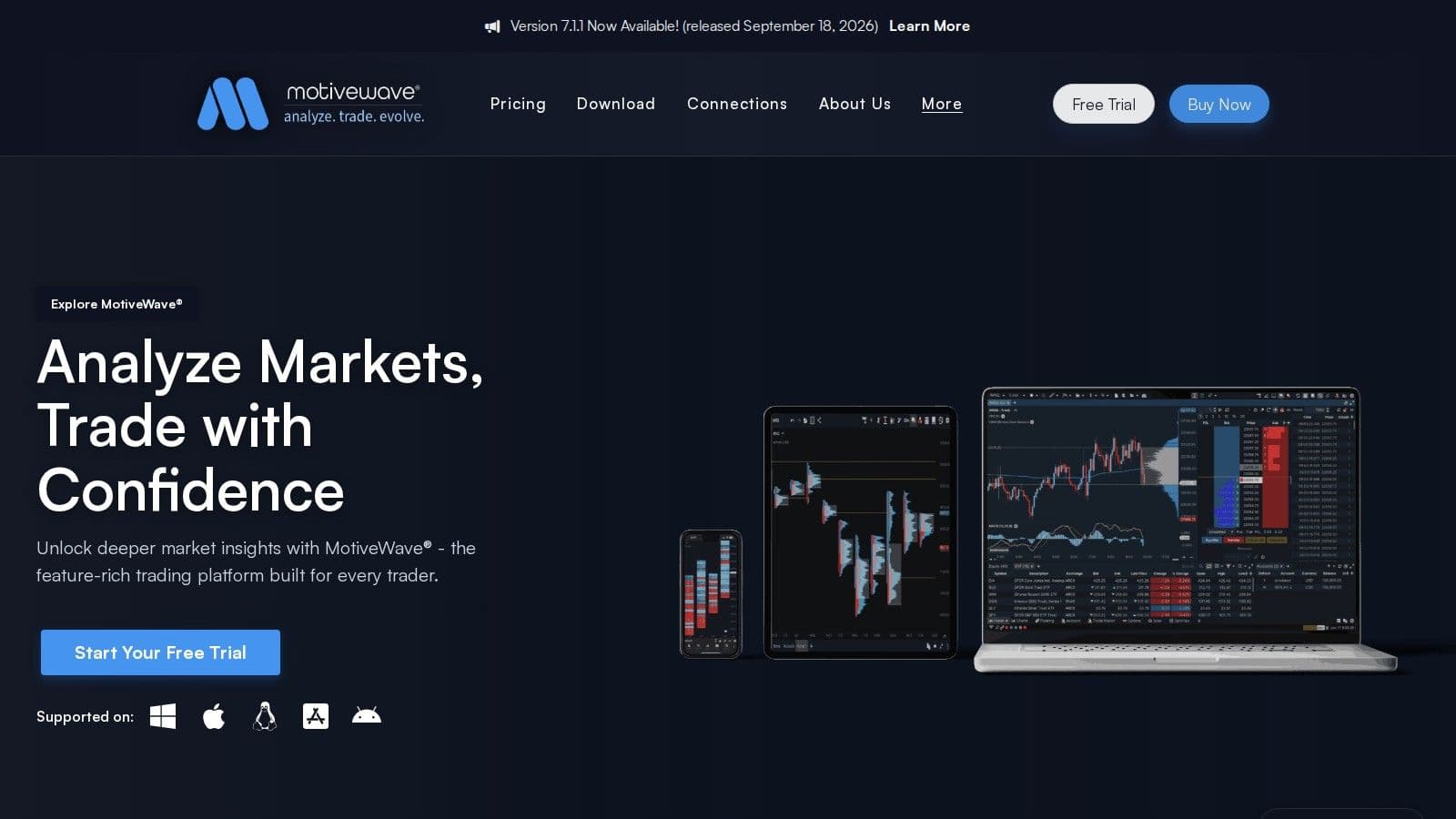
MotiveWave is a charting and trading platform designed with a specific focus on Elliott Wave theory and harmonic pattern recognition, making it a go-to choice for futures traders. Packed with advanced analytical tools, it’s for those who rely heavily on detailed chart analysis to understand the futures markets. Let’s take a closer look at its supported assets and standout features.
Supported Asset Classes
MotiveWave is built with futures traders in mind. It works with Rithmic and CQG data feeds, ensuring access to reliable, real-time market data. This opens the door to a wide range of futures markets, including:
- Agricultural commodities
- Energy products
- Metals
- Financial instruments
This specialized focus aligns perfectly with traders who use methods like Elliott Wave theory to analyze market trends and make informed decisions.
Tools for Analysis and Strategy Optimization
What sets MotiveWave apart is its suite of technical analysis tools. It offers an impressive array of features designed to help traders identify key market movements, including:
- A vast selection of technical indicators
- Customizable chart layouts for analysis
- Advanced backtesting tools to refine trading strategies
Additionally, its drawing tools allow traders to annotate charts and highlight wave structures, blending manual insights with systematic analysis. This combination of flexibility and precision makes it an invaluable tool for serious traders.
MotiveWave has a free Community edition, and paid editions lease from $24 a month (Standard). Automated strategies, strategy backtesting and auto harmonics need PRO at $99 a month, and the advanced Elliott Wave tools need Ultimate at $159 a month (checked on 7 Nov 2026).
16. Tradovate
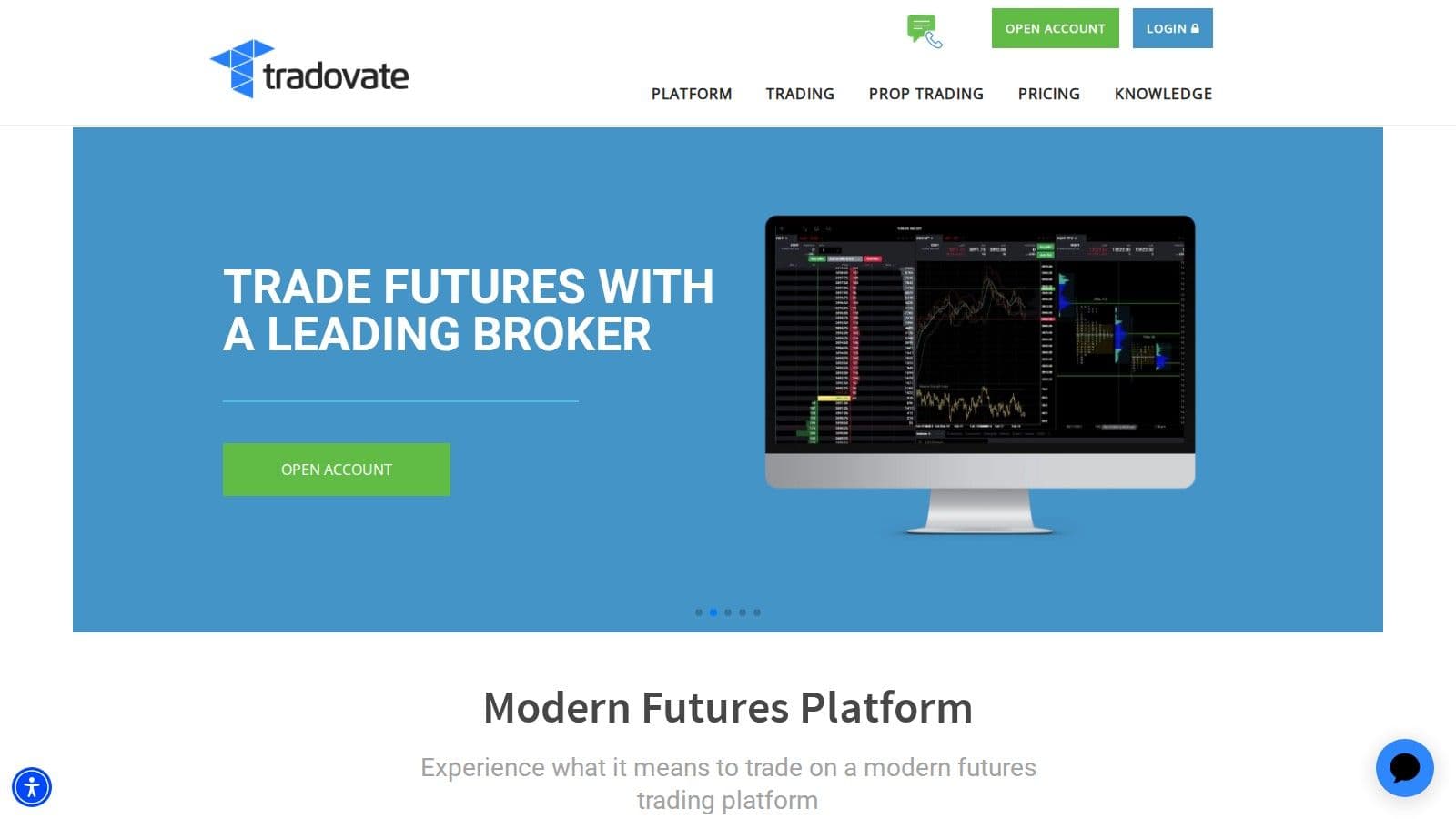
Tradovate is a cloud-based platform for futures trading, offering speed and multi-device functionality. Built with active futures traders in mind, it delivers top-tier execution and dependable performance.
Order Execution and Latency Performance
Tradovate's technology is all about speed and reliability. Its cloud-based order management system securely stores all orders on the server, ensuring your trades aren't affected by local computer issues or internet outages.
"Tradovate's cloud-based platform holds all orders either securely at the exchange or server-side, never on your device. Trade confidently knowing that a computer crash or internet disruption will not cause your exit orders or strategies to fail." - Tradovate
The platform also features a specialized Depth of Market (DOM) module designed for quick execution. With one-click order entry and customizable hotkeys, traders can act on opportunities instantly. This emphasis on fast and reliable execution makes Tradovate a go-to choice for modern automated futures trading.
Platform Comparison Table
For futures trading platforms, finding the right fit depends on your trading style, technical needs, and automation goals. Below is a detailed comparison to help you zero in on the platform that aligns with your requirements.
| Platform | Automation Support | Primary Asset Classes | VPS Integration | Key Advantages | Best For |
|---|---|---|---|---|---|
| QuantVPS | Full platform support | All (hosting service) | Native VPS | 0.52ms network latency from Chicago to CME; 99.999% uptime SLA; plan-dependent monitor support | Hosting automated strategies |
| NinjaTrader | NinjaScript (C#) | Futures, Forex | Yes | Ultra-low latency, deep broker integration | Retail algorithmic trading |
| Quantower | API automation | Multi-asset | Yes | Sleek interface, dozens of broker connections | Multi-asset automation |
| TradeStation | EasyLanguage | Futures, Stocks, Options | Yes | Institutional-grade execution, powerful backtesting | Active traders with coding skills |
| Sierra Chart | C++ scripting | Futures focus | Yes | Professional-grade, ultra-responsive order flow | Precision execution trading |
| MultiCharts | PowerLanguage | Futures, Equities | Yes | Advanced automation environment | Serious system developers |
| Optimus Futures | Platform-dependent | Futures | Yes | Access to multiple platforms (NinjaTrader, Quantower) | High-performance futures trading |
| Tickblaze | C# and Python strategies | Multiple assets | Yes | Quantitative research suite, portfolio testing | Professional algo deployment |
| StrategyQuant X | AI-driven automation | Futures, Forex, Indices | Yes | Automatic strategy generation and optimization | AI-powered strategy development |
| Bookmap | Semi-automated | Futures focus | Yes | Order book visualization, liquidity heatmaps | Discretionary + automated trading |
| Jigsaw Trading | Limited automation | Futures | Yes | Advanced DOM, tape-reading interfaces | Professional scalpers |
| ATAS | Analysis-focused | Futures | Yes | Order flow analysis, footprint charts | Volume and order flow analysis |
| MetaTrader 4 | Expert Advisors (MQL4) | Forex, CFDs | Yes | Thousands of EAs, extensive broker support | Forex automation |
| MetaTrader 5 | Expert Advisors (MQL5) | Multi-asset | Yes | Faster backtesting, modernized scripting | Advanced forex/CFD automation |
| Interactive Brokers | API support | Global multi-asset | Yes | Institutional-grade, global market access | Institutional trading |
| MotiveWave | Full automation | Multiple assets | Yes | Elliott Wave analysis, harmonic patterns | Technical analysis automation |
| Tradovate | Limited automation | Futures | Yes | Cloud-based, mobile access | Modern futures trading |
Every platform supports VPS deployment, with QuantVPS offering hosting with 0.52ms measured network latency from Chicago to CME. For basic scripting tools or a sophisticated algorithmic environment, this table highlights platforms for diverse needs. Some excel in multi-asset versatility, while others specialize in futures trading. Choose wisely to align with your automated trading goals.
Which Automated Futures Trading Software Is Best?
The best automated futures trading software depends on how you trade: NinjaTrader, MultiCharts or TradeStation for scripted strategies, and Sierra Chart, Jigsaw Trading or ATAS for scalping. However, success depends on aligning your strategy with the right technology. With straightforward moving average crossovers or intricate machine learning models, the platform you choose can significantly impact your trading outcomes.
Your trading style also plays a key role in picking the right tools. Scalpers and day traders will benefit from platforms like Sierra Chart, Jigsaw Trading, or ATAS, which provide millisecond-level execution and detailed order flow visualization - perfect for short-term trading. On the other hand, systematic traders who build custom strategies might find NinjaTrader, MultiCharts, or TradeStation better suited to their needs, thanks to their advanced scripting tools and thorough backtesting options.
For those handling multiple asset classes, platforms like Quantower and Interactive Brokers offer the flexibility to trade across futures, forex, and equities. And for AI-driven strategy developers, StrategyQuant X opens doors to creating and optimizing trading systems without requiring deep coding expertise.
Ultimately, in automated trading, reliability and consistency are more than just desirable - they're the difference between turning a profit and taking a loss. Advanced technology is only as powerful as the infrastructure supporting it.
Setting up unattended futures software
Pick the platform that matches how you build strategies (code, point-and-click or order flow), then run it in simulation through a full week of sessions before trading live. Desktop platforms such as NinjaTrader, Sierra Chart and MultiCharts stop trading when the PC sleeps or restarts. QuantVPS sizes its VPS plans for automated futures by charts or strategies, from a single one on Starter to 5 to 10 on Ultra.
FAQs
What features should I prioritize when choosing a futures trading platform in 2026?
When you're picking a futures trading platform in 2026, keep an eye on low costs - think competitive margin rates and minimal commissions. Test their behavior, costs and limitations before relying on the software. You'll also want to look for platforms that offer advanced tools like customizable charting, real-time data analysis, and options for automating your trading strategies.
Equally important is finding a platform with multi-device compatibility. This ensures you can switch effortlessly between desktop, web, and mobile devices without missing a beat. And don't overlook the value of educational resources - they can help sharpen your trading skills and keep you updated on market trends. Platforms with these features can take your trading game to the next level.
How can VPS hosting improve the performance of automated trading strategies?
VPS (Virtual Private Server) hosting can help increase the performance of automated trading strategies by offering a stable and optimized setup for executing trades. Hosting your trading platform on a VPS ensures low-latency connections, which means your orders are executed faster, minimizing the chances of slippage during unpredictable market swings.
Another advantage is the 24/7 uptime that VPS hosting delivers. This means your automated strategies can keep running without interruptions, even if your local power goes out or your internet connection drops. So, even when your personal device is offline, your trading algorithms stay active and consistent. On top of that, VPS hosting provides a dedicated and secure environment, helping to prevent system crashes and external disruptions - key factors in safeguarding the reliability of your trading operations.
What should traders consider when selecting between platforms like NinjaTrader, TradeStation, and MultiCharts for algorithmic trading?
When choosing between platforms like NinjaTrader, TradeStation, and MultiCharts for algorithmic trading, it’s important to match the platform’s features with your trading style and goals.
- NinjaTrader offers futures traders who prioritize flexibility. It offers advanced backtesting tools and strategy automation using NinjaScript, making it highly customizable.
- TradeStation delivers institutional-level execution, strong backtesting features, and supports EasyLanguage scripting, making it a solid option for traders who want a comprehensive, all-in-one solution.
- MultiCharts is designed for experienced system developers, providing a sophisticated automation framework and compatibility with EasyLanguage through PowerLanguage.
Your decision should factor in the types of markets you trade, your scripting preferences, and how much automation your trading strategies require.


