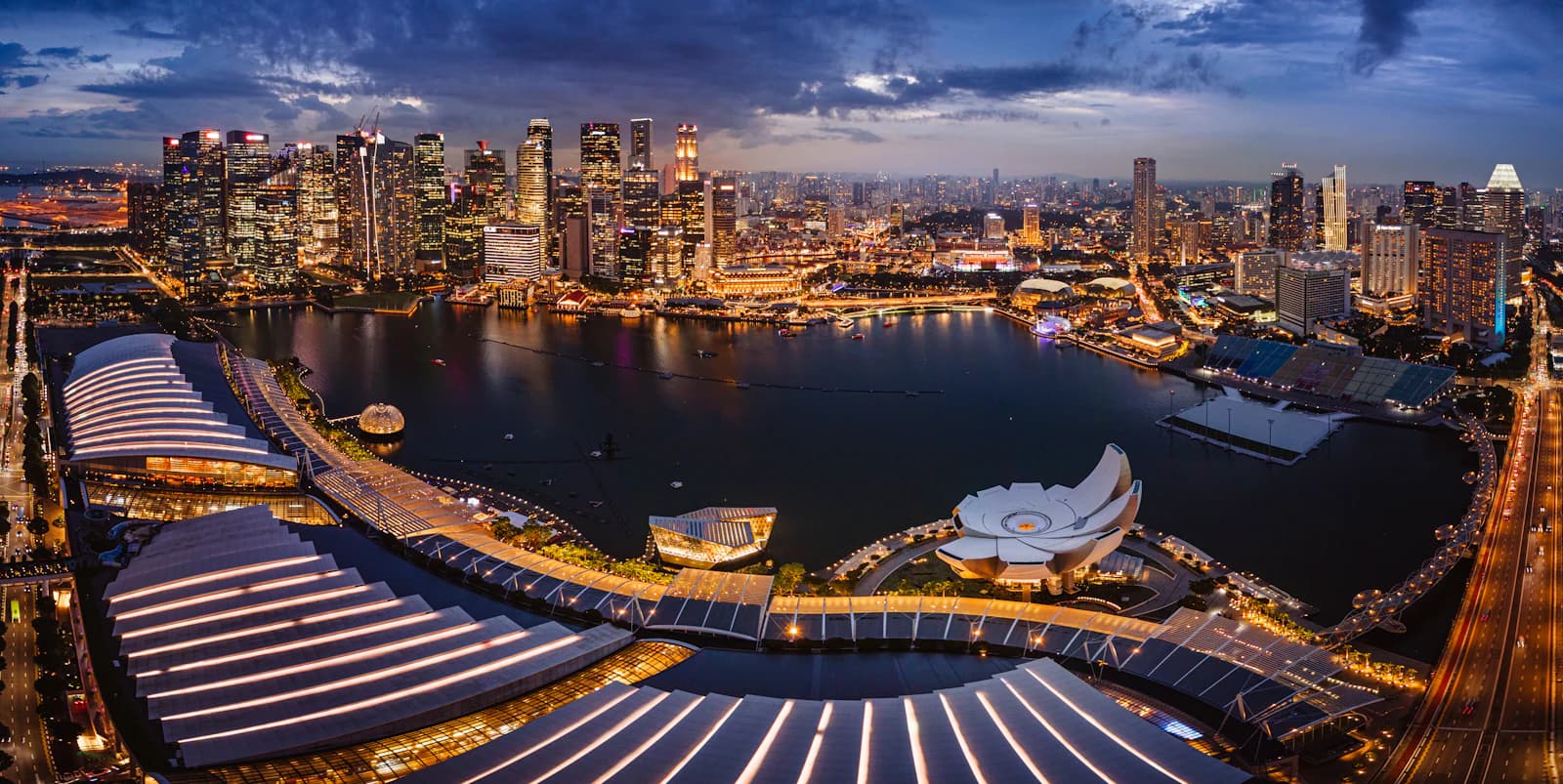

Singapore VPS pricing: choose your plan.
Compare resources and published pricing for Singapore. Choose a plan to review its configuration and current location availability.
No contracts, cancel anytime.
 QuantVPS / Singapore
Run forex terminals, trading bots and API clients from Singapore, near your APAC broker or endpoint.
Uptime SLA
99.999%
Singapore → APAC broker & API endpoints
8 datacenters
Works with the trading platforms you already use.
No contracts, cancel anytime.
Specifications
Compare PlansServer Specifications
 NinjaTrader
 Singapore
Specifications
Compare PlansServer Specifications
NinjaTraderSingaporeConnect through Remote Desktop on Windows or SSH on Linux, then configure your software. Keep Windows applications open or configure Linux background services so the workload continues after you disconnect.
Secure remote accessWindows, Mac, iPhone, iPad or Android
Size your VPS for your applications and trading workloads. Match CPU, memory, and storage to the applications, data, and processes you run.
Continuous operation Windows Server or
  Ubuntu 24.04
Place your VPS in Singapore. Choose Windows for desktop trading platforms or Ubuntu 24.04 for Linux applications and services.
Location-based routingIn Singapore
Choose Singapore when your account connects to a Singapore-hosted broker or API endpoint. Compare the exact trade server, market-data connection and order-entry route during your intended trading session.
MetaTrader 4/5 + cTrader
Platform, bot, or API client
QuantVPS Singapore
Always-on compute and optimized routing
Singapore broker endpoints
Broker, gateway, or venue path
Singapore
Regional route
Regional routing toward Singapore broker endpoints
Choose this region when Singapore broker endpoints or a nearby broker path is the primary destination for the workload.
Run APAC forex and API trading from a dedicated remote environment instead of relying on a local computer.
DDoS filtering, fleet monitoring, and 24/7 support follow the server in every QuantVPS location.
Choose this region when these platforms, automation workloads, or market connections define the route your strategy depends on.
Published route information, not a live measurement. Latency depends on the broker endpoint and network conditions.
Standard plans run AMD EPYC with DDR4. Performance plans run AMD Ryzen with DDR5 for faster single-core work: charts, order entry and indicators. Every plan stores on NVMe.
Specifications vary by plan and location.
Explore the hardwareAMD EPYC
AMD Ryzen
AMD Ryzen
Per-core speedPassMark single-thread · reference
Connect over encrypted Remote Desktop for Windows, or SSH for Linux. Choose the operating system your trading software needs.
Your always-on workspace in Singapore supports your trading software. Disconnect Remote Desktop to leave Windows apps running; on Linux, configure bots as background services before closing SSH.
Encrypted Remote Desktop or SSH
View Singapore plans8 locations. One connected network.
Direct peering and Tier-1 carriers keep order routes fast. Multiple carriers and automatic failover support availability.
Singapore
You are here
APAC Forex and API Trading
Singapore broker endpointsprimary route
Forex terminals, EAs and API clients whose assigned broker or service endpoint is hosted in Singapore. Check market-data and order-entry connections separately.
 Japan
Japan
APAC Crypto Trading
APAC crypto exchangesprimary route
Trading bots and data clients whose actual endpoints are in Japan or route more consistently from Tokyo. An APAC label alone does not identify the better path.
Explore Tokyo VPSCompare the same endpoint from both locations during your trading session. Use separate servers when independent strategies depend on different regional services.
Compare all 8 locations99.999% monthly VPS availability, backed by our SLA. Availability and service-credit eligibility are assessed monthly under the SLA’s measurement rules, coverage and exclusions.
Core infrastructure. Redundant systems ensure continuous operation.
Network availability. Multiple carriers and automatic failover.
SLA-backed promise. Contractual uptime guarantee with credits.
Server & network availability · 99.999% SLA
Tier IV.
Concurrently maintainable facilities. Built to keep your trading environment running.
Explore infrastructureTrading hardware, exchange proximity, and real help. One VPS subscription.
Compare your options
QuantVPS
Built for traders

AWS EC2
Self-managed Windows VM
No bandwidth or support fees
CPU, RAM + NVMe in one VPS subscription.
Compute, disks + usage charges
Ryzen 9000. Built for performance.
Every Performance VPS · DDR5 + NVMe.
Choose your instance family
Routed from Singapore
Forex terminals and API strategies near Singapore-hosted services.
Choose a region. Test the route.
24/7 support from traders
People who understand your trading workspace.
Choose a technical support plan
A workspace set up for trading
Supported platform setup + a team to help.
Configure your own workspace
Your bill
Hardware
Exchange proximity
Human help
Getting started
QuantVPS
Trading-focused VPS
Your trading desk.
Hardware, workspace, and help together.
Your VPS plan
CPU + RAM
NVMe storage
Bandwidth
Amazon EC2
Self-managed Windows VM
Your cloud project.
Flexible infrastructure you configure.
Windows image
Instance type
Storage
Access rules
Then connect and install your trading software.
This compares a QuantVPS trading VPS with a self-managed Windows VM. AWS and Azure also offer managed services, marketplace software, and partner solutions. Those offerings differ. You manage your trading strategies, broker accounts, datafeeds, and platform licenses with either approach.
Features and availability depend on your plan and region. This is a service comparison, not a measured speed or price comparison. Sources reviewed September 19, 2026.
QuantVPS
Built for traders

Azure VMs
Self-managed Windows VM
No bandwidth or support fees
CPU, RAM + NVMe in one VPS subscription.
Compute, disks + usage charges
Ryzen 9000. Built for performance.
Every Performance VPS · DDR5 + NVMe.
Choose your instance family
Routed from Singapore
Forex terminals and API strategies near Singapore-hosted services.
Choose a region. Test the route.
24/7 support from traders
People who understand your trading workspace.
Choose a technical support plan
A workspace set up for trading
Supported platform setup + a team to help.
Configure your own workspace
Your bill
Hardware
Exchange proximity
Human help
Getting started
QuantVPS
Trading-focused VPS
Your trading desk.
Hardware, workspace, and help together.
Your VPS plan
CPU + RAM
NVMe storage
Bandwidth
Microsoft Azure
Self-managed Windows VM
Your cloud project.
Flexible infrastructure you configure.
Windows image
VM size
Storage
Access rules
Then connect and install your trading software.
This compares a QuantVPS trading VPS with a self-managed Windows VM. AWS and Azure also offer managed services, marketplace software, and partner solutions. Those offerings differ. You manage your trading strategies, broker accounts, datafeeds, and platform licenses with either approach.
Features and availability depend on your plan and region. This is a service comparison, not a measured speed or price comparison. Sources reviewed September 19, 2026.
Outgrow your plan, not your setup. Move to a more powerful VPS from your dashboard; unused time is credited, and your files, platforms, and settings move with you.
The subscription price accepted at signup stays fixed for a minimum of three years.
There is no exit fee. You pay only the difference, and unused time on your current plan is automatically credited toward the upgrade.
Process the upgrade from your dashboard with no ticket or waiting. The additional resources take effect after a brief reboot.
Your files, settings, and trading platforms stay exactly as they are when you move to a more powerful plan.
Service-credit eligibility is assessed monthly under the SLA’s measurement rules, coverage and exclusions.
Use the configurator or ask support to map your platforms, location, and workload to the right plan.