Trading VPS Security, Layer by Layer

DDoS filtering, firewalls, isolated resources and encrypted access on every server, watched by our 24/7 NOC.

See every layer
  • Always-on DDoS filtering
  • Dedicated IP on every plan
  • SOC 2 Type II facilities

DDoS filtering at the network edge: attack traffic is absorbed before it reaches your server.

Always-on mitigation filters attack traffic at the network edge. Every plan includes a dedicated IP and unmetered bandwidth for the trading environment.

Always on, at the edge.

Multi-layer filtering at the network edge helps keep attack traffic away from your trading environment, while your own traffic keeps reaching your server.

  1. 1. InboundTraffic from the internet, attack included
  2. 2. Filter layersAttack traffic absorbed at the edge
  3. 3. Your VPSClean traffic keeps flowing

Included on every plan.

  • Always-on DDoS filtering
  • Firewall controls
  • A dedicated IP
  • Unmetered bandwidth

Your dedicated IP is yours alone: whitelist it in exchange and broker API settings. The 24/7 NOC watches DDoS signals alongside latency and packet loss.
Two firewalls between your platform and the internet: ours at the network, yours on the server.

Suspicious traffic is inspected before it reaches your server, and the ports your platform needs stay under your control.

Only what you allow gets in.

Inbound connections are checked against the rules you set: Windows Firewall on Windows plans, ufw on Linux once you allow SSH and turn it on. Remote Desktop or SSH reaches your server; anything you have not allowed stops at the firewall.

Example inbound firewall rules on a trading VPS
RulePortAction
Remote DesktopTCP 3389Allow
SSHTCP 22Allow
Everything elseAnyDrop
  1. allowtcp/3389Remote Desktop
  2. droptcp/445No matching rule
  3. allowtcp/22SSH
  4. droptcp/1433No matching rule

An illustration of inbound rules on your server.

Two layers, two owners.

At the networkRun by QuantVPS

Enterprise firewalls and intrusion detection and prevention systems help identify suspicious network activity, with continuous threat monitoring. Included on every plan.

On your serverControlled by you

Windows Firewall or ufw rules for the services you expose, SSH keys, and the users you create. Whitelist your dedicated IP in exchange and broker API settings.

Changing the Remote Desktop port? Add the firewall rule for the new port first, or you will lock yourself out.

Isolated by design: your own cores, memory, storage and IP, with no other customer in your environment.

Hardware-level virtualization separates your VPS from other customers. A dedicated IP and reserved CPU, memory and storage give your trading workspace its own resources.

Your workload. Your environment.

Each environment on a host is sealed from the others. Yours holds its reserved resources and its own address.

Yours, and only yours.

Reserved CPU cores
No overselling: the cores you pay for are reserved for your workload at the market open as well as at 3am.
Your memory and NVMe
Allocated memory and storage are reserved for you, not shared with the environment next door.
Your own operating system
Your own Windows or Linux install, with the users, applications and settings you control.
A dedicated IP
One address that belongs to your server, ready to whitelist with your broker or exchange API.

Controlled access at both ends: biometric entry to the datacenter, encrypted sessions to your desktop.

People, doors and cameras guard the hardware. Your own session reaches the server encrypted, with credentials only you receive.
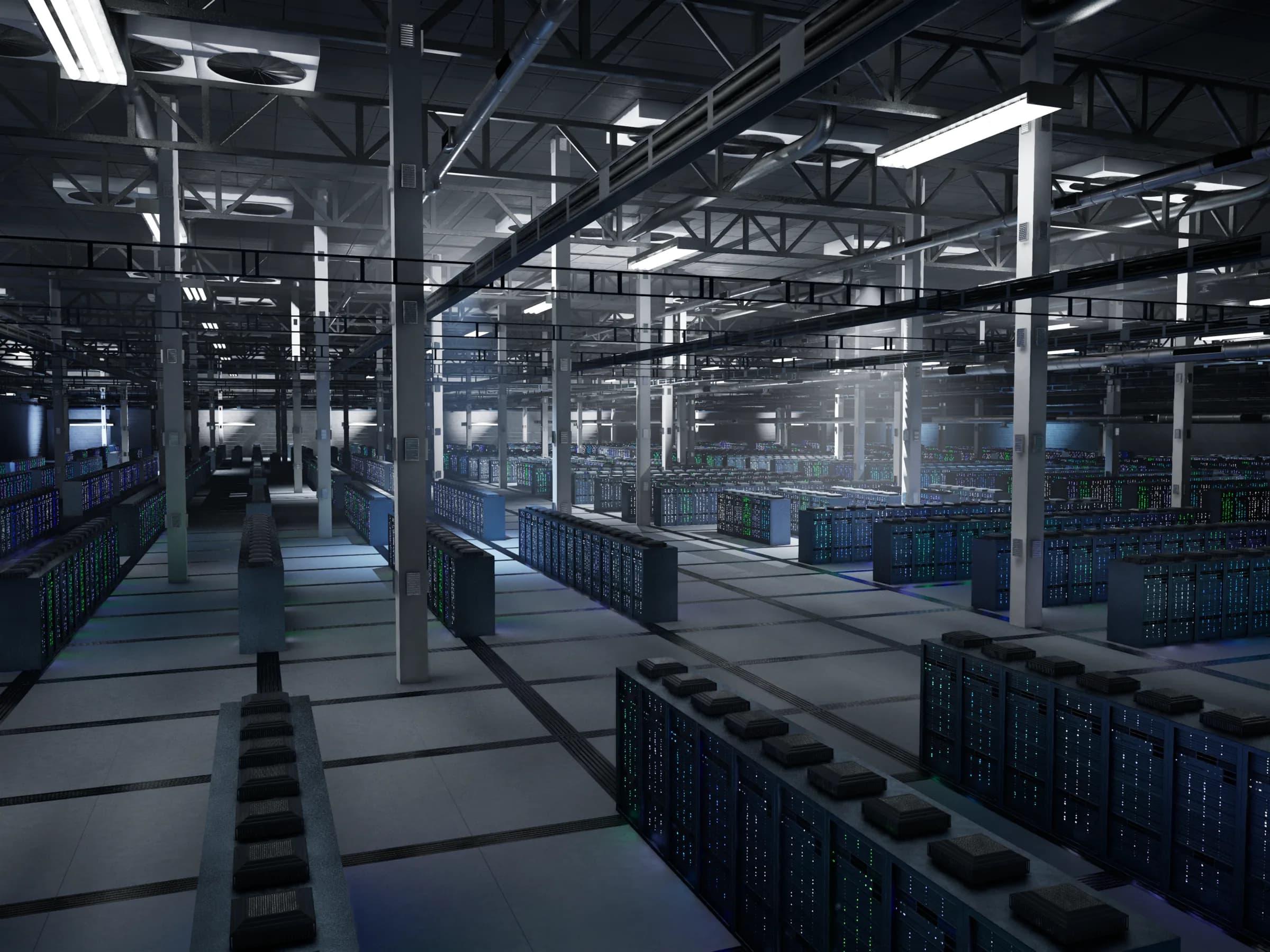
Datacenter floor with rows of server racks behind controlled access

The datacenter door

Nobody walks in unchecked.

SOC 2 Type II certified facilities guard the hardware with people, doors and cameras, around the clock.

  1. 24/7 security personnel
  2. Biometric access
  3. Mantrap entry
  4. CCTV coverage

Your session

Only you sign in.

Windows
Encrypted Remote Desktop (RDP) from any device.
Linux
SSH, where a key can replace the password.
Credentials
Sent by email and shown in your dashboard.
Extra factor
Add two-factor authentication to Remote Desktop, for example with Duo.

SOC 2 Type II certified datacenters.

Certification refers to the datacenter facilities. Your applications, broker credentials and trading controls remain yours to manage.

Watched around the clock: the 24/7 NOC tracks DDoS signals, network paths and hardware on every server.

Engineers investigate infrastructure issues and coordinate the response. Current service health and incident history are published on the status page.

Engineers behind the alerts.

AI-assisted detection flags what needs attention; a NOC engineer reviews it, escalates and resolves.

Server health
CPU, memory, disk and hypervisor
Network paths
Latency and packet loss on carrier routes
DDoS signals
Attack detection at the network edge
Hardware
Disk, memory and thermal warnings
Fleet anomalies
Changes from normal, for engineer review

Available when the market is.

Availability is part of security. Every plan carries the same monthly commitment.

99.999% uptime SLAMonthly server and network availability. Illustrates the commitment, not measured service history.
Read the uptime commitment

Plan for the unexpected.

Performance VPS plans include automatic backups. Dedicated plans use RAID1 redundant storage to help protect against a drive failure.

RAID1 is not a backup. Recovery coverage follows your selected plan.

We secure the infrastructure. You secure the strategy.

Security is shared: the layers above protect the server and the network around it, while what runs inside your session stays under your control.

What QuantVPS secures

Datacenter facilities with controlled physical access, the network edge and its DDoS filtering, network firewalls and intrusion detection, the isolation between environments, and the 24/7 monitoring of servers, routes and hardware.

What stays with you

Your server’s users, passwords and keys, the firewall rules for the services you expose, your applications and updates, and your broker credentials and trading controls.

Trading VPS security FAQ.

Sound familiar?5 common ones

Ever missed a setup because you were away from your desk?

Your platform keeps running. Log back in from any device.

If any of these sound familiar, a trading VPS is the fix.

Yes. Always-on mitigation filters attack traffic at the network edge on every plan, alongside firewall controls, a dedicated IP and unmetered bandwidth for the trading environment. The 24/7 NOC monitors DDoS signals with latency and packet loss.

There are two layers. At the network, enterprise firewalls and intrusion detection and prevention systems help identify suspicious traffic, included on every plan. On the server, you control the Windows Firewall or ufw rules for the services you expose, and you can whitelist your dedicated IP in exchange and broker API settings.

Yes. Hardware-level virtualization separates every environment. Your VPS has its own reserved CPU cores, memory and NVMe storage, its own operating system install and a dedicated IP; no other customer runs in your environment. Dedicated servers give you the entire physical machine.

Windows plans use encrypted Remote Desktop (RDP) from any device; Linux plans use SSH, where an SSH key can replace the password. Login credentials are sent by email and shown in your dashboard. Set up SSH keys on Ubuntu.

Yes. You control your server’s users and security settings, so you can add two-factor authentication to Remote Desktop with a tool such as Duo. If you change the Remote Desktop port, add the firewall rule for the new port first, or you will lock yourself out.

QuantVPS deploys in SOC 2 Type II certified facilities with 24/7 security personnel, biometric access, mantrap entry and CCTV coverage. The certification refers to the datacenter facilities; your applications, broker credentials and trading controls remain yours to manage.
See all FAQ

Answers on servers, latency, access, security and support.