
An MT4 trade copier copies trades from a master account to other MT4 or MT5 accounts: Local Trade Copier suits many accounts, and FX Blue Personal Trade Copier is free. Local copiers need the master and every follower terminal running on one machine, such as a London VPS near your broker. The 15 copiers at a glance:
- Local Trade Copier™: Best for managing multiple accounts with fast execution and copying between MT4 and MT5 accounts.
- Forex Trade Copier 4: Offers advanced customization for trade sizes, risk management, and multi-account setups.
- Duplikium Trade Copier: Cloud-based with ultra-low latency (1-3ms), ideal for high-frequency trading.
- Copygram: Integrates with Telegram for automated trade copying from signal providers.
- SureShotFX Copier: Designed for SureShotFX VIP signals, includes automated trade management.
- Telegram Signal Copier (now trade2sync): Reads signals from Telegram channels and executes trades on MT4, MT5, cTrader, DXtrade and TradeLocker from the cloud.
- MT4 Copier Pro: Professional-grade tool with analytics and flexible multi-account support.
- FX Blue Personal Trade Copier: Free, simple, and fast for copying between MT4/MT5 terminals on the same computer.
- Social Trader Tools Copier: Focuses on social trading with risk management features.
- ForexSignal.com Copier: Easy-to-use with premium signal integration.
- FX Synergy Copier: Its own website no longer loads (checked on 7 Nov 2026), so check support before relying on it.
- Tradesync: Cloud copying between MT4 and MT5 accounts from any broker, plus account monitoring and an API.
- Traders Connect: Cloud copier for 9+ platforms, priced per account.
- MetaTrader Signals (MQL5): The copy-trading service built into MT4 and MT5, where you subscribe to signal providers.
- MetaCopier: Cloud copier linking MT4 and MT5 with 15+ other platforms, billed per active account.
Quick Comparison
| Trade Copier | Price | Key Features | Latency | Hosting Needs |
|---|---|---|---|---|
| Local Trade Copier™ | From €29/month | Fast copying, cross-platform support | Ultra-low | 4+ cores, 8GB RAM |
| Forex Trade Copier 4 | $199 one-time license | Advanced customization | Low | 6+ cores, 16GB RAM |
| Duplikium Trade Copier | €9/account/month | Cloud-based, real-time execution | 1-3ms | None (cloud-hosted) |
| Copygram | From $29/month; Telegram from $49/month | Telegram integration | Low | None (cloud-hosted) |
| SureShotFX Copier | $49.99 lifetime (3 accounts) | VIP signal integration | Ultra-low | 6+ cores, 16GB RAM |
| Telegram Signal Copier | From $39.99/month | Social trading automation | Medium | None (cloud-hosted) |
| MT4 Copier Pro | Check vendor | Professional analytics | Low | 8+ cores, 16GB RAM |
| FX Blue Personal Copier | Free | Simple setup for local copying | Low | 4+ cores, 8GB RAM |
| Social Trader Tools Copier | From $20/month | Community signals | Medium | None (cloud-hosted) |
| ForexSignal.com Copier | $79/month (signals + copier) | Premium signal integration | Low | 6+ cores, 16GB RAM |
| FX Synergy Copier | Vendor site offline | Advanced filters | Ultra-low | 8+ cores, 16GB RAM |
| Tradesync | $12/month per full account | Cloud MT4/MT5 copying, equity monitors, API | Not stated | None (cloud-hosted) |
| Traders Connect | From $10/month per account | Cloud copier, 9+ platforms, equity protection | 20 to 30ms (vendor figure) | None (cloud-hosted) |
| MetaTrader Signals (MQL5) | Set by each signal provider | Built into MT4 and MT5 | Not stated | Your MT4/MT5 terminal |
| MetaCopier | Billed per active account per day | Cloud copier, MT4/MT5 and 15+ platforms | Not stated | None (cloud-hosted) |
For the lowest latency, pair these tools with a QuantVPS forex VPS in London or New York, where QuantVPS lists 0 to 10ms to forex brokers (checked on 10 Oct 2026). Its low-latency hosting keeps MT4 copiers and their terminals running when your own PC is off.
Keep your trade copier running while you're away.






Run the master terminal and copier on an MT4 VPS to keep every account online through the trading week.
What to Look for in MT4 Trade Copiers
When you pick an MT4 trade copier, check security first. MetaTrader 4 is widely used, so it is a common target for attacks, and a copier handles your account logins and trade data.
A good copier encrypts account details and money movements. Two-factor authentication (2FA) adds a second check, such as a code from your phone, before anyone can log in. Both steps keep the risk of unwanted access low.
The copier should also warn you clearly when trading is blocked. Blocks can come from copier settings, Expert Advisor (EA) limits or broker rules. If you run EAs on the same terminals as the copier, check how it treats their trades; our list of ready-made MT4 robots worth testing is a good place to start.
In September 2025, Local Trade Copier released updates with stronger safeguards against permission and execution errors, plus clearer warnings for users. Rimantas Petrauskas, who founded Local Trade Copier, said these updates were important:
"Trade copying needs to be both precise and adaptable. With these improvements, traders gain more control over how trades are executed and stronger safeguards against permission or execution errors."
To keep your money safe, choose a copier that follows your broker’s rules and leaves you in full control of your account, so you can stop copying at any time.
1. Local Trade Copier™
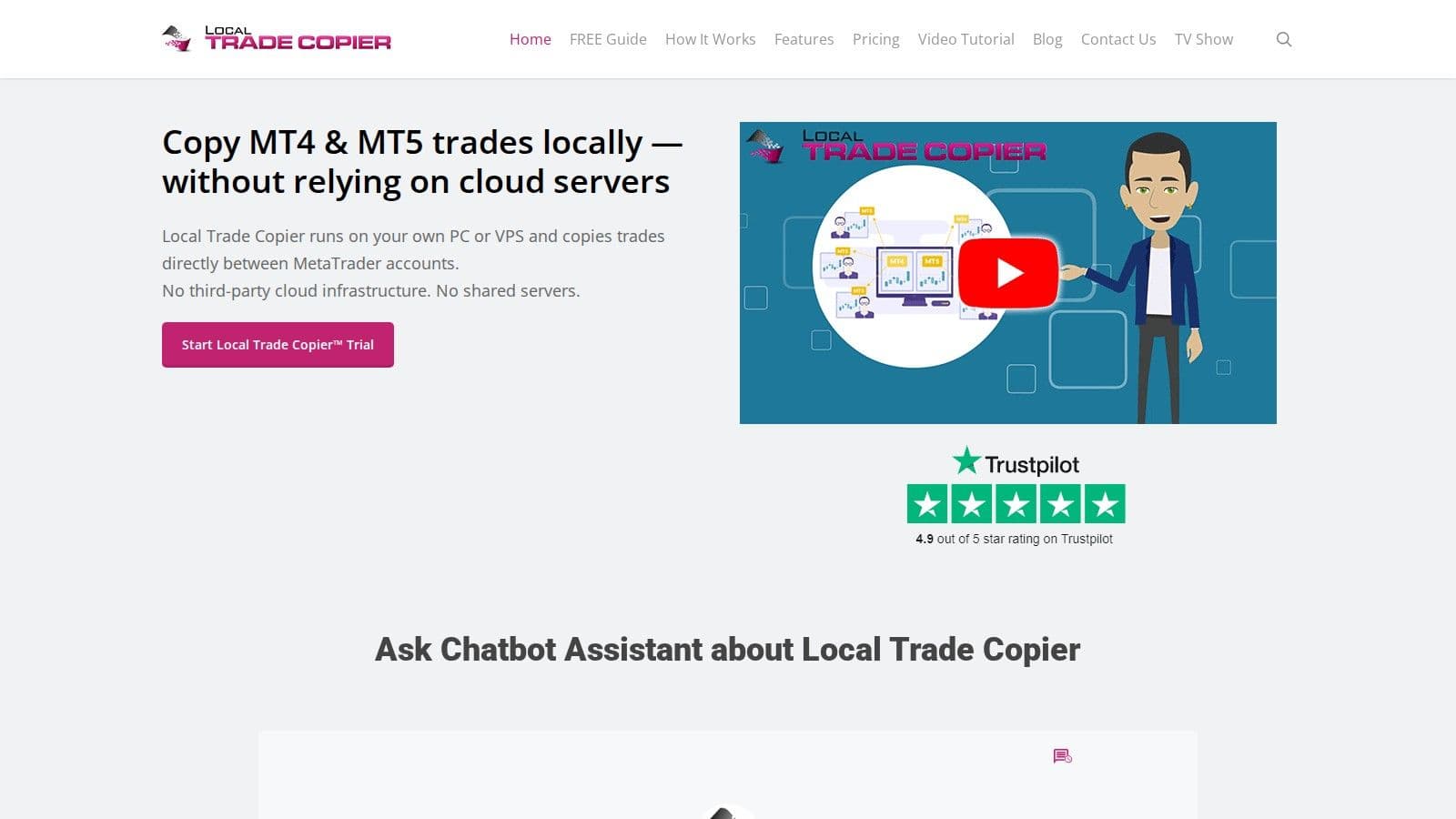
Local Trade Copier™ copies trades from one master account to many MT4 and MT5 accounts across different brokers, whether they are your own accounts, client accounts or prop firm accounts. It runs on your own PC or VPS, and all copying happens on that machine, with no cloud routing. For prop firm accounts, see our Apex trade copier guide.
Fast Local Copying
Because the master and follower terminals run on the same machine, a trade placed on the master account is copied to the other accounts right away, without a trip through a cloud server.
Works with Many Accounts and Signals
Local Trade Copier supports one master to many accounts, accounts with different balances, and copying from accounts where you only have the read-only investor password. Its SMART INVESTOR BRIDGE™ setup merges trades from several master accounts into one bridge account, then sends them on to client accounts. Trades from Expert Advisors are copied like manual trades, as long as each EA runs on its own chart.
Fits with MT4 and MT5
It copies MT4 to MT4, MT4 to MT5, MT5 to MT4 and MT5 to MT5, with ECN, STP, RAW, FIFO, demo and real accounts. It runs on a Windows PC or VPS; Mac users need Wine or a Windows VPS.
Pricing: Local Trade Copier is a subscription priced in euros and charged per PC or VPS, not per account. The Personal plan costs €29/month for one PC or VPS, Manager is €89/month (5 PCs or VPS) and VIP is €199/month (15 PCs or VPS), each with unlimited MT4/MT5 accounts per PC or VPS. Yearly billing gives 2 months free (checked on 7 Nov 2026). It installs on your own PC or VPS, and a free 7-day trial is available.
2. Forex Trade Copier 4 (ForexCopier)
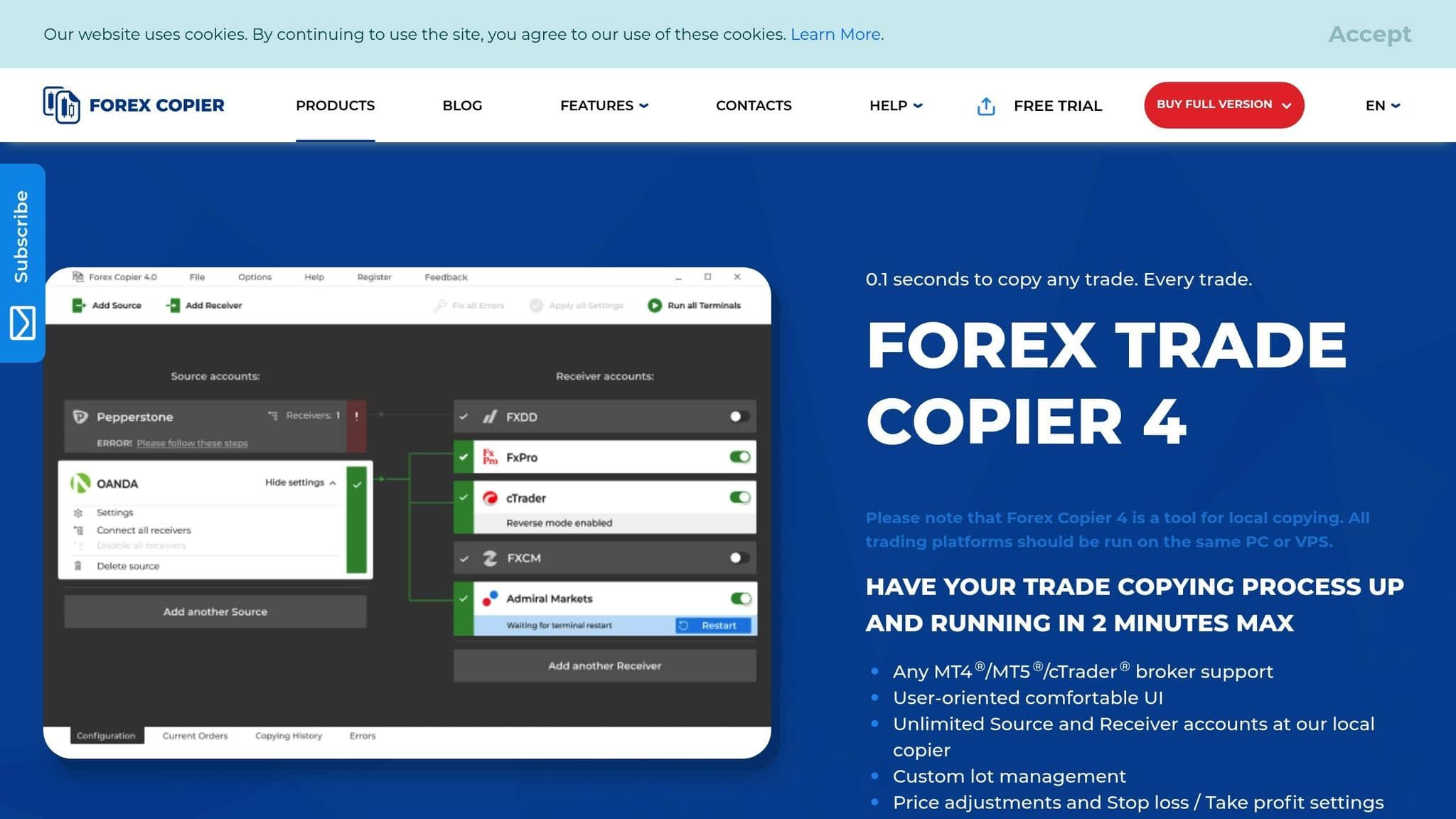
Forex Trade Copier 4, from Forex Copier, focuses on fine control over how trades are copied: trade size, risk handling and entry price.
Trade Size and Risk Settings
You can copy the master account’s trade size, use a fixed size, or scale size by the balance of each account. With balance scaling, if the receiver account holds twice the money of the source account, its trades are twice as large, so both accounts carry the same risk.
A fixed trade size uses the same amount on every trade, whatever the master account’s size. Risk-based sizing sizes each trade so it risks the same amount at its stop loss, but it only works when the original trade has a stop loss.
"We provide the ability to fine-tune the Forex Copier multi-account management. Lot/risk management, SL/TP settings, Price adjustments, Filtering orders, Emergency stop, Comments management, order splitting, and much more are in our trading copy system." - Forex Copier
An emergency stop halts copying when the source account’s equity or drawdown reaches a level you set, which protects your funds when markets turn against you.
Different Leverage and Account Sizes
Forex Trade Copier 4 also adjusts for leverage. If the receiver account has half the leverage of the source account, the copier halves the position size so trades stay in line.
Works with MT4, MT5 and cTrader
Its "Wait For Better Price" option waits for a satisfying price before opening the copy, and price adjustment settings set the range where copied orders may open. Settings are saved automatically for your next project.
Forex Trade Copier 4 is a local copier: all terminals run on the same PC or VPS. It copies between MT4, MT5 and cTrader terminals in any direction, with unlimited source and receiver accounts. Forex Copier also sells Remote Provider and Remote Receiver versions for copying between different computers.
There is a 30-day free trial, and the full version costs $199 (down from $299) for a lifetime license with support, checked on 10 Oct 2026. One license covers one computer, and you can move it to a new computer at no extra cost.
3. Duplikium Trade Copier
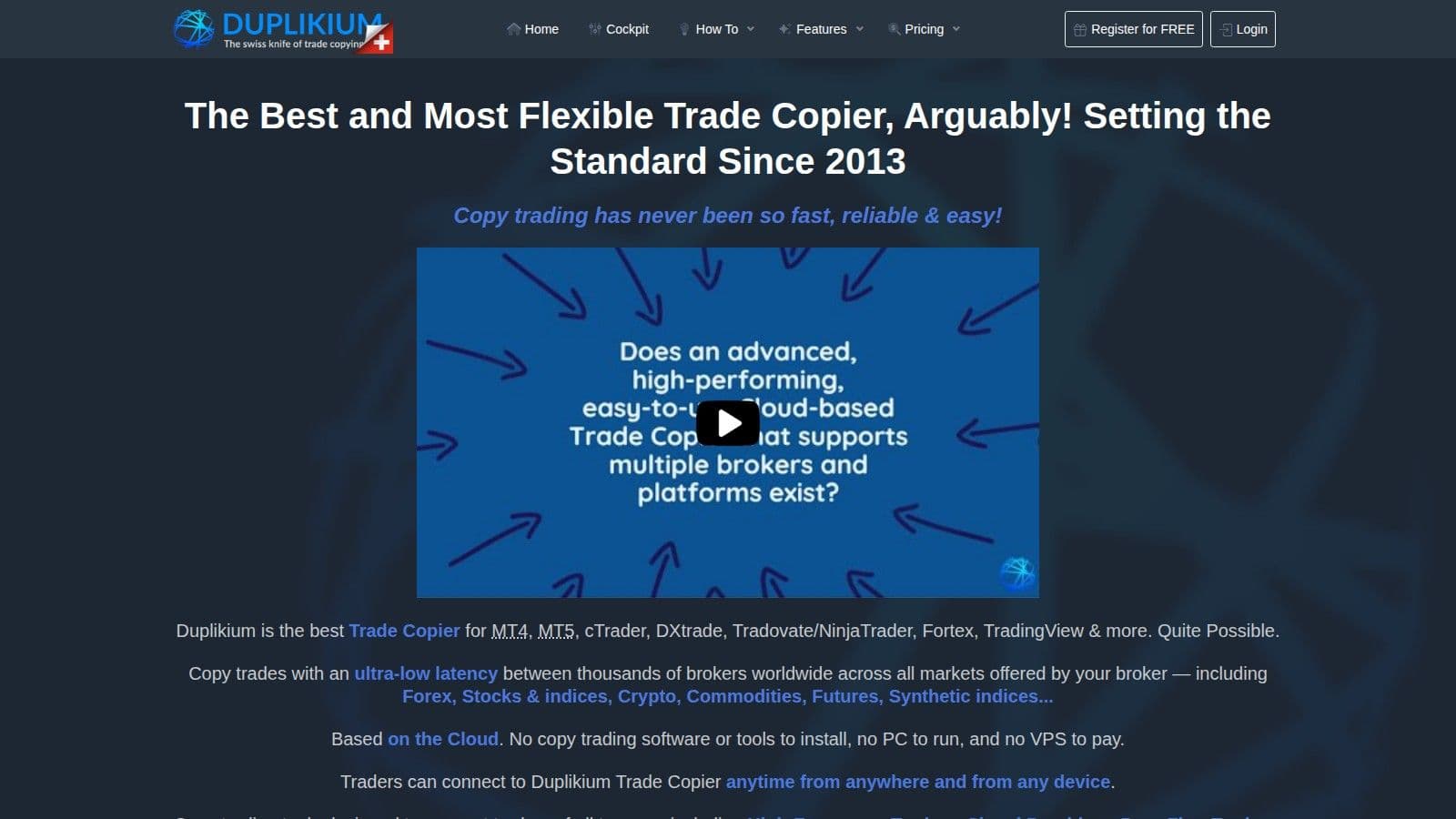
Duplikium Trade Copier is one of advanced MT4 trade copiers, offering impressive speed and a range of customization options to simplify trade automation. This cloud-based solution eliminates the need for local hardware. Duplikium has operated since 2013 and says it copies more than 6 million orders a week across 30,000+ connected accounts and 5,000+ supported brokers.
Real-time Execution Speed
Duplikium delivers lightning-fast execution with latency ranging from 1 to 3 milliseconds, making it perfect for high-frequency trading and scalping.
"With an extra-low internal latency of few milliseconds (1-3 ms) Duplikium is suitable for high-frequency trade copying." - Duplikium
To minimize latency, users can select from four server locations - Frankfurt, London, New York, or Singapore - ensuring the closest connection to their broker. Once configured, trades are copied instantly and automatically to follower accounts. The platform also includes monitoring and alerts to notify users of disconnections or failed orders, ensuring consistent performance.
Multi-account and Multi-signal Provider Support
Duplikium supports multiple master-slave account setups, offering 24/7 live monitoring and instant alerts for any issues like failed orders or disconnections.
Customization Options for Trade Management
The platform allows users to fine-tune their trade copying preferences with features like Auto Risk (matching risk by equity), Multipliers, Fixed Lot sizes, and Fixed Leverage.
A variety of risk management tools add another layer of control. Users can set maximum risk limits per trade (either as a percentage or dollar amount), apply fixed stop loss and take profit levels, define minimum and maximum pip limits, and activate trailing stops that adjust dynamically as trades become profitable.
Additional filtering options include reversing trade directions, copying specific order types, restricting operations to certain hours or days, splitting large orders, and capping the number of open positions. These settings, combined with its cloud-based design, make Duplikium an efficient and reliable tool for hands-off trade copying.
MT4 Integration and Cloud-based Functionality
Duplikium works with MT4 and operates entirely in the cloud, meaning no software installation is required. This ensures uninterrupted trade copying, even when your computer is turned off.
Duplikium prices in euros. New users get €20 of free prepay credit (no credit card needed; checked on 7 Nov 2026). Subscriptions cost €9 per account per month for 1–10 accounts and fall to €6 per account at 1,000+ accounts; prepay starts at €0.50 per account per day. Besides MT4, it supports MT5, cTrader, DXtrade, TradingView, FXCM and LMAX, with Tradovate and NinjaTrader in beta. If you mainly copy futures accounts, our guide to trade copiers for futures covers NinjaTrader and Tradovate tools in more depth.
4. Copygram
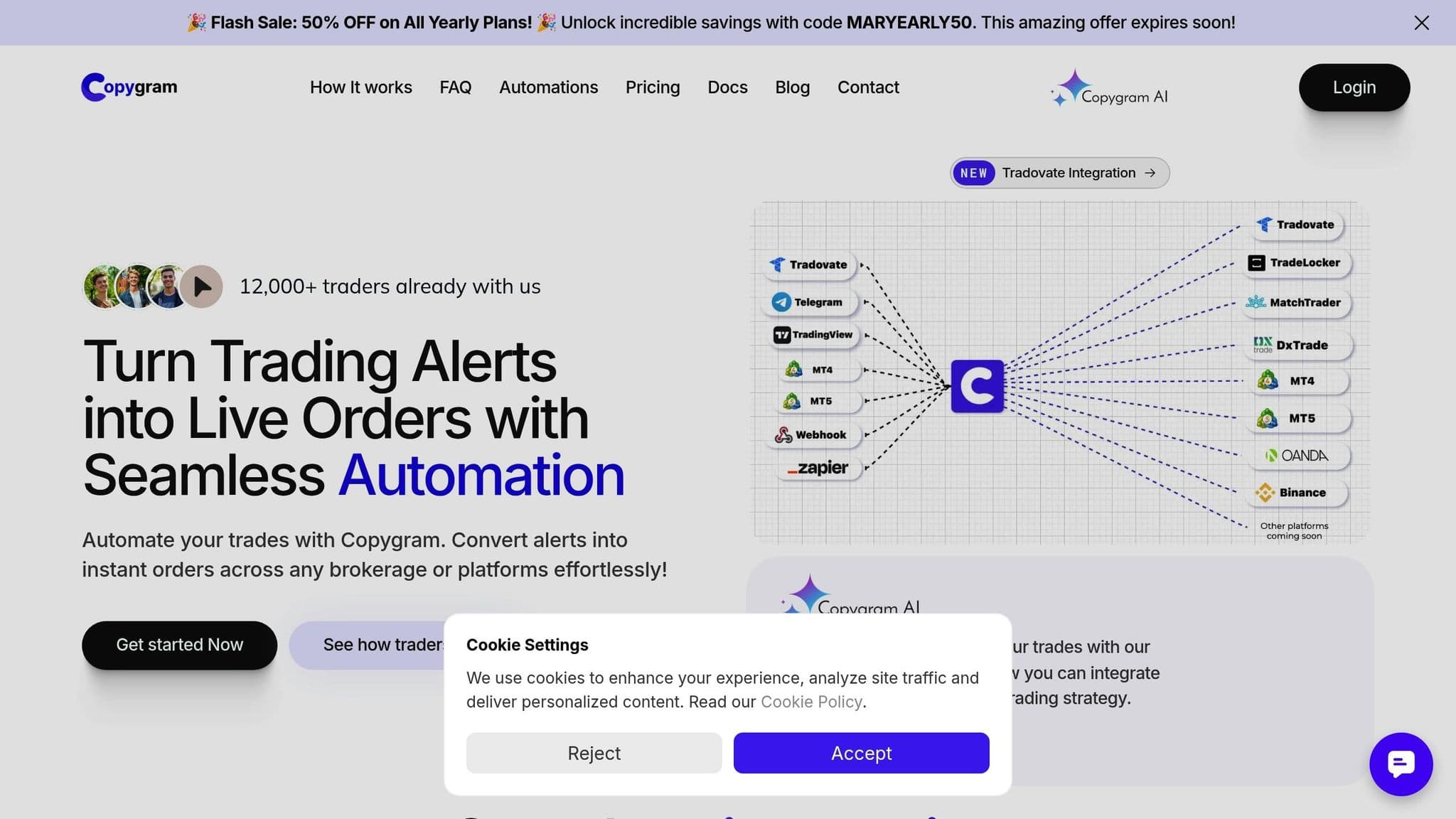
Copygram is a trade copying platform that integrates with Telegram, transforming Telegram channels into automated trading signals. With this setup, traders can automatically replicate trades from signal providers without needing to intervene manually. It’s a smart way to combine social trading with automation.
Real-time Execution Speed
The platform processes Telegram-based signals and executes trades on linked MT4 accounts almost instantly. By using text parsing, it can accurately interpret trade signals from various message formats. Its cloud-based infrastructure ensures a constant connection between Telegram channels and trading accounts, minimizing delays that can often occur with local trade copying tools.
Multi-account and Multi-signal Provider Support
Copygram is great for traders managing multiple portfolios. It allows users to connect several MT4 accounts under a single subscription. You can also link multiple Telegram channels at the same time, making it easier to diversify across different signal providers and strategies. A centralized dashboard gives users real-time updates on their connected accounts and signal sources, with insights into performance metrics for each provider.
Customization Options for Trade Management
To help protect capital, Copygram includes several risk management tools. Users can tailor their trade copying preferences with options like fixed lot sizing, proportional scaling, or custom multipliers. It also supports partial trade copying, letting users pick specific trade types or currency pairs. Advanced filters allow for adjustments based on trading hours or drawdown limits during high volatility.
Compatibility with MT4
Copygram is not limited to MT4: it copies to MT4, MT5, Tradovate, NinjaTrader, DXtrade, TradeLocker, MatchTrader, OANDA and Binance Futures, and it says MetaTrader copying is 100% cloud-based with no VPS or Expert Advisor required. Our TradeLocker trade copier guide covers copying from MT5 to TradeLocker. Setup happens in a web dashboard: connect your accounts, then add Telegram channels or TradingView webhooks as signal sources. If TradingView supplies the signals, a VPS for TradingView webhooks can host the receiving bridge while you check how the copier handles each follower account.
For added convenience, a responsive web interface and push notifications make it easy to monitor and adjust settings from mobile devices.
Plans cost $29/month (Starter, up to 2 trading accounts), $49/month (Pro, up to 3) and $79/month (Advanced, up to 5), or $12.50, $20.42 and $32.92 per month billed yearly. Starter only copies trades you place on MT4, MT5, Tradovate or Live Chart; Telegram and TradingView signal sources start on Pro (checked on 7 Nov 2026).
5. SureShotFX Copier
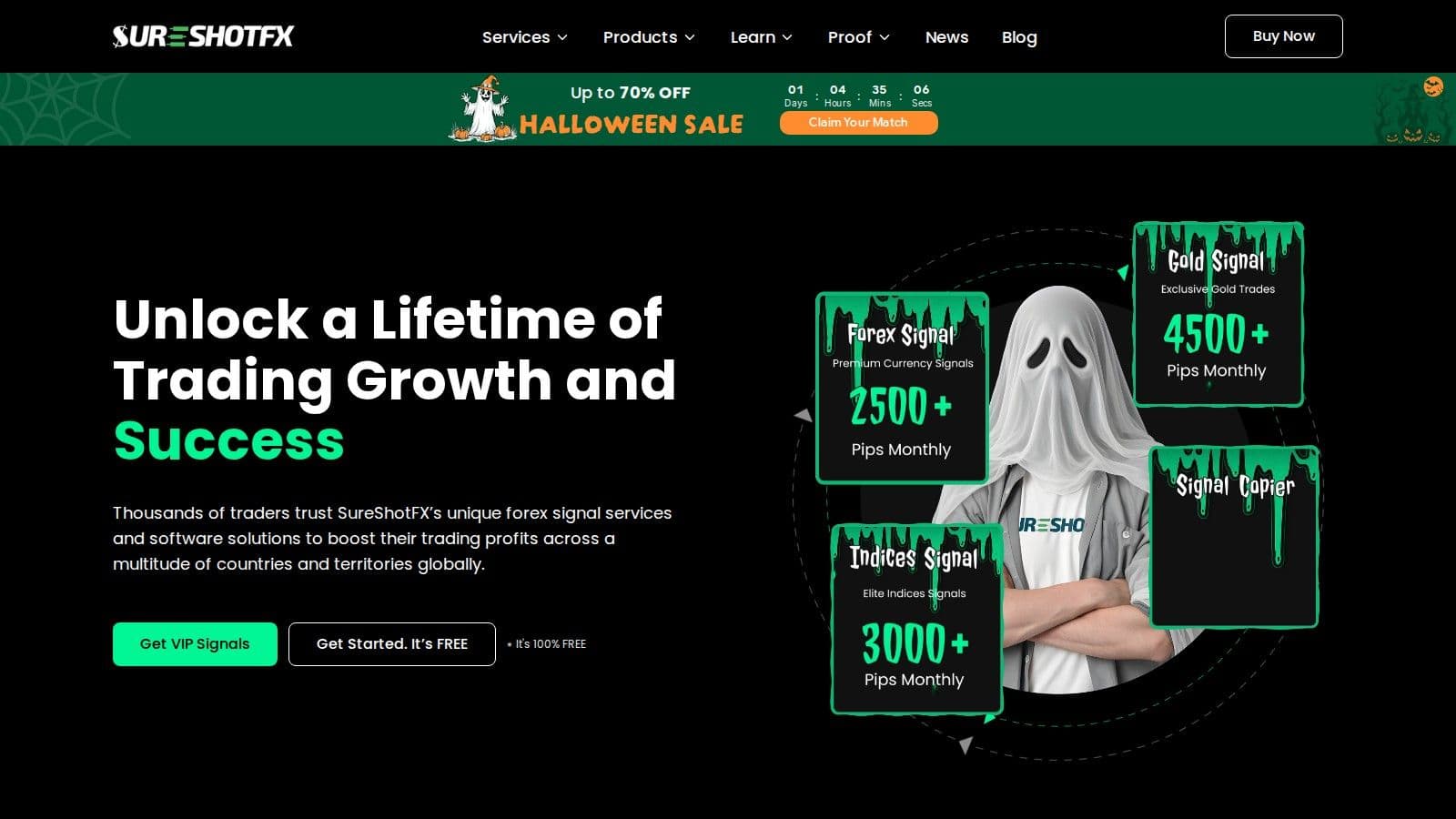
SureShotFX Copier is a specialized tool designed to copy trading signals from SureShotFX's VIP channels directly into MT4 and MT5 accounts. This automated system takes the hassle out of manual trading, enabling traders to follow expert signals without constant monitoring. Here's a closer look at its standout features.
Real-time Execution Speed
The SureShotFX Copier is built for speed, ensuring trades are executed in milliseconds. This precision helps minimize slippage, which is especially important during volatile market movements.
"Our SSF Copier is designed for super-fast execution, ensuring trades are copied in real-time with minimal to no lag." - SureShotFX
Multi-account Management Made Simple
Managing multiple accounts is a breeze with this copier. A single lifetime license covers up to three accounts and costs $49.99 (discounted from $74.99). This feature is particularly useful for traders handling diverse portfolios.
Since the copier works exclusively with SureShotFX's VIP channels, users must have access to these premium signal sources. This ensures the copier is fully aligned with SureShotFX's trading strategies for optimal results.
Automated Trade Management Customization
The platform goes beyond basic copying by offering automated trade management. It handles tasks like half closes, partial closes, full closes, and stop loss adjustments automatically, based on updates received from the VIP channels. This level of customization allows traders to fine-tune their strategies without manual intervention.
Integration with MT4 and MT5
SureShotFX Copier is compatible with both MT4 and MT5 platforms. Setting it up is straightforward - install the software, connect it to your SureShotFX VIP channel, and you're ready to go. It installs locally on your computer or VPS.
6. Telegram Signal Copier
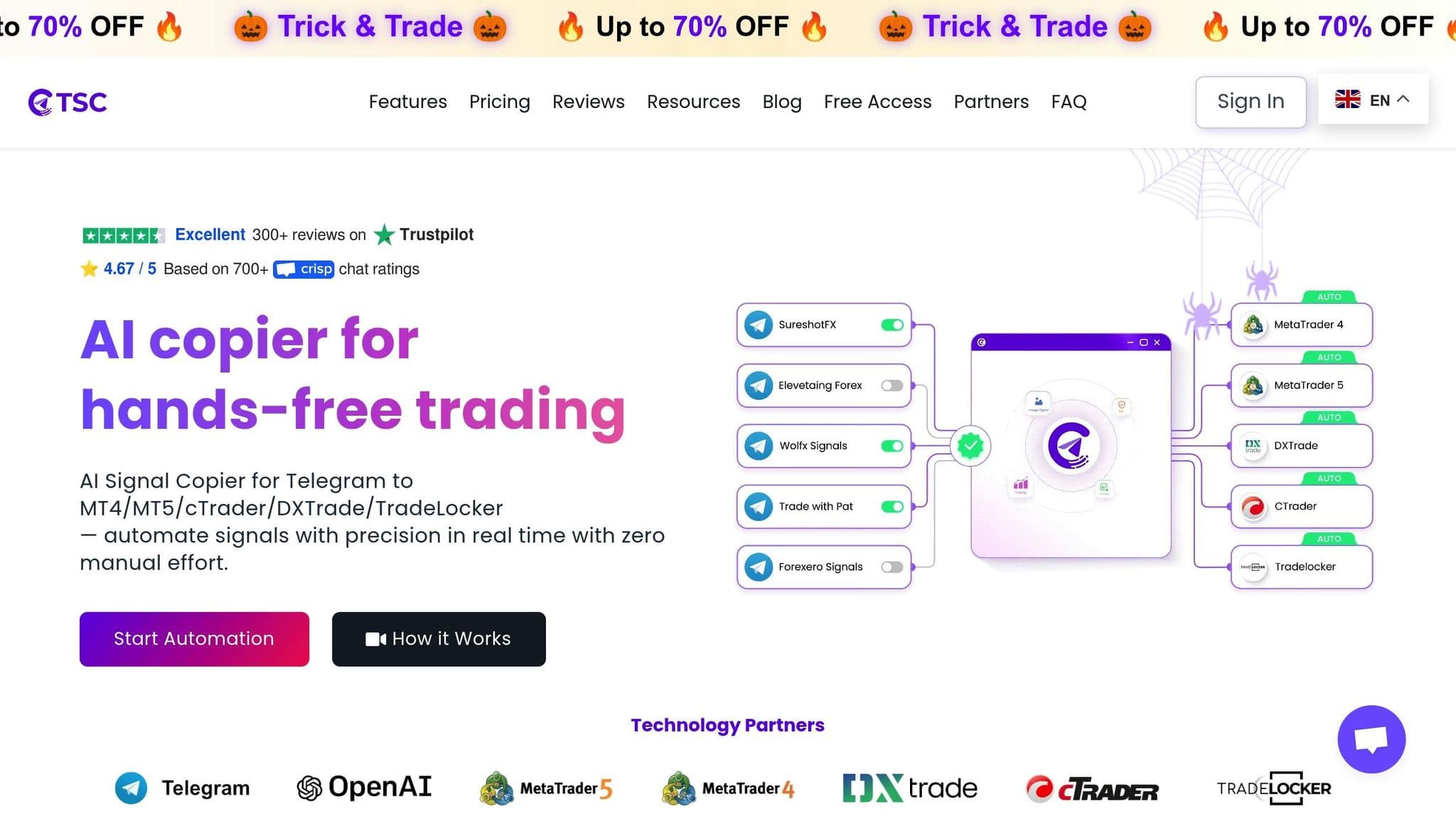
The Telegram Signal Copier, now sold as trade2sync, automatically executes trades on MT4 (and MT5, cTrader, DXtrade and TradeLocker) by reading signals from Telegram channels. It scans messages from specified channels, extracts key trading details - like entry points, stop losses, and take profits - and converts them into actionable trades on your MT4 platform. This feature is especially handy for traders who rely on multiple signal providers via Telegram. Here's a closer look at its functionality.
Real-time Execution Speed
This tool is built for speed. It processes signals within seconds of receiving them in Telegram chats, ensuring trades are executed promptly. The system continuously monitors the selected channels, so you won’t miss signals, even during periods of high activity. However, the actual speed can depend on factors like your VPS performance and internet connection stability.
Multi-account and Multi-signal Provider Support
A key advantage of the Telegram Signal Copier is its ability to handle multiple Telegram channels and distribute trades across several MT4 accounts. You can set different risk parameters for each account, making it incredibly versatile. For example, you could copy identical signals to multiple accounts but adjust the lot sizes for each. Alternatively, you can assign specific signal providers to designated accounts. This makes it a practical solution for both individual traders managing their own portfolios and money managers handling client accounts.
Customization Options
The tool offers a range of customization features to suit your trading style and risk tolerance. You can adjust lot sizes, set daily loss limits, and fine-tune position sizing. Many versions also include filters to screen out signals that don’t meet specific criteria, such as a minimum risk-reward ratio or a predefined stop loss distance. Additional features like trailing stops, partial close management, and correlation filters are often available, helping traders manage risk and optimize performance.
Remote desktop
Your trading computer. In the cloud.
Connect and control your trading strategies from any device, anywhere in the world, through secure remote desktop, while execution remains on QuantVPS.
Choose your cloud trading computerFrom $29.99/mo · Windows or Linux
Compatibility with MT4
trade2sync now runs in the cloud, so it operates 24/7 without your own PC or a VPS, and you manage it from the web or a mobile app. Plans start at $39.99/month for one live or demo account (Basic) and $54.99/month for three accounts (Pro), with discounts on quarterly and yearly billing and a 7-day money-back guarantee. The tool works across various MT4 brokers, though execution speed may vary depending on the broker’s server response times.
7. MT4 Copier Pro
MT4 Copier Pro is a dependable tool for duplicating trades across multiple MT4 accounts using a master–slave setup. It's particularly useful for professional traders and money managers looking to maintain consistent trading strategies across various portfolios. Let's break down what makes this software stand out in terms of speed, account management, and customization.
Real-time Execution Speed
This tool connects directly to MT4 terminals, ensuring trade signals are executed with minimal delay. Whether it's running on your VPS or local computer, MT4 Copier Pro minimizes network latency for smooth performance. Even when handling multiple slave accounts, it maintains consistent and efficient operations.
Multi-account and Multi-signal Provider Support
MT4 Copier Pro supports multiple master and slave accounts, allowing for flexible setups like bidirectional copying. It also keeps detailed logs of all copying activities, making it easy to track performance and account relationships over time.
Customization Options
The software offers customization features for risk management and position sizing. You can apply filters based on symbol, trade direction, lot size, or time. It even includes independent trailing stops for copied trades, helping you manage risk effectively in ever-changing market conditions.
Compatibility with MT4 and Other Platforms
Designed to work with major MT4 brokers, MT4 Copier Pro supports both demo and live accounts. It automatically adjusts for symbol and lot size differences and is optimized for Windows VPS environments. Additional features include built-in monitoring with alerts, as well as backup and restore functions for added convenience.
8. FX Blue Personal Trade Copier
FX Blue Personal Trade Copier is a trusted tool for traders who need to replicate trades between MT4 or MT5 setups on the same computer. Known for its fast execution and detailed customization options, it’s a favorite among thousands of traders who prioritize efficiency and control.
It is free to download and use, with versions for MT4 and MT5 that can copy in either direction between them. It only copies between terminals running on the same computer or VPS.
Real-Time Execution Speed
Since this tool operates entirely on the same computer, it avoids the delays caused by internet latency. This setup ensures trades are copied almost instantly once the sender EA identifies a new order or closure.
"Copying is almost instant, limited only by your broker's speed." - FX Blue
The copier’s speed largely depends on your broker’s trade execution and network latency, rather than the copier’s internal processes. For traders managing multiple signals on MT4, the optional Receiver-Worker EA allows parallel processing of trades. This feature is especially useful when handling several signals at the same time, boosting overall performance.
This near-instant copying capability complements the tool’s extensive range of customization options.
Customization Options
Speed is only part of the equation - control over trade parameters is just as critical. FX Blue Personal Trade Copier provides a wide array of settings for lot sizing and risk management, making it adaptable to different trading strategies and account conditions. For example, the fixed lot size option (UseFixedLotSize) ensures a consistent trade volume.
If you prefer proportional scaling, the LotSizeMultiplier parameter allows you to adjust the trade size relative to the sender’s lot size. Whether you want to trade half, double, or triple the original volume, this feature makes it simple. Additionally, the copier supports risk-based lot sizing, automatically adjusting trade volumes based on the relative equity of the sender and receiver accounts (converted to USD if needed).
Other features include volume capping with MaxLots and MinLots, as well as safety settings like FixedSLPips and FixedTPPips, which let you override stop-loss and take-profit levels. The RoundUpToBrokerMinimum option ensures trade volumes meet your broker’s minimum requirements, reducing the risk of trade rejections.
Compatibility with MT4 and Other Platforms
FX Blue Personal Trade Copier is compatible with both MT4 and MT5, adapting to different account types, whether micro or standard. Its design, which avoids sending signals over the internet, ensures faster and more efficient trade copying.
"The Personal Trade Copier is easier to set up, and it copies trades faster because it does not need to send signals over the internet." - FX Blue
For traders using lower-performance VPS systems, the TradeWatchFrequencyMS parameter in the sender EA can be adjusted to reduce processor load without significantly affecting copying speed. With the recent version 10 update, copying speeds have been further improved, making the tool even more dependable for high-frequency trading and Forex automation.
9. Social Trader Tools Copier
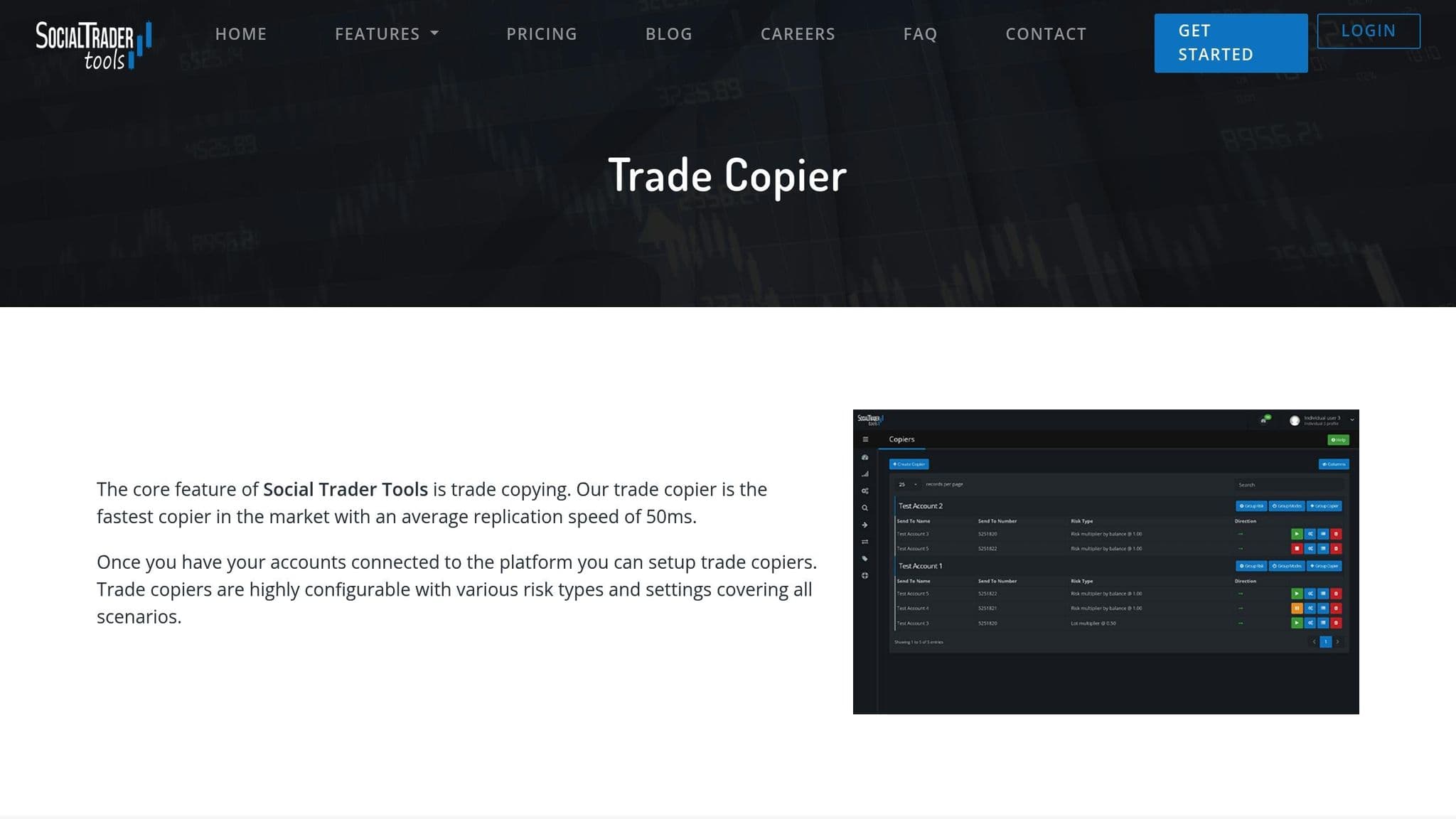
Social Trader Tools Copier provides a range of options that let you adjust trade copying to fit your risk tolerance and account size. This level of control over trade sizing and risk management can play a key role in enhancing your Forex automation strategy.
Customization Options
With Social Trader Tools Copier, you can manage lot sizes in multiple ways - whether you prefer fixed amounts, percentage-based scaling, or proportional adjustments. It also includes advanced risk management features like customizable stop-loss and take-profit settings, daily loss limits, and drawdown protection. These tools are designed to help you fine-tune your automation process without compromising on managing risks effectively.
The flexibility and control offered by Social Trader Tools Copier make it a valuable tool for traders looking to streamline their automation while keeping a close eye on risk.
Social Trader Tools is cloud-hosted and works only with MT4 and MT5, so no VPS is needed. Plans start at $20/month for up to 2 accounts and go up to $1,000/month for 100 accounts; master and follower accounts each use a slot.
10. Trade Copier by ForexSignal.com
Trade Copier by ForexSignal.com provides a simple yet effective way to copy trades on MetaTrader 4. Its focus on reliability and ease of use makes it a practical choice for traders. Here’s a closer look at its standout features:
Real-time Execution Speed
This tool ensures trades are copied quickly, which is especially important in fast-moving markets. It strikes a balance between speed and precision, enabling smooth automation.
Multi-account and Multi-signal Provider Support
The copier follows ForexSignal.com's own signals only, not other signal providers. Its web dashboard sets your lot size and leverage and shows your open and closed trades.
Customization Options
You can adjust trade sizes and set up risk controls, such as predefined loss limits and drawdown protection. These options allow you to align copied trades with your personal trading approach.
Compatibility with MT4 and Other Platforms
The Trade Copier is a plugin for MetaTrader 4 that ForexSignal.com says works with any MT4 forex broker. It runs inside your MT4 terminal, so the terminal must stay open to copy trades. The Signals + Trade Copier plan costs $79 a month after a $19 30-day trial (checked on 7 Nov 2026).
11. FX Synergy Copier
FX Synergy Copier offers traders the ability to tailor trade copying on MetaTrader 4 to their specific needs.
Customization Options
With this tool, traders can tweak settings such as lot sizes, set maximum trade limits, and establish stop-loss parameters. It also includes risk management features like drawdown protection and an auto-pause function that activates when losses hit predefined levels. These tools aim to provide precise control over risk and adaptable trade management.
FX Synergy's own website no longer loads (checked on 7 Nov 2026), so updates and support may not be available. Choose a copier with an active vendor site instead.
12. Tradesync
Tradesync is a cloud platform for managing and copying MT4 and MT5 accounts from any broker. It is hosted 24/7, so the copier keeps working without your own PC or VPS.
Copy trading needs a Full account at $12 per month per account. Readonly accounts cost $6 per month for account management and analysis only, and a dedicated proxy server adds $10 per month (checked on 10 Oct 2026).
Tradesync also offers equity monitors that trigger actions at target percentages or values, plus a REST API for developers who want to build their own copying or account tools.
Order flow
Built for scalpers. Heatmaps on dedicated resources.
Order-flow heatmaps and DOM ladders run on dedicated CPU, memory and NVMe, so your charts keep responding during volatility.
See the dedicated hardwareFrom $29.99/mo · Windows or Linux
13. Traders Connect
Traders Connect is a cloud trade copier that sends one trade to many accounts across 9+ platforms, with no software, EAs or VPS to install. Traders Connect says copied trades reach every account in 20 to 30ms.
Its CFD copier costs $10 per account per month (Standard) or $15 (Premium, which adds ultra-low latency copying, HFT support and priority support), checked on 10 Oct 2026. Standard includes equity protection and an economic news calendar.
An optional dedicated environment for MetaTrader 4 and MetaTrader 5 accounts, with a private IP and dedicated hardware, costs $30 per month for one account plus $10 per extra account.
14. MetaTrader Signals (MQL5)
MetaTrader Signals is the copy-trading service built into MT4 and MT5 and run through the MQL5.community website. You need an MT4 or MT5 trading account and an MQL5.community account, then you subscribe to a signal from the terminal or the MQL5 site and set the copying options in the terminal.
Each signal provider sets its own monthly price; many signals on the MQL5 showcase cost $30 to $49 a month to copy (checked on 10 Oct 2026), and some cost more. With a real account, you can only subscribe to signals based on real accounts, and you can move a subscription to another account once a week.
Copying is logged in the terminal Journal, so you can check each signal action from MetaTrader itself.
15. MetaCopier
MetaCopier is a cloud copier that links MetaTrader 4 and 5 with 15+ other platforms, including cTrader, DXtrade, TradeLocker, MatchTrader, TradingView and Tradovate, with no installation or VPS.
Pricing is metered per active account per day and billed monthly, and new users get a 20 USD credit to try it (checked on 10 Oct 2026). Features include risk limits, trading windows, trailing stops, symbol mapping and a REST API.
Comparison Table
| Trade Copier | Price (USD) | Key Features | Latency Performance | Hosting Requirements | QuantVPS Compatibility |
|---|---|---|---|---|---|
| Local Trade Copier™ | From €29/month | Local copying, risk management | Ultra-low | 4+ cores, 8GB RAM, NVMe SSD | Fully optimized |
| Forex Trade Copier 4 | $199 one-time license | Multi-account copying, filters | Low | 6+ cores, 16GB RAM, NVMe SSD | Excellent |
| Duplikium Trade Copier | €9/account/month | Cloud-based, real-time sync | 1–3ms (internal) | None (cloud-hosted) | Compatible |
| Copygram | From $29/month; Telegram from $49/month | Telegram integration, mobile alerts | Low | None (cloud-hosted) | Optimized |
| SureShotFX Copier | $49.99 lifetime (3 accounts) | Signal filtering, lot scaling | Ultra-low | 6+ cores, 16GB RAM, NVMe SSD | Fully supported |
| Telegram Signal Copier | From $39.99/month | Social trading, automated parsing | Medium | None (cloud-hosted) | Compatible |
| MT4 Copier Pro | Check vendor | Professional features, analytics | Low | 8+ cores, 16GB RAM, NVMe SSD | Excellent |
| FX Blue Personal Trade Copier | Free | Personal use, simple setup | Low | 4+ cores, 8GB RAM, NVMe SSD | Optimized |
| Social Trader Tools Copier | From $20/month | Social features, community signals | Medium | None (cloud-hosted) | Compatible |
| ForexSignal.com Copier | $79/month (signals + copier) | Premium signals, risk controls | Low | 6+ cores, 16GB RAM, NVMe SSD | Fully supported |
| FX Synergy Copier | Vendor site offline | MT4 filters, drawdown protection | Ultra-low | 8+ cores, 16GB RAM, NVMe SSD | Excellent |
| Tradesync | $12/month per full account | Cloud MT4/MT5 copying, equity monitors | Not stated | None (cloud-hosted) | Not needed (cloud) |
| Traders Connect | From $10/month per account | Cloud copier, 9+ platforms | 20 to 30ms (vendor figure) | None (cloud-hosted) | Not needed (cloud) |
| MetaTrader Signals (MQL5) | Set by each signal provider | Built into MT4 and MT5 | Not stated | Your MT4/MT5 terminal | Compatible (terminal on the VPS) |
| MetaCopier | Billed per active account per day | Cloud copier, MT4/MT5 and 15+ platforms | Not stated | None (cloud-hosted) | Not needed (cloud) |
Vendor prices checked on 7 Nov 2026 on each vendor’s own site.
Key Considerations for Performance
The hosting specifications listed are our suggested starting points, not vendor requirements, for smooth operation, particularly if you’re managing multiple MT4 terminals. Insufficient CPU power or limited RAM can make terminals lag and delay copied orders, potentially leading to missed trades. A Gigabit network connection with 99.999% uptime is also critical for maintaining consistent copier performance, especially during market volatility. QuantVPS achieves this by using enterprise-grade hardware and redundant network systems.
Additionally, NVMe SSD storage loads MT4 terminals and their history files faster than traditional hard drives.
Which MT4 Trade Copier Is Best?
The best MT4 trade copier depends on your setup: Local Trade Copier suits many accounts, Copygram suits Telegram signals, and FX Blue Personal Trade Copier is free. Instead of spending time on manual trade execution, these tools take care of the repetitive tasks, freeing you up to concentrate on refining your strategy and analyzing market trends. The 15 trade copiers we've covered each bring something different to the table. Whether it's the dependability of Local Trade Copier or the social trading perks of Copygram, there's a solution out there to match your trading style and budget.
Hosting your MT4 copier
But let’s not overlook an equally important aspect: your hosting setup. Even the most advanced copier can stumble if your infrastructure isn’t stable. That’s where QuantVPS comes in, offering reliable performance to keep your automated trading running smoothly, 24/7.
Also, consider your trading volume when choosing a copier and hosting plan. For smaller setups with just a few accounts, basic plans will do the job. On the other hand, if you're managing a high number of accounts, a dedicated server ensures your system can handle the load without a hitch.
With QuantVPS’s Windows Server 2025 and 2022 support and global reach, you can get the most out of your MT4 trade copier, ensuring optimal performance no matter where you are.
Before going live, link two demo accounts and check lot scaling, symbol suffixes and what the copier does when a terminal closes. Local copiers need the master and every follower terminal running on one machine, which is what MT4 copier hosting in London is for.
FAQs
How can I choose the best MT4 trade copier to match my trading goals and manage risk effectively?
To choose the right MT4 trade copier for your trading needs, focus on tools that come with strong risk management options. Features like stop-loss settings, position sizing controls, and adjustable risk parameters are essential to help you stay in control of your trades. Make sure the platform lets you tweak these settings to fit your trading approach and comfort level with risk.
It's also important to look for trade copiers that offer detailed performance data on traders. This should include their past results, strategies, and risk profiles, giving you the transparency needed to align their trades with your objectives. Lastly, opt for platforms that combine ease of use, dependable automation, and built-in safety measures, so you can trade efficiently and with greater confidence.
What security precautions should I take when using MT4 trade copiers to protect my trading accounts?
To keep your trading accounts secure while using MT4 trade copiers, there are a few essential precautions you should take. Start by setting up strong, unique passwords for your accounts. Make sure your devices are protected by keeping your software and antivirus tools updated. And steer clear of public Wi-Fi for trading - it’s a risky move that could expose your sensitive information.
It’s also wise to work with brokers and platforms that prioritize security. Look for features like SSL encryption and segregated accounts, which offer extra protection for your funds and personal details. Stay vigilant by regularly checking your accounts for any unusual activity, and activate two-factor authentication (2FA) whenever it’s available. These practices go a long way in keeping your trading accounts safe when using trade copiers.
How does using a hosting service like QuantVPS improve the performance of MT4 trade copiers?
QuantVPS keeps the master and follower terminals running on one server in London or New York, with 0 to 10ms to forex brokers for the lowest latency and dedicated resources for each terminal. That reduces delays between the master trade and its copies, which helps cut slippage.
A dependable hosting setup also eliminates risks like missed or incorrect trades by delivering consistent performance and stability. This gives traders the confidence to automate their strategies, knowing their systems will function reliably without unexpected interruptions.


