
An Apex trade copier is software you configure to copy orders between eligible Apex accounts. Apex Trader Funding is the prop firm; third-party copier products are separate software. Before choosing the copier, check whether the accounts connect through Rithmic. Some accounts use Tradovate instead, so pick a copier that supports your connection and apply Apex's current agreement to the way orders originate.
Tradecopia is the first option to consider for supported Tradovate and Rithmic connections across your own accounts. Replikanto and Affordable Indicators are alternatives for an existing NinjaTrader 8 workspace. The right choice depends on the connection and operating model, rather than a promise that copying makes every account's risk identical.
Apex's current copy trading rule
Apex's user agreement describes follower accounts as "solely owned and controlled by the same User". Its copying exception requires the trader to enter each originating order manually in real time. Do not read permission to copy your own manual orders as permission to use automated lead strategies, scripts or signal services for that arrangement. Apex's help center says "Copy trading across PA accounts under your personal name and business name is allowed" as long as every PA trades in the same direction, and its Prohibited Activities page says "No Automation or Algorithm Usage allowed" (checked on 10 Oct 2026).

Uptime
99.999% uptime. Built for 24/7 trading reliability.
Your VPS runs in Tier IV datacenters with redundant power and network, monitored 24/7 on site.
See the uptime SLA





From $29.99/mo · Windows or Linux

The agreement also distinguishes your own account copying from sharing accounts or coordinating with other users. Keep the lead and followers within the permitted ownership arrangement. Software support for another trader's login does not give you permission to copy their account.
Apex's Performance Account help page states the household limit on paid funded accounts. Check the current account type and cap before creating a group. A copier's unlimited-account allowance is a product feature, not an exception to the firm's limit.
Review the Apex firm overview alongside the agreement and the rules supplied for the accounts you hold. Copying permission, payout eligibility and drawdown calculations are separate questions.
Identify Rithmic or Tradovate before connecting
Use the trading credentials issued for the account, which can differ from the portal login. The firm supplies the backend and, for Rithmic, the system and gateway. The charting program alone does not identify the account connection.
For Apex, a hyphen in a username such as Apex-123456 indicates Rithmic, while an underscore such as Apex_123456 indicates Tradovate. Treat these as identification examples and confirm the backend in the dashboard. Do not paste portal credentials into a broker connection simply because both accounts belong to the same firm.
Use the Rithmic copier setup for Rithmic-issued accounts or the Tradovate copying walkthrough for Tradovate-issued accounts. If you manage both, choose software that supports both connections and inspect the accounts after each login.
Tradecopia as the worked example
Tradecopia offers direct Tradovate and Rithmic connections, a Windows/macOS desktop application and hosted browser-access plans. Its current compatibility guide excludes dxFeed and CQG, so verify the underlying account instead of relying on a platform logo.
Monthly base prices are $49.99 for Pro Desktop, $79.99 for Pro+ Lite and $149.99 for Pro+. Use code QUANT for 30% off. Pro Desktop and Pro+ Lite offer a seven-day trial on monthly or quarterly billing; Pro+ does not. Quarterly cards may show a monthly equivalent, so compare the full billing charge and renewal period.
The plans allow unlimited followers, connections and copy groups. Account risk settings, contract multipliers, Position Reconciler and a journal support the workflow, but the configuration still needs to follow Apex's rules. A risk control cannot guarantee a payout or prevent every possible account breach.
Add the trading connections
Open Connections, add the account's supported backend and authenticate with the firm-issued trading credentials. For Rithmic, choose the assigned system and gateway. Wait for the account list, then match identifiers against the dashboard before selecting any lead or followers.
Resolve a missing account at the connection stage. Check credentials, environment and authorization rather than repeatedly changing copier settings. Separate trading logins can require separate connections even if all the accounts come from Apex.
Remote desktop
Your trading computer. In the cloud.
Connect and control your trading strategies from any device, anywhere in the world, through secure remote desktop, while execution remains on QuantVPS.
Choose your cloud trading computerFrom $29.99/mo · Windows or Linux
Create the group and set quantities
Select the account where you will manually enter the original orders, then add the intended followers. Leave unrelated accounts outside the group. Record the instruments, expiry months and follower quantities before activating copying.
Size each follower against its own contract limit and remaining drawdown. Equal headline balances do not mean equal risk allowances after different trading results. For standard-to-micro copying, configure a supported instrument mapping and verify the quantity after rounding instead of assuming a symbol substitution creates equal exposure.
Validate order behavior
Use available demo or simulation accounts first. Check entry, partial fills, reductions, exits, cancellations and reconnect behavior. Confirm what your selected copy mode does with pending and protective orders rather than assuming every order type is mirrored identically.
Tradecopia's Test Copy Trading feature submits a real one-contract MES buy-limit order below the market and then cancels it, according to its help article. It is not a simulation toggle. Understand that distinction before using it with a connected account.
NinjaTrader alternatives
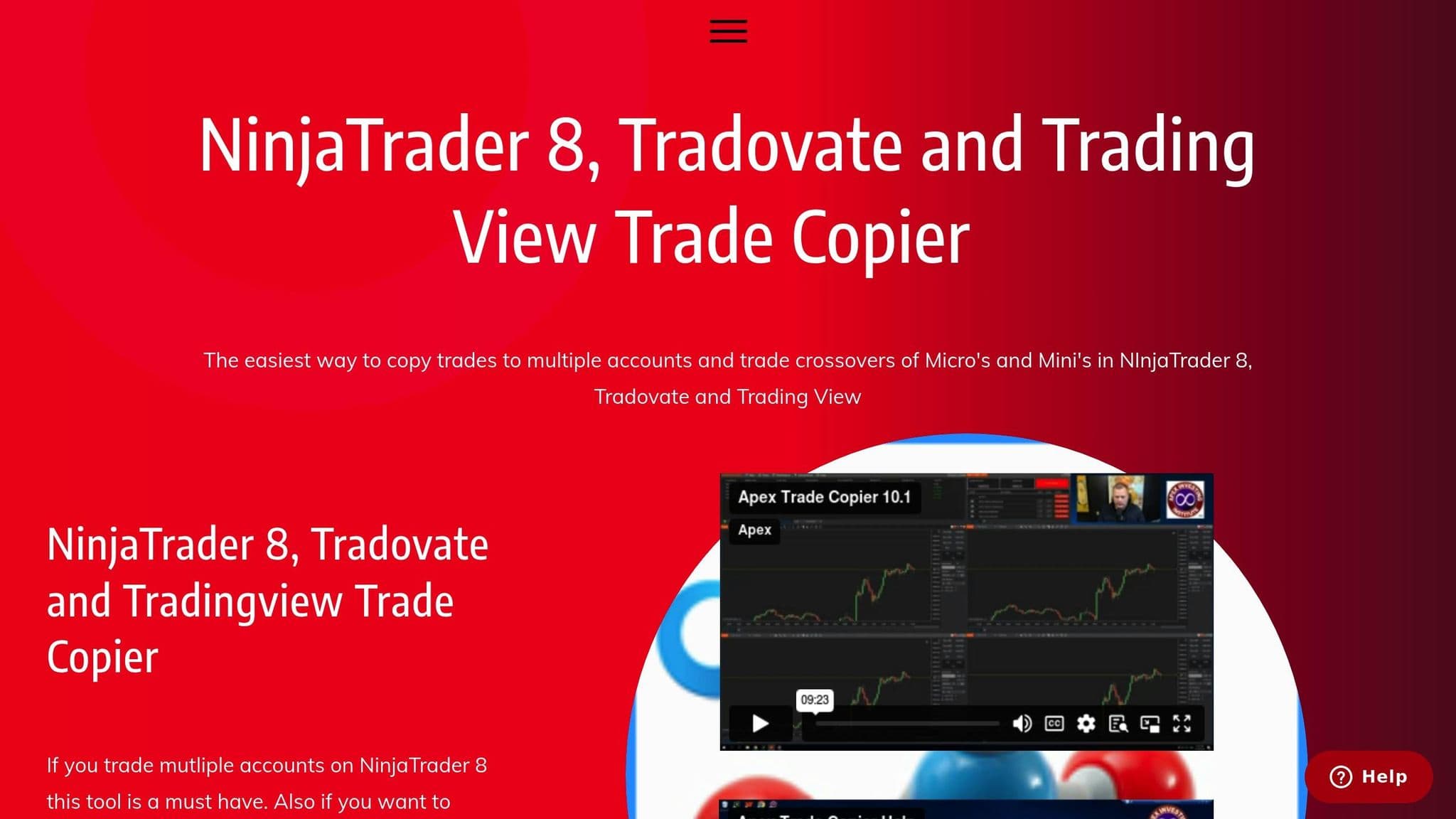
Replikanto runs inside NinjaTrader 8 with supported connections, including Rithmic and Tradovate; our Replikanto vs Apex Trade Copier post compares the two side by side.
Affordable Indicators' Duplicate Account Actions also runs inside NinjaTrader 8. Its product page lists the copier-only lifetime license at $175 on sale ($295 list price, checked on 10 Oct 2026). The Accounts Dashboard Suite is a separate package that includes risk-management features; do not assume the copier-only license contains every suite function.
For NinjaTrader connections, check Multi-Provider mode and the provider's current requirements. The multiple Rithmic connection guide covers that account environment. Do not assume that a copier license replaces broker or platform connection permissions.
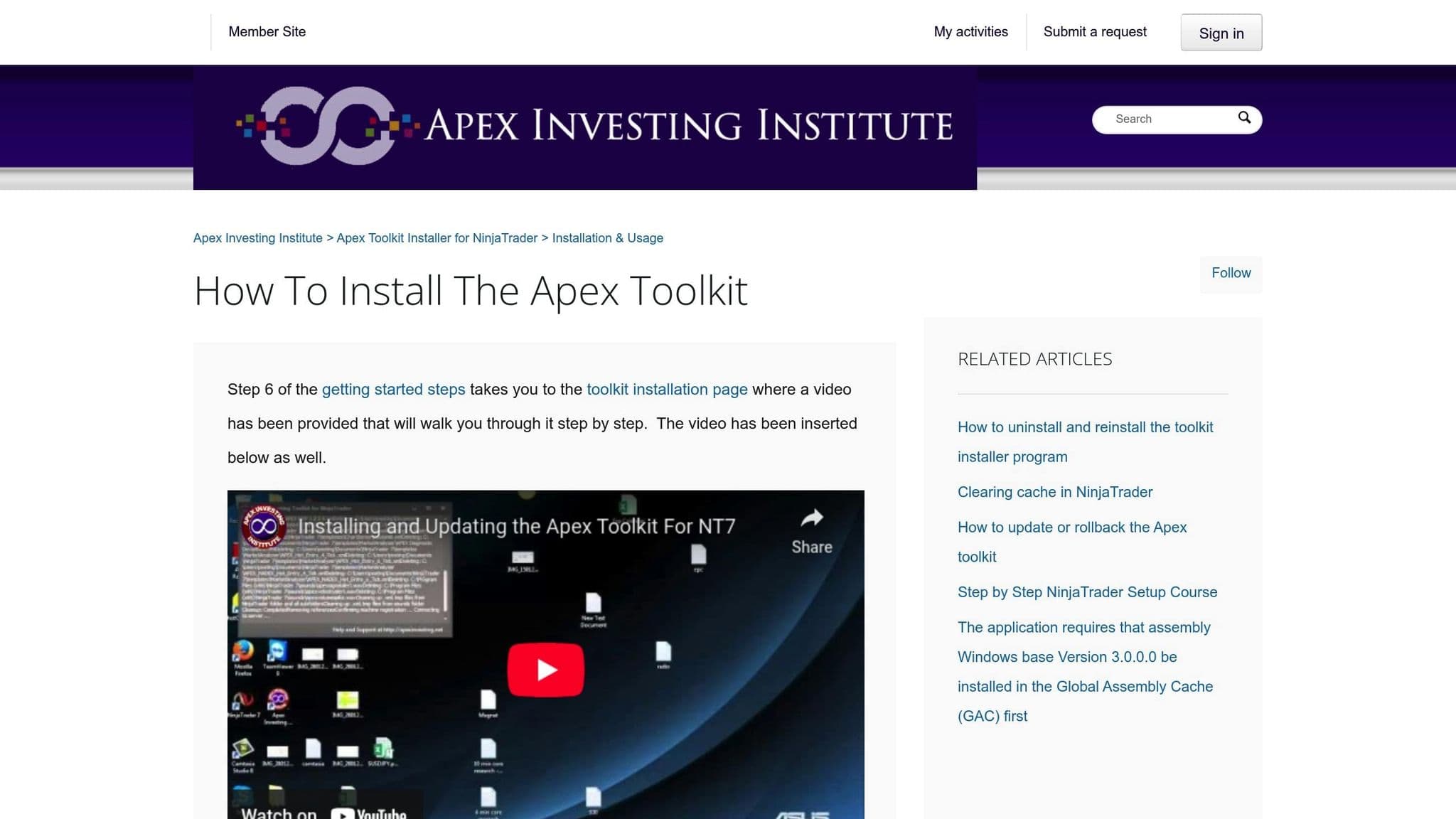
The Apex Investing NinjaTrader toolkit is separate from Apex Trader Funding's account agreement. If using that product, follow its own current installer and licensing instructions rather than treating a generic Apex copier article as proof that a particular package is supplied with the prop account.
Order flow
Built for scalpers. Heatmaps on dedicated resources.
Order-flow heatmaps and DOM ladders run on dedicated CPU, memory and NVMe, so your charts keep responding during volatility.
See the dedicated hardwareFrom $29.99/mo · Windows or Linux
Monitor mismatches and connection failures
Every follower receives its own broker instructions. Fills, partial fills and rejections can differ from the lead, so inspect each account's position and open orders. Pause further copying if an account diverges, then determine the actual exposure before submitting a corrective order.
After a restart, check connection status, lead selection, follower quantities and risk settings again. An application that appears open may still have a disconnected account. Keep order identifiers, timestamps and rejection messages for support, without sharing passwords.
Plan around the CME trading sessions and the account's own required close times. Copier availability does not remove a firm's session rules or make it appropriate to leave every position open unattended.
Choose a permitted operating environment
A desktop copier needs the application and broker connections running. A hosted Tradecopia plan already operates remotely, so an additional VPS may only be needed for another desktop application. If using a permitted NinjaTrader workspace, NinjaTrader VPS hosting is one option to assess.
Network proximity affects one part of order travel time, not the fill price or the account's compliance. If you also hold Topstep accounts, follow the Topstep version of this setup, because new Topstep accounts trade on its own TopstepX platform.
Compare the software and operating models in our trade copier guide for Apex accounts. Start with account ownership, manual lead entry and the correct backend, then choose the copier features that support that permitted workflow.


