
Futures copy trading sends instructions from a lead account to selected followers. Each account still has separate orders, fills and risk limits. A copier reduces repeated order entry; it does not guarantee the same execution price or make one account's remaining drawdown apply to the whole group.
This guide covers how futures copy trading works, the types of copier, how to set one up, the prop firm rules to check and the risks to manage. For named copiers with prices and supported platforms, see the best trade copiers for futures compared.
Types of futures trade copiers
A futures trade copier runs in one of five ways, and the type decides what has to stay online. Pick the type that matches the platform and connections you already use, then compare products.
| Copier type | How it runs | Examples |
|---|---|---|
| Add-on inside NinjaTrader 8 | Runs inside the platform, so NinjaTrader and its connections must stay open | Replikanto; Affordable Indicators' Duplicate Account Actions; CrossTrade's NinjaTrader Add-On |
| Standalone desktop app | A separate program with its own broker connections | ETP; Tradecopia Pro Desktop |
| Hosted or cloud copier | Runs on the vendor's servers, managed in a browser | Tradecopia Pro+ Lite and Pro+; TradeSyncer; CrossTrade's Tradovate cloud route |
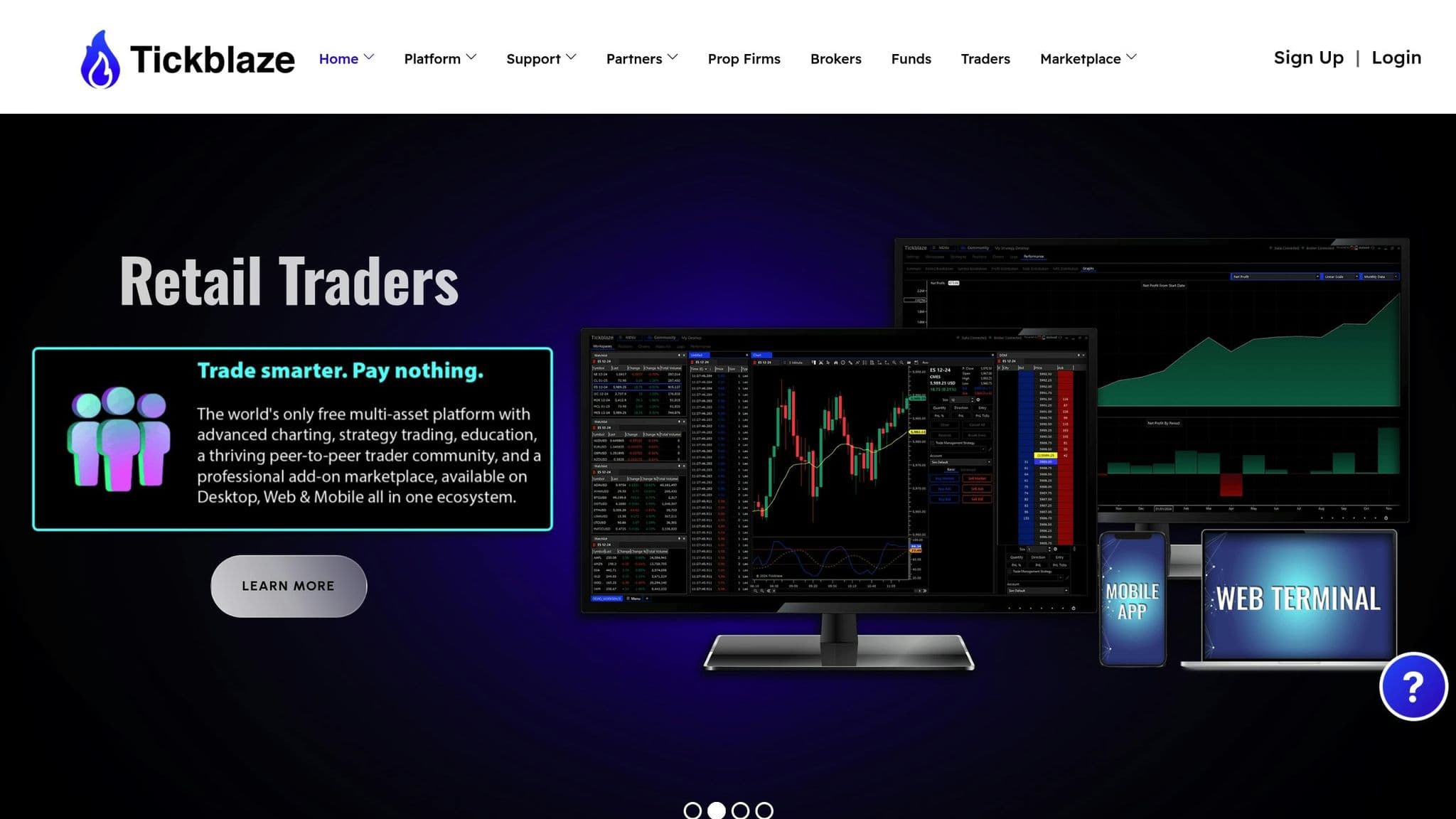
| Platform-specific copier | Needs one platform installed | Tickblaze IgniteCopier |
| Native platform feature | Built into the trading platform | Tradovate Group Trade; TopstepX Trade Copier |
Uptime
99.999% uptime. Built for 24/7 trading reliability.
Your VPS runs in Tier IV datacenters with redundant power and network, monitored 24/7 on site.
See the uptime SLA







From $29.99/mo · Windows or Linux
Connection support differs by product. Tradecopia, for example, connects to Tradovate, NinjaTrader broker accounts, Rithmic-issued accounts and TopstepX, but not CQG or dxFeed accounts (checked on 10 Oct 2026). Prices, licences and follower limits change often, so check them on the vendor's site before you buy.
Our Replikanto guide explains how Replikanto works. The ETP copier guide covers the Expert Trading Programmers copier. Affordable Indicators users can follow the Affordable Indicators copier workflow. For TradeSyncer, read our TradeSyncer review.
For TradingView alerts, validate the TradingView copier workflow separately from follower position matching, because an alert reaching the receiver does not mean the broker accepted the order.
Native platform copying and custom code
Tradovate's native Group Trade feature only groups accounts with the same brokerage provider and does not carry ATM strategies, so protective orders need separate handling. TopstepX, the only platform for new Topstep accounts, has a built-in Trade Copier for Trading Combine and Express Funded Accounts; Live Funded Accounts can't use it.
On TopstepX, the Lead must have the lowest Maximum Position Size in the group, and turning the copier off mid-trade flattens every Follower. If the Lead hits its Daily Loss Limit or is auto-liquidated, all Followers are flattened with it (Topstep help centre, checked on 10 Oct 2026).
Custom NinjaTrader or API copying is a development project with its own validation requirements. Order identity, partial fills, exits, reconnects and position reconciliation need explicit handling. Do not assume that a custom script has a universal execution delay or is exempt from firm rules. The NinjaTrader algorithmic trading guide covers the separate strategy-development task.
Remote desktop
Your trading computer. In the cloud.
Connect and control your trading strategies from any device, anywhere in the world, through secure remote desktop, while execution remains on QuantVPS.
Choose your cloud trading computerFrom $29.99/mo · Windows or Linux
Prop firm rules to check before copying
Each prop firm decides whether copying is allowed, on which account types and how far, so read its rules before you connect accounts. Check these points for every firm in the group:
- Account types: Topstep, for example, allows its Trade Copier on Trading Combine and Express Funded Accounts but not on Live Funded Accounts.
- Whose accounts: whether the firm lets you copy only between your own accounts, and whether it bans copying to or from another trader's accounts.
- Caps: the maximum number of accounts or total buying power; Topstep allows up to $750K buying power across Express Funded Accounts with a trade copier.
- Automation: whether the firm treats a copier or an automated signal source as automated trading, and what its rules say about that.
Our list of prop firms that allow copy trading collects these rules by firm.
Configure risk before copying
Check every follower's contract limit and remaining loss allowance, then set quantities individually. Do not size only from the account's advertised balance. If copying standard contracts to micros, configure a supported mapping and verify the resulting exposure and quantity rounding.
Use available demo or simulation accounts to check entries, reductions, exits and reconnect behavior. Tradecopia's Test Copy Trading feature places a real one-contract MES buy-limit order below the market and cancels it; it is not simulation. Read the vendor instructions before using that feature on a connected account.
During trading, inspect positions and open orders at the broker. Pause copying if a follower diverges and determine actual exposure before correcting it. Recheck group selection and risk settings after restarting the application. The trading risk management guide and multi-account workflow help organize those checks.
Order flow
Built for scalpers. Heatmaps on dedicated resources.
Order-flow heatmaps and DOM ladders run on dedicated CPU, memory and NVMe, so your charts keep responding during volatility.
See the dedicated hardwareFrom $29.99/mo · Windows or Linux
Hosting is a separate decision
A desktop copier needs the application and connections available. A permitted NinjaTrader VPS, Tradovate VPS or Tickblaze VPS can host the relevant desktop software. A hosted copier already runs remotely and may not need another VPS for that same job. Server location affects part of the order path, not guaranteed fills.
Use our futures trade copier comparison to choose the connection and operating model before comparing price. Check each firm's current copying, automation and payout rules separately; a software feature list does not establish permission to trade.


