
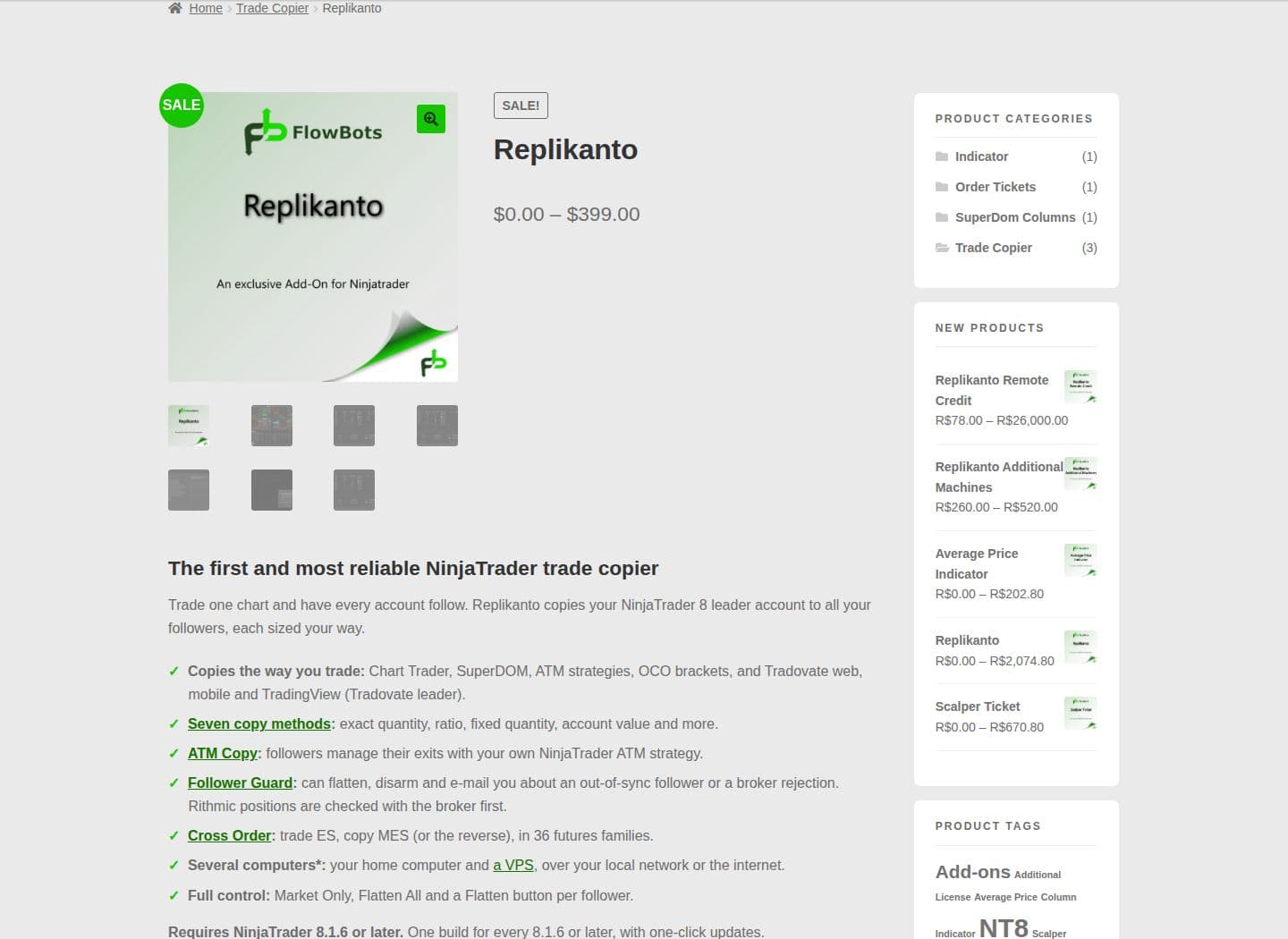
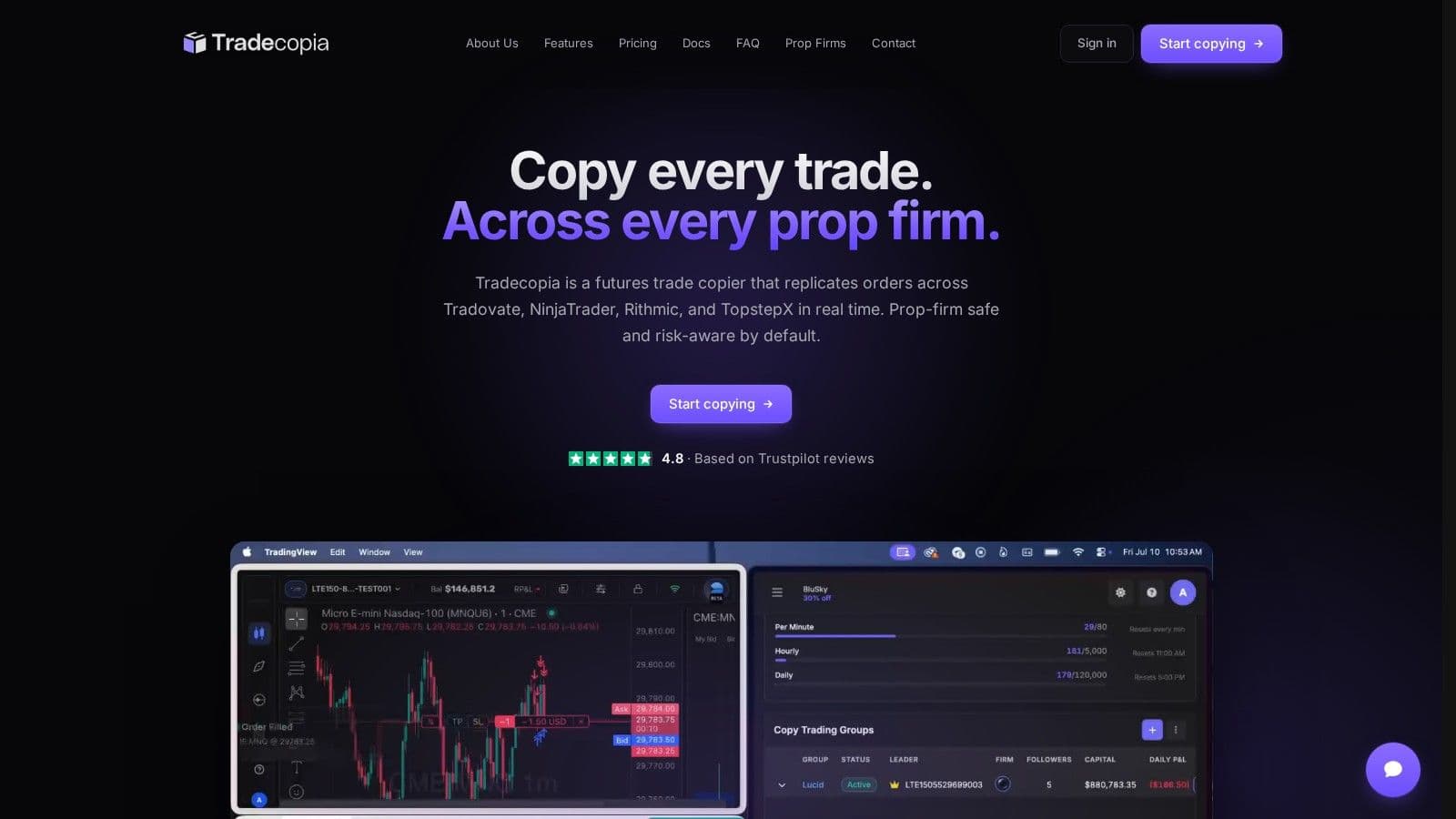
Tradecopia and Replikanto copy trades across accounts, but they run in different places and charge differently. Tradecopia offers a desktop application or hosted service with account risk settings and a journal. Replikanto runs inside NinjaTrader 8 and is licensed per computer, with allocation methods, ATM copying and Follower Guard safeguards.
This comparison uses the vendors' published information checked in October 2026. It does not rank tested execution speed or claim that either product makes a prop account compliant automatically. Start with the connection you use, the rules of each firm and the parts of the workflow you want to keep inside NinjaTrader.
Feature comparison: Tradecopia vs Replikanto
| Feature | Tradecopia | Replikanto |
|---|---|---|
| Operating model | Desktop app (Pro) or hosted browser access (Pro+ Lite, Pro+) | Add-on inside NinjaTrader 8 |
| Connections | Tradovate, NinjaTrader, Rithmic and TopstepX, plus TradingView routed to a connected broker | Supported NinjaTrader connections, including Rithmic, Tradovate and Interactive Brokers |
| Account capacity | Unlimited followers/connections on product plans; firm caps still apply | Accounts available through permitted NinjaTrader connections; license is per computer |
| Controls | Contract multipliers, account risk settings and Position Reconciler | Allocation methods, ATM copying, cross-order mapping and Follower Guard |
| Records | Built-in trade journal | Review the copier and any separate journaling workflow you use |
| Hosting requirement | Desktop needs the application running; hosted plans run remotely | NinjaTrader and the add-on must remain running |
Sources: tradecopia.com and docs.tradecopia.com, and the Replikanto product page on flowbots.ninja (checked on 10 Oct 2026); screenshots from October 2026.
Uptime
99.999% uptime. Built for 24/7 trading reliability.
Your VPS runs in Tier IV datacenters with redundant power and network, monitored 24/7 on site.
See the uptime SLA







From $29.99/mo · Windows or Linux
Platform compatibility
Tradecopia connects to the underlying account backend. Using Quantower, Sierra Chart or another frontend does not by itself establish compatibility. Its current guide excludes dxFeed, CQG, MetaTrader and cTrader. Identify the actual feed before paying for a plan.
Replikanto works inside NinjaTrader and uses the connections available there. FlowBots also lists Sim and Playback support and documents version requirements on its product page. For an existing NinjaTrader workspace, keeping allocation and ATM handling within that workspace may be the practical reason to choose it.
If your accounts are Tradovate-based, the Tradovate copying guide walks through a Tradecopia example. For a NinjaTrader add-on workflow, read the Replikanto setup guide.
Risk controls and position mismatches
Tradecopia includes account-level daily or weekly risk settings and Position Reconciler, which detects out-of-sync positions and can close them. Set the controls against each account's real limits and confirm the action expected when a limit is reached. The configuration needs to match the account and the copy mode.
Replikanto's Follower Guard is not limited to a warning requiring manual intervention. Its published options include flattening, disarming and email alerts. ATM copying and allocation settings also affect the resulting follower orders. Review those options rather than treating the product as a copier without safeguards.
Neither tool guarantees identical execution prices or removes the need to monitor positions. Separate broker instructions can result in partial fills, rejections and different open orders. Check the broker's account view after a mismatch and pause further copying until the state is clear.
Pricing and license costs
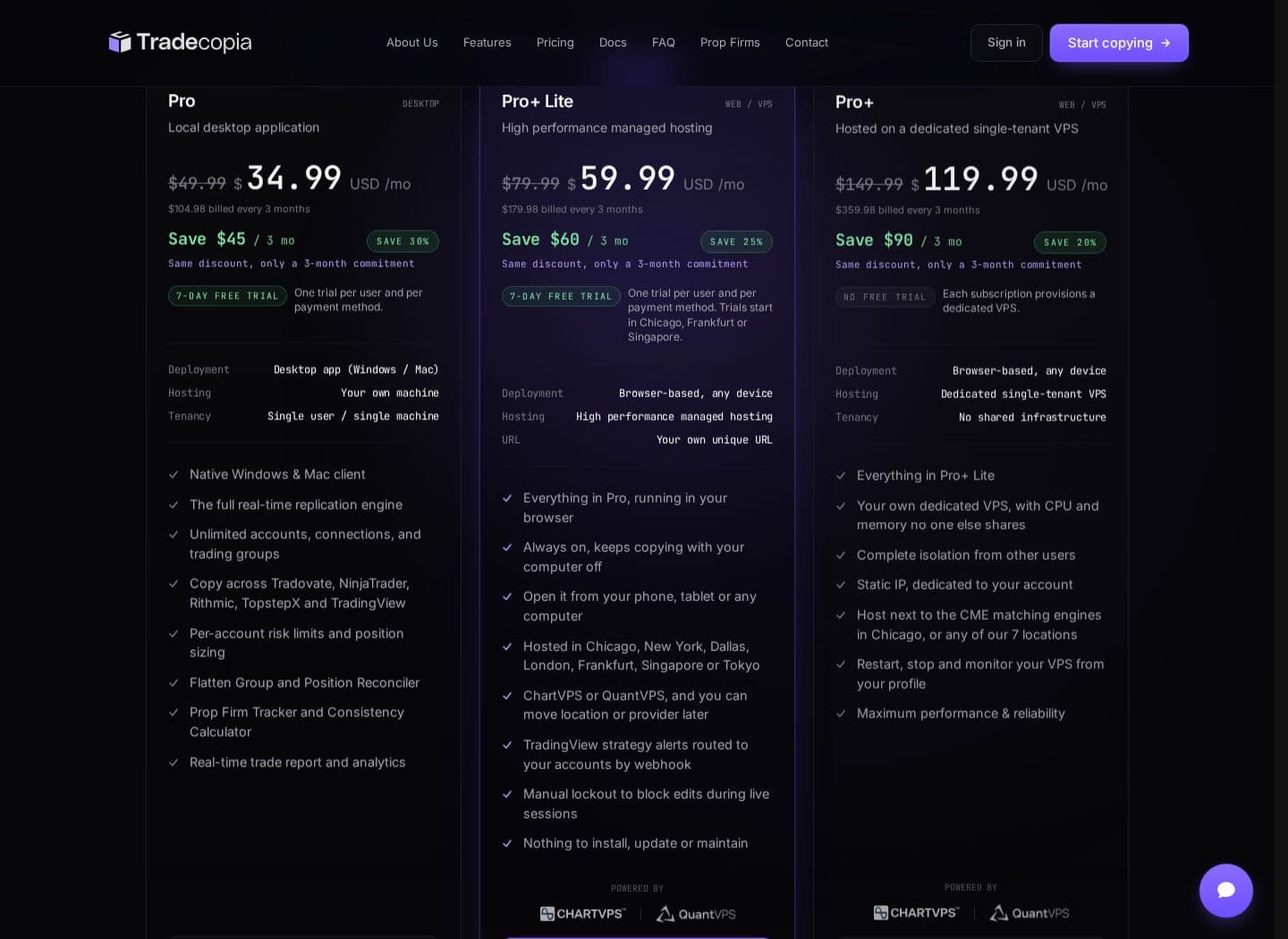
Tradecopia pricing (checked on 10 Oct 2026)
| Tradecopia plan | Where it runs | Monthly | Annual | Free trial |
|---|---|---|---|---|
| Pro | Desktop app on your computer | $49.99 | $419.92 | 7 days |
| Pro+ Lite | Hosted web (pooled resources) | $79.99 | $719.91 | None |
| Pro+ | Hosted web (dedicated server) | $149.99 | $1,439.90 | None |
All three plans include copy groups, risk management, Position Reconciler and all broker connections, with unlimited follower accounts. If you want the desktop app running around the clock, see Tradecopia on QuantVPS.
Tradecopia has three plans: Pro, the desktop app, at $49.99 a month or $419.92 a year; Pro+ Lite, a hosted web plan, at $79.99 a month or $719.91 a year; and Pro+, a web plan on a dedicated server, at $149.99 a month or $1,439.90 a year (checked on 10 Oct 2026). Annual billing works out 30%, 25% and 20% below the monthly rate, and annual and quarterly terms are billed upfront and non-refundable. Use code QUANT at checkout for a discount on your first month; Tradecopia applies promo codes to the first month only.
Only the Pro desktop plan offers a seven-day free trial; Pro+ Lite and Pro+ have no trial. Unlimited follower capacity in the software does not override a firm's funded-account cap or restrictions on account ownership.
Remote desktop
Your trading computer. In the cloud.
Connect and control your trading strategies from any device, anywhere in the world, through secure remote desktop, while execution remains on QuantVPS.
Choose your cloud trading computerFrom $29.99/mo · Windows or Linux
Replikanto pricing
| Replikanto license | Current USD price | Regular USD price |
|---|---|---|
| Single machine, lifetime | $299 | $399 |
| Two machines, lifetime | $399 | $499 |
| Single machine, one year | $249 | $349 |
| Two machines, one year | $299 | $399 |
These are the values shown on FlowBots' USD product page (checked on 10 Oct 2026) and can change. Its trial runs for seven days and includes 20 Submit credits. The license covers a computer, not a particular number of accounts.
A lifetime license continues working after the included first year, but extending support and updates is a separate cost. A one-year license must be renewed to continue. If internet Remote Copy is part of your arrangement, include the licenses for receiving computers and the leader's Submit credits. Local-network copying does not consume those credits.
Do not assume that adding an external journal, a VPS or a data subscription costs the same for every trader. List the services your actual workflow needs and compare their current prices separately. A hosted Tradecopia copier already has a remote operating environment; an additional VPS may only be relevant to another desktop application.
Execution and operating environment
Tradecopia's detailed copying guide describes detecting a leader fill and issuing follower instructions. Different copy modes and order types can have different handling, so verify pending orders, cancellations and protective orders in the current documentation. Replikanto operates through NinjaTrader's account and order environment.
Network travel time is one part of the path. Broker processing, order acceptance and market liquidity determine fills too. Neither vendor comparison here supports a promise that one product will always copy faster or avoid slippage.
For desktop operation, the application, broker connections and network must remain available. A NinjaTrader VPS or Tradovate desktop workspace may suit the setup, while a browser-based hosted copier handles its own operation. Check each firm's rules before choosing where to route orders.
New Topstep accounts trade only on TopstepX, and Tradecopia lists TopstepX among its direct connections. A vendor's supported-platform list does not replace Topstep's own rules, so read Topstep's current terms on copying before you connect accounts.
Order flow
Built for scalpers. Heatmaps on dedicated resources.
Order-flow heatmaps and DOM ladders run on dedicated CPU, memory and NVMe, so your charts keep responding during volatility.
See the dedicated hardwareFrom $29.99/mo · Windows or Linux
Which to choose
If you want a Replikanto alternative for Tradovate, Rithmic or mixed supported connections, consider Tradecopia first when its desktop or hosted operating model and built-in journal fit your workflow. Select the plan around the required features and the firm's permitted routing environment.
Choose Replikanto when you want to keep copying inside an existing NinjaTrader 8 workspace and its allocation, ATM or remote-machine features match the setup. Per-computer licensing may suit that arrangement better than a recurring hosted subscription. It is a different operating choice, not a reason to dismiss its risk tools.
For TradingView alerts into NinjaTrader, CrossTrade is another workflow to compare, and our broader trade copier comparison distinguishes account copying, webhook automation and native platform features. If you also need a separate journal, compare TradeZella and TraderSync against the records you already keep.
Before enabling a funded-account group
Confirm ownership and permission to copy for every account. Set follower quantities against current contract limits and drawdown, then validate entries, reductions, exits and reconnect behavior with demo or simulation accounts where available. Do not assume an old copier configuration survived a platform update.
For Apex, use the Apex copying guide and the firm's current agreement. For NinjaTrader-specific comparisons, the Replikanto and Apex copier article describes the different software choices. Keep that software comparison separate from the prop firm's account permission.


