
The best MT4 robots for 2026 are GPS Forex Robot, Forex Fury, Galileo FX, Happy Frequency EA and FXStabilizer Pro. Prices run from a one-time $149 to €899, checked on 10 Oct 2026 on each vendor's site. The biggest difference is risk: GPS Forex Robot avoids grid and martingale trading, while Happy Frequency EA uses grid, hedge and semi-martingale methods.
MetaTrader 4 (MT4) remains a top platform for automated forex trading, thanks to its Expert Advisors (EAs). These robots help traders execute strategies, manage risks, and monitor markets around the clock. Here are the five MT4 robots in this guide:
- GPS Forex Robot: A low-risk EA that avoids grid and martingale trading, sold for a one-time $149 with a 60-day money-back guarantee.
- Forex Fury: A range scalping EA with low, medium and high risk settings, priced at $249.99 to $459.99.
- Galileo FX: Offers 600+ ready-made strategy configurations and user-set risk controls across several asset classes, from €799.
- Happy Frequency EA: Combines trend-following, grid, and hedge strategies, with pricing starting at €699 for a pack of 10 EAs.
- FXStabilizer Pro: Offers Durable, Turbo and Boost modes with drawdown control, priced at $739.
Quick Comparison:
| Feature | GPS Forex Robot | Forex Fury | Galileo FX | Happy Frequency EA | FXStabilizer Pro |
|---|---|---|---|---|---|
| Price (checked on 10 Oct 2026) | $149 one-time | $249.99 (Gold) to $459.99 (Diamond) | From €799 one-time | €699 (2 licenses) to €899 (5 licenses) | $739 (Ultimate: $539) |
| Risk approach | No grid or martingale | Low, medium and high risk settings | User-set stops and drawdown limits | Trend, grid, hedge and semi-martingale | Drawdown control; Boost mode removes it |
| Platform | MT4 | MT4/MT5 | MT4/MT5 | MT4/MT5 | MT4/MT5 |
Each robot offers unique features, so your choice should align with your trading goals and risk tolerance. For the best performance, use a reliable VPS to ensure smooth operation and low trade latency.
What is a forex robot (EA)?
A forex robot, or Expert Advisor (EA), is a program that trades for you inside MetaTrader. It reads prices, applies its rules, and opens and closes trades without you clicking. In MT4, EAs are written in the MQL4 language and only trade while the terminal is open with automated trading allowed.
Robots differ in their strategy (scalping, trend following, grid), in the currency pairs they trade and in how much they risk per trade. That is why the same EA can suit one account and be far too aggressive for another.
1. GPS Forex Robot
GPS Forex Robot is a low-risk, automated trading tool for MT4. Its vendor says it gathered over 5 years of live trading results before releasing it, and its site shows live accounts tracked by Myfxbook. The vendor says the Expert Advisor tries to predict short-term price moves.
Performance and Trading Strategy
Unlike riskier systems, GPS Forex Robot avoids martingale, grid trading and trading without stop-losses. The current version, GPS Forex Robot 3, adds a trailing take profit when the market allows it.
Currency Pairs and Setup
The vendor's live accounts trade EURUSD, EURGBP and USDCHF. By narrowing its scope, the robot delivers focused analysis instead of spreading itself thin. Once it is attached to an MT4 chart, a smiley face in the top-right corner shows it is running with live trading allowed.
Cost Structure and Value Proposition
GPS Forex Robot costs a one-time $149 (checked on 10 Oct 2026), with free video tutorials, support and a 60-day money-back guarantee. There are no recurring fees. For a subscription-based alternative that trades forex and gold, read our Nurp trading algo review.
Risk Management Features
GPS Forex Robot 3 lets you change all its main parameters to fit your account size and risk tolerance. Forex trades around the clock on weekdays, so a Virtual Private Server (VPS) is recommended to keep the robot running. Its focus on capital preservation suits traders who want steady, rule-based results. A forex VPS for MT4 robots keeps GPS Forex Robot trading through the week, even when your own computer is off.
Next, let’s explore another MT4 robot that prioritizes risk control in its trading strategy.
Uptime
99.999% uptime. Built for 24/7 trading reliability.
Your VPS runs in Tier IV datacenters with redundant power and network, monitored 24/7 on site.
See the uptime SLA





From $29.99/mo · Windows or Linux
2. Forex Fury
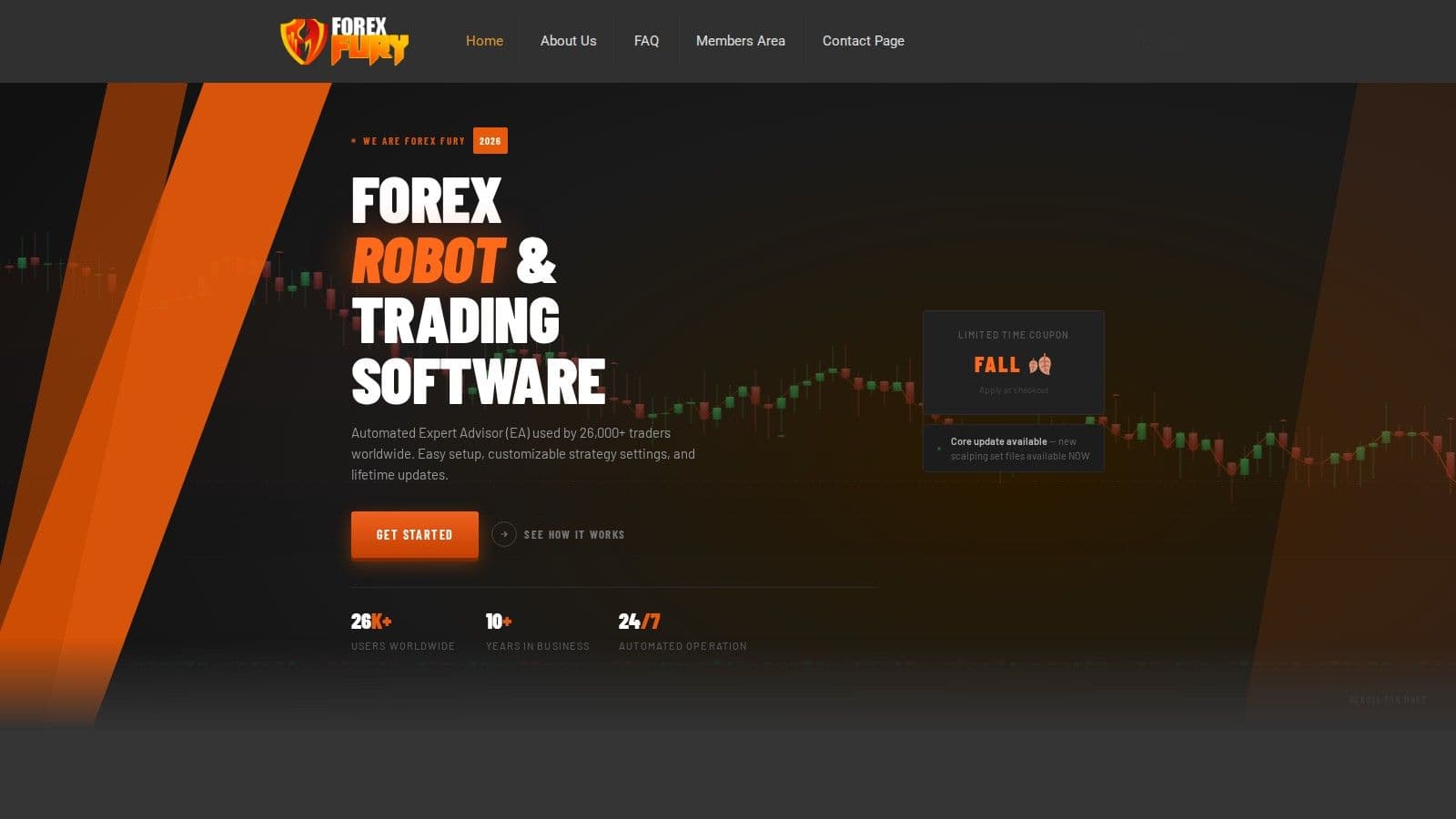
Forex Fury has been sold since 2014, according to its developer, and is used by more than 26,000 traders. It is known for range scalping in quiet market hours: its default settings trade a one-hour window that starts at 20:00 GMT. Outlets such as Benzinga, WikiJob, BizReport and ForexRobotNation feature it, and the developer says they rank it first in its category.
Performance Track Record and Trading Strategy
Forex Fury's FAQ says trade frequency depends on the pairs, settings and market, and that some days have no trades at all. It also says there is no fixed or guaranteed monthly return. The developer publishes live and demo accounts tracked on Myfxbook, so you can check results yourself.
Risk Management and Customization Options
Forex Fury offers low, medium and high risk settings. You can change the lot size, the maximum spread and the number of open orders, and switch incremental lot sizing on or off. On smaller accounts, its FAQ suggests turning incremental lot sizing off and using a small fixed lot such as 0.01.
Pricing and Platform Compatibility
Forex Fury is a one-time payment with lifetime access and free updates. The Gold plan costs $249.99 with one live account license, and the Diamond plan costs $459.99 with two live account licenses (checked on 10 Oct 2026; list prices $349.99 and $529.99). Both include unlimited demo licenses, and there is no free trial.
The system supports NFA, FIFO, ECN, and MT4/MT5 Build 600+, making it compatible with a wide range of brokers and regulatory requirements. Installation is straightforward, taking just five minutes with the help of detailed guides and tutorials. This flexibility ensures that traders, regardless of their account setup, can integrate Forex Fury into their trading strategies.
Up next, we’ll take a closer look at another trading robot that shines with its advanced market analysis capabilities.
3. Galileo FX
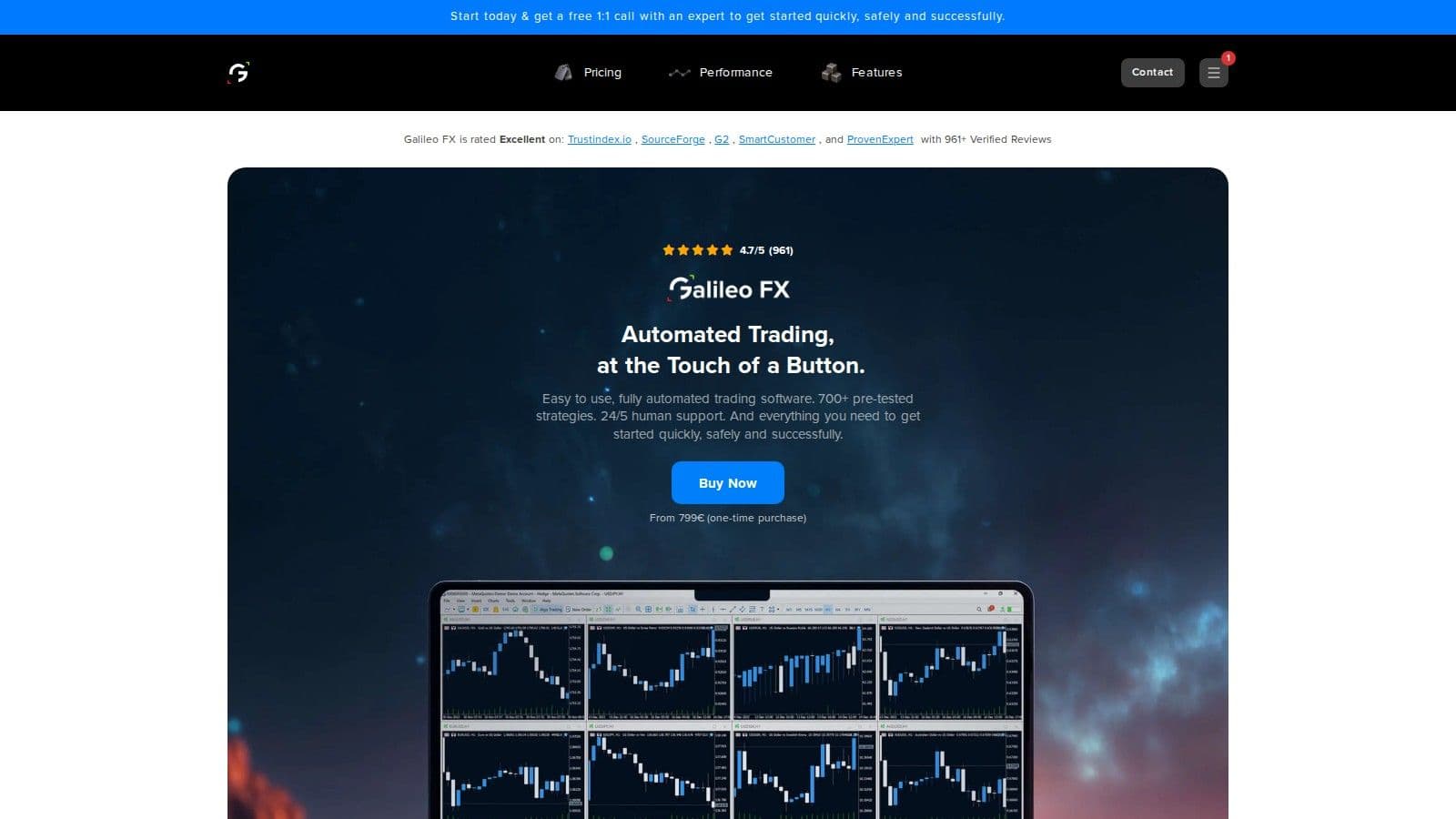
Galileo FX takes a data-driven approach, offering more than 600 ready-made strategy configurations for several asset classes. It runs through MetaTrader 4 or 5 with your own broker account and trades around the clock once set up, so it suits a VPS. You can load a configuration, edit it, and apply it in a couple of clicks.
Performance Metrics and Trading Strategy
Galileo FX trades user-defined strategies automatically across forex, stock CFDs, indexes, futures and metals, depending on what your broker offers. The vendor publishes backtested results for its configurations. Its own site notes that these come from a test environment and that results vary with your settings.
Strategy Customization and Risk Control
Galileo FX lets you start from conservative or moderate presets and adjust every setting to your own risk.
Risk controls include trailing stops, maximum drawdown limits and hard stop-loss filters. The vendor asks new users to test their settings on a demo account across several market cycles before trading live.
Pricing Structure and Safety Features
Galileo FX is non-custodial: your money stays in your own broker account, and the company never handles it. It costs from €799 as a one-time purchase (checked on 10 Oct 2026). The Personal version caps monthly profits at $1,000, Plus caps them at $5,000, and Pro has no cap.
Up next, we’ll examine a trading robot that emphasizes consistent trade signals through advanced market analysis.
4. Happy Frequency EA
Happy Frequency EA takes a multi-faceted approach by combining trend-following, grid, hedge, and semi-martingale strategies. It operates primarily on the M5 timeframe, making it a versatile choice for traders.
Advanced Risk Management Features
Happy Frequency EA comes with four risk files: low, middle, high and a combined option (Combi). A built-in news filter covers every strategy, so the EA can avoid trading around major economic releases.
"Happy Frequency combines the concepts trend/grid/hedge/semi-martingale according to risk low/middle/high/combi EA files. All strategys is protect with News filter."
Happy Forex, Happy Frequency product page
Trading Strategy and Currency Support
Happy Frequency EA is designed for nine pairs: USDCAD, EURUSD, EURGBP, EURJPY, EURCHF, GBPUSD, AUDUSD, USDCHF and USDJPY. It works on MT4 and MT5 and needs a minimum deposit of 4,000 USD, or the cent account equivalent. The developer says it has to run 24 hours a day, so a VPS is suggested.
A QuantVPS MetaTrader VPS runs MT4 and MT5 side by side, with servers in London, New York and six other locations.
Pricing Structure and Value Proposition
The Happy Forex Full Pack, which includes 10 EAs, lists at €699 for 2 licenses or €899 for 5 licenses (checked on 10 Oct 2026), and the site applied a 30% discount in the cart that day. It comes with a 30-day money-back guarantee and a free bonus tool, Happy INDIcators PRO. You pay once, and the license becomes lifetime after the first month.
For those new to the system, it's recommended to start with demo trading and lower-risk settings to get comfortable with its functionality before moving to live accounts. Up next, we’ll take a closer look at FXStabilizer Pro, another top-performing MT4 robot.
Locations
Trade beside your market. 8 datacenters, 3 continents.
Pick the location closest to what you trade, not to where you live.
Compare locationsFrom $29.99/mo · Windows or Linux
5. FXStabilizer Pro
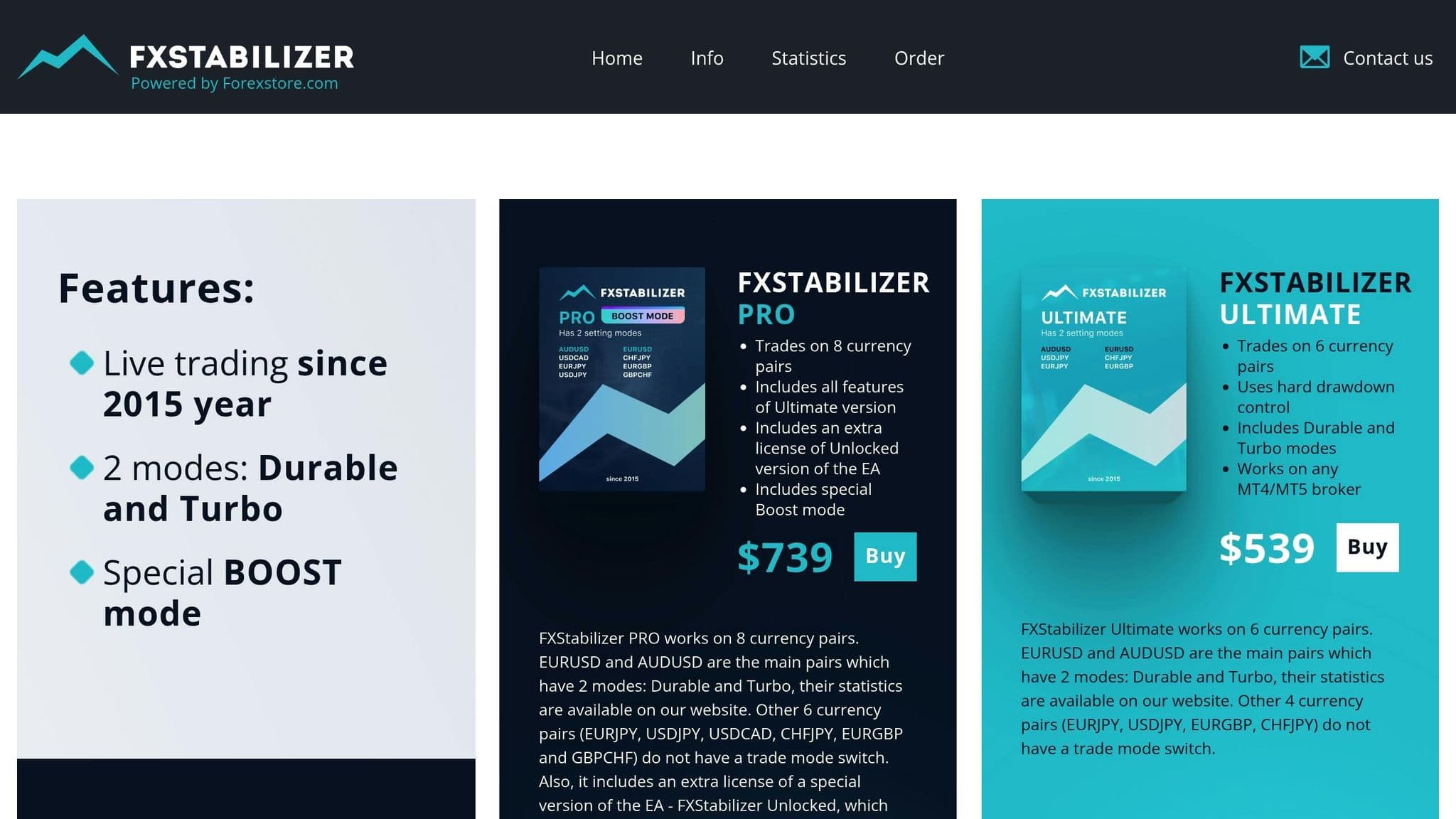
FXStabilizer Pro is an MT4 and MT5 robot for traders who want set modes and drawdown control. It trades eight currency pairs: EURUSD, AUDUSD, EURJPY, USDJPY, USDCAD, CHFJPY, EURGBP, and GBPCHF.
Versatile Trading Modes for Different Goals
FXStabilizer Pro has three modes. Durable and Turbo apply to its two main pairs, EURUSD and AUDUSD, and Boost is a Pro-only mode:
- Durable Mode: One of the two standard modes, with live statistics published on the vendor's site.
- Turbo Mode: The second standard mode on the same pairs. In either standard mode, you set your risk as a percentage.
- Boost Mode: Removes all drawdown limits to grow an account quickly. The vendor warns it can cost your entire deposit and switches back to the standard mode after the number of days you set.
Smart Risk Management and Strategy
FXStabilizer Pro sets risk as a percentage of the deposit. The vendor says a built-in safety mechanism stops losses at the share of the deposit you are ready to risk. It does not publish its entry rules in detail, so judge it on its live results.
Because Boost mode removes those limits, the vendor advises using it only for a short period. Newer traders should start with a standard mode and a low risk percentage.
Pricing and Package Details
FXStabilizer Pro costs $739 (checked on 10 Oct 2026) and includes an extra license for FXStabilizer Unlocked, an MT4-only version without currency pair restrictions. The Ultimate version costs $539 and trades six pairs. Both come with a 30-day money-back guarantee.
Verified live trading results on Myfxbook since 2015 and backtests dating back to 1997 further underscore its reliability.
For best results, traders are advised to start with conservative settings and test the system on a demo account before scaling up. Diversifying trades across multiple currency pairs can also help mitigate portfolio risk.
Comparison Table
Choosing an MT4 robot becomes a lot easier when you can see the key details side by side. Here's a breakdown of five popular systems:
| Feature | GPS Forex Robot | Forex Fury | Galileo FX | Happy Frequency EA | FXStabilizer Pro |
|---|---|---|---|---|---|
| Price (checked on 10 Oct 2026) | $149 one-time | $249.99 (Gold) to $459.99 (Diamond) | From €799 one-time | €699 (2 licenses) to €899 (5 licenses) | $739 (Ultimate: $539) |
| Trading strategy | Short-term trades, trailing take profit | Range scalping in a one-hour window | 600+ ready-made configurations | Trend, grid, hedge and semi-martingale on M5 | Durable, Turbo and Boost modes |
| Pairs | EURUSD, EURGBP, USDCHF (vendor live accounts) | Major pairs such as EURUSD, GBPUSD, USDJPY | Forex, CFDs, indexes, metals (broker dependent) | Nine pairs, including EURUSD and GBPUSD | Eight pairs, including EURUSD and AUDUSD |
| Risk approach | No grid or martingale | Low, medium and high risk settings | User-set stops and drawdown limits | Trend, grid, hedge and semi-martingale | Drawdown control; Boost mode removes it |
| Platform | MT4 | MT4/MT5 | MT4/MT5 | MT4/MT5 | MT4/MT5 |
| Money-back guarantee | 60 days | No free trial | Not stated | 30 days | 30 days |
| Automation level | Full auto | Full auto | Full auto | Full auto | Full auto |
This table provides a quick snapshot of each robot's features, but let’s examine what makes them stand out.
GPS Forex Robot is the budget option at $149, with a 60-day money-back guarantee, which suits traders just starting out. Forex Fury uses range scalping in a short daily window, with low, medium and high risk settings. FXStabilizer Pro is built for long-term trading, with live results on Myfxbook since 2015.
All these systems highlight MT4's strengths in automation and precision, offering traders fully automated solutions with broad compatibility. This side-by-side comparison makes it easier to pick the system that aligns with your trading goals.
How to install an EA in MT4
Installing an EA takes a few minutes: copy the file into MT4's Experts folder, attach it to a chart and switch on AutoTrading. Here are the steps:
- In MT4, open File > Open Data Folder, then the MQL4 folder, then Experts.
- Copy the robot's file into the Experts folder and restart MT4.
- Drag the EA from Navigator > Expert Advisors onto a chart of the pair it trades.
- In the Common tab, tick Allow live trading. Tick Allow DLL imports only if the vendor requires it. Set your inputs in the Inputs tab and click OK.
- Turn on the AutoTrading button. A smiley face in the top-right corner of the chart means the EA is running.
If the EA still does not trade, check Tools > Options > Expert Advisors and make sure automated trading is allowed. MT4 also turns automated trading off when you switch accounts if that option is ticked, which protects a live account after a demo test.
How to backtest an EA in the MT4 Strategy Tester
The Strategy Tester replays historical prices so you can see how an EA would have traded before you risk money. Open it with View > Strategy Tester or Ctrl+R.
- Pick the Expert Advisor, then click Expert properties to set the starting deposit, trade direction and inputs.
- Choose the symbol and the period (timeframe) the EA is meant for.
- Choose a modeling method: Every tick is the most accurate, Control points gives a rough estimate, and Open prices only is fastest and suits EAs that trade on completed bars.
- Set a date range if you want one, then press Start.
When the test ends, read the Report tab: total net profit, profit factor, maximal drawdown and modeling quality. A red band in the modeling quality line means MT4 lacked lower-timeframe data for that stretch, so treat those results with care. Forex Fury's own FAQ warns that backtests can differ from live trading, so follow every backtest with a few weeks on a demo account.
How to build or customize your own robot in MetaEditor
MetaEditor is the editor built into MT4 for writing and changing EAs in MQL4. Open it with F4 or Tools > MetaQuotes Language Editor.
- New robot: The Expert Advisor wizard asks for a name, author and inputs, then opens a code file saved in the Experts folder.
- Compile: Use File > Compile. A working build appears in the Navigator; a grey icon means it did not compile and cannot run.
- Change a robot you own the code for: Right-click it in the Navigator, choose Modify, edit the code and compile it again. Until you recompile, MT4 keeps using the old version.
- Change a bought robot: Adjust its settings in the Inputs tab. You do not need to touch the code to change lot size, risk or trading hours.
Order flow
Built for scalpers. Heatmaps on dedicated resources.
Order-flow heatmaps and DOM ladders run on dedicated CPU, memory and NVMe, so your charts keep responding during volatility.
See the dedicated hardwareFrom $29.99/mo · Windows or Linux
Grid and martingale risks, and how to check results
Grid and martingale robots can show smooth gains for months, then lose much of an account in one strong trend. A grid EA keeps adding trades as price moves against it, and a martingale EA raises its size after each loss, so losses build up faster than gains. Before you trust any robot, check its results this way:
- Live, verified accounts: Look for an account tracked on Myfxbook, not only backtests. GPS Forex Robot, Forex Fury and FXStabilizer all show Myfxbook-tracked accounts on their sites.
- Drawdown against gain: A high return with a deep drawdown means the robot took big risks to get it.
- Trade history: Watch for stacks of open trades on one pair and lot sizes that rise after losses.
- The vendor's own risk notes: FXStabilizer, for example, says its Boost mode removes all drawdown limits and can cost your entire deposit.
- Demo first: Run the robot on a demo account for a few weeks and compare its trades with the backtest.
Broker and prop firm compatibility
Most of these robots work with any MT4 broker, but account type, minimum deposit and order rules can still stop one from trading. Here is what each vendor says, checked on 10 Oct 2026:
| Robot | Broker and account needs |
|---|---|
| GPS Forex Robot | MT4. The vendor page lists no broker requirements. |
| Forex Fury | Most MT4 and MT5 brokers, including NFA, FIFO and ECN accounts. Set MaxOrders to 1 where the broker allows only one open trade. |
| Galileo FX | MT4 or MT5 with your own broker account. The vendor suggests a regulated broker in your country and recommends none by name. |
| Happy Frequency EA | Micro, mini, standard or ECN accounts, with a minimum deposit of 4,000 USD. |
| FXStabilizer Pro | Any MT4 or MT5 broker. The extra Unlocked license runs on MT4 only. |
Latency matters too, since many forex brokers run their servers in London or New York. Hosting MT4 on a London VPS keeps the terminal close to those servers. Prop firms set their own EA rules: some allow robots on funded accounts and some limit or ban them, so read the firm's current rules before you attach one.
Conclusion
When choosing an MT4 robot, focus on one that aligns with your trading objectives. For instance, GPS Forex Robot is budget-friendly and ideal for beginners, Forex Fury excels in disciplined range scalping, and FXStabilizer Pro is designed for long-term trading with drawdown control and live results since 2015.
Always test your chosen robot on historical data and demo accounts before risking real funds. Success hinges on matching the robot to your trading style and risk tolerance while ensuring it operates on a stable and efficient setup. If you want to run a robot on a funded account, start with these prop firms that allow EAs and read their rules first.
Where your MT4 robot runs after testing
Whichever robot you pick, run it on a demo account first and compare its live trades with the backtest before you raise the lot size. An Expert Advisor only trades while MT4 is open with AutoTrading switched on, so a home PC that sleeps or restarts for updates pauses it. QuantVPS hosts MT4 and MT5 terminals in London, with a listed 0 to 10ms route to forex brokers.
FAQs
What should I look for when selecting an MT4 robot for automated trading?
When choosing an MT4 robot, the first step is to confirm that it works with both your broker and the MT4 platform. Next, ensure the robot matches your trading style - whether you prefer trend-following, scalping, or a combination of strategies. It's a bonus if the robot allows customization, so you can tweak it to fit your specific trading preferences.
Take a close look at its performance track record by reviewing verified results. Equally important is checking its risk management tools, such as stop-loss and take-profit settings, to ensure they align with how much risk you're comfortable taking. Additionally, opt for a robot that receives regular updates to keep up with market changes and provides access to a supportive community or developer team for troubleshooting and ongoing improvements.
How do MT4 robots use risk management features to safeguard my investments?
MT4 robots come with built-in risk management tools, such as stop-loss and take-profit orders, designed to safeguard your investments. These tools automatically close trades when they hit a predetermined loss or profit threshold, helping to limit potential losses and secure profits.
By handling these tasks automatically, MT4 robots promote disciplined trading and cut down on emotional decisions. This is especially useful in volatile markets, as it helps protect your capital while maintaining a consistent and methodical trading strategy.
Why should I use a VPS for automated trading with MT4 robots?
Using a VPS for automated trading with MT4 robots keeps the terminal close to your broker's servers. That keeps network latency low, which helps reduce slippage on the robot's orders.
Another key benefit is the stability and reliability a VPS offers. It provides a secure environment where your trading robots can operate around the clock, even if your personal device is turned off or experiences technical issues. This uninterrupted uptime is essential for automated strategies, ensuring your trades continue without any interruptions. It’s a setup that not only keeps your trading consistent but also gives you an edge in automated trading.


