
The right trading computer depends on what needs to keep running. A manual trader at one desk may want a local desktop with familiar controls and enough display outputs. An automated trader, a trader managing several permitted prop accounts, or someone monitoring a platform while away has a different requirement: the application needs its own continuously running workspace.
QuantVPS is our first pick for that automated, multi-account and 24/7 workload. Falcon, EZ Trading Computers, Digital Tigers and Lenovo remain local alternatives for traders who want hardware at their desk. The comparison below separates that choice from a claim that one computer is best for every trader. Maker prices and published specifications were checked in October 2026.
| Pick | Best for | Price checked | Published hardware |
|---|---|---|---|
| 1. QuantVPS | Automated, permitted prop-account and 24/7 workloads | Standard from $29.99/month; Performance from $39.99/month | EPYC Standard VPS; Ryzen 9 9950X Performance VPS |
| 2. Falcon P-32 / F-52GT | Configurable trading desktops | $1,965 / $2,895 starting prices | DDR5; up to 8 / 12 display connections by configuration |
| 3. EZ Viper X14 | Entry trading-focused desktop | $1,899 base configuration | Core i7-14700F; 16GB RAM; 500GB NVMe; four displays |
| 4. Digital Tigers Stratosphere Pro R4 | Configurable four-screen workstation | $2,699 base configuration | Ryzen options; DDR5; RTX 3050 6GB standard |
| 5. EZ Gladiator X3D | Local compute and multi-screen upgrades | $3,799 four-screen; $4,399 eight-screen | Ryzen 9 9950X3D; RTX 5060; 16GB base RAM |
| 6. Lenovo Legion Tower 7i Gen 10 | Trading plus other desktop workloads | $3,957.99 for SKU 90Y6003WUS | Core Ultra 9 285K; RTX 5080; 32GB DDR5; 2TB SSD |
| Laptop: EZ Navigator 16-inch | A portable local workstation | $2,899 base configuration | Ryzen 9 8940HX; RTX 5060; 16GB RAM; 500GB SSD |
Desktop prices are for the stated computer or base configuration, not a complete monitor, desk and connectivity package. Lenovo’s checked amount is a current displayed sale price for one SKU, not the lowest price of its entire range. Upgrades, tax, delivery and availability can change the final cost.
Do you need a trading computer at all?
If you trade by hand, at one desk, during market hours, a good desktop is enough. Start with the platform you actually use, the number of live charts and the screens you need. A costly gaming graphics card is not automatically useful for ordinary chart windows, and a new tower is not necessary if the existing computer handles that workload reliably.
If you run automated strategies, several permitted prop accounts, or a platform that must stay active while you are away, a cloud trading computer fits better. It moves the application away from the home machine, so local sleep, a laptop restart or a home power failure does not stop the remote process. The service handles the underlying hardware rather than leaving repairs and server maintenance with you.
You still need an internet connection to view and control a remote desktop. Server, broker and application incidents can also occur. The decision is therefore about where the work runs and who maintains the infrastructure. A desktop can be the correct execution machine for a manual workflow; a modest laptop can be the screen for a remote workflow.
Trading PC vs cloud trading computer: what it costs
The table uses the checked $1,899 Viper X14 as the lower-priced desktop example and the $2,895 Falcon F-52GT as a higher starting-price example. QuantVPS Starter and Pro illustrate two monthly resource levels. These are cost examples, not assertions that the four configurations have identical computing capacity.
| Cost or responsibility | Trading desktop examples | QuantVPS monthly examples |
|---|---|---|
| Upfront computer cost | $1,899 Viper X14 or $2,895 F-52GT base price | No local execution-computer purchase; an access device is still needed |
| Monthly computer/service cost | No computer subscription assumed; software, data and connectivity separate | $29.99 Starter or $99.99 Pro; software/data subscriptions separate |
| Computer/service cost over three years | $1,899 or $2,895 purchase only | $1,079.64 Starter or $3,599.64 Pro at 36 unchanged monthly payments |
| Power and internet backup | Trader selects and maintains a UPS and backup connection | Server power/network infrastructure managed by the service; local access still needs connectivity |
| Repairs | Warranty terms apply; arrange repair and a spare workflow | Underlying server hardware maintained by the service |
| Upgrades | Buy compatible parts or another system | Change to an available plan with the required resources |
No electricity, home internet, backup service or repair amount is estimated here. Monitors and a local access device are excluded from both columns. The monthly multiplication also excludes tax and assumes the same selected rate throughout; it is not a forecast of future checkout prices. Annual QuantVPS billing currently reduces the plan rate by 20%, but the table uses monthly billing to keep its arithmetic explicit.
Ownership and service payments solve different problems. The desktop remains yours after three years, with the same parts and any later upgrades. A cloud service continues to charge while the workspace runs. Compare that recurring cost with the value of keeping the workload separate from the desk, rather than deciding only from the lowest first-month figure.
1. QuantVPS: a trading computer in the cloud
QuantVPS runs the trading platform on a remote machine. Its published hardware pairs AMD EPYC processors with Standard VPS plans and AMD Ryzen 9 9950X processors with Performance VPS plans. Memory uses DDR4 ECC or DDR5 ECC according to the family, with enterprise NVMe storage and networking up to 10 Gbps. The processor in the host is not the number of cores allocated to every individual plan.
Uptime
99.999% uptime. Built for 24/7 trading reliability.
Your VPS runs in Tier IV datacenters with redundant power and network, monitored 24/7 on site.
See the uptime SLA







From $29.99/mo · Windows or Linux
The hardware page reports typical Chicago-to-CME network latency of 0.52ms. That describes a network route, not the time for a broker to acknowledge an order or an exchange to fill it. Choosing the location for the actual venue and measuring the application path remains part of deployment.
Connect from a Mac or PC with Remote Desktop. Supported configurations can use up to six displays; the local device, client and selected server plan need to support the layout. The trading process stays on the server when the viewing computer disconnects or turns off. Closing the remote window should not be confused with signing out of the server session.
Standard VPS plans start at $29.99 per month and Performance VPS plans at $39.99. The service publishes a 99.999% uptime SLA. Dedicated options allocate an entire machine; the current hardware table lists 128GB memory, with DDR4 and 1TB NVMe on Dedicated or DDR5 and 2TB+ NVMe on Dedicated+. RAID 1 storage on those configurations is separate from an application backup strategy.
See the trading computer in the cloud specifications and pricing before selecting a plan. Chart, strategy and connected-account counts share resources, so a copier with many followers or a heavy indicator can need a larger plan than the chart count alone suggests.
Best for: Automated strategies, several permitted prop accounts and platforms that need to remain active independently of the desk computer.
Not ideal for: A trader who wants the execution machine to work offline at the desk, or a workload requiring local peripherals that the remote client cannot expose.
2. Falcon Trading Systems
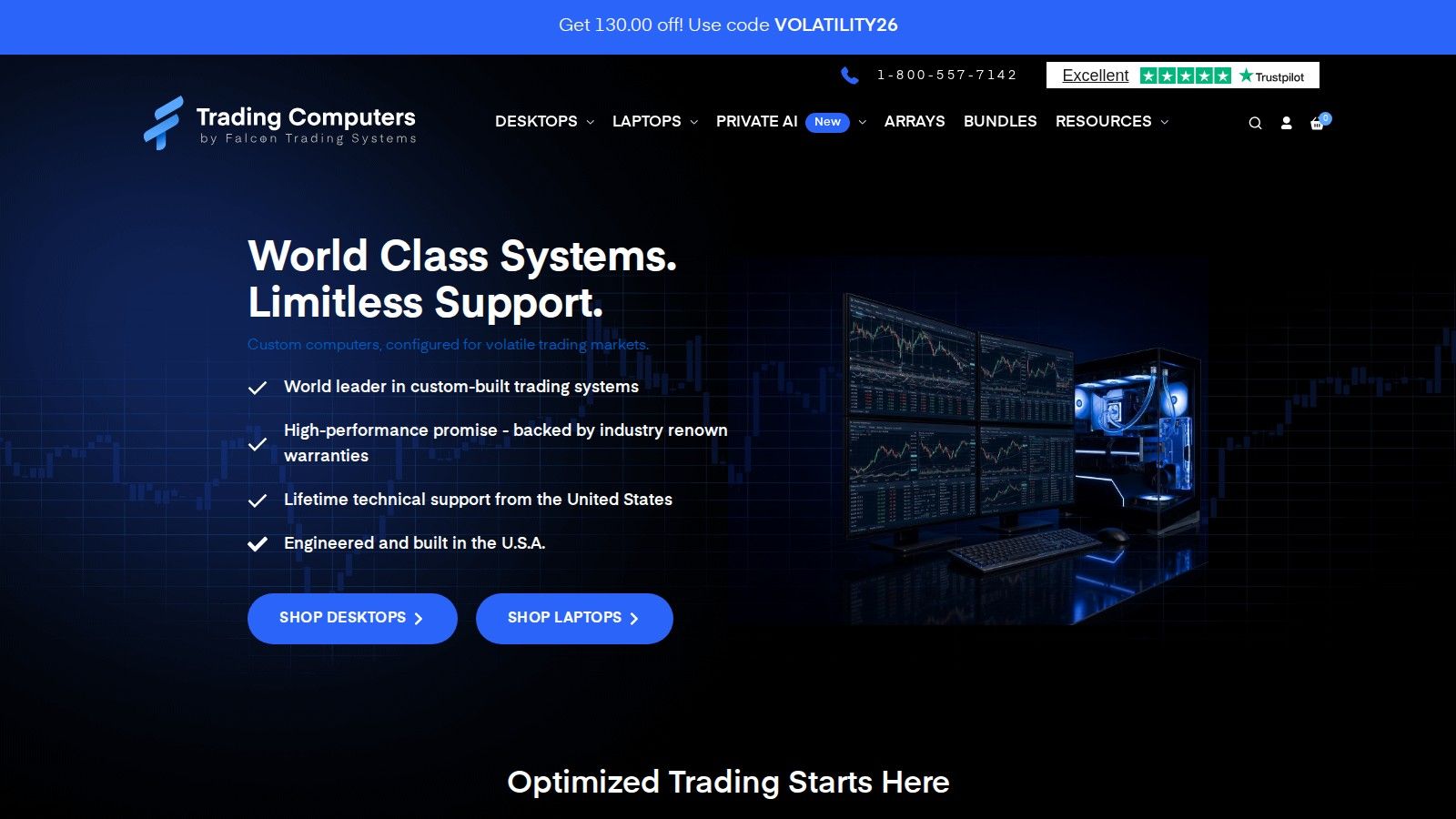
Falcon offers configurable desktop trading systems. Its current desktop listing shows the P-32 starting at $1,965 and the F-52GT at $2,895. The P-32 listing supports configurations up to 64GB DDR5 and eight display connections; the F-52GT listing goes up to 128GB DDR5 and twelve connections. These are configuration ceilings, not a statement that the starting price includes every maximum.
The published warranty is three years of on-site parts and labour for P-32 and five years for the other listed desktop models, with lifetime technical support. Compare the configuration and warranty scope on the quote, including what happens if the machine needs attention during a trading session.
A Falcon desktop fits a trader who wants a system assembled around a local workspace and a defined screen count. Decide how many physical outputs the chosen graphics configuration provides before ordering monitors. The tower does not replace the home router, a backup connection or a power plan; those remain separate parts of the setup.
Best for: A configurable local trading desktop with the display connections and support terms specified on the quote.
Check before buying: Base versus upgraded memory, storage, graphics outputs, delivery timing and warranty coverage.
3. EZ Trading Computers
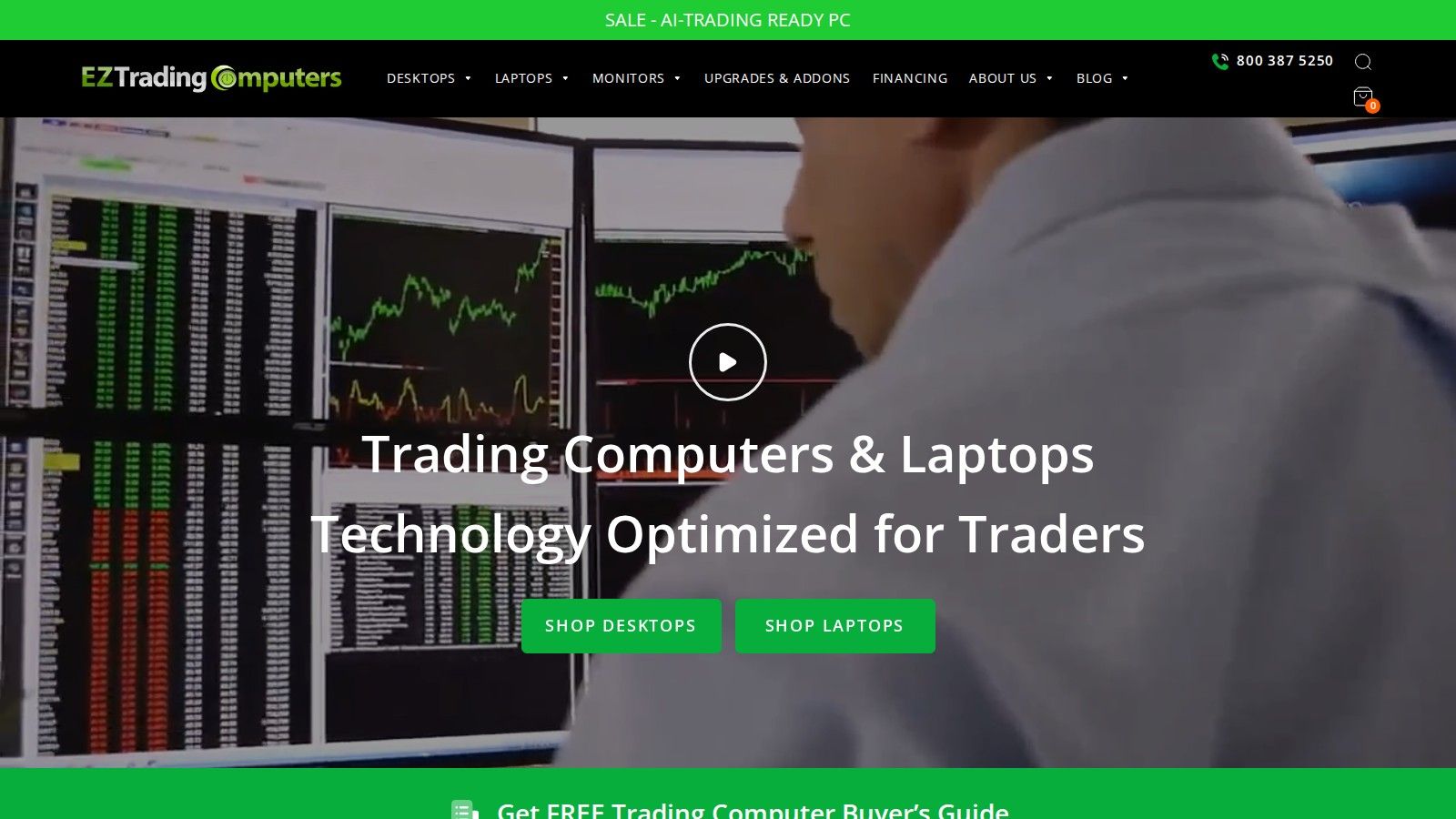
EZ Trading Computers’ current Viper X14 base listing is $1,899 with an Intel Core i7-14700F, 16GB memory, a 500GB NVMe SSD and four-monitor support. Its desktop product page states a five-year warranty and lifetime technical support. That makes it a concrete starting configuration to compare with the more expensive local picks.
Treat the base memory and SSD capacity as sizing choices, not universal requirements. Measure the platforms, browser tabs and historical data you intend to run together. A quoted CPU benchmark is useful for a broad comparison but does not establish how many complex charts a particular platform can handle or how much an order will slip.
The current desktop range also includes higher-priced models. Compare a complete configuration with another maker’s complete configuration rather than comparing one firm’s base amount with another firm’s fully upgraded system. Monitor packages and stands are separate purchases unless the quote expressly includes them.
Best for: A local trading-focused desktop at a verified base price, with memory and storage chosen for the actual workload.
Check before buying: Upgrade costs, exact display outputs and whether the selected capacity leaves room for data and platform updates.
4. Digital Tigers Stratosphere
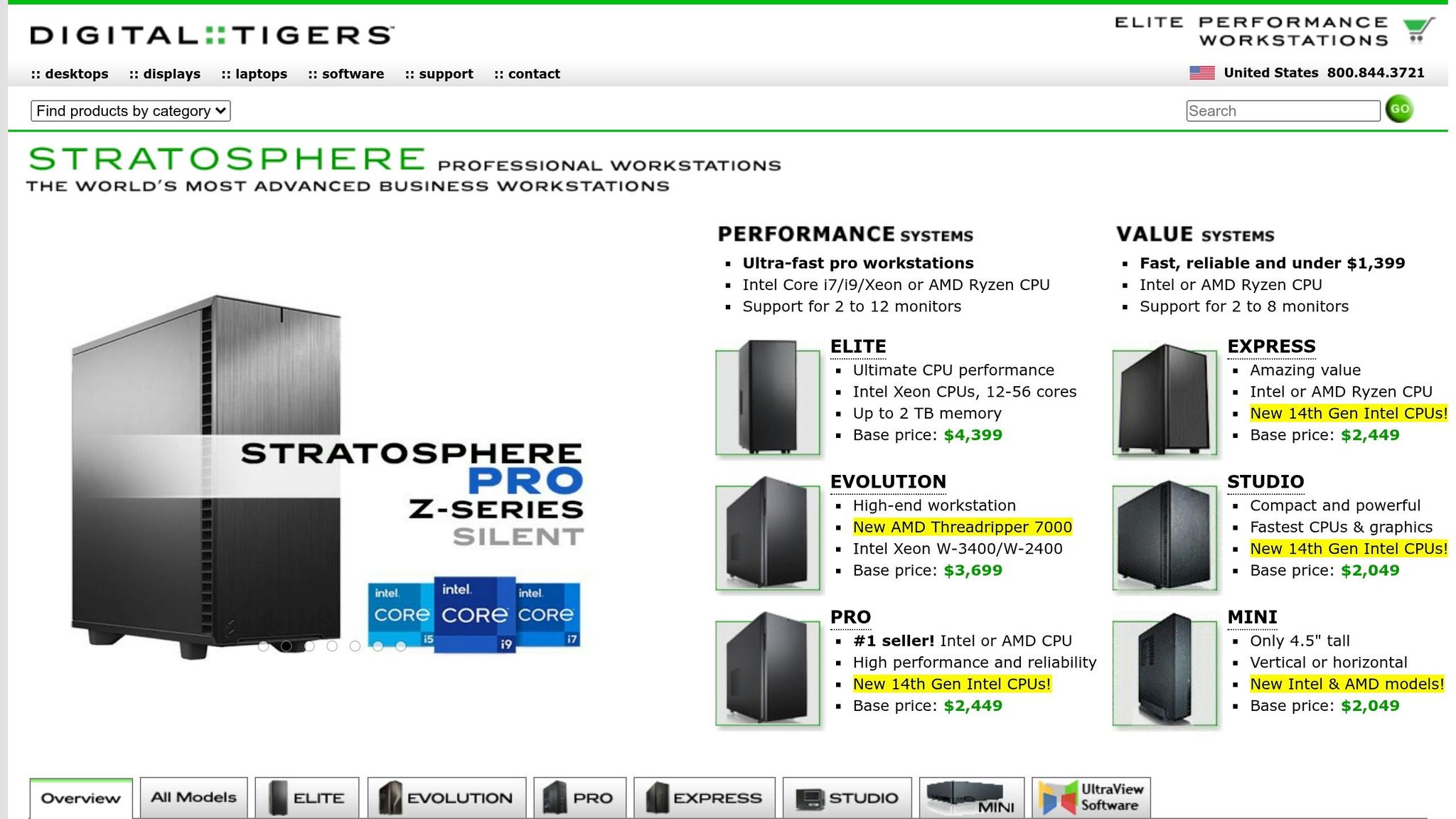
Stratosphere is a Digital Tigers workstation range, not a separate manufacturer. The checked US product page lists Stratosphere Pro R4 at $2,699, with four independent displays and an RTX 3050 6GB card as standard. It offers Ryzen processor choices and memory configurations up to 192GB DDR5.
Remote desktop
Your trading computer. In the cloud.
Connect and control your trading strategies from any device, anywhere in the world, through secure remote desktop, while execution remains on QuantVPS.
Explore the hardwareFrom $29.99/mo · Windows or Linux
The maker also sells larger display configurations and other workstation families. An upper memory limit or a many-core workstation is not automatically the right purchase for a platform whose busy operation is concentrated on one thread. Match the selected configuration to the jobs that run at the same time.
The useful distinction here is configurability. Write down the required connectors, resolutions and application workload, then compare the quoted parts. The earlier description of Stratosphere as requiring an institutional budget above $100,000 is not used: the current product has an ordinary published workstation price.
Best for: A configurable local workstation with a documented multi-display configuration.
Check before buying: The actual base processor, memory and operating system, plus the final quote for any extra displays.
5. EZ Gladiator X3D
Gladiator X3D is an EZ Trading Computers model. The current listing specifies an AMD Ryzen 9 9950X3D, an RTX 5060, liquid cooling, 16GB base memory and a 500GB NVMe SSD. The four-monitor configuration is $3,799; the eight-monitor option is $4,399. The older $3,599 figure and a partner-link discount are not used.
This is a local compute-oriented option for a trader who also performs heavier analysis or wants the larger display configuration. Its extra cache and processor resources should be evaluated against the intended application. They do not establish that every backtest will finish in seconds or that a live trade will execute at a better price.
Keeping this model separate in the comparison identifies the higher-end EZ choice without presenting it as a different company. Compare its configured memory and storage with the other quotes, and allow for the monitor upgrade when calculating the complete purchase. Owning the tower still means planning local power, networking and recovery.
Best for: A local workstation for heavier compute and a selectable four- or eight-screen configuration.
Check before buying: Whether the chosen workload benefits from this processor, and the memory, SSD and monitor-option costs.
6. Lenovo Legion
The checked Legion Tower 7i Gen 10, SKU 90Y6003WUS, is listed at $3,957.99 on Lenovo’s US site. That configuration has a Core Ultra 9 285K, RTX 5080 16GB graphics, 32GB DDR5-5600 memory and 2TB SSD storage. The page lists a one-year Legion Ultimate Support warranty.
This is a gaming desktop configuration that can also run compatible trading software. Its GPU may be useful for a separate graphics or compute workload, but ordinary charting does not by itself justify that card. The checked SKU should not be confused with the old Gen 8 tower or an approximate price from a different configuration.
A trader who wants one desktop for several uses can compare Legion with the trading-focused makers. Check the exact ports, support coverage and software compatibility. No claim is made that its cooling fails during long sessions or that a different brand has intrinsically better order execution; those statements would need workload-specific evidence.
Best for: A local desktop shared between trading and other demanding compatible applications.
Check before buying: The exact SKU, sale-price availability, graphics outputs and support terms in the country of purchase.
Best laptops for day trading
7. EZ Navigator laptop
A laptop is useful when the workspace moves. The checked EZ Navigator 16-inch is $2,899 with a Ryzen 9 8940HX, RTX 5060, 16GB base memory, a 500GB SSD and a 2560 × 1600 IPS panel. The maker lists a one-year laptop warranty; do not apply its desktop five-year warranty to this model.
For local execution, consider the complete travel workflow: the power adapter, stable connectivity, external displays and how the platform recovers after sleep. A battery gives some local power continuity but does not keep a broker connection alive if the network drops. Test a full trading workspace while connected to the displays and peripherals you will actually use.
A laptop can also be the screen for a cloud trading computer. In that arrangement the server runs the platform, while the laptop handles viewing and controls. An existing compatible laptop may be sufficient; a costly new local processor is not necessary merely to open a remote desktop session.
Order flow
Built for scalpers. Heatmaps on dedicated resources.
Order-flow heatmaps and DOM ladders run on dedicated CPU, memory and NVMe, so your charts keep responding during volatility.
Explore the hardwareFrom $29.99/mo · Windows or Linux
Pros and cons by computer type
| Type | Practical advantages | Responsibilities or limits |
|---|---|---|
| Desktop | Local controls, configurable parts and physical display connections | Home power, networking, repairs and a fixed location |
| Laptop | Portable workspace, integrated screen and battery | Travel connectivity, external display limits and sleep/restart behaviour |
| Cloud | Application runs independently of the viewing computer; hardware managed by service | Recurring payments, internet needed for viewing, and remote/application incident handling |
A mixed setup can be sensible: use local screens for research and a remote workspace for the process that needs continuity. Keep one clear location for the authoritative strategy state. Running the same strategy independently on a desktop and a server can create duplicate orders unless the application deliberately coordinates them.
Before moving live work, test logins, data subscriptions, reconnects, saved layouts and startup behaviour. Record which component holds outstanding orders and what happens when that component disconnects. Hardware specifications describe resources; they do not establish a trading result.
For the processor comparison, see Intel vs AMD CPUs for trading. The low-latency trading guide explains why network timing and application performance should be measured separately.
For eligible remote workspaces, compare NinjaTrader VPS, TradingView VPS and thinkorswim VPS options with the software you run. The DayTraders profile covers a separate account-program decision; computer capacity does not change a firm's rules.
FAQs
How many monitors do I actually need for trading?
Choose the number that lets you read the order window, charts and research without unnecessary switching. Two to four can be a useful starting layout, but the right count depends on your workflow and desk. Verify physical outputs, resolution and remote-client support before buying additional screens.
What matters more for trading: CPU, GPU, or RAM?
The bottleneck depends on the application. CPU performance matters for calculations, RAM for the working set, and the GPU and its ports for display or supported compute tasks. More of one component does not correct a shortage of another; measure the loaded workspace before upgrading.
Is a VPS better than a trading computer?
It depends on how you trade. A desktop suits manual work at one desk, while a VPS suits an eligible automated or multi-account workload that needs to keep running independently of that desk. Remote access and recovery should be tested either way.
How much does a trading computer cost?
The checked local examples include a $1,899 Viper X14 and a Falcon F-52GT from $2,895, before monitors and upgrades. QuantVPS Standard starts at $29.99 per month; at unchanged monthly billing that is $1,079.64 over three years. The configurations have different resources and ongoing responsibilities.
What specs does a trading computer need?
Size CPU, memory and storage for the platforms and analysis jobs that run together, then verify the display outputs and connectivity. For a workload-based checklist, see the trading computer setup.


