
Short answer: TradingView is the easiest start for screeners, watchlists and alerts on a paid plan. Unusual Whales leads for options flow, Massive for broad US market data, and QuantConnect for backtests that Claude runs for you. Alpha Vantage, Twelve Data, Finnhub and Financial Modeling Prep are free to start. Databento has no MCP server, so Claude reaches it through its API.
We checked every MCP status below on each vendor's own website, docs or GitHub on 6 Nov 2026. Several servers are labeled beta or experimental, so check the vendor's page before you rely on one.
Trading MCP servers compared
The table covers data, research and analytics vendors. Brokers that let an AI agent place orders have their own section below. Prices can change.
| Vendor | Data or actions | Official MCP server | Pricing (checked on 6 Nov 2026) | Auth |
|---|---|---|---|---|
| TradingView | Watchlists, price bars, screeners, news, fundamentals, calendars, simple price alerts | Yes, hosted (beta) | Essential plan or higher; not on trials | OAuth 2.1 with your TradingView login |
| Unusual Whales | Options flow, dark pool, congressional and insider trades, prediction markets; 74 tools | Yes, hosted, plus a local package | API plans $99, $150 or $375 a month | API key; account sign-in in Claude, ChatGPT and Grok |
| Massive (formerly Polygon.io) | Market data for the asset classes on your plan | Yes, hosted, plus an open-source server | Free Basic; Stocks Starter $29 a month | OAuth (hosted); API key (self-hosted) |
| QuantConnect | Create projects, run backtests, deploy live algorithms | Yes, hosted | Free plan for backtests; Researcher $84 a month (recommended setup) | OAuth with your QuantConnect login |
| Alpha Vantage | Stocks, options, fundamentals, news sentiment, forex, crypto, commodities | Yes, hosted, plus local | Free key (25 requests a day); premium from $49.99 a month | API key entered on a sign-in page |
| Twelve Data | Prices, 60+ indicators, fundamentals, ETFs, news, filings | Yes, hosted, plus open-source | Basic free; Grow $79 a month | OAuth 2.1 (hosted); API key (local) |
| Finnhub | 70 tools: equities, funds, forex, crypto, economic and alternative data | Yes, hosted | Free (60 calls a minute); All-In-One $3,500 a month, billed annually | OAuth with your Finnhub login |
| Financial Modeling Prep | Up to 28 tools: quotes, statements, filings, indicators, news | Yes, hosted | Basic free (250 calls a day); Starter $29 a month | API key, or sign-in through its Claude connector |
| CoinGecko | Crypto prices, market caps, volumes, exchanges, DEX pools | Yes, hosted (keyless and keyed), plus local | Demo free; Basic $35 a month | None on the public server; API key on the other |
| Databento | Futures, options and equities data through its API | No | Pay as you go ($125 free credits) or Standard $199 a month (CME) | API key in its client libraries |
What an MCP server is
The Model Context Protocol (MCP) is "an open-source standard for connecting AI applications to external systems." An MCP server exposes a vendor's data or actions as tools. Claude, ChatGPT and other clients discover those tools and call them when your question needs them.
You can ask "show me unusual SPY put flow today" in plain language, and the AI calls the right tool. Models still make mistakes, so check numbers against the source. Our guide to the best LLMs for quant trading compares the models themselves.
There are two kinds of server. A hosted server runs at the vendor; you paste a URL and sign in. A local server runs on your own computer, usually through npx or uvx, with your API key in an environment variable.
How to connect Claude Desktop or Claude Code
Claude (web, Desktop or mobile)
On Pro and Max plans, Anthropic's custom connector guide says to open Customize > Connectors, click + Add, then Add custom connector. Paste the vendor's MCP URL and sign in when asked. Free users can add one custom connector. Some vendors, such as Alpha Vantage and Financial Modeling Prep, also list a ready-made connector in Claude's directory.
Claude Code
The Claude Code MCP docs add a hosted server with one command. TradingView publishes this command for its server:
claude mcp add --transport http mcp-tradingview https://mcp.tradingview.com/mcp
Start Claude Code, enter /mcp and finish the sign-in in your browser. A local server takes its key as an environment variable (-e is short for --env), and everything after the double dash starts the server. Massive's open-source server, for example:
claude mcp add massive -e MASSIVE_API_KEY=your_api_key_here -- mcp_massive
Servers you add are local to the current project by default. Use --scope user to load one in every project.
Uptime
99.999% uptime. Built for 24/7 trading reliability.
Your VPS runs in Tier IV datacenters with redundant power and network, monitored 24/7 on site.
See the uptime SLA





From $29.99/mo · Windows or Linux
API keys and safety
Most data servers only read, but some tools write. TradingView can create alerts and edit watchlists. QuantConnect can deploy live algorithms. Broker servers can place orders. Set up each one as if the AI will make a mistake:
- Prefer sign-in over pasted keys. TradingView, Massive, QuantConnect, Twelve Data and Finnhub use OAuth on their hosted servers.
- Keep keys out of URLs. Financial Modeling Prep says sending the key in an X-API-Key header "keeps the key out of URLs and logs." Alpha Vantage marks its key-in-URL option as deprecated.
- Read-only first. Add a server that can trade only after you trust the setup, and grant the narrowest permissions it offers.
- Paper trading first. QuantConnect's own Claude Code example deploys to paper trading.
- Watch tool approvals. Anthropic says to review tool approval requests and to choose "Allow always" only for tools you trust to run unsupervised. News and filings tools fetch outside text, which can carry prompt injection.
- Watch your limits. Each tool call counts against your plan, for example 25 requests a day on a free Alpha Vantage key.
TradingView
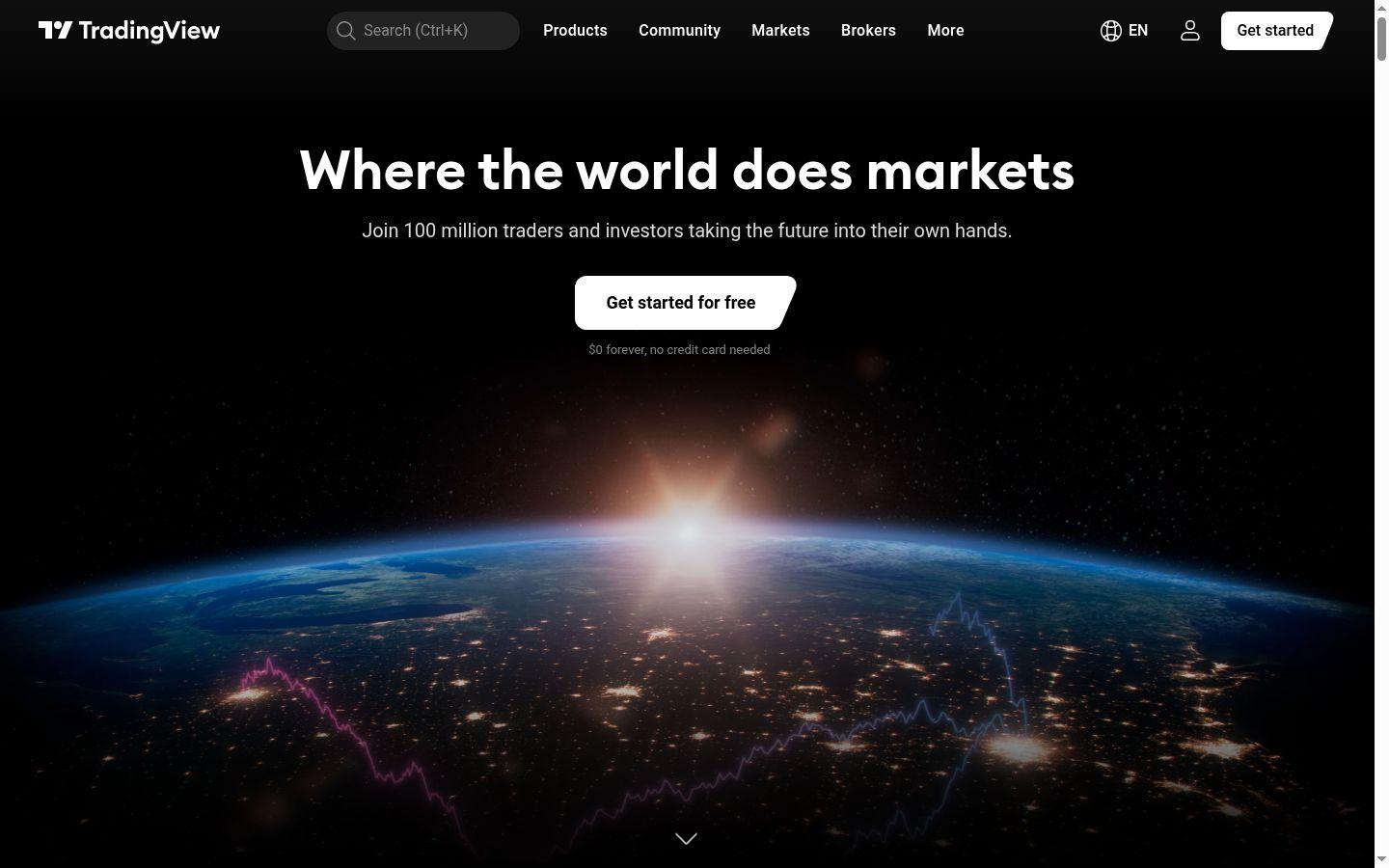
TradingView runs an official hosted server at https://mcp.tradingview.com/mcp. Its TradingView MCP docs say "TradingView MCP Server is in beta" and "MCP access is included in Essential and above"; trial plans don't include it. You log in with your TradingView account through OAuth 2.1.
The tools cover watchlists, price bars and economic series, symbol search, screeners, news, fundamentals, analyst forecasts, filings, transcripts, calendars and alerts. Alerts are limited to simple price conditions, and webhook alerts can't be created through MCP. Calls are limited to about 100 a minute per user, and the beta serves delayed market data. The documented tools do not place orders.
Unusual Whales
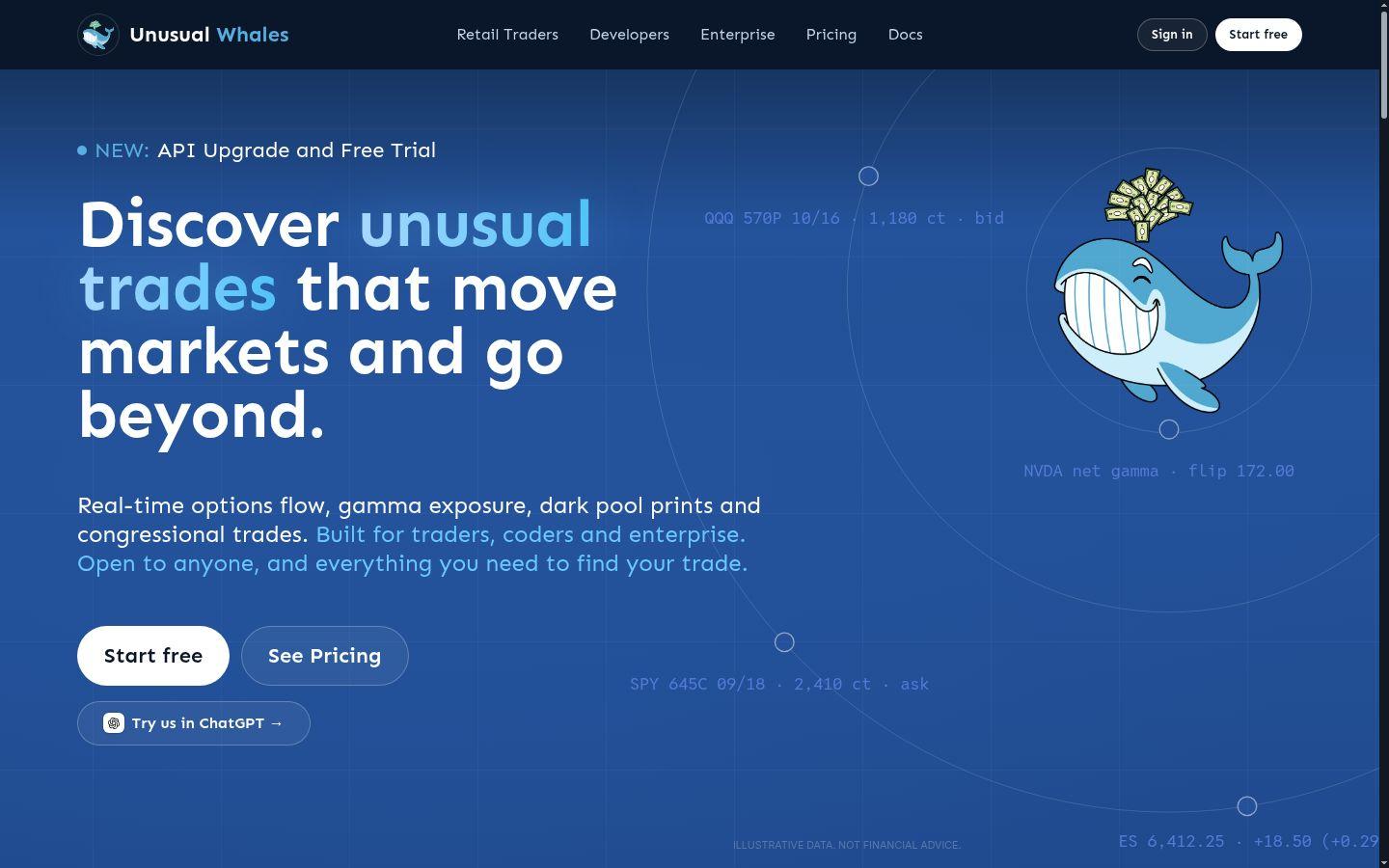
The Unusual Whales API pricing page offers "Programmatic data via REST, WebSocket, or MCP." All three API plans list MCP support: Options Starter at $99 a month (25,000 requests per billing month), Basic at $150 and Advanced at $375. Starter and Basic come with a 7-day free trial for new API subscribers. Advanced adds a live CME futures tape over WebSocket.
The Unusual Whales MCP page describes a hosted server with 74 tools for options flow, dark pool prints, congressional and insider trades, institutions, prediction markets, short interest and screeners. You connect with your API key, or sign in with your Unusual Whales account in Claude, ChatGPT or Grok. An open-source package, @unusualwhales/mcp, runs locally through npx with your API key.
Massive (formerly Polygon.io)
Polygon.io became Massive on 30 Oct 2025, and existing API keys stayed valid. On 15 Sep 2026 it announced a hosted MCP server at https://mcp.massive.com/ that signs in over OAuth and works with Claude, ChatGPT, Cursor, Gemini and Grok. You "can query any asset class your subscription includes," and a free Basic account is enough to connect.
The self-hosted mcp_massive server on GitHub is marked experimental. It gives the model three tools: one to search endpoints, one to call the API and one to run SQL on stored results. Stocks plans run from Basic at $0 to Advanced at $199 a month, with Starter at $29.
QuantConnect
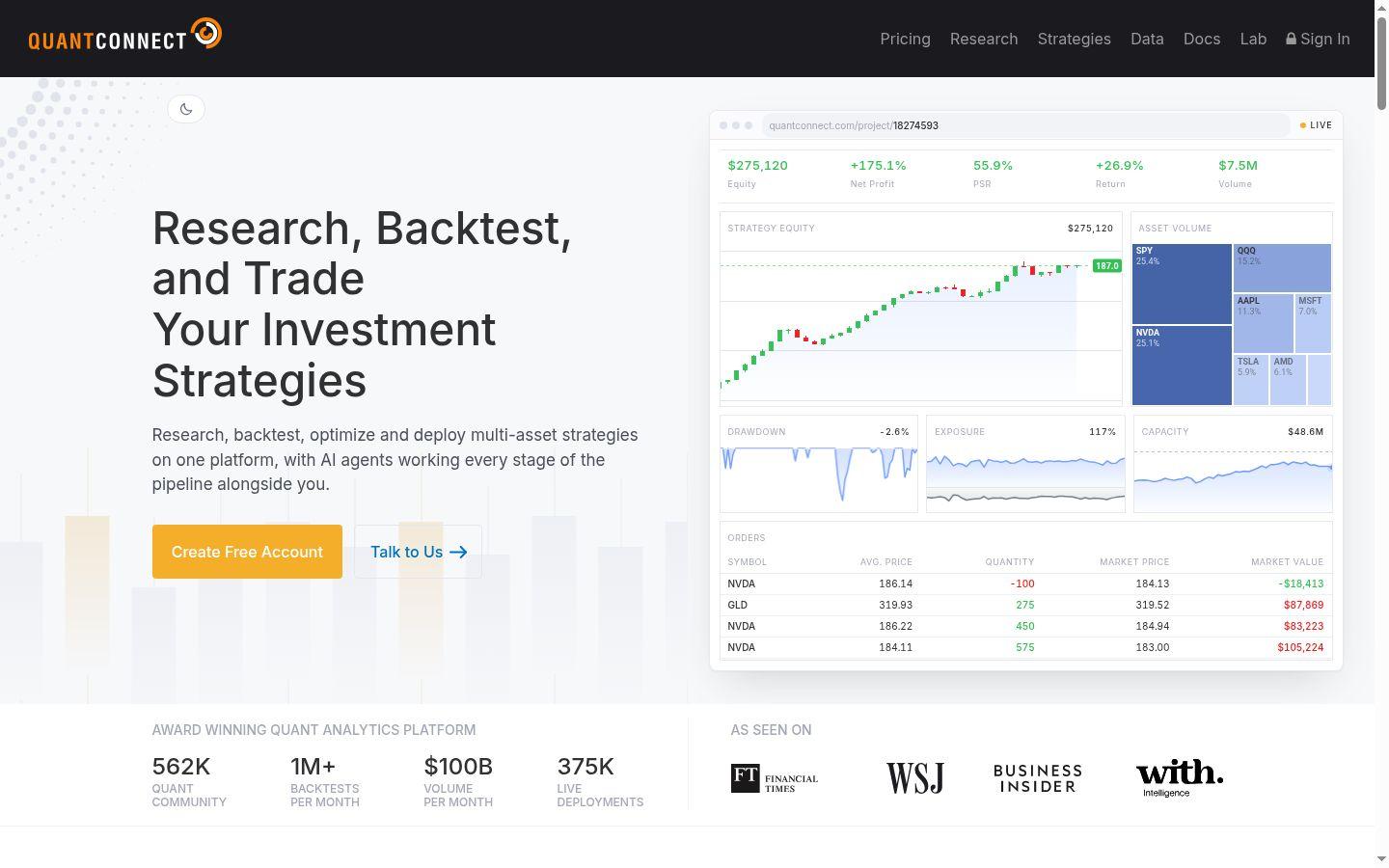
The QuantConnect MCP server gives the model "tools to create projects, run backtests, deploy live algorithms, and more." QuantConnect names Claude Code, Codex, Copilot, Cursor and Devin Desktop as officially supported clients. You add https://www.quantconnect.com/api/v2/mcp as a connector, sign in and pick the organization to authorize.
It is the one data server here that can start live trading, so treat deploy commands with care. The Free plan includes unlimited backtesting but no live trading nodes. The Researcher plan's recommended setup costs $84 a month and allows up to two live nodes.
Alpha Vantage
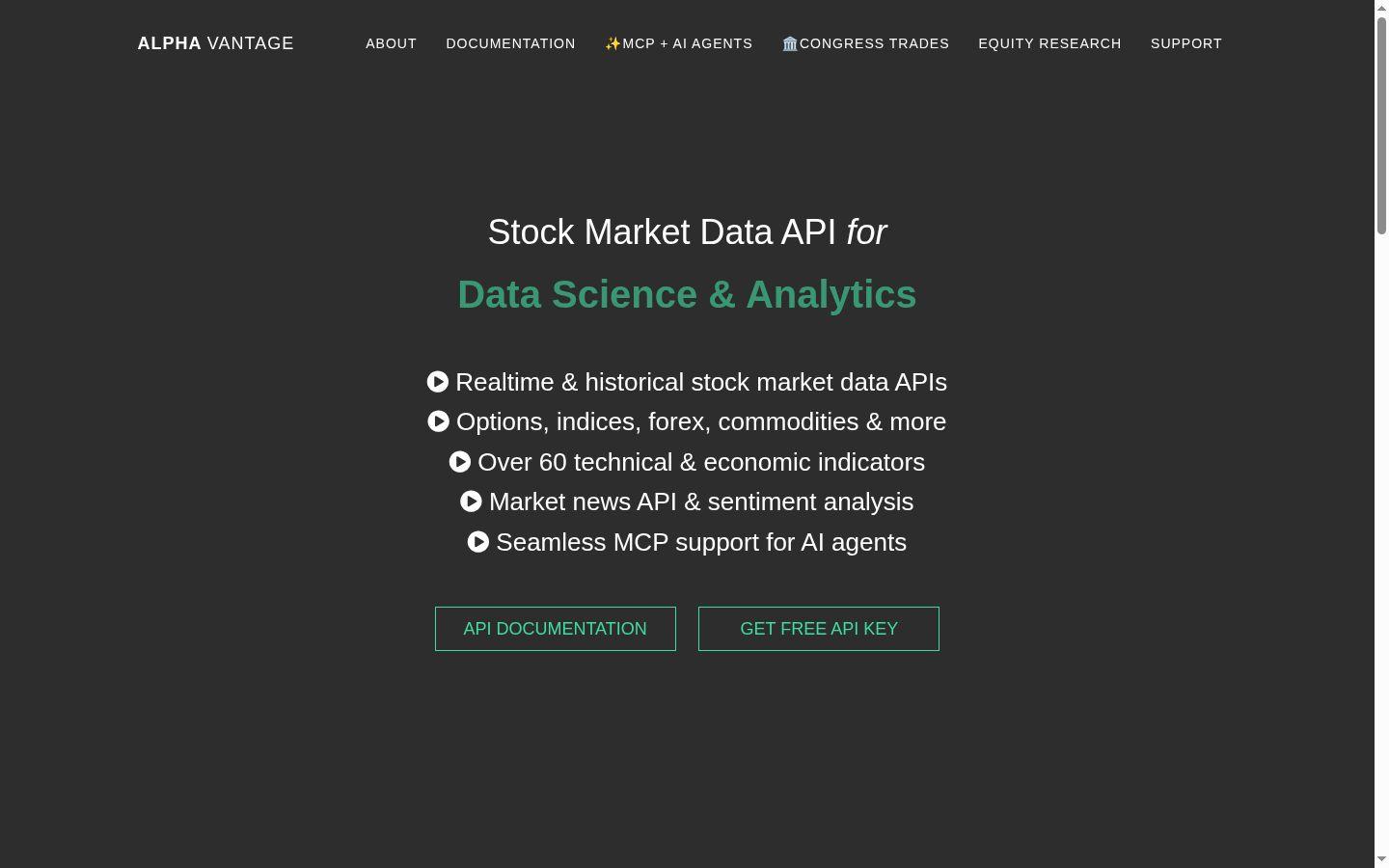
Alpha Vantage calls its server "The official Alpha Vantage API MCP server." On the Alpha Vantage MCP page, the recommended connection is https://mcp.alphavantage.co/mcp: a sign-in page opens and you authorize your API key there. A local option runs with uvx marketdata-mcp-server and your key.
Each Alpha Vantage function is an MCP tool, from intraday stock series and real-time options to news sentiment, earnings call transcripts, forex, crypto and commodities such as WTI and Brent. A free key allows 25 requests a day, and premium plans start at $49.99 a month for 75 requests a minute.
DDoS protection
Always-on DDoS protection with advanced filtering. On every plan.
Always-on mitigation filters attack traffic at the network edge. Every plan includes a dedicated IP and unmetered bandwidth for the trading environment.
See every security layerFrom $29.99/mo · Windows or Linux
Twelve Data
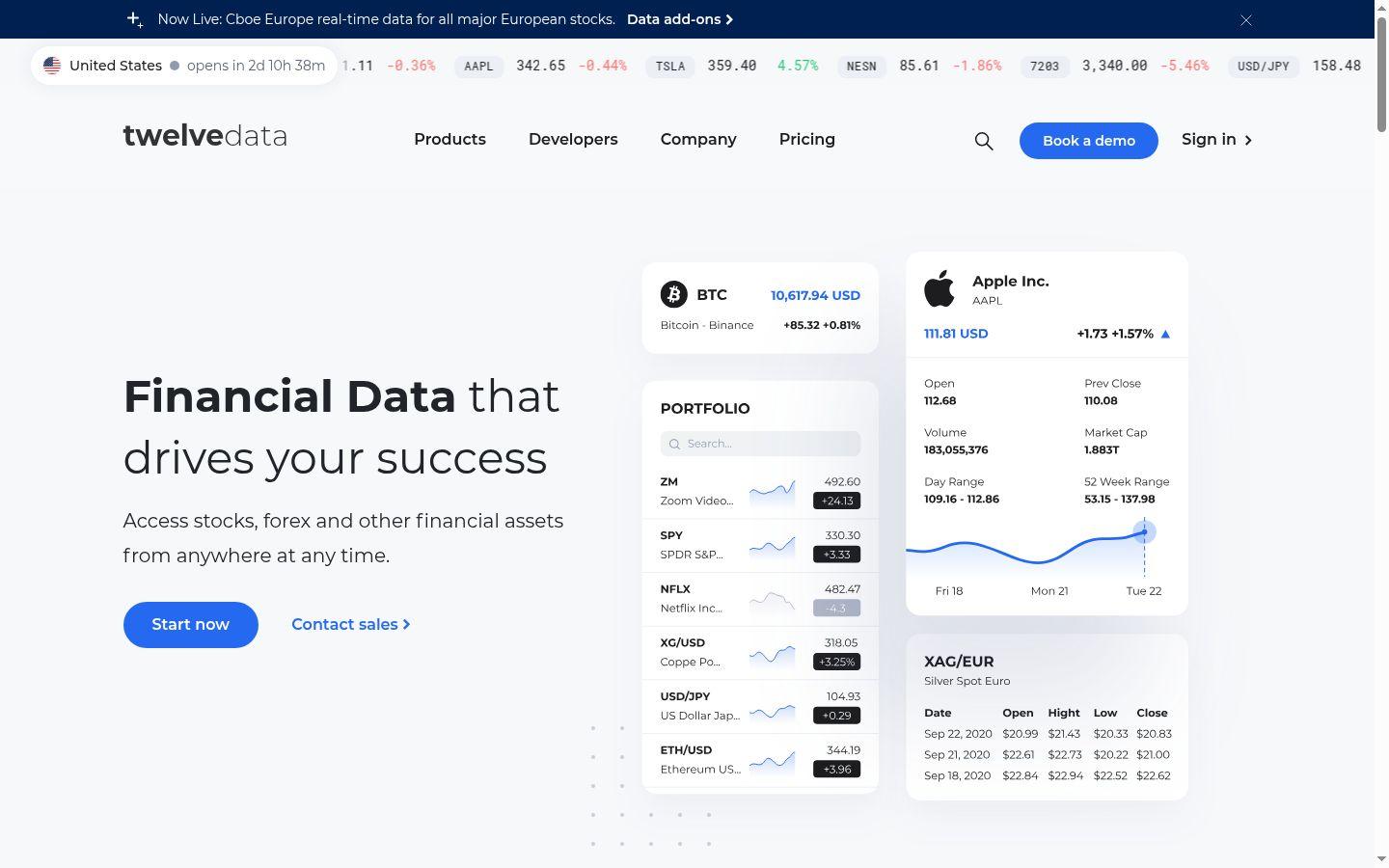
The Twelve Data MCP server connects AI assistants to "prices, 60+ technical indicators, fundamentals, ETFs and funds, company news, market movers, and regulatory filings." The hosted server at https://mcp.twelvedata.com/mcp uses OAuth 2.1, so there is no API key to copy. The open-source version on GitHub runs locally over stdio with your TWELVE_DATA_API_KEY.
The free Basic plan allows 8 API credits a minute and 800 a day. Grow costs $79 a month, Pro $229 and Ultra $999 when billed monthly.
Finnhub
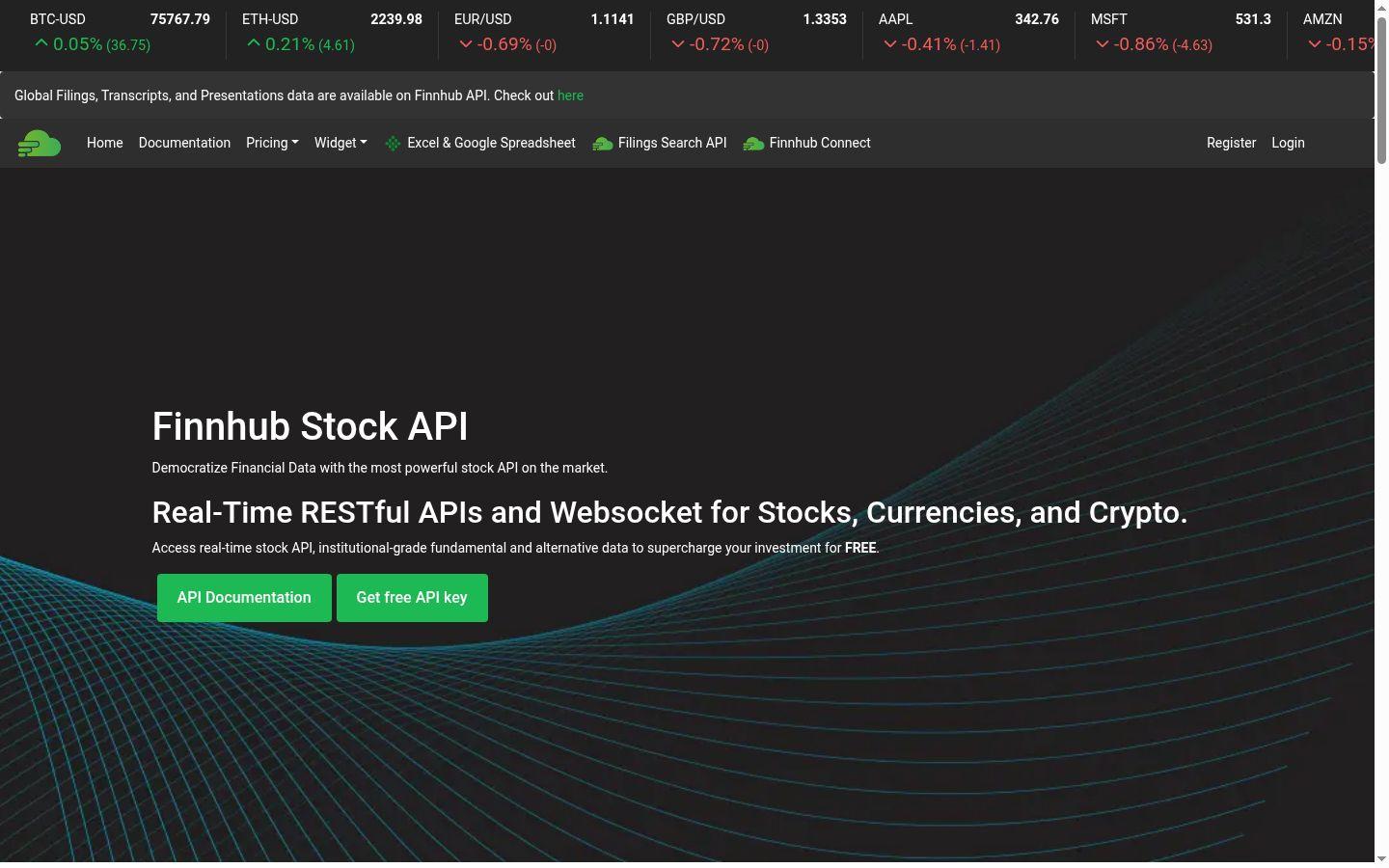
Finnhub published its MCP connection guide on 6 Aug 2026. The hosted server at https://mcp.finnhub.io/mcp "exposes 70 tools covering equities, funds, forex, crypto, economic data and alternative datasets." You sign in with your Finnhub account, and dataset access follows your Finnhub plan. In Claude, the guide has you enter claude as the OAuth Client ID under Advanced settings.
The free plan allows 60 API calls a minute. The All-In-One plan costs $3,500 a month, billed annually.
Financial Modeling Prep
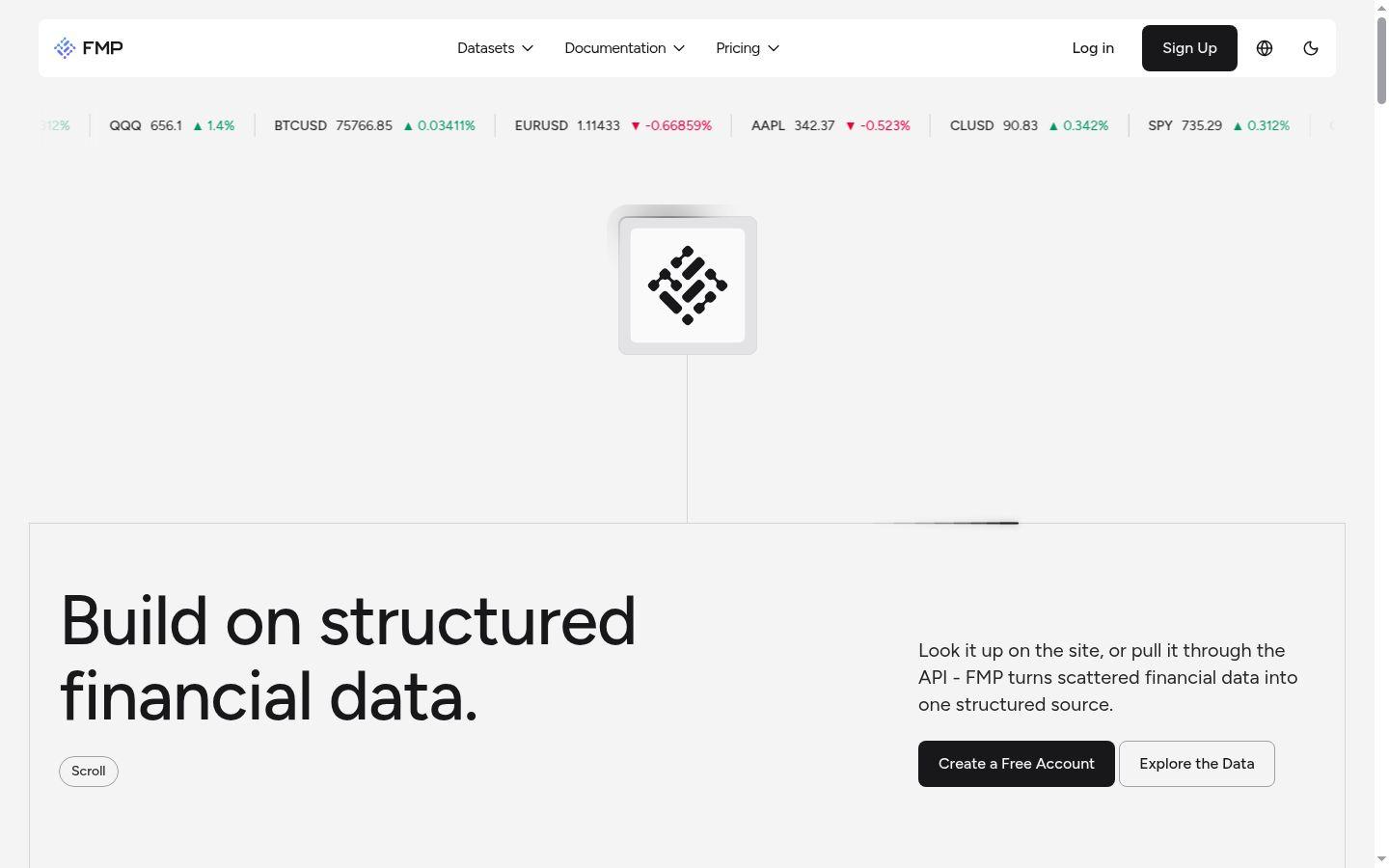
The FMP MCP server is remote, so there is nothing to install. FMP has official connectors in Claude and ChatGPT that sign in with your FMP account. Any other client connects to https://financialmodelingprep.com/mcp with your API key.
Tools are grouped by category, up to 28 depending on your plan, and each request "counts toward your existing API limits." The free Basic plan allows 250 calls a day. Starter costs $29 a month ($19 a month billed annually), Premium $69 and Ultimate $139.
CoinGecko
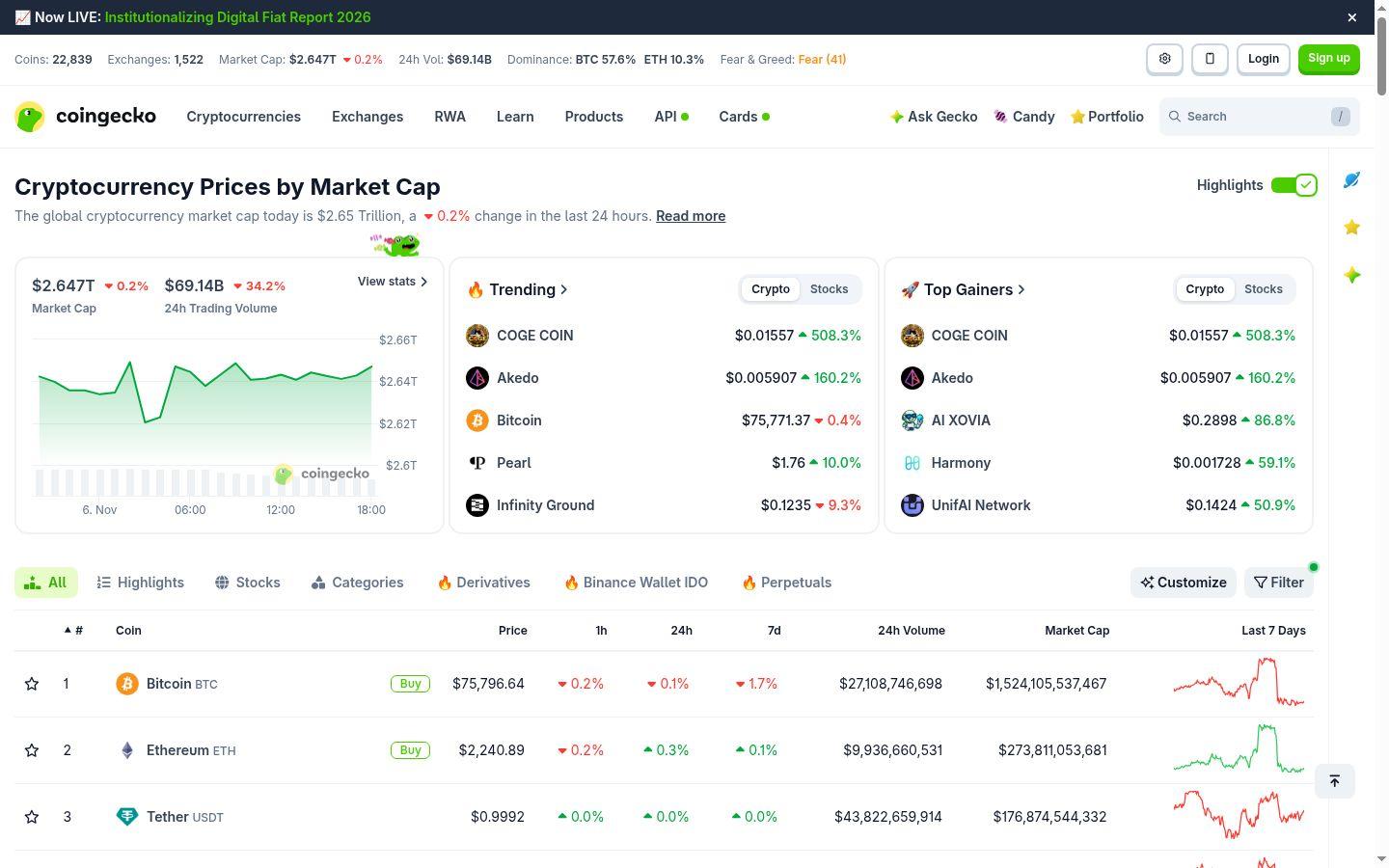
The CoinGecko MCP server docs list a keyless public server at https://mcp.api.coingecko.com/mcp with shared rate limits, and a second server for API key holders. You can also run it locally with npx -y @coingecko/coingecko-mcp. The tools cover prices, market caps, volumes, exchanges, trending coins and DEX pool data. The Demo API plan is free, and Basic costs $35 a month.
Databento: no MCP server, use the API
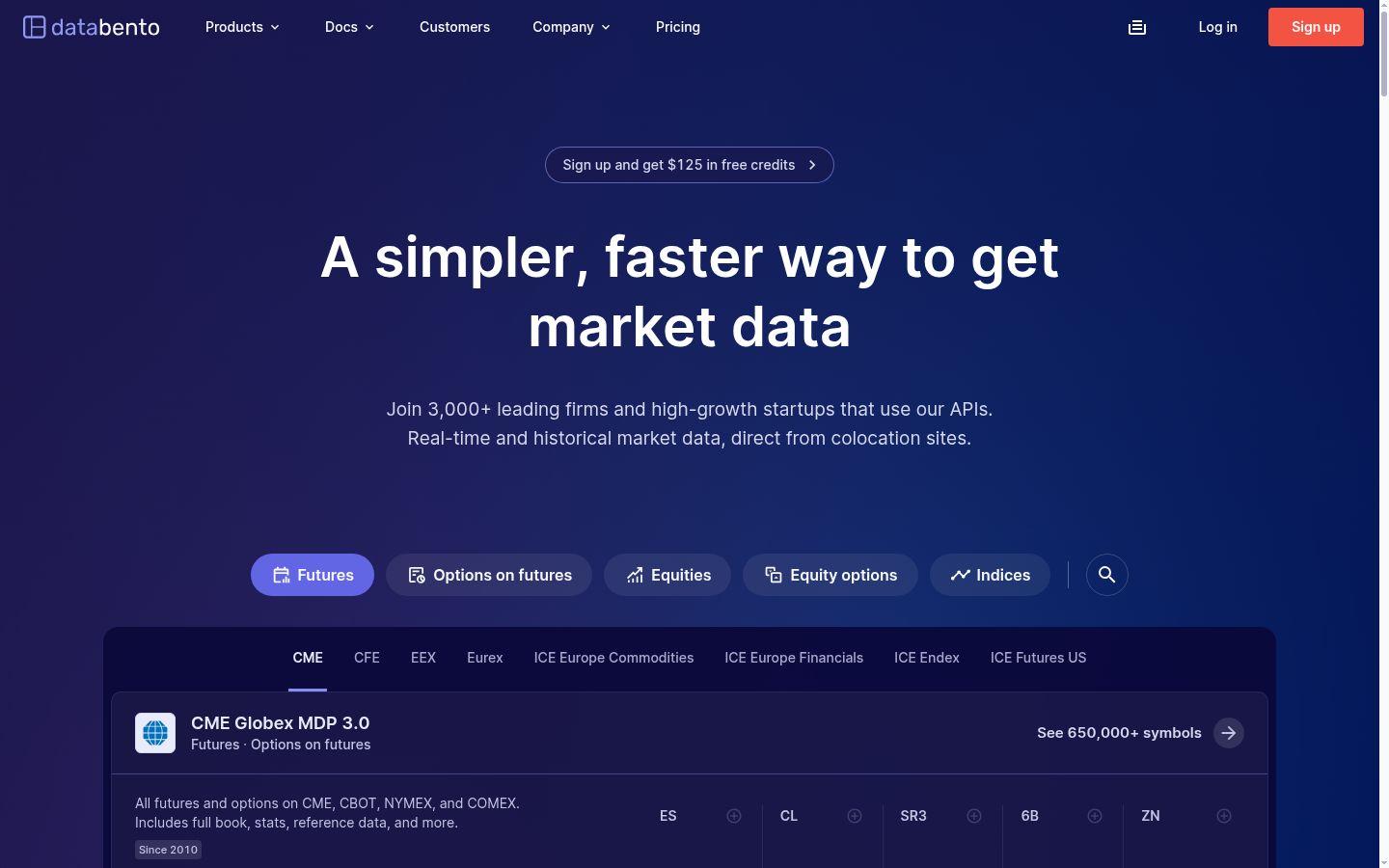
Databento had no MCP server on its website, in its docs or in its GitHub organization on 6 Nov 2026. You will find Databento MCP servers on GitHub, but third parties wrote them, not Databento, and they need your API key.
Claude can still use Databento. Ask Claude Code to write and run Python with the official client, installed with pip install -U databento. The Databento client docs read the key from the DATABENTO_API_KEY environment variable, so it never goes into the chat. Databento also publishes every docs page as Markdown, which the model can read. Pricing is pay as you go with $125 in free credits, or the Standard plan at $199 a month for CME data. Our Databento review covers the data in more detail.
The same route works for any vendor without an MCP server.
Order flow
Built for scalpers. Heatmaps on dedicated resources.
Order-flow heatmaps and DOM ladders run on dedicated CPU, memory and NVMe, so your charts keep responding during volatility.
See the dedicated hardwareFrom $29.99/mo · Windows or Linux
Broker MCP servers
Broker servers do more than read data: they can place orders. We cover them in a separate guide to brokers that let AI agents trade, with setup steps, each broker's safeguards and the brokers that offer paper or demo accounts. Start there before an agent touches real money. On 6 Nov 2026, the MCP pages of these nine brokers were still live:
- Robinhood
- Interactive Brokers
- NinjaTrader
- TradeStation
- Webull
- tastytrade
- moomoo
- Public
- Alpaca
Where to run it
A hosted server runs at the vendor, but your agent runs wherever you start it. If Claude Code runs on a laptop, a scheduled scan or alert loop stops when the laptop sleeps, and so does any local MCP server it uses. A Claude Code VPS keeps both online in a terminal session. Our guide shows how to install Claude Code on a VPS; keep the same safeguards there as on your desk.
FAQs
What is the best MCP server for trading?
It depends on the data you need. TradingView suits chart and screener work on a paid plan, Unusual Whales suits options flow, Massive suits broad US market data, and QuantConnect suits backtesting. Alpha Vantage, Twelve Data, Finnhub and Financial Modeling Prep let you start free.
Can an MCP data server place trades?
Most data servers here only read. TradingView can create price alerts and edit watchlists. QuantConnect can deploy a live algorithm, and a live algorithm places orders. To let an AI place broker orders directly, you need a broker MCP server; see our broker guide linked above.
Does Databento have an MCP server?
Not as of 6 Nov 2026. Databento offers official Python, C++ and Rust client libraries. Claude Code can write code against the Python client with your key in an environment variable. Databento MCP servers on GitHub come from third parties.
Is the TradingView MCP server free?
No. TradingView says MCP access is included in Essential and above, and trial plans don't include it. The server is in beta, its market data is delayed and calls are limited to about 100 a minute per user.
Do I need an API key?
Not always. TradingView, Massive, Twelve Data and Finnhub let you sign in with your account on their hosted servers. Unusual Whales and Financial Modeling Prep take an API key, and CoinGecko has a public server that needs none.


