
A NinjaTrader trade copier sends each order from one master (leader) account to your follower accounts, with every follower sized its own way. Replikanto and Affordable Indicators run inside NinjaTrader 8, ETP Trade Copier and Tradecopia connect to your accounts directly, and TradeSyncer, CrossTrade, Duplikium and Copygram copy in the cloud. Prices run from one-time licenses such as ETP at €197 and Replikanto at $299 to monthly plans from $29 (checked on 10 Oct 2026).
Copiers suit prop firm traders, hedging and scaling across live, demo and prop firm accounts, but each firm sets its own rules on copying between accounts. A desktop copier also needs a machine that stays on, such as a low-latency VPS.
Key Takeaways:
- Master–Follower Architecture: Automates trade replication across accounts, reducing manual efforts.
- Compatibility: Works with brokers like Rithmic, CQG, and Tradovate, and supports live, demo, and prop firm accounts.
- Risk Management: Includes position scaling, maximum position limits and daily loss limits. Stealth Mode only changes how orders are labeled; it does not make copying allowed at a prop firm, so check each firm's rules.
Here’s a quick breakdown of top trade copying tools for NinjaTrader:
- Affordable Indicators Trade Copier: Budget-friendly, supports multiple platforms.
- ETP Trade Copier: a standalone app with unlimited accounts, scaling and risk templates.
- CrossTrade Trade Copier: NinjaTrader 8 add-on plus a cloud copier for Tradovate accounts, from $49/month.
- Tradecopia: a desktop or hosted copier for Tradovate, NinjaTrader, Rithmic and TopstepX accounts, from $49.99/month.
- TradeSyncer: a cloud copier for prop firm account stacks across NinjaTrader, Tradovate, Rithmic and more, from $49/month.
Basic Requirements for NinjaTrader Master–Follower Setup
To set up a successful NinjaTrader master–follower system, you'll need NinjaTrader 8, proper account connections, and a reliable infrastructure. These elements ensure smooth trade copying across various account types, with live, demo, simulation, or prop firm accounts.
This video walks through a NinjaTrader setup for futures prop firm evaluations.
Account Type Compatibility
One of the standout features of modern trade copiers is their ability to work across a wide range of account types. For example, you can use a demo account as your master and copy trades to multiple prop firm accounts - or even the other way around. This flexibility also extends to brokers and data feeds, making it easy to integrate diverse setups.
Broker and Data Feed Support
Most trade copiers are compatible with major futures brokers like Rithmic, CQG, and Tradovate. Importantly, your accounts don’t need to be with the same broker. For instance, you can copy trades from a Rithmic-connected master account to CQG-connected follower accounts without any issues.
Prop Firm Rules and Stealth Mode
Prop firms set their own rules on copy trading and automation, and those rules decide what you can do, not the copier. Some copiers offer a Stealth Mode, but it only changes the labels recorded with your orders: Replikanto's keeps its own identifiers out of the order details, and CrossTrade's gives orders neutral names. Read each firm's rules on copying between accounts before you connect them. A more useful feature is order mapping that survives a disconnect or platform restart, so followers stay matched to the leader.
Risk Management Tools
Risk management is critical, especially for prop firm traders. Look for copiers with features like Account Manager Tandem Mode, which works directly with NinjaTrader’s built-in risk controls. This ensures trade copying only occurs within your pre-defined risk parameters. For instance, if a daily loss limit or drawdown threshold is exceeded, the copier halts all activity instantly. Additionally, precise position sizing tools allow you to scale trades proportionally across accounts of different sizes while maintaining strict risk controls.
Position Sizing and Control
Proper position sizing is essential when managing multiple accounts. Modern copiers let you configure ratio-based scaling and set maximum position limits. This ensures follower accounts stay within safe risk levels, no matter their size.
Strategy Features
Advanced tools like trade inversion, symbol replacement (e.g., copying ES trades to MES), and instrument filtering make it easier to implement complex strategies. These features allow traders to hedge positions automatically, adjust contract sizes, or limit copying to specific markets, all of which would be challenging to manage manually.
Synchronization and Reliability
Synchronization is key to keeping master and follower accounts aligned, even when technical hiccups occur. Features like auto-sync continuously monitor for discrepancies - such as those caused by partial fills or connection issues - and correct them in real time.
Modern trade copiers provide options for both internal NinjaTrader copying and external integrations. This flexibility enables traders to build a system that aligns perfectly with their risk management and execution needs.
Uptime
99.999% uptime. Built for 24/7 trading reliability.
Your VPS runs in Tier IV datacenters with redundant power and network, monitored 24/7 on site.
See the uptime SLA





From $29.99/mo · Windows or Linux
1. Replikanto
Replikanto, from FlowBots, is a NinjaTrader 8 add-on that runs on your own PC or VPS and copies trades from a leader account to follower accounts.
- Price: $299 for a single-machine lifetime license or $249 for one year; two-machine licenses are $399 lifetime or $299 for one year (sale prices checked on 10 Oct 2026; list prices are $100 higher). Support and updates are included for the first year. A 7-day free trial is available.
- Platforms: NinjaTrader 8.1.6 or later, with Rithmic, Tradovate (including orders placed from TradingView) and Interactive Brokers connections, plus Sim and Playback accounts.
- Features: seven copy methods (including Exact Quantity, Ratio and Net Liquidation), ATM Copy, Follower Guard (flatten, disarm, cancel entries, email alerts), Cross Order for ES/MES-style mapping or reverse copying, Market Only mode, and Stealth Mode, which keeps Replikanto's own identifiers out of the information recorded with your orders.
- Remote copying: Remote Node Mode copies to other machines over a local network or the internet; internet copying uses Submit credits (20 included with each license).
2. Affordable Indicators Trade Copier (Duplicate Account Actions)
Affordable Indicators Trade Copier provides a cost-effective and dependable solution for NinjaTrader 8 users managing multiple accounts. It’s designed for traders looking for a straightforward and efficient master–follower setup, making it a great option for individuals and smaller trading operations.
Supported Platforms and Account Types
The copier, called Duplicate Account Actions, installs into NinjaTrader 8 Desktop and runs there, and it copies trades placed from NinjaTrader, TradingView, Tradovate or Rithmic. One lead account can drive as many follower accounts as you run, each with its own contract size. It can copy by executions or by orders, run an ATM strategy on every follower, and map a mini on the master to a micro on a follower.
Key Features
Despite being a budget-friendly option, Affordable Indicators Trade Copier includes proportional trade size adjustments. This feature is particularly useful when managing accounts of different sizes or when fine-tuning risk management between master and follower accounts.
Pricing is a one-time payment for a lifetime license with free updates (checked on 10 Oct 2026). The copier alone lists at $295 for one PC and was $175 in an October sale; the Accounts Dashboard Suite, which adds the Account Risk Manager with daily loss and profit limits and auto-liquidation tracking, is $295. There is a 7-day free trial and a 30-day money-back guarantee.
VPS/Cloud Compatibility
The copier runs inside NinjaTrader Desktop on Windows, so it works on a Windows VPS as well as a home PC. A VPS near the exchange keeps the copier online with the lowest latency to it: QuantVPS plans run Windows Server 2025 by default, or Windows Server 2022, on a 1Gbps network with 10Gbps burst (checked on 10 Oct 2026). Multi-monitor RDP lets you watch every account from one remote session.
3. ETP Trade Copier (Expert Trading Programmers)
The ETP Trade Copier from Expert Trading Programmers is a standalone app that runs on your own Windows, macOS or Linux machine (or a VPS) and connects directly to Rithmic, Tradovate, NinjaTrader 8, ProjectX, DXtrade, TradeLocker, MatchTrader, cTrader, Tickblaze and dxFeed. It costs €197 one-time (excluding VAT) for a lifetime license with one simultaneous connection and one leader account group; each extra group or connection is €47 (checked on 10 Oct 2026). There is no limit on the number of accounts, and it includes position sizing controls, risk templates and instrument mapping.
4. Quantower Built-In Copy Trading Panel
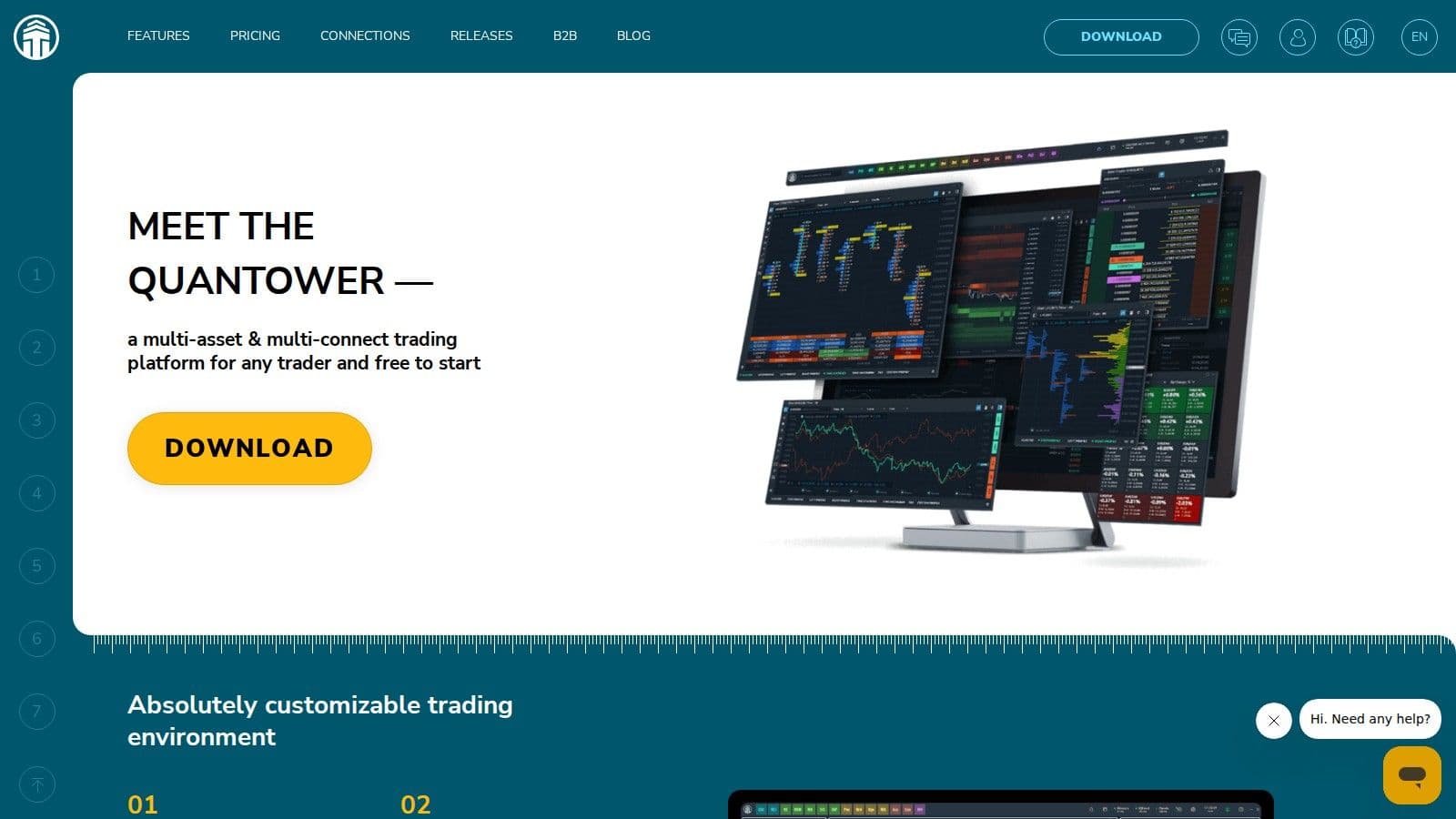
Quantower has a built-in Copy Trading panel (in the Trading menu) that duplicates trading activity between multiple accounts. Order size can follow a percentage of account balance or a fixed multiplier, and since version 1.140.1 it can copy between different connections, such as CQG and Rithmic, using symbol mapping.
Quantower's copy trading only works while the platform is running, and it picks up again on the next launch if it was running when you closed it. That makes a machine that stays on, such as a VPS, a good fit. Quantower recommends practicing on demo accounts first, since a child account can reject a copy for reasons such as low funds or a disconnection.
5. CrossTrade Trade Copier (NinjaTrader 8 and Tradovate Cloud)
CrossTrade offers two copiers under one subscription: a NinjaTrader 8 add-on that copies between NT8 accounts locally, and a cloud copier that copies a Tradovate leader to Tradovate followers from CrossTrade's servers, so no NinjaTrader install or VPS is needed for that part. Both are included in CrossTrade Pro ($49/month, or $39/month billed yearly, checked on 10 Oct 2026) with unlimited followers and no per-account fees; a 7-day free trial is available.
Copy Modes
CrossTrade's NinjaTrader copier has two modes. Order mode sends each follower order as soon as the leader order is placed and mirrors brackets, changes and cancels, while Execution mode copies every leader fill at market. On Tradovate, the cloud copier adds a Signal mode for CrossTrade alerts and API commands, and its Order mode is in beta.
Supported Platforms and Account Types
In the cloud copier, the leader is a Tradovate account traded manually (web, desktop or mobile), through TradingView's Tradovate panel or via TradingView alerts, and followers are Tradovate accounts. Copying between NinjaTrader 8 accounts runs locally through the NT8 add-on. This flexibility makes it ideal for traders looking to copy signals from desktop platforms into a cloud-based environment.
It copies between live, sim, demo and prop accounts in any mix, which suits prop firm traders running several evaluation accounts.
Advanced Features
The system offers multi-directional copying, allowing accounts to both send and receive trades, which opens the door to sophisticated trading setups where accounts can follow each other in intricate chains.
Additional tools like trade inversion for automatic hedging and flexible position scaling (e.g., ratios like 0.5× or 2×) provide enhanced control over risk and execution strategies. Built-in maximum position limits ensure traders stay within their risk thresholds.
CrossTrade's Stealth Mode gives copied orders neutral order names. It does not change what a prop firm allows, so check each firm's rules on copy trading first.
The NinjaTrader add-on needs NinjaTrader to stay open and connected, so it suits a PC or VPS that stays on.
VPS/Cloud Compatibility
CrossTrade's Auto-Sync compares followers with the leader as often as every 3 seconds and brings them back in line after missed copies or reconnects. For master accounts running on NinjaTrader 8, a low-latency VPS keeps the add-on connected.
Additionally, Account Manager Tandem Mode integrates with NinjaTrader's risk monitors, halting trade copying if daily loss limits or drawdown thresholds are exceeded, providing an extra layer of risk management.
6. Tradecopia
Tradecopia is a trade copier that connects directly to Tradovate, NinjaTrader, Rithmic and TopstepX accounts, and routes trades from your TradingView charts to a connected broker. Every plan copies a master account to unlimited follower accounts. It comes in three versions: Pro, a desktop app for Windows or Mac; Pro+ Lite, a hosted version you open in a browser; and Pro+, the same on a dedicated single-tenant server.
| Plan | Where it runs | Monthly price (checked on 10 Oct 2026) | Free trial |
|---|---|---|---|
| Pro (Desktop) | Your own Windows or Mac computer | $49.99 | 7 days |
| Pro+ Lite | Hosted, opened in a browser | $79.99 | 7 days |
| Pro+ | Hosted on a dedicated single-tenant server | $149.99 | None |
Use code QUANT for 30% off. Tradecopia says all purchases are final and non-refundable, so use the trial to test your accounts first.
Every plan includes per-account risk limits and position sizing, Flatten Group, a Position Reconciler, a Prop Firm Tracker and a Consistency Calculator. For the separate connection paths, see the Tradovate copying walkthrough. Rithmic users can follow the Rithmic copier guide.
Remote desktop
Your trading computer. In the cloud.
Connect and control your trading strategies from any device, anywhere in the world, through secure remote desktop, while execution remains on QuantVPS.
Choose your cloud trading computerFrom $29.99/mo · Windows or Linux
7. TradeSyncer
TradeSyncer is a cloud trade copier built for prop firm traders, so there is nothing to install and no VPS is needed. It works with NinjaTrader, Tradovate, Rithmic, dxFeed, Sierra Chart, ATAS, Quantower, ProjectX and TradingView (through Tradovate). You choose a leader and followers and set a size multiplier for each follower, including mini to micro mapping, and bracket orders copy and update automatically.
| Plan | Connections | Accounts | Monthly price (checked on 10 Oct 2026) |
|---|---|---|---|
| Basic | 2 | 10 per connection | $49 |
| Pro | 4 | 20 per connection | $99 |
| Flex | Unlimited | 120 included, more can be added | $149 |
Every plan has a 7-day free trial that needs a card, and yearly billing saves up to 30%. Plans also include risk limits per account, a trading journal and a prop firm tracker.
8. Duplikium
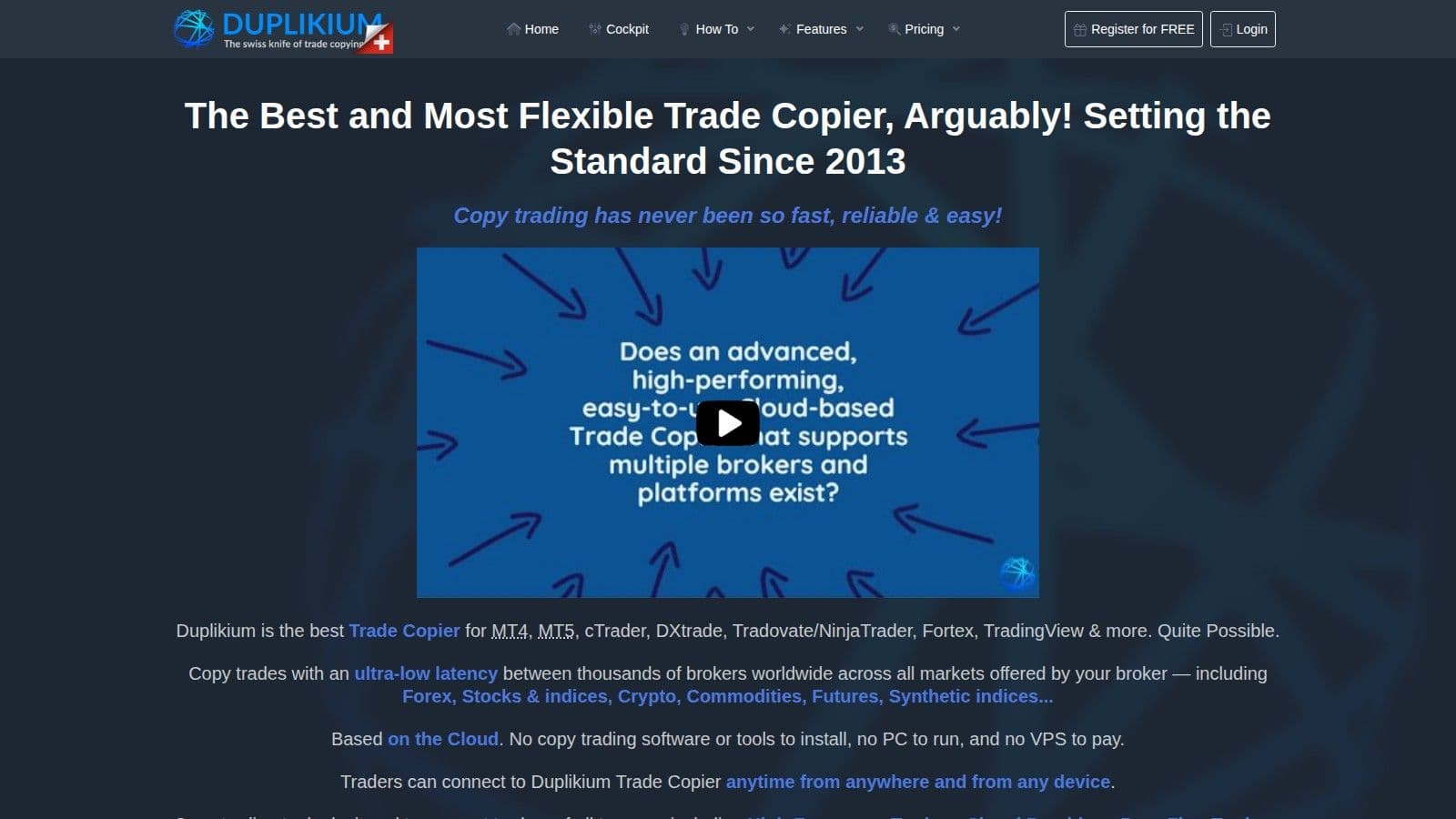
Duplikium is a cloud-based trade copier, so nothing needs to run on your PC or VPS. It supports MT4, MT5, cTrader, DXtrade, TradingView, FXCM and LMAX, with NinjaTrader, Tradovate and Fortex support in beta. Pricing is in euros: €9 per account per month for 1–10 accounts, falling to €6 at 1,000+ accounts, or prepay from €0.50 per account per day; new users get €30 of free credit.
Because NinjaTrader support is still in beta, test it on a demo or sim account before relying on it for NinjaTrader trade copying.
9. Copygram
Copygram (copygram.app) is an active, cloud-based trade copier. It copies to NinjaTrader, Tradovate, MT4, MT5, DXtrade, TradeLocker, MatchTrader, OANDA and Binance Futures accounts. Signals can come from TradingView webhooks, Telegram, MetaTrader, Tradovate or NinjaTrader. Copygram says its copying runs entirely in the cloud, with no VPS or Expert Advisor required. Check that your broker and account type are supported before you subscribe. If TradingView supplies the signals, a VPS for TradingView webhooks can host the receiving bridge while you check how the copier handles each follower account.
Pricing
Plans cost $29/month (Starter, up to 2 trading accounts), $49/month (Pro, up to 3) and $79/month (Advanced, up to 5), or $12.50, $20.50 and $33 per month billed yearly. All plans include unlimited rooms and trade executions. With a 5-account ceiling on the top plan, it suits smaller setups better than large prop firm account stacks.
What This Means for Your Setup
Copygram fits traders who want cloud copying across MetaTrader and futures platforms without running copier software themselves. Test it with a demo or sim account first to confirm your accounts copy correctly.
Feature Comparison Table: NinjaTrader Trade Copiers
The right trade copier depends on where you want it to run, the platforms your accounts use and your budget. The table below compares each tool (prices checked on 10 Oct 2026).
| Tool | Where it runs | Supported platforms | Key features | Price (checked on 10 Oct 2026) |
|---|---|---|---|---|
| Replikanto | Inside NinjaTrader 8 on your PC or VPS | NinjaTrader 8 (Rithmic, Tradovate, Interactive Brokers, Sim, Playback) | Seven copy methods, ATM Copy, Follower Guard, Cross Order | $299 lifetime or $249/year (one machine) |
| Affordable Indicators Trade Copier | Inside NinjaTrader 8 Desktop | NinjaTrader 8; copies trades placed from TradingView, Tradovate and Rithmic | Executions or Orders mode, ATM per follower, size scaling | $295 one-time ($175 in an October sale); $295 with Risk Manager |
| ETP Trade Copier (Expert Trading Programmers) | Standalone app on Windows, macOS or Linux | Rithmic, Tradovate, NT8, ProjectX, DXtrade and more | Unlimited accounts, trading and risk templates, instrument mapping | €197 one-time (excluding VAT) |
| Quantower Built-In Copy Trading Panel | Inside Quantower | Quantower connections, including CQG to Rithmic | Percentage or multiplier sizing, symbol mapping | Built into Quantower |
| CrossTrade Trade Copier (NT8 and Tradovate cloud) | NT8 add-on, plus a Tradovate cloud copier | NinjaTrader 8, Tradovate | Order and Execution modes, Auto-Sync, unlimited followers | $49/month (Pro) |
| Tradecopia | Desktop app or hosted | Tradovate, NinjaTrader, Rithmic, TopstepX, TradingView | Unlimited followers, risk limits, Position Reconciler | $49.99 to $149.99/month |
| TradeSyncer | Cloud | NinjaTrader, Tradovate, Rithmic, dxFeed, ProjectX and more | Per-follower multipliers, bracket copying, journal | $49 to $149/month |
| Duplikium | Cloud | MT4, MT5, cTrader, DXtrade, TradingView (NinjaTrader, Tradovate in beta) | Multi-asset copying, symbol mapping | €9 per account/month |
| Copygram | Cloud | MT4, MT5, Tradovate, NinjaTrader, DXtrade and more | TradingView webhook and Telegram signal sources | $29 to $79/month |
| QuantVPS (hosting for desktop copiers) | Windows VPS, 0.52ms from Chicago to CME | Any desktop copier above | 99.999% uptime, always-on DDoS protection with advanced filtering, automatic off-site backups on every VPS plan | $29.99 to $399.99/month |
Breaking Down the Features
The tools in the table above differ in where they run, which platforms they connect to and how they price. Replikanto is a NinjaTrader 8 add-on with seven copy methods, ATM Copy and reverse copying (Cross Order), a good fit for traders who keep everything inside NinjaTrader. ETP Trade Copier offers scaling templates and cross-instrument copying in a standalone app with unlimited accounts.
Some tools are platform-specific, like Replikanto, which is built for NinjaTrader users. Others connect to several platforms: the Quantower Copy Trading Panel can copy between connections such as CQG and Rithmic, and Tradecopia and TradeSyncer cover NinjaTrader, Tradovate and Rithmic accounts together. For traders who also use MetaTrader, Duplikium and Copygram add cross-platform copying.
VPS Hosting Tips for Reliable Trade Copying
For NinjaTrader trade copying, your hosting setup helps ensure smooth operations. Relying on a home computer introduces several risks - power outages, internet disruptions, and system crashes can all interrupt trade copying, causing follower accounts to lose sync. Additionally, home internet connections often introduce higher latency due to multiple network hops, leading to slippage and missed opportunities, especially during volatile market conditions.
Key VPS Features for Trade Copying Success
Ultra-low latency is the cornerstone of effective trade copying. A VPS located near major exchanges significantly reduces latency.
Hardware performance is equally critical. Look for VPS plans equipped with enterprise-grade processors, at least 8GB of RAM, and NVMe SSD storage. These specs ensure that NinjaTrader and your trade copier software can handle market data and execute orders, without performance bottlenecks.
Network capacity also matters. Choose a VPS with at least 1Gbps connectivity and burst capacity; QuantVPS plans run on a 1Gbps network with 10Gbps burst, which keeps the copier online with the lowest latency to the exchange.
Setup and Management Tips
Streamline your operations with multi-monitor RDP and Windows Server 2025. Multi-monitor RDP allows you to oversee all copying activities from a single remote desktop session, making it easier to identify and resolve issues or adjust settings across accounts efficiently.
Security and Technical Support
Security matters too. QuantVPS includes always-on DDoS protection with advanced filtering and firewalls on every server, plus automatic off-site backups on every VPS plan. With 99.999% uptime, about 26 seconds of downtime a month, copying keeps running during market hours.
Equally important is 24/7 technical support. Having access to experts via live chat or a ticket system means you can quickly resolve any issues that arise, preventing disruptions that could affect your trading outcomes.
How to Set Up and Test a NinjaTrader Copier
Set up a copier in five steps: connect the accounts, pick one leader, size each follower, test on simulation, then watch the accounts while you trade. Each account gets its own orders and fills, so no copier can promise the same fill price on every follower.
- Connect every account in NinjaTrader 8, or in the copier for standalone and cloud tools, and check the account IDs so you know which one leads.
- Choose one leader account and add only the followers you mean to copy to.
- Set each follower's size against its own contract limit and remaining drawdown. If you map standard contracts to micros (ES to MES), check both the instrument and the exposure that results.
- Test on Sim or demo accounts first: entries, partial exits, full exits, cancellations, ATM brackets and what happens after a reconnect.
- Watch positions and working orders while you trade. If a follower drifts, pause copying, read its rejection message and check its exposure before you fix it, and recheck the leader and follower settings after every restart.
One follower can get a rejection or a partial fill while the others copy normally, which is why the copiers above include drift checks such as Follower Guard, Auto-Sync and Position Reconciler.
Prop Firm Rules on Copy Trading
Prop firms decide whether you can copy between accounts, and a copier's feature list does not change that. Read each firm's copy trading rules before you connect funded or evaluation accounts.
New Topstep accounts trade on TopstepX only, and Tradecopia is one of the copiers above that connects to TopstepX.
Order flow
Built for scalpers. Heatmaps on dedicated resources.
Order-flow heatmaps and DOM ladders run on dedicated CPU, memory and NVMe, so your charts keep responding during volatility.
See the dedicated hardwareFrom $29.99/mo · Windows or Linux
How to Choose the Right NinjaTrader Trade Copier
Finding the right trade copier starts with understanding your trading style and specific needs. Below, we break down options suited for different strategies and budgets.
For Prop Firm Traders Managing Multiple Funded Accounts
If you manage several funded accounts, look for per-follower sizing, risk limits and a way to flatten every account at once, and check each firm's copy trading rules first. Replikanto's Follower Guard and Flatten All suit traders who stay inside NinjaTrader, while Tradecopia and TradeSyncer suit accounts spread across several platforms.
For Budget-Conscious Traders
For traders keeping an eye on costs, Affordable Indicators Trade Copier provides a wallet-friendly option without sacrificing functionality. They often run promotional discounts and support platforms like NinjaTrader, TradingView, Tradovate, and Rithmic. Another option is Replikanto, which offers a 7-day free trial before you buy.
For Advanced Scaling and Multi-Broker Requirements
Traders dealing with complex setups - like managing multiple accounts across different brokers - will benefit from advanced copiers. These tools offer features like scaling, instrument filtering, and continuous Auto-Sync for operations. For larger multi-broker setups, ETP Trade Copier by Expert Trading Programmers is a strong choice: a €197 one-time standalone app with unlimited accounts, position sizing controls, risk templates and instrument mapping.
Infrastructure Considerations
Ultimately, the right choice depends on your specific needs - whether it’s compliance for prop firms, a budget-friendly solution, or advanced features for scaling and multi-broker operations. Pair your trade copier with the right infrastructure to maximize efficiency and reliability in your trading activities.
Conclusion
Successfully copying trades in NinjaTrader hinges on having clear goals and a dependable setup. The right trade copier should align with your strategy while ensuring all essential features remain intact.
Mastering replication modes is just as crucial. Advanced copier tools allow for accurate and fast trade duplication while keeping accounts in sync and managing risks effectively across multiple configurations.
For traders tackling prop firm challenges, tools with risk limits and adaptable position sizing controls are invaluable, as long as the firm allows copying. These features make it easier to manage risk across several accounts.
Choosing and running a NinjaTrader copier
Start any copier with one follower on simulation and confirm order sizes, ATM brackets and flatten commands behave as expected before adding accounts. Check each prop firm's rules on copying across accounts. A NinjaTrader copy trading VPS sized at Pro level suits 3 to 5 charts or strategies across two monitors.
FAQs
What are the benefits of using a VPS for trade copying in NinjaTrader?
Using a Virtual Private Server (VPS) for trade copying in NinjaTrader offers a fast and efficient environment, essential for reducing delays and ensuring trades are replicated almost instantly across accounts. This becomes particularly valuable for traders handling multiple accounts or employing high-frequency strategies where every millisecond counts.
A VPS also guarantees consistent uptime and stability, keeping your trading operations running around the clock without disruptions from local hardware failures or internet outages. Opting for servers based in major financial centers like Chicago or New York can further improve performance by minimizing latency, especially for futures and forex markets.
What is Stealth Mode in trade copiers, and does it make copying allowed at a prop firm?
Stealth Mode changes how copied orders are labeled. In Replikanto it keeps the copier's own identifiers out of the information recorded with your orders, and in CrossTrade it gives orders neutral names.
It does not change a prop firm's rules. Firms set their own rules on copy trading, automation and where orders come from, so read them before you copy between funded or evaluation accounts. If a firm does not allow copying, a label change does not make it allowed.
What key features should I consider in a trade copier to manage multiple accounts effectively?
To handle multiple accounts efficiently, focus on trade copiers that offer features like multi-directional copying, trade inversion, and position sizing controls.
With multi-directional copying, accounts can both send and receive trades, offering flexibility for more intricate trading strategies. Trade inversion, on the other hand, automatically reverses trades from the source account, making it useful for hedging and managing risk.
Position sizing controls affects risk management. They let you adjust follower accounts to trade at specific ratios of the source account's positions and set maximum position limits to keep risk within acceptable levels. These tools provide greater precision and flexibility when juggling multiple accounts.


