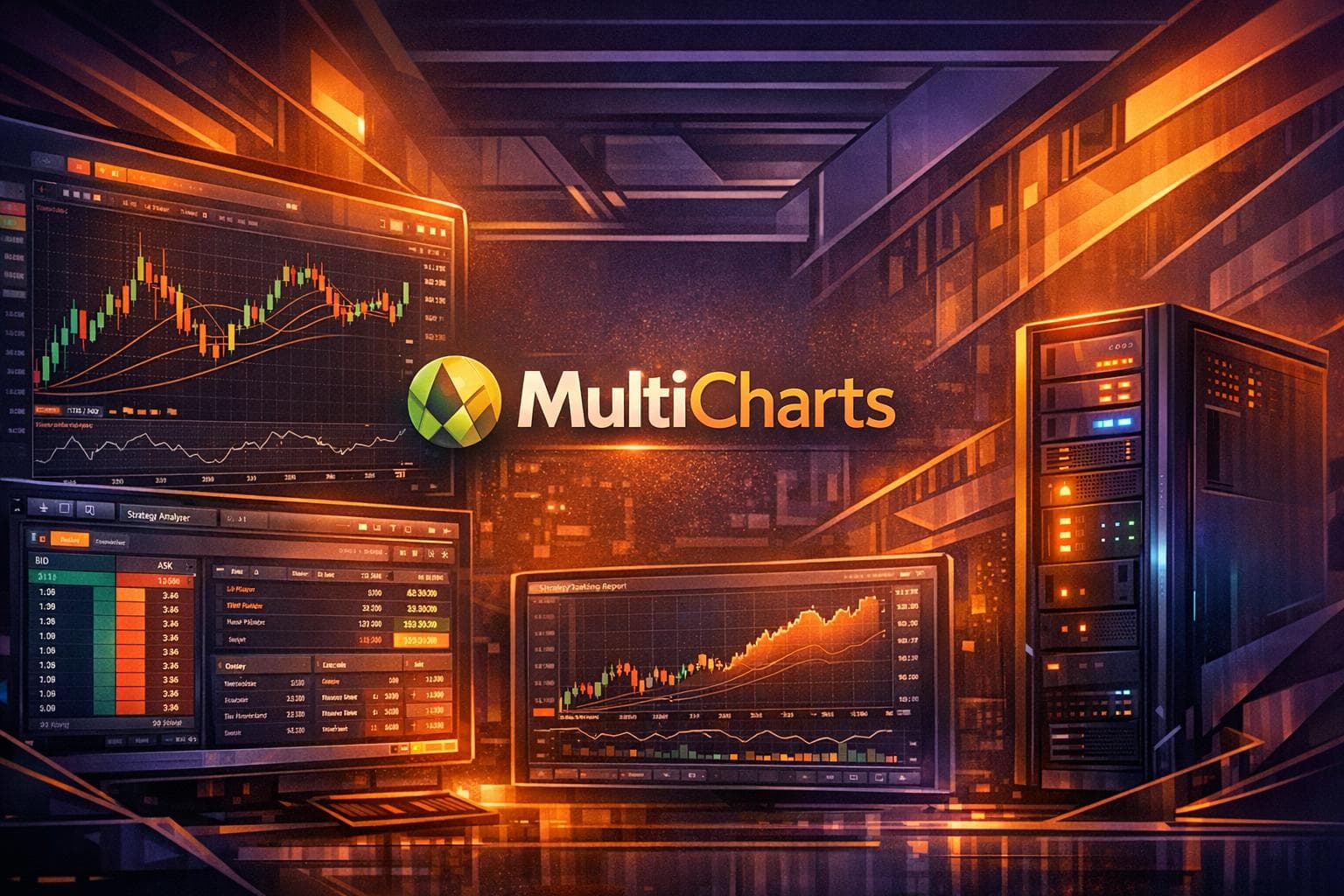
MultiCharts is a trading platform designed for advanced charting, technical analysis, backtesting, and automation. It supports over 20 data feeds and 10+ brokers, making it a flexible option for traders. Key features include multi-threaded backtesting, the ability to analyze up to 5,000 instruments simultaneously, and tools for both manual and automated trading. Pricing starts at $297 for a 3-month license, with a lifetime option available for $1,497. For advanced users, the platform offers portfolio-level tools and genetic optimization for strategy testing.
Key Takeaways:
- Features: Advanced charting tools, 300+ built-in strategies, support for PowerLanguage and EasyLanguage, and portfolio backtesting.
- Licensing: Options include free trials, subscriptions, and lifetime licenses.
- Pricing: Starts at $97/month (3-month plan) or $1,497 for a lifetime license.
This guide covers everything you need to know about MultiCharts' features, costs, and hosting options.
Key Features of MultiCharts
MultiCharts is a robust platform designed to offer precise chart analysis, seamless order execution, and comprehensive automation tools. It’s built to provide traders with the flexibility and accuracy they need, whether analyzing price movements across various timeframes or executing intricate strategies across multiple instruments.
Charting Tools
MultiCharts allows traders to combine multiple data series with varying resolutions in one chart window. For example, you can mix hourly data with daily bars or overlay tick data with volume bars. Each chart window can support up to 100 subcharts, enabling you to incorporate bid, ask, and trade data from different providers all at once.
The platform’s overlay feature offers independent price scaling, making it easier to compare instruments with vastly different price ranges. Tools like the Precise Price marker display the exact last price, while the Countdown tool shows the time left until a bar closes, helping traders fine-tune their entry and exit points.
"Visual price levels are much more intuitive than the traditional way of typing in exact orders and prices." - MultiCharts
With its 64-bit version, MultiCharts can display millions of bars on a single chart, limited only by your computer's memory. It also supports various resolutions beyond time-based options, such as ticks, trade counts, volume, price range, and "Change" resolutions, which create bars based on the number of price movements. Additionally, traders can utilize a library of over 200 built-in technical indicators and signals.
Beyond charting, MultiCharts integrates live trading tools to simplify order execution.
Your trading computer. In the cloud.
Connect and control your trading strategies from any device, anywhere in the world, through secure remote desktop, while execution remains on QuantVPS.
Explore the hardwareFrom $29.99/mo · Windows or Linux · 8 datacenters
0.52ms to CME from our Chicago nodes.
Manual Trading and Order Execution
MultiCharts enhances manual trading with tools designed for efficiency and precision. The Chart Trading feature allows you to place orders directly on the chart by right-clicking at specific price levels or dragging and dropping order markers. The Trade Bar acts as a dedicated toolbar where you can input exact prices and switch between broker profiles or accounts using tabs.
The Depth of Market (DOM) window displays 10 price levels in each direction, enabling one-click trading for market, limit, and stop orders. For centralized management, the Order and Position Tracker consolidates all your orders, positions, and accounts across multiple brokers in one view, letting you cancel orders, flatten positions, or export data to Excel.
Real-time Profit and Loss (PnL) is displayed directly on the chart with color-coded markers - green for gains and red for losses - and can be shown in ticks, currency, or percentages. MultiCharts also supports OCO (One-Cancels-Other) groups, which can attach to specific orders or positions for automated risk management. A dedicated Risk Management Mode calculates exit prices based on your chosen offset in ticks, currency, or equity percentage.
These tools help traders make quick, informed decisions while managing risk effectively.
Strategy Testing and Automated Trading
The platform’s Portfolio Trader tool enables you to backtest and automate strategies across hundreds of instruments, from stocks to futures, all at once. With its 64-bit version, MultiCharts processes millions of bars and supports tick-by-tick recalculation for highly accurate historical simulations.
The Market Scanner tracks up to 5,000 instruments in real time, applying indicators and alerts to highlight trading opportunities instantly. For strategy development, you can use EasyLanguage, C#, VB.NET, or Python (currently in beta), with access to a vast 20-year library of pre-written trading code.
To refine strategies, MultiCharts employs Genetic Strategy Optimization, which uses evolutionary algorithms to identify the best parameters quickly while avoiding curve-fitting. Walk-Forward Testing ensures strategy reliability by validating performance on out-of-sample data. Additionally, the interactive performance report provides over 200 metrics, updating in real time as orders are executed.
For automated trading, the platform delivers faster-than-human order placement. You can also combine historical data from one provider with live data from another in the same chart, ensuring optimal data quality.
These features make strategy development, testing, and execution efficient and reliable, helping traders maintain consistent performance.
Licensing Options and Pricing
MultiCharts provides a range of licensing options to suit different trading needs. Users can choose from four main options: Free account, Standard Edition, Advanced Edition, and the Backtesting Edition (BTE) - an offline add-on designed for strategy development alongside the Advanced Edition. The platform is available in two programming formats: MultiCharts (PowerLanguage) and MultiCharts x.NET (compatible with C# and VB.NET). Switching between these versions requires a one-time fee of $200.
Subscription Plans and Pricing
The Standard Edition offers flexible subscription plans:
- 3-month plan: $291 (about $97 per month)
- 6-month plan: $534 (around $89 per month)
- Annual plan: $797 (approximately $66 per month)
For traders seeking advanced tools, the Advanced Edition includes features like Portfolio Trader, walk-forward optimization, and matrix optimization. It is priced at $1,440 per year, though it is currently discounted to $999 annually.
The main distinction between the Standard and Advanced editions lies in portfolio-related capabilities. While the Standard Edition covers essentials like real-time data access, manual and automated trading, Market Scanner, and DOM/Time & Sales, the Advanced Edition adds robust tools such as Portfolio Live Trading, Portfolio Backtesting, Portfolio Optimization, and a Historical Data Download Scheduler.
Perpetual Licenses and Trial Options
For those preferring a one-time purchase, MultiCharts offers the Standard Lifetime license for $1,497. Other options include:
- Ultimate Bundle: Includes two Advanced Lifetime licenses, priced at $3,998 but currently available for $1,999.
- Backtesting Edition Bundle: Originally $2,746, now offered at $1,649. This bundle provides an offline license for strategy development while keeping the main license for live trading.
A 30-day free trial gives full access to the platform, including live trading, over 20 data feeds, integration with 10+ brokers, and free end-of-day data. Users must select a subscription plan with payment details but can cancel within 30 days to avoid charges. Additionally, a permanent Free Account is available, allowing users to explore the trading simulator, backtest, and develop studies using simulated data - perfect for those wanting to learn the platform at their own pace.
Keeping the trading workload online
A VPS can keep the trading platform, data connection and any permitted automation running when your local computer is off. QuantVPS plans start at $29.99 per month for Standard VPS Starter, with a 99.999% uptime SLA and 24/7 support. Annual billing saves 20%. Choose CPU, memory and storage for the software and charts you actually run, then test the connection to your broker or data feed. A VPS does not change broker execution, remove market risk or override a prop firm’s automation rules.
Cost Analysis for Traders
This section dives into the costs of using MultiCharts, tailored to both beginner and advanced traders, and how these expenses align with their trading needs.
Stay online and closer to execution.
Host your platform beside its market: Chicago for CME futures, New York for US markets, London for FX EAs.
Explore the hardwareFrom $29.99/mo · Windows or Linux · 8 datacenters
0.52ms to CME from our Chicago nodes.
Requirements for Beginner vs. Advanced Traders
Your level of trading experience plays a big role in determining the right MultiCharts setup. For those just starting out, the Free Trading Simulator is a great way to practice with simulated trading using Market Data Sim - no financial commitment required. Once comfortable with the basics, beginners can upgrade to the Standard license, which unlocks real-time trading and essential tools.
Advanced traders, on the other hand, require more robust capabilities. If you're managing multiple strategies across various instruments, the Advanced Edition is a better fit. It includes features like Portfolio Live Trading, Portfolio Backtesting, and Walk-Forward Optimization. These tools help assess strategy performance with over 200 performance metrics and 28 interactive graphs, allowing traders to evaluate strategy reliability before risking actual capital. For those focusing on optimization and strategy development, the Backtesting Edition (BTE) offers a more affordable option.
Now, let’s look at how MultiCharts licensing costs and VPS hosting combine to shape your overall trading expenses.
Combined Costs of MultiCharts and VPS Hosting
MultiCharts offers two main licensing options: a 1-year subscription priced at $797 and a lifetime license for $1,497. The lifetime license becomes the more economical choice after about 22 months of use. However, keep in mind that MultiCharts does not include market data, so you’ll also need a compatible data feed.
When factoring in VPS hosting, monthly costs will depend on your trading requirements. For beginners, pairing the VPS Lite plan ($59.99/month) with an annual MultiCharts subscription brings the total to about $126 per month. Advanced traders using the VPS Ultra plan ($189.99/month) and a lifetime license (amortized over 36 months) spend roughly $232 monthly. For institutional-level needs, the Dedicated Server plan ($299.99/month) combined with the lifetime license totals around $342 per month.
These costs are justified by the benefits of enhanced execution speed and reliability. the VPS highlights this advantage:
"Slippage and delayed execution can erode profits. Gain a critical edge with a Forex VPS built for speed".
Trader Sarah Chen also emphasized the performance benefits:
Conclusion: Evaluating MultiCharts for Your Trading
MultiCharts offers a feature-rich trading platform designed to meet the needs of traders at all levels. With built-in strategies, extensive data feed and broker compatibility, and advanced market scanning tools, it provides a solid foundation for crafting and executing trading strategies. The platform's licensing options allow users to weigh upfront costs against long-term value, with the lifetime license being a budget-friendly choice for those planning extended use.
The platform caters to a wide range of trading needs, from risk-free simulations to live strategy execution. Beginners can take advantage of the 30-day free trial to explore its offerings without financial risk. Starting with the Free Trading Simulator and Market Data Sim is a great way to practice before transitioning to live trading with the Standard license. Experienced traders, on the other hand, can leverage the Advanced Edition, which includes portfolio live trading and over 200 performance metrics for in-depth strategy analysis.
MultiCharts' broker-agnostic design, when combined with the VPS's reliable hosting, creates a robust setup for 24/7 automated trading. Whether you're backtesting strategies or managing live trades across multiple instruments, this combination ensures consistent performance and uninterrupted operation. Additionally, the platform's commission-free structure offers greater cost predictability.
Together, MultiCharts and the VPS provide a powerful toolkit for modern traders, blending advanced technology with dependable infrastructure. This combination supports effective backtesting, seamless live trading, and the essential elements of speed, stability, and flexibility discussed throughout this guide.
FAQs
What sets the Standard and Advanced editions of MultiCharts apart?
The Advanced edition brings extra perks such as real-time and historical market data access, a scheduler for downloading historical data, and a suite of premium tools not included in the Standard edition. These features are tailored for traders who need more powerful tools to manage and analyze data effectively.
For those working with complex trading strategies, the Advanced edition could be a better fit, offering a more extensive toolset to meet demanding requirements.
How can a VPS improve the performance and reliability of MultiCharts?
Running MultiCharts on a VPS offers a boost in performance by providing dedicated, high-powered resources such as fast CPUs, ultra-low latency connections, and unmetered bandwidth. This setup ensures smoother and more reliable performance, whether you're handling real-time data or automated trading strategies.
Using a VPS removes the constraints of local hardware, minimizes latency, and guarantees round-the-clock uptime. It's a perfect choice for traders who demand consistent and uninterrupted operations.
What are the advantages of choosing a lifetime license for MultiCharts over a subscription plan?
A lifetime license for MultiCharts gives you permanent access to the platform with a single payment (around $1,497). Unlike subscription options that come with recurring monthly or annual fees, this one-time payment eliminates ongoing costs, making it a budget-friendly choice over time.
For those who need flexibility or are considering short-term use, subscription plans are available, costing between $66 and $97 per month or $797 annually. However, if you’re planning to use MultiCharts regularly, the lifetime license can save you money in the long run while ensuring uninterrupted access to all features.