
On this page
Seeing a password expiration or lockout notice on your VPS? This article explains why it happens and walks you through changing your password, or disabling expiration entirely if you prefer.
Method #1: Use CTRL + ALT + END to Manually Change It
If you're inside the desktop and need to proactively update your password:
- Press CTRL + ALT + END (not CTRL + ALT + DEL)
- Select Change a password
- Enter your current password, then set and confirm a new one
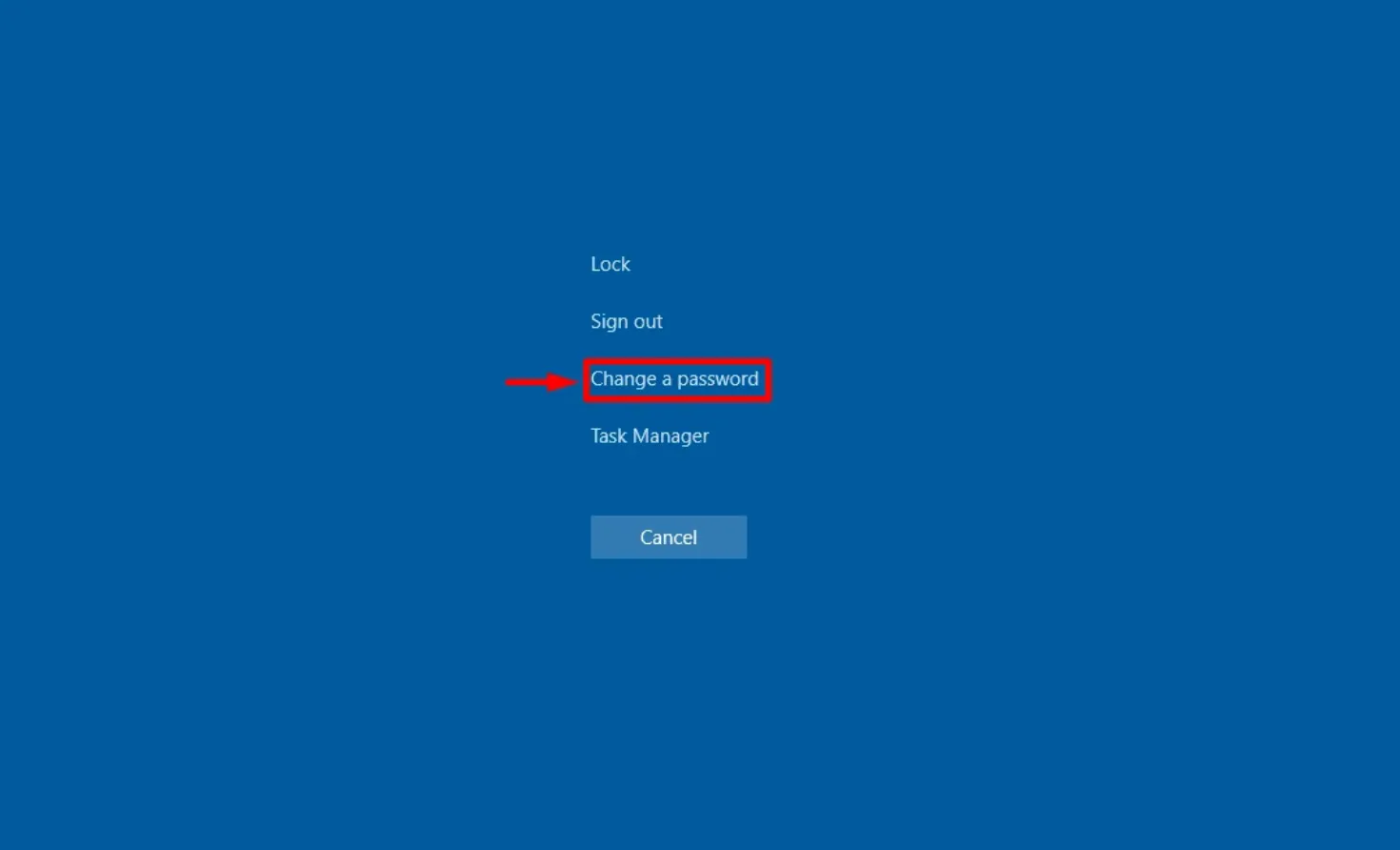
Passwords must meet Windows complexity requirements: uppercase, lowercase, number, and special character.
Method #2: Reset the Password Using PowerShell
If you're logged in through another admin-level user and need to reset the Administrator password manually:
- Open PowerShell as Administrator
Run this command (update as needed):
net user Administrator NewSecurePassword123!
You can now log in using the new password.
Optional: Disable Password Expiry Using Server Manager
If you prefer not to deal with password expiration in the future, you can turn off the expiration policy via Server Manager:
Step-by-Step:
- Open Server Manager
- Click on Tools → Computer Management
In the left menu, go to:
System Tools > Local Users and Groups > Users
- Right-click the Administrator account → Properties
Check the box that says:
Password never expires
- Click Apply and OK
Disabling password expiration is not recommended for production or multi-user systems, but can be acceptable for isolated VPS use cases.
Related articles
- How to Change Your VPS Password
- How to Fix: Error 0x80070775 When Changing Your VPS Password
- How to Disable Password Expiration Notices in Windows Server 2022
Need Assistance?
Our support team is available 24/7. If you have any questions or run into issues, open a support ticket from your QuantVPS dashboard and we'll get back to you as quickly as possible.