
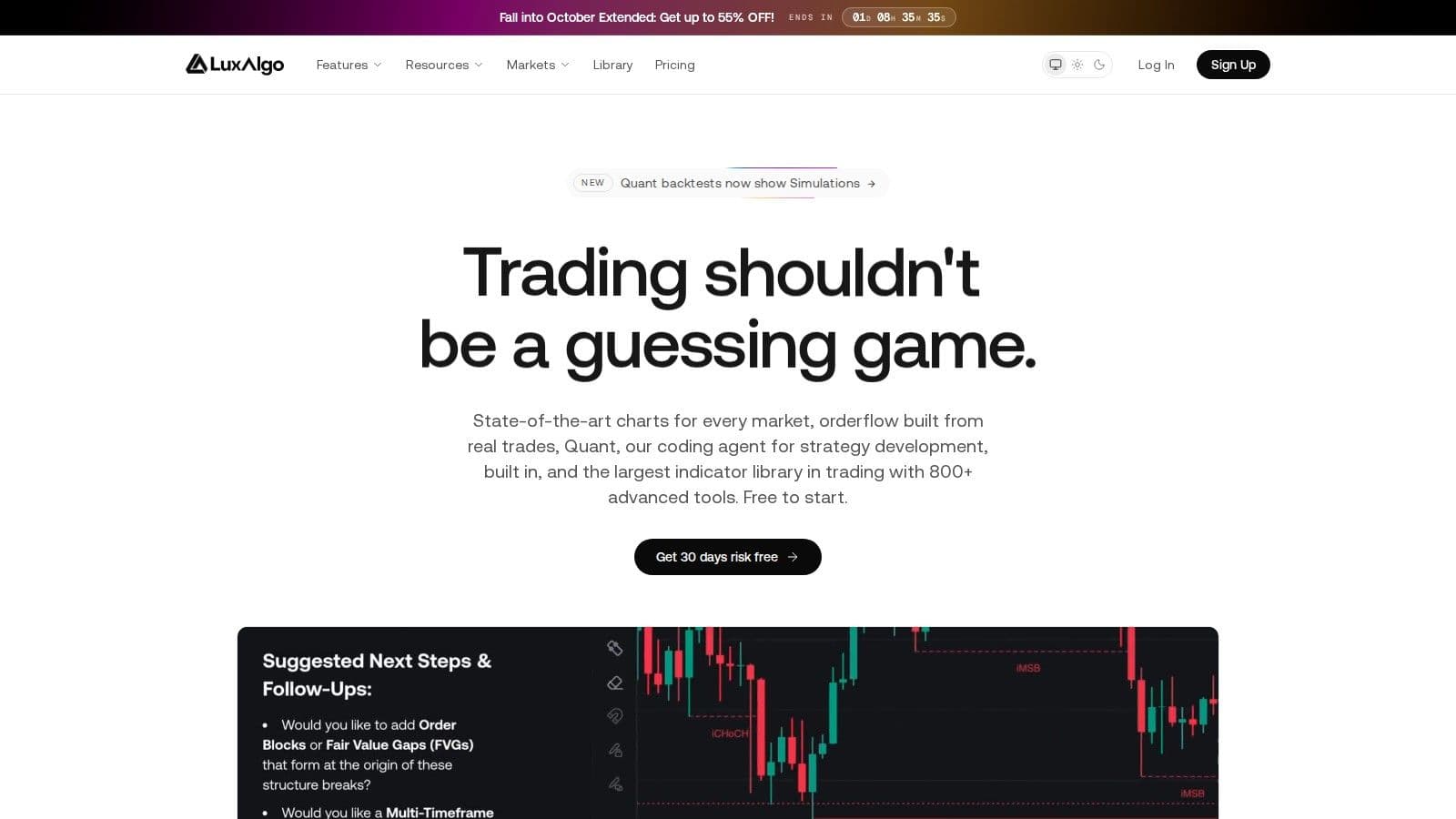
LuxAlgo is a trading toolkit company best known for its TradingView indicator toolkits, Signals & Overlays, Price Action Concepts and Oscillator Matrix, and it now also runs its own browser charting platform, Vela, with an AI coding agent called Quant. LuxAlgo has a Free plan, and paid plans cost $39.99 to $229.99 a month on monthly billing, or $24.99 to $119.99 a month billed yearly (checked on 10 Oct 2026 on luxalgo.com). It suits intermediate traders who will backtest signals before trading them.
The paid plans are Essential, Premium, Ultimate and AI Ultra; the flagship TradingView toolkits start with Premium. Beyond TradingView, the LuxAlgo Library also includes indicators for NinjaTrader, MetaTrader and Thinkorswim. While LuxAlgo is praised for its usability and community support, some users have raised concerns about high costs, backtesting reliability, and potential indicator repainting issues. A 30-day money-back guarantee covers the first subscription payment.
LuxAlgo is best suited for intermediate and advanced traders who can invest time in learning and testing strategies. Beginners may find the tools overwhelming, and the high subscription costs might not justify the value for those seeking basic features. Success depends on proper implementation, thorough testing, and realistic expectations.
Core Features and Tools
LuxAlgo organizes its tools into three main categories: Price Action Concepts, Signals & Overlays, and the Oscillator Matrix. Each category is designed to cater to different trading needs, from identifying trends to analyzing momentum across various timeframes.
Trading Indicators and Signal Generation
The Signals & Overlays toolkit is LuxAlgo's standout offering. Its TradingView script page shows more than 44,000 boosts (checked on 10 Oct 2026). This toolkit generates buy and sell signals by analyzing price patterns and market structure, helping traders pinpoint entry and exit points.
The Multi Ranges Volume Distribution indicator provides insights into volume distribution across up to three timeframes. This tool helps traders identify areas of significant trading activity, highlighting potential support and resistance levels.
For short-term traders, the Internal Candle Strength indicator is invaluable. It uncovers hidden momentum shifts on lower timeframes that might not be visible on primary charts.
Meanwhile, the Chandelier Exit Oscillator focuses on trend momentum and potential reversals. This tool is particularly useful for determining when to exit a position for maximum efficiency.
Now, let's explore how LuxAlgo incorporates AI to streamline backtesting and refine trading strategies.
AI-Powered Backtesting System
LuxAlgo goes beyond signal generation with its Strategy Screener, previously called the AI Backtesting Assistant. It finds strategies built from LuxAlgo toolkit conditions and shows their backtests. The Strategy Screener is available on every plan and uses the same monthly credits as Quant, LuxAlgo's coding agent.
The assistant considers user-defined criteria such as preferred timeframes, acceptable drawdown levels, and specific indicator features. It then matches these preferences with relevant strategies from its vast database. By continuously updating metrics with the latest price data, traders get insights that reflect current market conditions rather than outdated performance.
"With this tool, you can skip the time-consuming manual work by leveraging AI to automatically analyze countless strategies, optimize settings, and identify the most promising ones. No more spending hours trying to find a strategy that meets your requirements through trial and error. With the AI Backtesting Assistant, you get a smarter, faster way to test, refine, and choose strategies." - Christopher Downie, Content & Product Strategist at LuxAlgo
The system provides detailed performance metrics, including win rates, drawdown percentages, and profit factors. It supports both trend-following and contrarian strategies, giving traders the flexibility to tailor their approach based on their risk appetite and market perspective.
Multi-Timeframe Analysis Capabilities
One of LuxAlgo's strengths is its ability to offer a broad market perspective. Traders can analyze price action, volume, and momentum across multiple timeframes at once, gaining a deeper understanding of market dynamics.
The platform's tools are compatible with all timeframes available on TradingView, from one-minute charts for scalping to daily and weekly charts for long-term strategies. This versatility makes it suitable for a wide range of trading styles, when aiming for quick trades or holding positions over extended periods.
Technical Specifications and Customization
LuxAlgo's indicators are highly customizable, allowing traders to adjust parameters to fit their specific strategies. The tools also generate alerts for different market conditions, ensuring traders stay updated without needing to constantly monitor charts. Alerts can also be sent by webhook to an execution bridge on an algo trading VPS to place orders; LuxAlgo includes webhook automation on Premium, Ultimate and AI Ultra.
Performance Tracking and Optimization
In April 2024, a Reddit user, "Ok_Dog9078", shared their backtesting experience with LuxAlgo's oscillator. By switching from standard candles to Heiken Ashi candles, they reported improved profitability. Backtesting a one-minute Nvidia chart with $10,000 capital yielded a 64% profit over several hundred trades. During paper trading, the user made $1,400 in just one hour using five- and ten-minute charts.
LuxAlgo's backtesting features go beyond individual indicator testing. The AI system helps traders determine the best parameter settings for various market conditions and timeframes, minimizing the need for manual adjustments during strategy development.
While LuxAlgo provides powerful tools and analytics, successful trading still requires sound risk management and a solid understanding of market behavior. These tools are designed to integrate into your trading workflow, setting you up for the next step: platform integration and setup.
Uptime
99.999% uptime. Built for 24/7 trading reliability.
Your VPS runs in Tier IV datacenters with redundant power and network, monitored 24/7 on site.
See the uptime SLA





From $29.99/mo · Windows or Linux
Platform Integration and Setup
Getting LuxAlgo up and running on TradingView is straightforward if you follow the steps to link your accounts correctly. For a NinjaTrader-specific alternative, compare the TradeDevil indicator suite rather than assuming a TradingView tool transfers directly.
TradingView Integration Process
Start by creating accounts on both platforms. Then, link your TradingView username through the "Connect Accounts" portal on the LuxAlgo website. Be sure to input your TradingView username accurately - any typo can prevent the indicators from showing up in your TradingView interface.
To install the indicators, open any chart on TradingView, click the "Indicators" button, and select "Invite-only Scripts" from the menu. If you don’t see the invite-only scripts folder, try refreshing your browser or the TradingView app. For ongoing issues, LuxAlgo's support team is ready to assist with troubleshooting.
System Requirements and Compatibility
LuxAlgo works with TradingView’s basic free plan. Beyond TradingView, the LuxAlgo Library includes indicators for NinjaTrader, MetaTrader (such as MetaTrader 4) and Thinkorswim, and LuxAlgo’s own Vela charts run in the browser at vela.luxalgo.com.
Next, let's look at how LuxAlgo integrates with automated trading systems.
Automated Trading Setup
LuxAlgo connects to automated trading platforms using webhook URLs. This setup enables you to link LuxAlgo’s signals with systems that handle order execution. For example, WunderTrading integrates effortlessly with LuxAlgo, letting you automate strategies without needing to code.
Another option is TradersPost, which connects brokers via a unified API while LuxAlgo manages the technical analysis on TradingView. Jonathan H. Wage, the Founder & CEO of TradersPost, explains:
"Automated trading systems have historically been unavailable and very difficult to use for retail traders. I founded TradersPost to make it easier for retail traders to automate trading strategies using easy-to-use web-based software."
LuxAlgo also offers drag-and-drop tools and pre-built templates on TradingView, simplifying strategy automation for users with or without coding experience. For LuxAlgo alerts routed into a permitted execution bridge, a TradingView VPS can host the receiver while you verify the signal and order settings.
Once automation is in place, make sure your alerts are set up correctly.
Alert Configuration
To avoid multiple notifications from the same signal, configure TradingView alerts to "Once per bar close". This ensures you receive alerts only after a bar closes, reducing false notifications caused by price fluctuations within a single bar.
Multi-Platform Considerations
Here’s how LuxAlgo works across platforms (checked on 10 Oct 2026 in LuxAlgo’s docs):
| Platform | How you get it | What you get |
|---|---|---|
| TradingView | Connect Accounts on luxalgo.com, then Invite-only Scripts | Flagship toolkits (Premium and up) and free Library scripts |
| Vela (vela.luxalgo.com) | Sign in with your LuxAlgo account | Charts, the Library, Quant, Strategy Screener and order flow |
| NinjaTrader, MetaTrader, Thinkorswim | LuxAlgo Library | Library indicators for those platforms |
The Strategy Screener, previously called the AI Backtesting Assistant, now sits beside Quant on LuxAlgo and shares its monthly credits. LuxAlgo keeps the TradingView setup itself simple: link your username once, then load the toolkits from the indicator menu.
Now that integration is covered, it’s time to examine LuxAlgo’s pricing plans and costs.
Pricing Plans and Costs
LuxAlgo has a Free plan and four paid plans: Essential, Premium, Ultimate and AI Ultra. Annual billing costs up to 50% less per month than monthly billing, and sale prices apply only to the first payment; renewals bill at the standard rate.
Plans and Prices
These are LuxAlgo’s standard USD prices, checked on 10 Oct 2026 on luxalgo.com/pricing and the LuxAlgo docs.
| Plan | Monthly billing | Annual billing | Main additions |
|---|---|---|---|
| Free | $0 | $0 | Vela charts, free Library indicators, Quant with 500 monthly credits, 5 strategy alerts |
| Essential | $39.99/mo | $24.99/mo ($299.88 a year) | Full Library, live CME futures data, 2,000 monthly credits, 50 strategy alerts |
| Premium | $67.99/mo | $39.99/mo ($479.88 a year) | Flagship TradingView toolkits, webhook automation, 5,000 monthly credits, 100 strategy alerts |
| Ultimate | $119.99/mo | $59.99/mo ($719.88 a year) | 25,000 monthly credits, 200 strategy alerts, 1 year of order-flow history |
| AI Ultra | $229.99/mo | $119.99/mo ($1,439.88 a year) | 100,000 monthly credits, 500 strategy alerts, full order-flow history |
On 10 Oct 2026 a Columbus Day sale cut first payments, for example Ultimate billed yearly at $395.93 for the first year, then $719.88 a year. Check the pricing page on the day you buy, because the sale price does not carry into renewals.
Premium is the plan for most TradingView users, because it is the first tier with Signals & Overlays, Price Action Concepts and Oscillator Matrix. Ultimate and AI Ultra mainly add Quant credits, strategy alerts and order-flow history.
Money-Back Guarantee Terms
Every paid plan comes with a 30-day money-back guarantee on the first subscription payment. LuxAlgo’s refund page says:
"If you're not satisfied with your first paid subscription, email support@luxalgo.com within 30 days of your first subscription payment, and that payment is refunded."
The guarantee applies once per customer. Renewals, plan changes and later payments are not refundable, so cancel before a renewal date if you don’t want to be billed again.
Payment Restrictions and Considerations
Checkout runs through Stripe and PayPal. A refund goes back to the original payment method and can take up to 10 business days to appear.
Annual billing saves up to 50% against monthly billing, but renewals are not refundable, so set a reminder before the renewal date.
Cancelling and Refund Requests
For refund requests, email support@luxalgo.com. Every plan can be cancelled from the Plan & Credits page of your account, and access continues to the end of the period you have paid for.
LuxAlgo's pricing reflects its status as a high-end trading tool, with Ultimate and AI Ultra aimed at traders who use Quant and strategy alerts heavily.
Order flow
Built for scalpers. Heatmaps on dedicated resources.
Order-flow heatmaps and DOM ladders run on dedicated CPU, memory and NVMe, so your charts keep responding during volatility.
See the dedicated hardwareFrom $29.99/mo · Windows or Linux
Advantages and Drawbacks
Building on our earlier review of features and pricing, let's examine the strengths and weaknesses of LuxAlgo. The platform’s reputation is largely supported by its strong community presence, which adds credibility to its standing in the market. This section provides a closer look at how LuxAlgo performs overall.
Core Strengths
LuxAlgo offers accessibility and customization. Its user-friendly indicators deliver clear, actionable signals that simplify technical analysis and reduce guesswork. Even better, these tools are highly customizable, allowing traders to fine-tune strategies to match their individual trading approaches.
Another standout feature is the Strategy Screener, which doubles as a powerful resource and an educational tool. The platform also offers real-time alerts, ensuring traders stay on top of key market movements. Beyond the tools, LuxAlgo benefits from an active Discord community where users can exchange feedback and access ongoing support.
Notable Limitations
However, LuxAlgo isn’t without its challenges. On the technical side, some users have reported issues with indicator reliability, including complaints about repainting - a flaw where indicators adjust past signals, potentially misleading traders. Backtesting reliability has also faced criticism.
Another concern is cost. Some users feel LuxAlgo has become too expensive. Ultimate renews at $719.88 a year on annual billing and AI Ultra at $1,439.88 (checked on 10 Oct 2026), a significant expense for individual traders. Additionally, there have been reports of security issues on Discord, where scammers impersonate LuxAlgo support in direct messages.
| Advantages | Limitations |
|---|---|
| Easy to use for traders of all levels | Reports of indicator repainting |
| Highly customizable tools | Backtesting inconsistencies |
| Strategy Screener with educational benefits | High subscription costs post-first year |
| Real-time alerts for market updates | Security concerns on Discord |
| Active Discord community for feedback and support | Steep learning curve for advanced features |
| About 1.4 million followers on TradingView (checked on 10 Oct 2026) |
Balanced Perspective
Using LuxAlgo effectively requires proper implementation, realistic expectations, and thorough backtesting. While the platform offers a range of capabilities, these user experiences highlight areas where caution is warranted. For those considering LuxAlgo, taking advantage of the platform's video tutorials and educational resources is essential.
As one skeptical user put it:
"NO ONE sells a successful system. This should be understood by now." - mikejamesone
Ultimately, success with LuxAlgo seems tied to how well traders educate themselves, test strategies, and recognize that no tool can guarantee consistent profits in all market conditions.
Final Assessment
The effectiveness of LuxAlgo depends largely on your trading experience and how much effort you're willing to invest. After reviewing its features, pricing, and user feedback, it’s clear that the platform suits certain traders better than others.
Who Should Consider LuxAlgo
LuxAlgo is a strong match for intermediate and advanced traders. These users often have the skills to backtest strategies effectively and fine-tune indicator settings, which are essential to unlocking the platform's potential. Tools like the Strategy Screener and customizable indicators can be incredibly useful for traders who are comfortable analyzing signals across multiple timeframes and combining different metrics.
Day traders and swing traders can also benefit from LuxAlgo's extensive toolkit. The platform's performance data suggests it delivers solid results when used under optimized conditions.
Who Might Struggle with LuxAlgo
For beginners, LuxAlgo’s advanced tools might feel overwhelming. The platform demands a significant time commitment to learn backtesting techniques and understand how to adjust indicator settings. Additionally, traders on a tight budget should weigh the ongoing costs carefully, as it may not be the best fit for those seeking just basic features. These factors highlight the importance of understanding both the tool's capabilities and its limitations.
A Word of Caution
Using LuxAlgo effectively requires realistic expectations and a thoughtful approach. As trading expert Pierce Crosby wisely points out:
"Sometimes the best trade is the one you didn't make"
This serves as a reminder that while LuxAlgo offers a set of tools, it cannot guarantee profits. Success depends on how well traders apply these tools in their strategies.
The platform does come with a 30-day money-back guarantee, which provides some reassurance for new users. That said, one month might not be enough time for many traders to fully understand and optimize the indicators for their specific needs.
Final Thoughts
When you weigh the pros and cons, it becomes clear that LuxAlgo is best used as a complementary tool rather than a standalone solution. Traders who pair LuxAlgo’s indicators with solid risk management, thorough backtesting, and clear expectations are more likely to see value. A good starting point is the Premium plan, which allows you to explore the core features. Focus on mastering one or two indicators through backtesting before gradually expanding your use of the platform. This step-by-step approach can help you integrate LuxAlgo into your trading strategy effectively.
Using LuxAlgo signals for automation
LuxAlgo runs inside TradingView and in its own browser charts, so the indicators need no server; backtest their signals on your own markets before trusting them. If you route LuxAlgo alerts to a broker through a desktop bridge or platform, that program must stay open. A TradingView VPS from QuantVPS can host that bridge in Chicago.
FAQs
What’s the difference between LuxAlgo’s Premium and Ultimate plans, and which one is right for your trading style?
The Premium plan costs $67.99 per month on monthly billing, or $39.99 per month billed yearly (checked on 10 Oct 2026), and includes the flagship toolkits: Signals & Overlays, Price Action Concepts and Oscillator Matrix. It’s a solid choice for traders who prefer manual trading and want a variety of tools to improve their decision-making.
The Ultimate plan costs $119.99 per month, or $59.99 per month billed yearly, and adds five times Premium’s Quant credits (25,000 a month), 200 strategy alerts and a year of order-flow history for traders who focus on automated strategies or detailed testing.
If manual trading is your primary approach, the Premium plan offers what you need. However, if you’re leaning toward automation or require more advanced analysis, the Ultimate plan delivers the additional features to fine-tune your strategies.
How does the Strategy Screener (formerly the AI Backtesting Assistant) help improve trading strategies, and what should traders keep in mind when using it?
The Strategy Screener is a handy tool for traders looking to fine-tune their strategies. It allows for quick, language-based testing and analysis, simplifying the process of evaluating trading ideas. By simulating how strategies would have performed in the past, it helps traders spot patterns and make more informed decisions.
That said, there are some limitations to keep in mind. Backtests might not fully capture real-world variables like slippage, liquidity issues, or unexpected market changes. Another common pitfall is overfitting - designing strategies that work well with historical data but fall short in live trading. To counter these risks, traders should validate backtesting results with forward testing and stay flexible as market conditions evolve.
How can traders address issues like indicator repainting and improve backtesting accuracy when using LuxAlgo tools?
To reduce the issue of indicator repainting, opt for tools that lock in indicator values after a candle closes. Additionally, base your analysis on data from previous bars or fixed open prices. This approach helps avoid the fluctuations that can occur during live trading, giving you more stable and dependable signals.
For backtesting accuracy, make sure to account for real-world factors like slippage, trading volume, and market liquidity. Avoid testing strategies during periods of low liquidity, and use a variety of datasets to steer clear of overfitting. These steps can help ensure your strategies hold up under different market conditions, making them more dependable overall.


