
Ironbeam is a futures trading platform offering direct market access, real-time risk tools, and compatibility with popular trading software like NinjaTrader and TradingView. It's suitable for both manual and automated trading but relies on internet speed and location for performance. Before deploying a TradingView receiver on a TradingView VPS, confirm that the selected Ironbeam account and bridge can connect.
Key Takeaways:
- Ironbeam: Reliable for futures trading with competitive commission rates but performance may vary based on location and internet quality.
Quick Comparison:
Choose based on your trading style and technical needs.
Order flow
Built for scalpers. Heatmaps on dedicated resources.
Order-flow heatmaps and DOM ladders run on dedicated CPU, memory and NVMe, so your charts keep responding during volatility.
Explore the hardware







From $29.99/mo · Windows or Linux
1. Ironbeam Futures Trading Platform
Platform Features
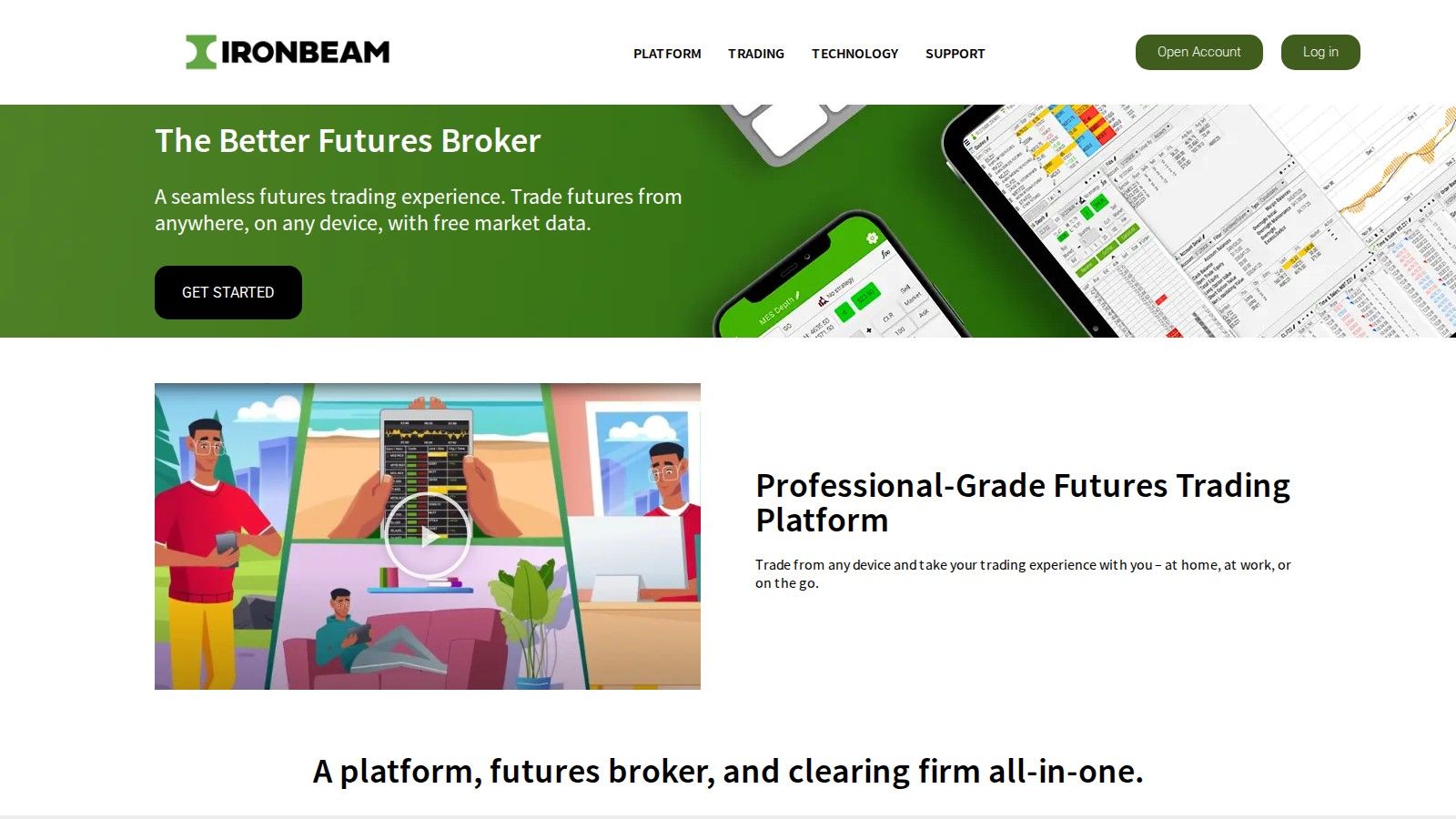
Ironbeam serves as a futures commission merchant (FCM), offering traders direct access to major exchanges. The platform supports various front-end interfaces, catering to both automated and manual trading preferences. This flexibility has made Ironbeam a trusted choice among US futures traders. It works with popular platforms like NinjaTrader, Sierra Chart, and TradingView, while also providing its own proprietary trading interface. Key features include real-time risk management tools, such as automated stop-loss orders, designed to help traders manage their positions effectively. Compare AMP Futures' account and platform options when evaluating another broker alongside Ironbeam.
Performance and Reliability
Ironbeam focuses on efficient order execution, though performance can depend on factors like internet speed and geographic location. According to user reviews, the platform generally offers reliable uptime during standard trading hours. It accommodates traders of all levels, supporting a range of position sizes suitable for both beginners and seasoned professionals.
Usability for Day Traders
The platform is equipped with a variety of order types, including market, limit, stop, and bracket orders. These options make it easier for day traders to manage their positions by setting profit targets and stop-loss levels simultaneously. Ironbeam's margin requirements are in line with industry standards, though they may fluctuate based on market conditions and exchange rules. Most account types come with integrated real-time data feeds, which eliminate the need for additional market data subscriptions, helping traders save on costs. However, implementing automated trading strategies may require a solid understanding of technical setups.
Pricing
Ironbeam operates on a straightforward per-contract commission model rather than a percentage-based system. Its commission rates are competitive, and high-volume traders may even negotiate lower rates. Account minimums are aligned with industry norms, and most accounts avoid monthly fees. However, traders should be aware of additional charges, such as exchange fees and inactivity fees.
Pros and Cons
Ironbeam is ideal for traders looking for an all-in-one solution. Its direct market access and integrated trading tools are great for simplifying the trading process. However, its performance can be influenced by local internet quality, and its proprietary platform might not suit those who prefer external trading software.
With ultra-low latency (0.52ms to CME from Chicago) and dedicated resources, it’s a solid choice for scalpers and algorithmic traders. The VPS Ultra plan at $189.99 per month even supports up to 4 monitors, making it perfect for traders managing 5–7 active charts. That said, the monthly subscription and technical setup requirements could be a drawback for some.
For traditional futures trader or a high-frequency scalper, your choice will depend on your specific trading needs.
Uptime
99.999% uptime. Built for 24/7 trading reliability.
Your VPS runs in Tier IV datacenters with redundant power and network, monitored 24/7 on site.
See the uptime SLAFrom $29.99/mo · Windows or Linux
Conclusion
When deciding on a platform or hosting solution, it's essential to think about how well each one fits your trading style and technical needs. For traders seeking a streamlined and integrated experience, Ironbeam could be a solid choice. However, since the specifics of its features and pricing aren't fully covered here, it's a good idea to consult Ironbeam's official resources for the most accurate and up-to-date information.
Its pricing starts at $29.99 per month with the VPS Starter plan, offering a solid foundation for trading. For those with more advanced setups, the VPS Ultra plan, priced at $189.99 per month, supports up to four monitors and is designed for managing multiple active charts - ideal for traders who need extra power and flexibility.
Ultimately, the best choice depends on your trading goals and expertise. Take the time to compare the features of each option against your strategy, and always refer to the latest provider details to ensure you're making an informed decision.
FAQs
How does internet speed and location impact Ironbeam's performance, and what steps can traders take to improve it?
Ironbeam's performance is closely tied to your internet speed and how close you are to the CME data center in Chicago. A faster, more stable connection can significantly reduce latency - an essential factor in futures trading.
For the best results, traders should opt for a high-speed wired internet connection, ideally with 1 Gbps or higher bandwidth. Hosting your trading setup near the CME in Chicago can further enhance performance. Additionally, you can improve speed and reliability by minimizing background bandwidth usage, shutting down unnecessary applications, and ensuring your system has adequate resources like memory and CPU power.


