
On this page
This article shows you how to open a support ticket from your QuantVPS dashboard, and what to include so we can resolve your issue as quickly as possible.
In your dashboard, go to Support > Open Support Ticket. We handle support by ticket and email.
Step 1: Open Support in Your Dashboard
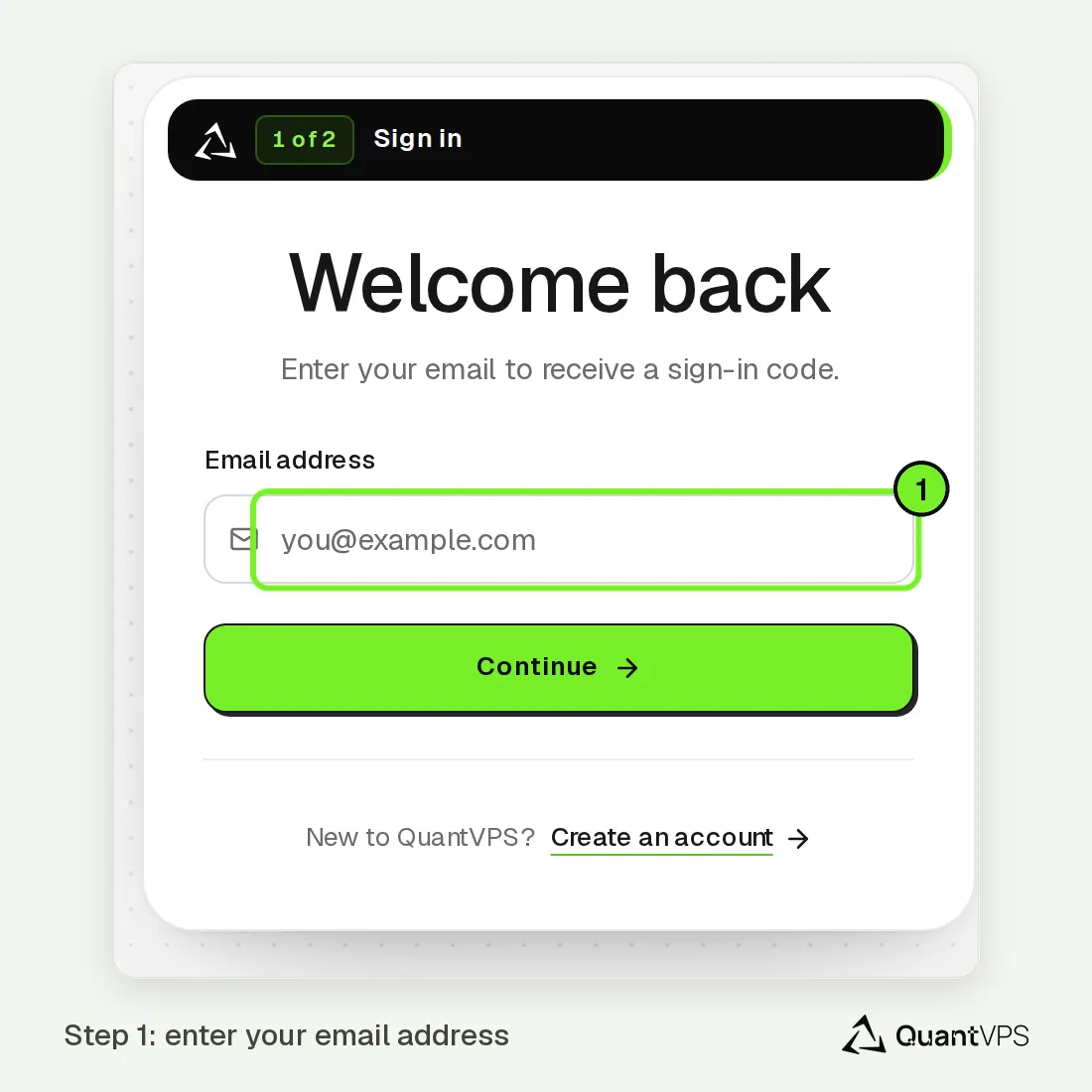
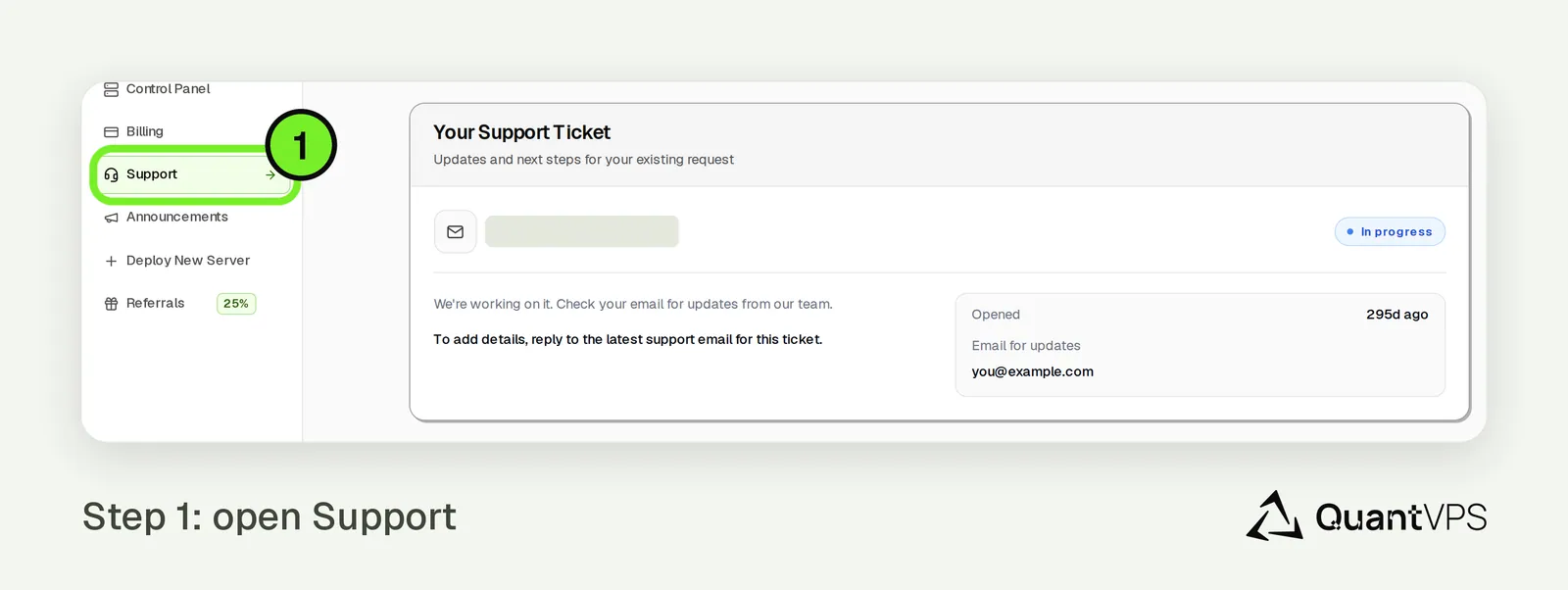
Log in to your QuantVPS dashboard and go to Support > Open Support Ticket.
You can also click the chat icon in the bottom-right corner of the screen. Our chat assistant answers common questions and can open a ticket for you (see Step 3).
Step 2: Provide Details
Type your message explaining what you need help with.
For fastest resolution, please include:
- The issue you're experiencing
- Which VPS or service it applies to
- Platform/software involved (e.g., NinjaTrader, Tradovate, etc.)
- Screenshots or error messages (if applicable)
The more detail you provide up front, the faster we can resolve it.
Step 3: Open a Ticket from the Chat Assistant
If you're using the chat assistant and want our team to pick it up, type any of the following in the chat:
- human
- escalate
- create ticket
The system will automatically open a support or billing ticket directly inside the chat.
Once the ticket form appears:
- Fill out all relevant details
- Submit the ticket
Our support team will then review it and reply on the ticket.
Quick Summary
- Go to Support > Open Support Ticket in your dashboard, or open the chat (bottom-right)
- Describe your issue with details
- In the chat assistant, type "human" or "escalate" to open a ticket
- Complete and submit the ticket
Need Assistance?
Our support team is available 24/7. If you have any questions or run into issues, open a support ticket from your QuantVPS dashboard and we'll get back to you as quickly as possible.