
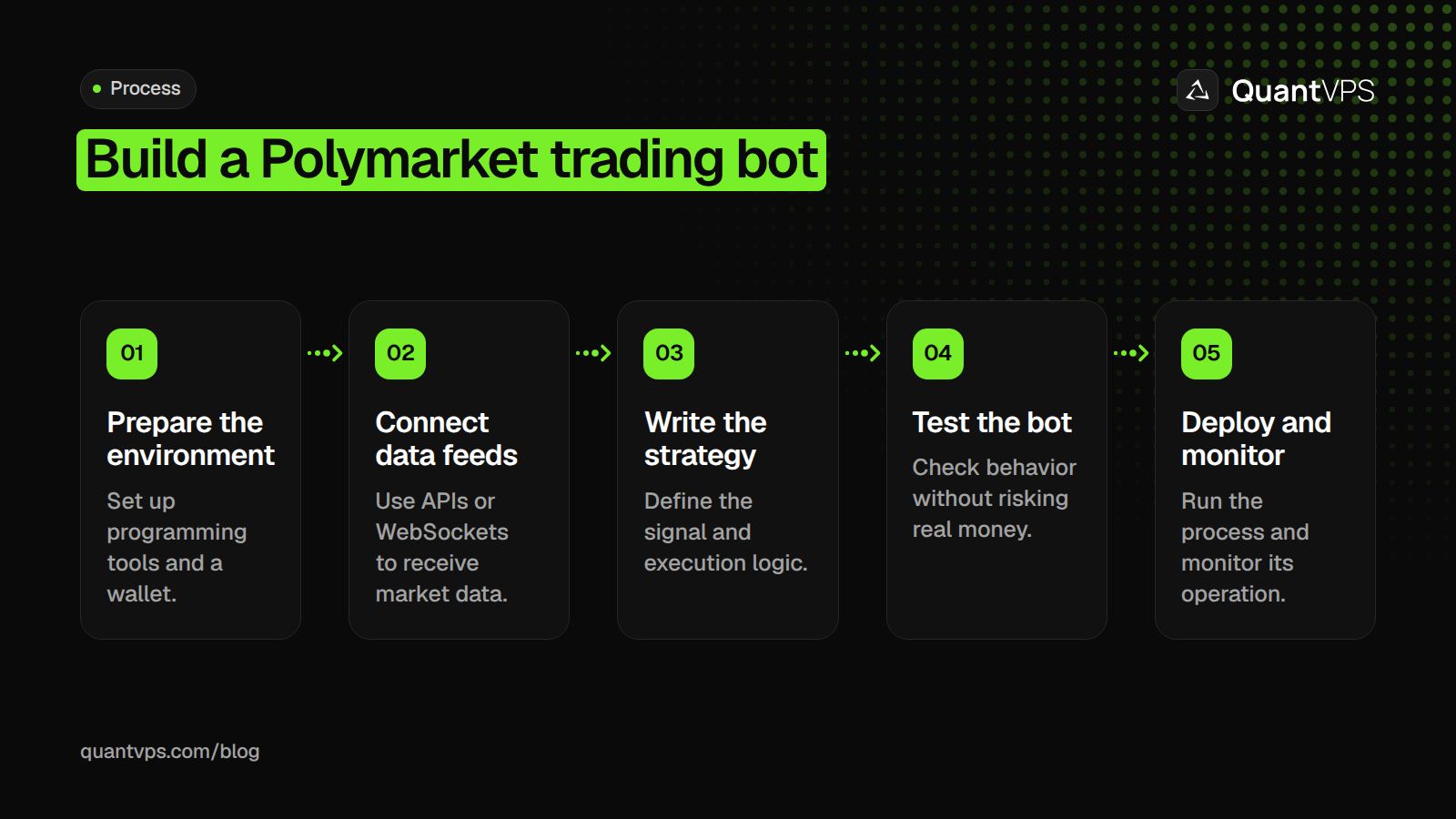
Build the first version as a read-only program, then add a paper ledger and failure handling. This step-by-step guide uses the current Python SDK and separates public data from authenticated trading so testing does not require submitting orders.
What Are Polymarket Bots?
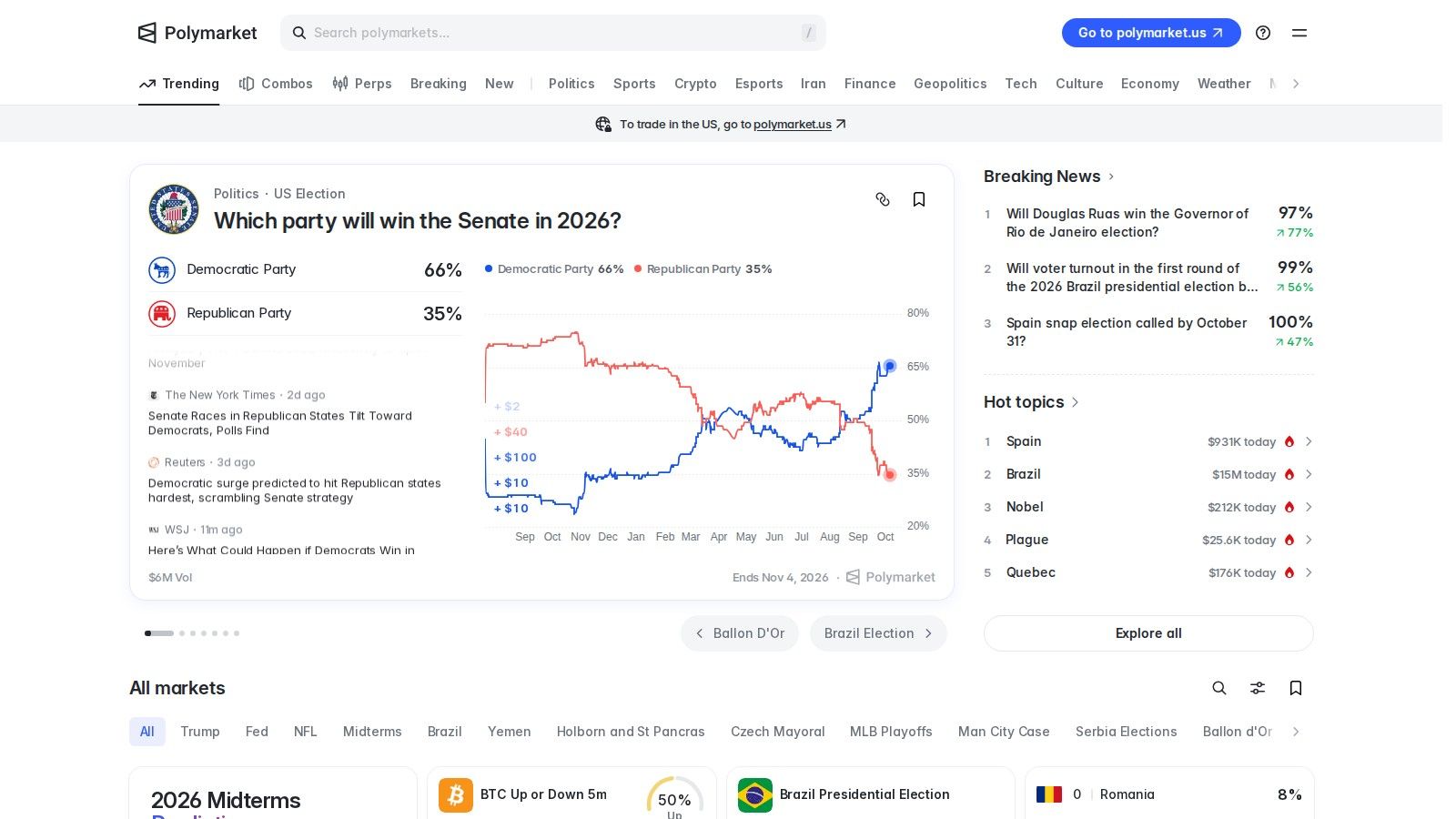
Polymarket bots are programs that observe prediction markets and apply predefined trading or monitoring rules. For strategy types and overall execution risks, see automated trading on Polymarket.
What You Need Before You Start
Use a supported Python environment, a code editor and version control. Understand asynchronous requests, decimal arithmetic, timeouts and structured logging before adding money-moving operations. A public-data prototype does not need a private key.
Check the official geographic restrictions before planning live trading. An eligible server connection does not establish the operator’s physical-location eligibility. Keep wallet keys outside source files, terminal output and shared logs.
Install the current SDK
The official Python package is polymarket-client, imported as polymarket. Its public clients cover market data, while secure clients add account access and order submission. The current TypeScript alternative is @polymarket/client; older py-clob-client examples need migration rather than a renamed import.
python -m venv .venv
. .venv/bin/activate
python -m pip install polymarket-client
These commands use a POSIX shell. On Windows, activate the virtual environment with the command appropriate to PowerShell. Record the installed version in the project’s dependency lock file and compare changes with the SDK changelog before upgrading.
Uptime
99.999% uptime. Built for 24/7 trading reliability.
Your VPS runs in Tier IV datacenters with redundant power and network, monitored 24/7 on site.
See the uptime SLA







From $29.99/mo · Windows or Linux
Step 1: keep the environment reproducible
Create one project directory containing the application, dependency record, tests and configuration template. Keep recorded public data in a separate data directory and exclude credentials from version control. After installing the SDK, record its resolved version. A successful import on one computer does not show that an unattended server will use the same interpreter or dependencies.
Run the public sample from the activated environment and check that it exits cleanly. If installation or the request fails, resolve that problem before writing an order adapter. Use the current Python getting-started guide to confirm the public client and pagination interface. Legacy examples can use a different response structure as well as a different package name.
On deployment, specify the interpreter and working directory explicitly in the process supervisor. Otherwise a restart can launch the program outside its virtual environment. Keep a record of the command used, the installed version and the expected configuration so a clean restart can reproduce the first successful run.
Read public market data
The following program retrieves one page of active markets and prints two observations. It deliberately contains no signing key, order request or funded wallet connection.
import asyncio
from polymarket import AsyncPublicClient

async def inspect_markets():
    async with AsyncPublicClient() as client:
        pages = client.list_markets(closed=False, page_size=10)
        page = await pages.first_page()
        print("Markets in sample:", len(page.items))
        print("Another page available:", bool(page.next_cursor))

if __name__ == "__main__":
    asyncio.run(inspect_markets())
Gamma is the discovery API at https://gamma-api.polymarket.com. Use the discovered outcome asset IDs to request CLOB books at https://clob.polymarket.com, then validate tick size, minimum size and market status. The Data API at https://data-api.polymarket.com uses the current pagination format; do not assume an old bare-array response.
For streaming books, use the market channel at wss://ws-subscriptions-clob.polymarket.com/ws/market. Retain a full snapshot and process subsequent changes; after a disconnect, rebuild state before trusting an old local book.
Step 2: validate a market record before using it
Choose one active market from the discovery response and inspect its actual outcome identifiers and resolution rules. Keep the event identifier, market identifier and outcome asset identifier as separate fields. A title is useful for display, but it is not a reliable key for joining activity to an executable order book.
Before passing a book to the decision function, check that the market is still open, prices are inside the allowed range, size is positive and the observation has a timestamp. Preserve the original response alongside your normalized record during development. If a field changes, that evidence helps distinguish a parsing failure from a real market update.
For streaming data, establish an initial snapshot before applying updates. Record when the application received each message and when it last refreshed the complete state. A socket remaining connected does not prove that its local book is current. Make stale data a rejected decision, not an empty book that quietly produces a different signal.
Build a paper decision and fill ledger
Define a signal independently from order submission. Each decision should include the event, asset, observed time, proposed price, size and reason. Reject stale data and prices that violate the market’s tick or size constraints.
The paper ledger should consume available depth rather than assume unlimited size at the best quote. Model fees, delayed execution, partial fills and an unsuccessful second leg. Record positions separately from requested orders so a retry cannot accidentally double the intended exposure.
Step 3: implement a small depth-aware paper function
This standalone Python function consumes an ask ladder under a limit price and returns the simulated filled quantity and average cost. It uses synthetic inputs and sends no requests. It is a depth calculation, not a prediction of queue priority or a complete exchange simulator. Keep that limitation visible when interpreting its output.
from decimal import Decimal

def paper_buy(asks, requested, limit):
    remaining = Decimal(requested)
    limit_price = Decimal(limit)
    if remaining <= 0 or not Decimal('0') < limit_price < Decimal('1'):
        raise ValueError('Invalid size or limit')
    levels = sorted((Decimal(price), Decimal(size)) for price, size in asks)
    filled = Decimal('0')
    cost = Decimal('0')
    for price, available in levels:
        if not Decimal('0') < price < Decimal('1') or available < 0:
            raise ValueError('Invalid book level')
        if price > limit_price or remaining == 0:
            break
        taken = min(remaining, available)
        filled += taken
        cost += taken * price
        remaining -= taken
    average = cost / filled if filled else None
    return filled, cost, average

filled, cost, average = paper_buy(
    [('0.48', '40'), ('0.49', '60'), ('0.51', '100')],
    '150', '0.49'
)
assert filled == Decimal('100')
assert cost == Decimal('48.60')
assert average == Decimal('0.486')
print('Simulated shares:', filled)
print('Unfilled shares:', Decimal('150') - filled)
The request is for 150 shares, but only 100 qualify at or below $0.49. The remaining 50 stay unfilled in this example. Raising the limit could increase the filled amount while worsening the average cost. The program must preserve those separate outcomes instead of assuming the original request filled at the best displayed ask.
Add the market's fee calculation separately and apply it to the simulated executions at their actual prices. Then delay the decision against a later recorded book. The trading strategy guide can help define a signal to test, but it should not replace the depth and fee checks in this function.
Locations
Trade beside your market. 8 datacenters, 3 continents.
Pick the location closest to what you trade, not to where you live.
Compare locationsFrom $29.99/mo · Windows or Linux
Step 4: persist decisions before simulating positions
Give every proposed decision an application identifier and record its source observation time. Store requested size, accepted simulated size and remaining exposure separately. A durable ledger allows a restarted program to find the last completed decision rather than generate another one from the same input.
For a first version, a local transactional database can hold decisions, simulated fills and positions in separate tables. Commit a simulated fill and its position update together. On restart, rebuild positions from that ledger and compare the result with the last saved snapshot. An in-memory counter that vanishes when the process exits is insufficient for recovery tests.
Testnet and testing without orders
The current official prediction-market documentation does not confirm a public CLOB testnet. A general Polygon test network is not evidence of one. Use live public data with disabled order submission for the initial paper test, and treat any future sandbox as a separate documented environment.
- Replay both quiet and fast-moving periods using timestamped data.
- Disconnect the data feed and confirm that new decisions stop until state is rebuilt.
- Test rate-limit responses with bounded backoff and no repeated blind order retries.
- Reconcile simulated positions after cancellation, partial execution and market resolution.
Step 5: exercise failures in the replay
| Test input | Expected paper behaviour | Evidence to retain |
|---|---|---|
| Duplicate observation | Process once using its stable identifier | Deduplication decision |
| Old book timestamp | Reject a new entry | Observed age and configured limit |
| Only part of the requested depth | Record a partial simulated fill | Filled and unfilled quantities |
| Connection interruption | Pause until a snapshot is restored | Recovery time and snapshot identifier |
| Changed market status | Stop new entries for that market | Status checked at decision time |
Choose thresholds before comparing results. Our low-latency trading article explains why input age and processing delay need their own measurements. Replay using the time the application could have observed the data, rather than the earlier event time that only became available later.
For a strategy comparing a crypto venue with Polymarket, use the separate Binance-to-Polymarket arbitrage guide. Its venue and payoff checks are additional requirements. Passing this paper depth example does not demonstrate that a two-venue hedge is executable or correctly matched.
Add authenticated execution only after testing
Use the SDK’s secure client and current wallet authentication flow for an eligible account. New accounts use Deposit Wallets by default, while supported legacy wallet types still exist. Read the current approval and signature requirements rather than copying a private key into the sample above.
Choose GTC, GTD, FOK or FAK deliberately. Reconcile order status and fills using account updates; a request that times out can still have reached the venue. Pause and inspect state before resubmitting an uncertain order.
Step 6: isolate signing from strategy code
Create the authenticated component only after the read-only monitor and paper ledger behave correctly. Use the official wallet setup for the account type and place secrets in restricted configuration outside the repository. Logs should contain order identifiers, sizes and error categories, without signing keys or authentication credentials.
Make live submission an explicit mode rather than the default after installation. Check location eligibility, wallet configuration, available balance and current market constraints before an order is admitted. The US platform background does not make international CLOB access universally available; the actual platform rules still govern the account.
A timed-out request creates an uncertain state. First inspect the account's order and fill information, then decide whether anything remains to submit. Resending immediately can create a duplicate position. Test this recovery with a mock execution adapter before connecting real credentials, including a response lost after the simulated venue accepted the order.
Deploy and monitor the process
Keep configuration separate from code, supervise the process and test restart behaviour. Monitor feed age, outstanding orders, exposure and rate-limit headers. Log identifiers and errors without wallet secrets, and make the stop condition available independently of the strategy loop.
Step 7: rehearse deployment and recovery
Run the application as a supervised process under an account with only the access it needs. Specify the working directory, interpreter, configuration path and restart policy. Bound automatic restarts so repeated initialization failures do not become an endless request loop. Keep alerts independent of the process being monitored where practical.
Monitor the most recent data timestamp, decision errors, ledger writes and reconciliation result. An operating-system check showing that the process exists is useful, but it does not show that the strategy is receiving valid inputs. Rehearse a clean restart, a forced disconnect and a machine reboot in paper mode before considering live deployment.
Hosting a Polygon-related application is a resource choice; the Polygon VPS page describes that option. It does not create a Polymarket testnet or replace the venue's eligibility requirements. Maintain a documented recovery command and an independent way to inspect open orders.
If you later build a separate Kalshi integration, follow the Kalshi setup guide. Keep its credentials and venue adapter separate. Reuse general logging and replay components only after accounting for the different market rules and interface.
Order flow
Built for scalpers. Heatmaps on dedicated resources.
Order-flow heatmaps and DOM ladders run on dedicated CPU, memory and NVMe, so your charts keep responding during volatility.
Explore the hardwareFrom $29.99/mo · Windows or Linux
Deploy the Polymarket bot into a Dublin workspace
After validating the code, keep its market connection and permitted execution process in one persistent environment. QuantVPS publishes under 1ms from Dublin to Polymarket's London servers for Polymarket bot deployment. Polymarket's own terms decide who can trade; a VPS doesn't change that.
FAQs
Can an AI model run the whole program?
An AI model can assist with analysis, but execution still needs deterministic size limits, validated inputs and reconciliation. Test the decision process with recorded data and keep its output separate from signing and account credentials.
Does this example place trades?
No. It reads one page of public market data. A paper ledger and an authenticated execution component are separate additions.
Why does the paper example fill only 100 shares?
Only 100 shares exist at prices within the $0.49 limit in its synthetic ladder. The other available shares cost $0.51, so the function leaves 50 requested shares unfilled. It does not assume liquidity beyond the recorded levels.
What should happen after an uncertain order response?
Pause new submissions and reconcile the account using order and fill information. A timeout does not prove the original order failed. Submit any remaining quantity only after the current exposure is known.


