
TradersPost usually takes about 1 to 2 seconds to turn a TradingView alert into a broker order. Most of that time is TradingView sending the webhook, which takes 800ms to 1.5 seconds or longer, according to TradersPost's own docs. TradersPost's steps add about 300 to 500ms, and a Virtual Private Server (VPS) does not shorten TradingView's part.
- TradersPost: A cloud service that takes webhook alerts from TradingView and sends orders to your broker. It needs no computer of your own and suits swing trades and other higher timeframe strategies, not scalping.
- VPS: A remote server that runs your trading platform or bridge 24/7 close to the market. It cuts the distance from your platform to the broker, which matters when part of your setup, such as NinjaTrader, runs on a desktop.
Quick Comparison
| What It Has | TradersPost | VPS hosted bridge |
|---|---|---|
| Typical delay | About 1 to 2 seconds from a TradingView alert | TradingView's alert delay, plus milliseconds from the VPS to the broker |
| Setup | Nothing to install | You install and update the platform and bridge |
| Uptime | Cloud service that runs when your computer is off | Runs as long as the VPS and your software are up |
| Cost (checked on 10 Oct 2026) | Free 7-day trial; paid plans from $41.65 a month, billed yearly | VPS rent plus any bridge software; QuantVPS plans start at $29.99 a month |
| Good For | Swing and higher timeframe strategies | Desktop platforms and your own signal code |
Pick the option that fits how you trade. TradersPost is the simpler choice, and a VPS earns its place when part of your chain has to run on a desktop.
Where the Delay Comes From
TradersPost splits the time from signal to order into four phases, and only the last three are under its control. The first phase, the TradingView alert reaching TradersPost, is usually the longest.
| Phase | What happens | Typical time (TradersPost docs, checked on 10 Oct 2026) |
|---|---|---|
| 1. Signal | TradingView fires the alert and sends the webhook to TradersPost's main server in Virginia | 800ms to 1.5 seconds, sometimes longer |
| 2. Planning | TradersPost asks your broker for the quote, buying power and any open position | 100ms to 200ms |
| 3. Approval | Auto submit approves the trade at once; manual submit waits for your click | Nearly instant with auto submit |
| 4. Execution | TradersPost sends the order to your broker | About 200ms to 300ms |
TradersPost's three phases add up to about 300 to 500ms. Its docs also warn that alert webhooks from TradingView and TrendSpider "can be delayed for an undetermined amount of time or may not be sent at all."
Order flow
Built for scalpers. Heatmaps on dedicated resources.
Order-flow heatmaps and DOM ladders run on dedicated CPU, memory and NVMe, so your charts keep responding during volatility.
See the dedicated hardware







From $29.99/mo · Windows or Linux
How to Measure Each Step
Timestamps show where the time goes. Use these four checks on a paper account first:
- Add a time field to the TradingView alert message, for example "time": "{{timenow}}". TradingView fills in the alert's fire time to the nearest second, and TradersPost uses the field to measure how long the alert took to arrive.
- Open the Trade Execution panel for the signal in TradersPost. It lists each phase with its timestamp and the milliseconds it took.
- Compare the alert time with the fill time in your broker's order history.
- Check the Webhook status column in TradingView's alert log to confirm each webhook was delivered.
A VPS does not remove TradingView's delay. TradingView sends every webhook from its own servers, so the alert takes the same path whether your platform runs at home or on a VPS.
How TradersPost Works
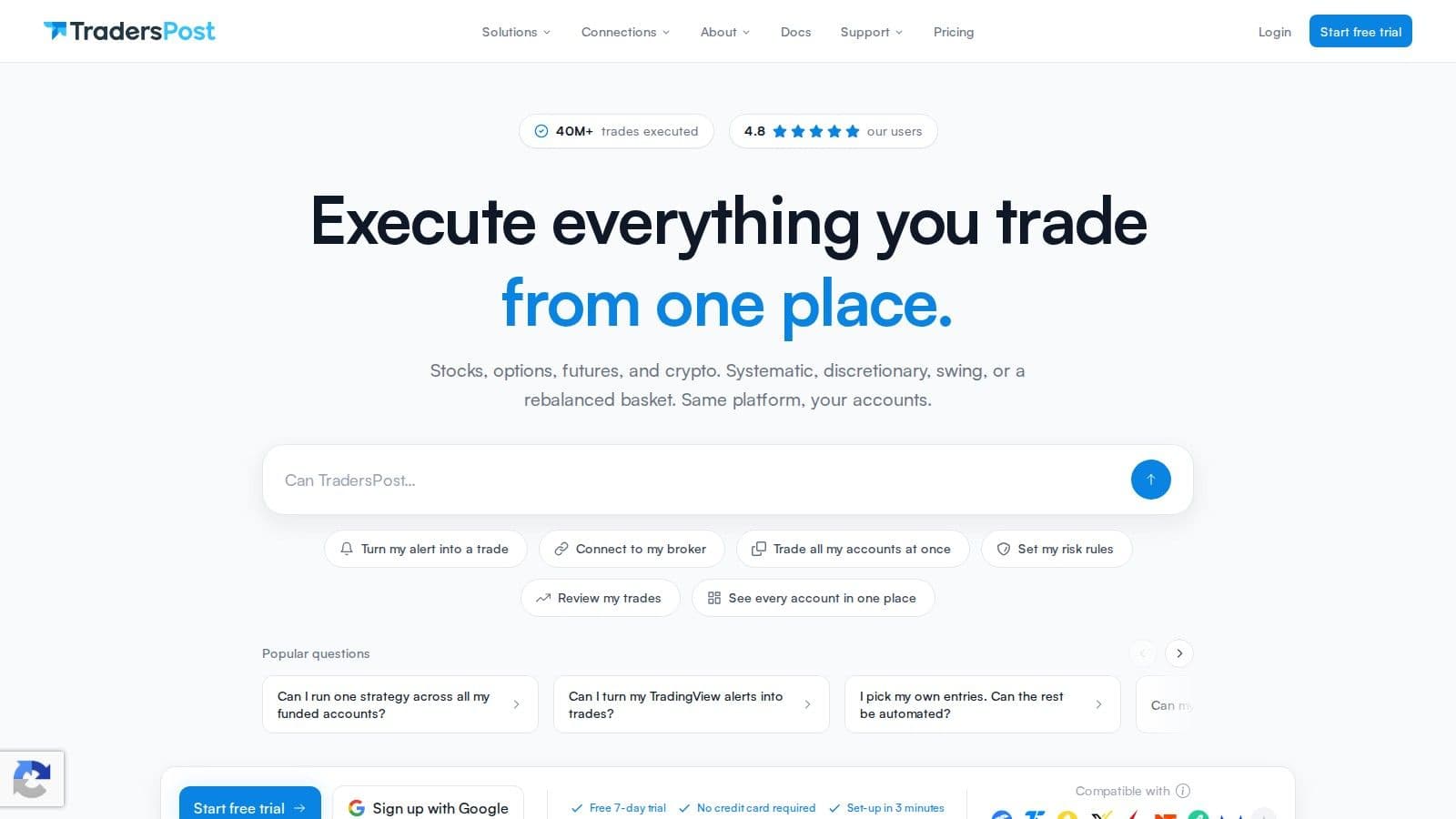
TradersPost is a cloud bridge between TradingView and your broker. When TradingView sends an alert by webhook, TradersPost turns it into an order and sends it to your broker. Measure the complete path before adding infrastructure; a TradingView VPS is useful only when a separate desktop receiver in the workflow needs remote hosting.
Latency
TradersPost is built for strategies that can absorb a delay of a second or two. Its docs on known limitations say:
"TradersPost is NOT designed to be a high frequency trading platform."
Its getting started guide adds that it "is not intended for ultra-short-term scalping or high-frequency trading strategies operating below the 1-minute timeframe." TradersPost also recommends leaving at least 1 to 5 minutes between signals. For swing trades, a delay of 1 to 2 seconds rarely changes the result.
Reliability
TradersPost is a cloud service, so your trades still go through when your computer is off or your internet drops. Its servers process signals 24/7. Its docs also say failed or rejected orders are never retried, so turn on trade failure emails and check your broker account.
Platform Compatibility
TradersPost connects to brokers such as Tradovate, TradeStation, Alpaca, Interactive Brokers, tastytrade and Webull, for stocks, options, futures and crypto. Signals can come from TradingView, TrendSpider or your own webhooks. TrendSpider alerts take about as long as TradingView's, 800ms to 1.5 seconds, so switching between the two does not cut the delay.
Scalability
Each TradersPost plan sets how many live and paper accounts you can connect and how many asset classes you can trade (stocks, options, futures and crypto). One signal can go to several accounts at once.
| Plan | Live accounts | Paper accounts | Asset classes | Price (checked on 10 Oct 2026) |
|---|---|---|---|---|
| Free | Manual submit only | Auto submit | Not stated | $0, 7-day trial |
| Starter | 1 | 4 | 1 | $41.65 a month, billed yearly |
| Basic | 2 | 6 | 2 | $84.15 a month, billed yearly |
| Pro | 3 | 8 | 3 | $169.15 a month, billed yearly |
| Premium | 6 | 10 | All | $254.15 a month, billed yearly |
Extra accounts cost $10 a month for live and $5 a month for paper. Yearly billing saves 15% compared with monthly.
Next, we'll look at what a VPS adds and what it can't change.
Low latency
Stay online and closer to execution.
Host your platform beside its market: Chicago for CME futures, New York for US markets, London for FX EAs.
See latency by datacenterFrom $29.99/mo · Windows or Linux
Plus and Minus Points
TradersPost and a VPS each have strengths and limits for automated trading. Here is what each one offers.
TradersPost is easy to start. It runs in the cloud, so there are no servers to manage, updates to install or computers to keep on. It works with TradingView and TrendSpider and can send one signal to several broker accounts.
TradersPost's main limit is speed. A TradingView signal usually takes 1 to 2 seconds to reach your broker, which is too slow for scalping or very short holds. It also depends on TradingView's webhooks, which can arrive late or not at all.
A VPS gives you the lowest latency on the part of the chain it hosts. A platform like NinjaTrader or TradeStation running on a VPS in Chicago sits close to CME. QuantVPS publishes 0.52ms from its Chicago VPS servers to CME. If your own code sends signals to TradersPost from a server near its Virginia infrastructure, its docs say webhooks can arrive in about 80ms, against 800ms or more from TradingView.
A VPS is not for everyone. You set up and update the platform yourself, and you pay for hosting. If you run your own webhook receiver, TradingView only sends to ports 80 and 443 and cancels any request that takes longer than three seconds.
Here's a quick comparison to help you pick:
| Criteria | TradersPost | VPS hosted bridge |
|---|---|---|
| Latency | About 1 to 2 seconds from a TradingView alert | TradingView's delay remains; milliseconds from the VPS to the broker |
| Reliability | Managed for you, no servers to run | Depends on the VPS uptime and your setup |
| Platform Compatibility | TradingView, TrendSpider and custom webhooks | Desktop platforms such as NinjaTrader and TradeStation |
| Scalability | Accounts set by plan, extras $10 live or $5 paper a month | Add terminals, CPU or memory as you grow |
The best pick depends on how you trade. If you hold trades for hours or days, TradersPost's delay is usually fine. If you scalp, a VPS helps only with the parts of the chain it hosts, so measure the full alert-to-fill time first.
End Thoughts
Choosing between TradersPost and a VPS depends on how you trade and how much a second matters to you. Here is a short guide.
TradersPost suits swing traders and longer-term strategies. Its usual delay of 1 to 2 seconds from a TradingView alert is fine when you hold a position for hours or days. It runs in the cloud, so you have no servers to fix or update.
A VPS suits traders whose platform or bridge runs on a desktop, or who send signals from their own code. It puts that software close to the market, but you manage the server and pay for hosting.
The main difference is effort. TradersPost needs little setup, while a VPS needs more work and a higher spend.
If your strategy needs the lowest latency on the desktop part of the chain, a VPS such as QuantVPS can help. If you want a simple setup for longer trades, TradersPost is a good choice.
Uptime
99.999% uptime. Built for 24/7 trading reliability.
Your VPS runs in Tier IV datacenters with redundant power and network, monitored 24/7 on site.
See the uptime SLAFrom $29.99/mo · Windows or Linux
Deciding between TradersPost alone and a VPS
If you hold trades for hours or days, TradersPost's typical 1 to 2 second delay from a TradingView alert rarely matters; for scalping, measure the full alert-to-fill time yourself before deciding. A VPS only helps if part of your chain, such as NinjaTrader or a local bridge, runs on a desktop. In that case a TradingView automation VPS in Chicago keeps that piece close to CME.
FAQs
How does TradersPost's delay affect a swing trading strategy?
For swing trades held over hours or days, a delay of 1 to 2 seconds from a TradingView alert rarely matters. The price usually moves far more over the life of the trade than it does in those seconds.
Slippage still adds up over many trades, so check your fills against your alert prices now and then. The Trade Execution panel in TradersPost shows how long each phase took.
Why pick TradersPost over a VPS, even if it's slower?
TradersPost is the simpler option. It runs in the cloud, so there is no server to set up, update or keep running, and your trades go through when your computer is off.
For strategies on the 1-minute timeframe or higher, such as swing trades, its delay of about 1 to 2 seconds makes little difference. A VPS is worth the extra work when part of your setup must run on a desktop, such as NinjaTrader.


